Welcome to the world of home automation! If you’ve ever wanted to control your lights, coffee maker, or any other appliance with just your voice, you’ve come to the right place. A Google Home Smart Plug is one of the simplest and most affordable ways to begin building a smart home. It’s a small device that plugs into any standard wall outlet, acting as a bridge between your regular appliances and your Google Assistant. This guide will walk you through everything you need to know, from choosing the right plug to setting up advanced automations.
As the lead content creator at Kjooz.com, I’ve spent over a decade helping people transform their living spaces with smart technology. My goal is to demystify complex gadgets and empower you to make your home work for you. Let’s dive in and unlock the full potential of your Google Home ecosystem.
What Exactly is a Google Home Smart Plug?
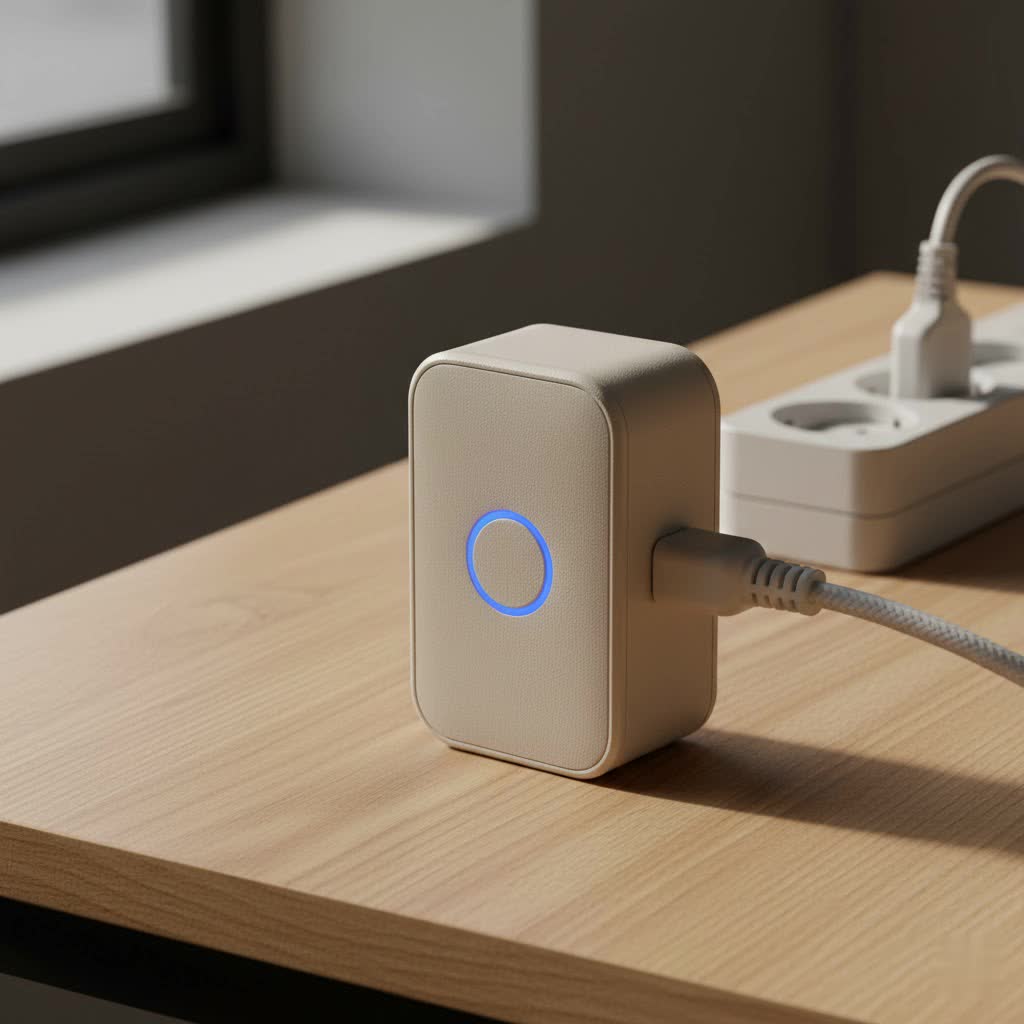
First, let’s clear up a common misconception. Google doesn’t manufacture its own branded smart plug. Instead, the term “Google Home smart plug” refers to any third-party smart plug that is compatible with the Google Assistant platform. These devices carry a “Works with Google Home” or “Works with Google Assistant” label, meaning you can seamlessly control them through the Google Home app or with voice commands via a Nest speaker or display.
The magic lies in connecting a non-smart device—like a floor lamp, a fan, or a holiday light display—to one of these plugs. Once connected, that simple appliance instantly becomes a smart device that you can control from anywhere.
The Core Benefits of Using a Smart Plug
- Voice Control: The most popular feature is the ability to turn devices on and off with a simple voice command. Saying, “Hey Google, turn on the living room lamp,” is far more convenient than fumbling for a switch in the dark.
- Remote Access: Left the house and forgot to turn off the iron? With a smart plug, you can open the Google Home app on your phone and switch it off from anywhere you have an internet connection.
- Scheduling and Automation: You can create schedules to automatically turn devices on and off at specific times. For instance, program your coffee maker to start brewing a few minutes before you wake up or set your lights to turn on at sunset.
- Energy Savings: Many smart plugs offer energy monitoring features, allowing you to see how much power a connected device is consuming. This helps identify energy-hungry appliances and can lead to lower electricity bills.
|
Our Picks for the Best Smart Plug in 2026
As an Amazon Associate I earn from qualifying purchases.
|
||
| Num | Product | Action |
|---|---|---|
| 1 | Govee Smart Plug, WiFi Plugs Work with Alexa & Google Assistant, Smart Outlet with Timer & Group Controller, WiFi Outlet for Home, No Hub Required, ETL & FCC Certified, 2.4G WiFi Only, 4 Pack |

|
| 2 | EIGHTREE Smart Plug 2025 Upgrade to 15A, Bluetooth & Wi-Fi Outlet Plug Dual Connection, Voice Control, Remote Control Outlet Timer Indoor, Smart Plugs That Work with Alexa & Google, 2.4GHz Wi-Fi Only |
|
| 3 | EIGHTREE Smart Plug, Smart Home WiFi Outlet Works with Alexa & Google Home, Smart Socket with Remote Control & Timer Function, 2.4GHz WiFi Only, 4 Packs |
|
| 4 | Kasa Smart Plug Ultra Mini 15A, Smart Home Wi-Fi Outlet Works with Alexa, Google Home & IFTTT, No Hub Required, UL Certified, 2.4G WiFi Only, 2 Count (Pack of 1)(EP10P2) , White |
|
| 5 | Kasa Smart Plug HS103P4, Smart Home Wi-Fi Outlet Works with Alexa, Echo, Google Home & IFTTT, No Hub Required, Remote Control, 15 Amp, UL Certified, 4-Pack, White |
|
| 6 | Legrand Radiant® Wi-Fi Matter Smart Plug Matter Hub Required 15A, Easy Setup, Enhanced Compatibility with Apple HomeKit, Google Home, Alexa & SmartThings, Easy Wi-Fi Connectivity w/ Matter (1 Pack) |
|
| 7 | Kasa Smart Plug Mini 15A, Apple HomeKit Supported, Smart Outlet Works with Siri, Alexa & Google Home, UL Certified, App Control, Scheduling, Timer, 2.4G WiFi Only, 4 Count (Pack of 1) (EP25P4), White |
|
| 8 | GHome Smart Plug, WiFi Smart Plugs Work with Alexa and Google Home, Smart Outlet Timer with APP Remote Control, 2.4GHz Wi-Fi Only, No Hub Required, ETL FCC Listed |
|
| 9 | Kasa Smart Plug HS103P2, Smart Home Wi-Fi Outlet Works with Alexa, Echo, Google Home & IFTTT, No Hub Required, Remote Control,15 Amp,UL Certified, (Pack of 2) White |
|
| 10 | Linkind Matter Smart Plug, Work with Apple Home, Siri, Alexa, Google, SmartThings, Smart Home Smart Outlet Timer 15A/1800W, APP Remote Control & Schedule, ETL & FCC Certified, 2.4G Wi-Fi Only, 4 Pack |
|
How to Choose the Right Smart Plug for Google Home
With so many options on the market, selecting the perfect smart plug can feel overwhelming. Here are the key factors to consider to ensure you get a device that meets your needs.
Connectivity is Key
The most common type of smart plug connects directly to your home’s Wi-Fi network. These are generally the easiest to set up as they don’t require any additional hardware. Just make sure your Wi-Fi signal is strong where you plan to place the plug. Most smart plugs operate on the 2.4GHz Wi-Fi band, which offers a better range than the 5GHz band, so compatibility is rarely an issue.
Must-Have Features
Look for plugs that offer more than just on/off capabilities. Energy monitoring is a fantastic feature for tracking consumption. An “Away Mode” is another great security feature that randomly turns lights on and off to simulate someone being home while you’re on vacation. Also, consider the physical design. Some bulky smart plugs can block the adjacent outlet, so look for a compact, space-saving design.
Top Brands That Work with Google Home
While many brands are reliable, some have built a strong reputation for quality and ease of use. Brands like TP-Link Kasa, Wyze, Meross, and Cync (GE) are consistently well-regarded and offer excellent integration with the Google Home ecosystem.
Step-by-Step Guide: How to Set Up Your Smart Plug with Google Home
Getting your new smart plug up and running is a straightforward process that usually takes less than ten minutes.
- Plug It In and Download the App: Start by plugging the smart plug into an outlet. Then, download the manufacturer’s dedicated app (e.g., the Kasa Smart app for a TP-Link plug) from the Google Play Store or Apple App Store.
- Create an Account: Open the manufacturer’s app and create an account. This account is what will link to your Google Home account later.
- Connect the Plug to Wi-Fi: Follow the in-app instructions to add your new smart plug. The app will guide you through connecting the plug to your home’s 2.4GHz Wi-Fi network. You will need to enter your Wi-Fi password during this step.
- Name Your Device: Give your plug a simple, intuitive name like “Bedroom Fan” or “Coffee Maker.” This is the name you will use for voice commands, so avoid complex or confusing names.
- Link to Google Home: Now, open the Google Home app.
- Tap the “+” icon in the top-left corner.
- Select “Set up device.”
- Choose “Works with Google.”
- Search for and select the brand of your smart plug from the list (e.g., Kasa).
- You will be prompted to log in with the account credentials you created in the manufacturer’s app.
- Assign to a Room: Once linked, Google Home will discover your new plug. Assign it to a room in your house (e.g., “Living Room” or “Kitchen”) to keep your devices organized.
That’s it! You can now say, “Hey Google, turn on the [device name],” and watch your newly smart appliance spring to life.
Unlocking Advanced Features with Google Home Routines
The real power of a smart home comes from automation. Google Home’s “Routines” feature lets you trigger multiple actions with a single command.
For example, you can create a “Good Morning” routine. When you say, “Hey Google, good morning,” it could simultaneously turn on your smart plug-connected lamp, start the coffee maker, and tell you about your day’s calendar events and the weather.
To set up a routine:
- Open the Google Home app and tap on “Automations.”
- Tap the “+” button to create a new routine.
- Add a “starter” (the trigger), which can be a voice command, a specific time of day, or even sunrise/sunset.
- Add an “action,” select your smart plug, and choose whether it should turn on or off. You can add multiple actions to a single routine.
Common Problems and How to Fix Them
Even the best technology can have hiccups. Here are some common issues and their solutions:
- The Plug is Unresponsive: First, try controlling the plug from its native app. If it works there, the issue is likely with the Google Home link. Try unlinking and relinking the manufacturer’s account in the Google Home app. If it doesn’t work in the native app, the plug may have lost its Wi-Fi connection. Unplug it, wait 10 seconds, and plug it back in to force it to reconnect.
- Device Appears Offline: This almost always indicates a Wi-Fi issue. Ensure your router is working correctly and that the plug is within range. If you recently changed your Wi-Fi password, you’ll need to reconnect the plug using the manufacturer’s app.
- Voice Commands Aren’t Working: Make sure you are using the exact name you assigned to the plug. Check the “My Activity” section in your Google account settings to see what Google Assistant heard. Sometimes, renaming the device to something simpler can resolve the issue.
Frequently Asked Questions (FAQ)
Do I need a hub for a Google Home smart plug?
No, most modern smart plugs connect directly to your Wi-Fi network and do not require a separate hub. This makes them a very accessible entry point into smart home technology.
Can I use any smart plug with Google Home?
You can use any smart plug that features the “Works with Google Home” or “Works with Google Assistant” certification. Always check the product packaging or description for this compatibility before purchasing.
How do smart plugs save money?
They save money by making it easy to turn off devices that draw “phantom” power even when not in use. Models with energy monitoring can also help you identify which appliances are the most power-hungry, so you can use them more mindfully.
Can I control my smart plug when I’m not at home?
Yes. As long as your smart plug is connected to your home Wi-Fi and your phone has an internet connection, you can control it from anywhere in the world through the Google Home app or the manufacturer’s app.
Are smart plugs a security risk?
Like any internet-connected device, they can be. To stay safe, always buy from reputable brands, keep the plug’s firmware updated through its app, and use a strong, unique password for both your Wi-Fi network and the smart plug’s account.
Your Smarter Home Awaits
A Google Home smart plug is more than just a gadget; it’s a gateway to a more convenient, automated, and efficient home. By starting with this simple device, you can begin to explore the vast possibilities of home automation. From scheduling your morning coffee to adding a layer of security while you’re away, the benefits are immediate and practical. We at Kjooz.com encourage you to take this first step. Add a smart plug to your home, connect it to Google Home, and share your experience. Welcome to the future you can control.
