Welcome to the world of smart homes, where convenience and control are right at your fingertips. If you’re looking to dip your toes into home automation without a complicated setup or a hefty price tag, the Geeni Smart Plug is one of the best places to start. This simple yet powerful device can transform any ordinary appliance into a smart one, giving you remote control, scheduling capabilities, and even voice command integration. As your trusted source from Kjooz, with over a decade of hands-on experience, I’m here to walk you through everything you need to know about making this clever gadget a part of your daily life.
What Exactly Is a Geeni Smart Plug?
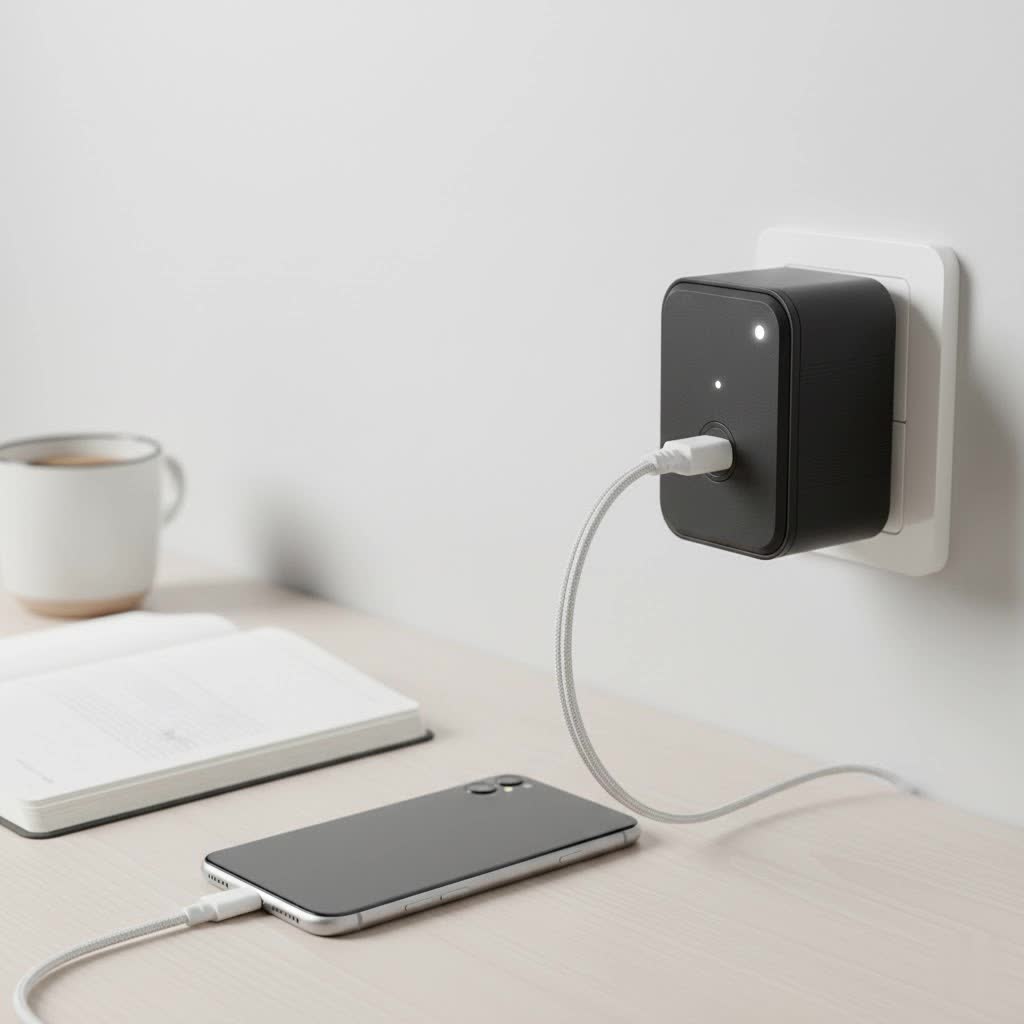
At its core, a Geeni smart plug is a device that fits between your wall outlet and an appliance’s power cord. Once connected to your home’s Wi-Fi network, it allows you to turn the connected appliance on or off remotely using your smartphone. Think of it as a smart middleman for your electronics. You can control a lamp from across the country, set your coffee maker to start brewing before you wake up, or ensure your hair straightener is turned off after you’ve already left for work. It’s a simple, affordable, and incredibly effective way to add a layer of intelligence to your home.
Key Features That Make Geeni Stand Out
Geeni smart plugs, developed by Merkury Innovations, are popular for their user-friendly design and robust feature set. They operate directly through your existing Wi-Fi, which means you don’t need a separate, expensive smart home hub to get started.
Core functionalities include:
- Remote Control: Use the Geeni app on your smartphone (available for iOS and Android) to turn devices on or off from anywhere with an internet connection.
- Voice Assistant Compatibility: Seamlessly integrate your plugs with Amazon Alexa and Google Assistant. A simple command like, “Hey Google, turn on the living room fan,” is all it takes.
- Scheduling and Timers: Create custom schedules to automate your devices. Set your lights to turn on at sunset, a fan to run during the hottest part of the day, or holiday lights to switch on and off at specific times.
- No Hub Required: This is a major advantage for beginners. Geeni plugs connect directly to your 2.4GHz Wi-Fi network, simplifying setup and keeping costs down.
- Energy Monitoring: Select models, like the Geeni Spot Smart Wi-Fi Plug with Energy Meter, allow you to track the power consumption of connected devices, helping you identify energy hogs and save money on your electricity bill.
|
Our Picks for the Best Smart Plug in 2026
As an Amazon Associate I earn from qualifying purchases.
|
||
| Num | Product | Action |
|---|---|---|
| 1 | Kasa Smart Plug HS103P4, Smart Home Wi-Fi Outlet Works with Alexa, Echo, Google Home & IFTTT, No Hub Required, Remote Control, 15 Amp, UL Certified, 4-Pack, White |

|
| 2 | GHome Smart Plug, WiFi Smart Plugs Work with Alexa and Google Home, Smart Outlet Timer with APP Remote Control, 2.4GHz Wi-Fi Only, No Hub Required, ETL FCC Listed |
|
| 3 | EIGHTREE Smart Plug 2025 Upgrade to 15A, Bluetooth & Wi-Fi Outlet Plug Dual Connection, Voice Control, Remote Control Outlet Timer Indoor, Smart Plugs That Work with Alexa & Google, 2.4GHz Wi-Fi Only |
|
| 4 | Legrand Radiant® Wi-Fi Matter Smart Plug Matter Hub Required 15A, Easy Setup, Enhanced Compatibility with Apple HomeKit, Google Home, Alexa & SmartThings, Easy Wi-Fi Connectivity w/ Matter (1 Pack) |
|
| 5 | Kasa Smart Plug Mini 15A, Apple HomeKit Supported, Smart Outlet Works with Siri, Alexa & Google Home, UL Certified, App Control, Scheduling, Timer, 2.4G WiFi Only, 4 Count (Pack of 1) (EP25P4), White |
|
| 6 | Kasa Smart Plug HS103P2, Smart Home Wi-Fi Outlet Works with Alexa, Echo, Google Home & IFTTT, No Hub Required, Remote Control,15 Amp,UL Certified, (Pack of 2) White |
|
| 7 | EIGHTREE Smart Plug, Smart Home WiFi Outlet Works with Alexa & Google Home, Smart Socket with Remote Control & Timer Function, 2.4GHz WiFi Only, 4 Packs |
|
| 8 | Linkind Matter Smart Plug, Work with Apple Home, Siri, Alexa, Google, SmartThings, Smart Home Smart Outlet Timer 15A/1800W, APP Remote Control & Schedule, ETL & FCC Certified, 2.4G Wi-Fi Only, 4 Pack |
|
| 9 | Kasa Smart Plug Ultra Mini 15A, Smart Home Wi-Fi Outlet Works with Alexa, Google Home & IFTTT, No Hub Required, UL Certified, 2.4G WiFi Only, 2 Count (Pack of 1)(EP10P2) , White |
|
| 10 | Govee Smart Plug, WiFi Plugs Work with Alexa & Google Assistant, Smart Outlet with Timer & Group Controller, WiFi Outlet for Home, No Hub Required, ETL & FCC Certified, 2.4G WiFi Only, 4 Pack |
|
How to Set Up Your Geeni Smart Plug: A Simple Guide
Getting your Geeni smart plug up and running is a straightforward process that typically takes less than five minutes. Here’s a step-by-step breakdown to guide you.
Step 1: Download the Geeni App
First things first, head to the Apple App Store or Google Play Store and download the official Geeni app. Create an account and log in.
Step 2: Plug It In
Take your Geeni smart plug and plug it into a standard wall outlet. The indicator light on the plug should start blinking rapidly, indicating it’s in pairing mode and ready to connect. If it isn’t blinking, press and hold the power button for about five seconds until it does.
Step 3: Connect to the App
- In the Geeni app, tap the ‘+’ icon, usually located in the top-right corner.
- Select “Smart Power” from the list of device types, then choose “Smart Plug.”
- Confirm that the indicator light is blinking rapidly and proceed.
- Enter your home Wi-Fi password. Important: Geeni devices only connect to 2.4GHz Wi-Fi networks. Most routers broadcast both 2.4GHz and 5GHz signals, so ensure your phone is connected to the 2.4GHz band before you begin.
- The app will then search for and connect to the plug. Once connected, you can give it a custom name, like “Bedside Lamp” or “Kitchen Fan,” for easy identification.
That’s it! Your Geeni smart plug is now ready to use. You can control it from the app’s home screen or proceed to link it with your preferred voice assistant.
“The beauty of devices like the Geeni smart plug lies in their simplicity,” notes David Chen, a leading Smart Home Integration Specialist. “They offer a low barrier to entry for home automation, allowing anyone to experience the benefits of a connected home without needing technical expertise or a significant investment.”
Creative and Practical Uses for Your Geeni Smart Plug
The possibilities are nearly endless, but here are some popular and inventive ways people are using their Geeni smart plugs to make life easier.
For Morning and Evening Routines
- Coffee Maker: Schedule your coffee maker to start brewing a few minutes before your alarm goes off.
- Bedside Lamp: Set a schedule to have your lamp turn on gently in the morning or automatically turn off after you’ve fallen asleep.
- Electric Kettle: Turn on your kettle from bed so the water is hot and ready for tea by the time you get to the kitchen.
For Safety and Security
- Vacation Mode: Schedule lamps and a radio to turn on and off at various times when you’re away to create the illusion that someone is home.
- Curling Irons and Straighteners: Use your phone to double-check and turn off hair styling tools you may have forgotten in the morning rush.
- Limit Screen Time: Connect your TV or gaming console to a smart plug and set a schedule to automatically power it down when it’s time for homework or bed.
For Convenience and Energy Savings
- Holiday Decorations: Easily manage all your festive lights with a schedule or a single tap on your phone.
- Window AC Units: Turn on your air conditioner about 20 minutes before you get home so the room is cool upon your arrival.
- Phone Chargers: Prevent overcharging by setting a timer to cut power to your phone charger after a few hours.
Common Questions About Geeni Smart Plugs (FAQ)
Do I need a smart home hub for a Geeni smart plug?
No, you do not. Geeni smart plugs connect directly to your home’s Wi-Fi network, which is one of their main selling points for users who want a simple setup.
Will a Geeni smart plug work with a 5GHz Wi-Fi network?
No. Like many smart home devices, Geeni plugs are only compatible with 2.4GHz Wi-Fi networks. This band offers a longer range than 5GHz, which is better for devices spread throughout a home. Ensure your phone is connected to the 2.4GHz band during setup.
Can I control the plug if my home internet is down?
If your internet connection is down, you will lose remote control capabilities through the app. However, you can still manually turn the plug on and off using the physical button on the device. Schedules that are already saved to the plug may continue to function.
Is the Geeni smart plug safe to use with any appliance?
You should always check the maximum power rating for your smart plug (usually found on the device or its packaging) and compare it to the appliance you want to connect. Geeni plugs are generally rated for up to 15 amps, making them suitable for small appliances like lamps, fans, and coffee makers, but not for heavy-duty appliances like refrigerators or washing machines.
Can multiple people in a household control the same Geeni plug?
Yes. The Geeni app has a “Share Device” feature that allows you to grant access to family members or housemates, so they can also control the smart plugs from their own smartphones.
The Final Verdict
The Geeni smart plug is a fantastic and affordable entry point into the world of smart home technology. It’s incredibly easy to set up, requires no central hub, and works seamlessly with the voice assistants you already use. Whether you want to automate your morning routine, enhance your home’s security, or simply gain the convenience of turning off a light without getting up, this device delivers exceptional value. It empowers you to build a smarter, more efficient, and more connected home, one plug at a time.
