A smart plug with remote is a device that allows you to wirelessly control appliances using a dedicated physical remote control, blending traditional convenience with modern smart home technology. Unlike standard smart plugs that rely solely on smartphone apps and Wi-Fi, these devices offer immediate, tactile control, making them ideal for situations where a smartphone isn’t handy or preferred. Kjooz has tested numerous gadgets for over a decade, finding these simple devices exceptionally practical for everyday use.
What Exactly Is a Smart Plug with Remote?
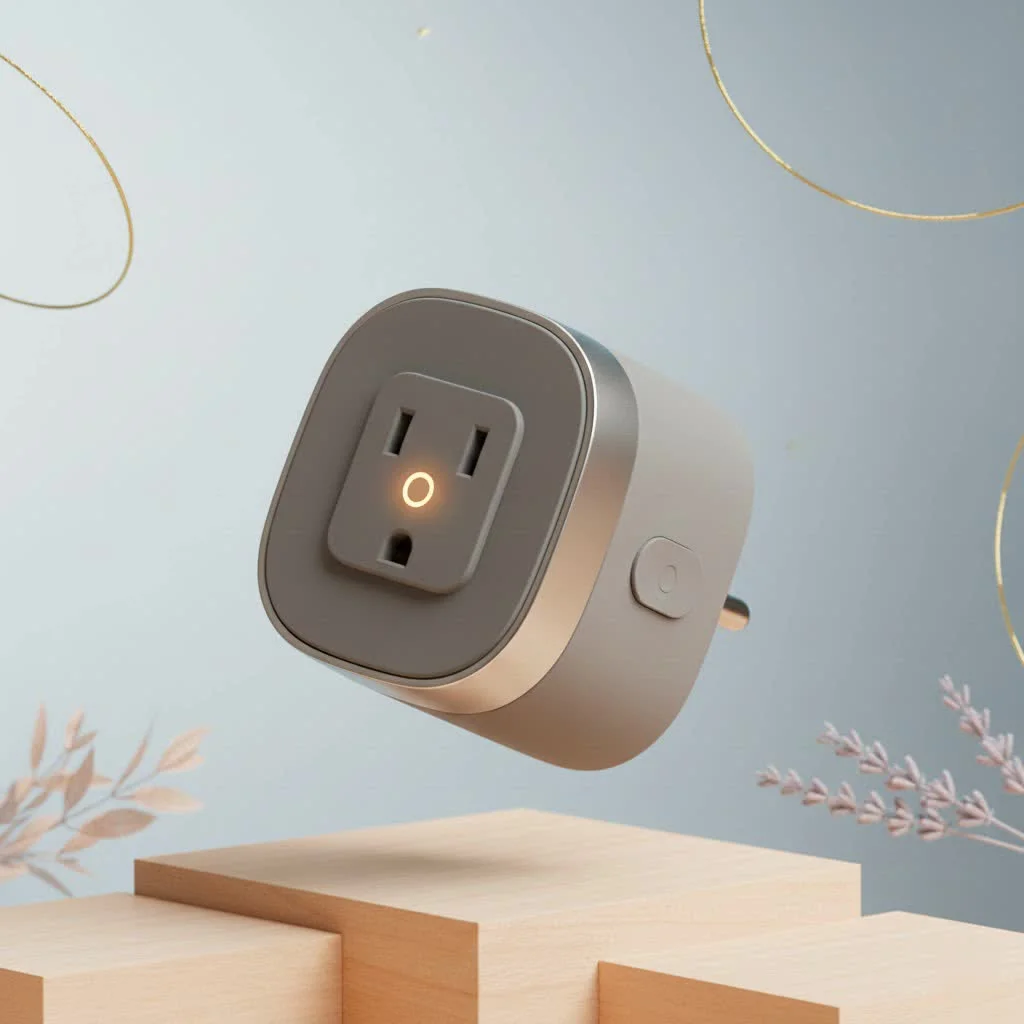
A smart plug with a remote is a device that plugs into a standard electrical outlet. You then plug an appliance, such as a lamp or a fan, into the smart plug. This setup enables you to turn the appliance on or off wirelessly using a dedicated physical remote control. It offers a brilliant combination of old-school convenience and modern smart home functionality.
While most standard smart plugs depend entirely on a smartphone app and a Wi-Fi connection, this specific variant provides a tangible, immediate method to control your devices. This is particularly beneficial for individuals who find apps cumbersome or do not have a smartphone readily available.
Why You Need Convenience Beyond the App
The primary appeal of a smart plug with a remote lies in its simplicity and accessibility. It effectively addresses real-world challenges that app-only devices often cannot.
- Accessibility for Everyone: These plugs are transformative for elderly individuals or those with mobility challenges. A physical remote is frequently more intuitive and easier to operate than a complex smartphone interface, eliminating concerns about app updates, passwords, or small on-screen buttons.
- No Wi-Fi, No Problem: Many models utilize Radio Frequency (RF) for communication between the plug and the remote, meaning they do not require an internet connection to function. If your Wi-Fi network goes down, you can still control your lamp, a capability not offered by app-based plugs.
- Instant Control: Sometimes, simply grabbing a remote from the coffee table is quicker than locating your phone. It provides immediate, tactile control without the potential distractions of notifications and other apps.
- Effortless Setup: The pairing process for a remote-controlled plug is typically very straightforward. You usually press a button on the plug and a corresponding button on the remote, completing the setup. It truly offers a “plug-and-play” experience.
Expert Take by Alex Bennett: “I often recommend RF smart plugs to people who want to explore home automation without committing to a full smart home ecosystem. They deliver approximately 80% of the benefit—remote control—with only about 10% of the setup complexity.”
How to Choose the Best Smart Plug With Remote
Not all remote-controlled plugs are created equal. To select the right one for your specific needs, consider several key factors that can significantly impact your user experience.
Control Method: RF vs. Wi-Fi
|
Our Picks for the Best Smart Plug in 2026
As an Amazon Associate I earn from qualifying purchases.
|
||
| Num | Product | Action |
|---|---|---|
| 1 | Govee Smart Plug, WiFi Plugs Work with Alexa & Google Assistant, Smart Outlet with Timer & Group Controller, WiFi Outlet for Home, No Hub Required, ETL & FCC Certified, 2.4G WiFi Only, 4 Pack |

|
| 2 | Kasa Smart Plug Mini 15A, Apple HomeKit Supported, Smart Outlet Works with Siri, Alexa & Google Home, UL Certified, App Control, Scheduling, Timer, 2.4G WiFi Only, 4 Count (Pack of 1) (EP25P4), White |
|
| 3 | Legrand Radiant® Wi-Fi Matter Smart Plug Matter Hub Required 15A, Easy Setup, Enhanced Compatibility with Apple HomeKit, Google Home, Alexa & SmartThings, Easy Wi-Fi Connectivity w/ Matter (1 Pack) |
|
| 4 | Kasa Smart Plug HS103P2, Smart Home Wi-Fi Outlet Works with Alexa, Echo, Google Home & IFTTT, No Hub Required, Remote Control,15 Amp,UL Certified, (Pack of 2) White |
|
| 5 | EIGHTREE Smart Plug 2025 Upgrade to 15A, Bluetooth & Wi-Fi Outlet Plug Dual Connection, Voice Control, Remote Control Outlet Timer Indoor, Smart Plugs That Work with Alexa & Google, 2.4GHz Wi-Fi Only |
|
| 6 | Kasa Smart Plug Ultra Mini 15A, Smart Home Wi-Fi Outlet Works with Alexa, Google Home & IFTTT, No Hub Required, UL Certified, 2.4G WiFi Only, 2 Count (Pack of 1)(EP10P2) , White |
|
| 7 | Linkind Matter Smart Plug, Work with Apple Home, Siri, Alexa, Google, SmartThings, Smart Home Smart Outlet Timer 15A/1800W, APP Remote Control & Schedule, ETL & FCC Certified, 2.4G Wi-Fi Only, 4 Pack |
|
| 8 | GHome Smart Plug, WiFi Smart Plugs Work with Alexa and Google Home, Smart Outlet Timer with APP Remote Control, 2.4GHz Wi-Fi Only, No Hub Required, ETL FCC Listed |
|
| 9 | EIGHTREE Smart Plug, Smart Home WiFi Outlet Works with Alexa & Google Home, Smart Socket with Remote Control & Timer Function, 2.4GHz WiFi Only, 4 Packs |
|
| 10 | Kasa Smart Plug HS103P4, Smart Home Wi-Fi Outlet Works with Alexa, Echo, Google Home & IFTTT, No Hub Required, Remote Control, 15 Amp, UL Certified, 4-Pack, White |
|
The most crucial distinction is how the remote communicates with the plug.
- Radio Frequency (RF): This is the most common type for plugs featuring physical remotes. RF signals can penetrate walls and furniture, eliminating the need for a direct line of sight. These systems are self-contained and do not rely on your home’s Wi-Fi network.
- Wi-Fi/App-Based: Some “smart” plugs offer both app control and a separate physical remote or button. These provide the best of both worlds—remote access from anywhere via your phone and simple physical control at home. However, they do require a stable Wi-Fi connection.
Range and Signal Strength
Always check the manufacturer’s specified range for the remote. A typical RF remote generally has a range of about 100 feet (30 meters) in an open area. This range is usually sufficient for most homes, but if you intend to control an outlet in a distant area like a garage from your bedroom, verify that the range is adequate.
Power and Load Capacity
This is a critical safety consideration. Every smart plug has a maximum power rating, typically measured in amperes (A) and watts (W).
- For low-power devices such as lamps, chargers, and fans, a standard 10A plug is perfectly suitable.
- For high-power appliances like space heaters, coffee makers, or air conditioners, you absolutely need a heavy-duty plug, usually rated for 15A or more. Connecting a high-draw appliance to an underrated plug poses a serious fire hazard.
Extra Features to Look For
While the core function is simple on/off control, many modern smart plugs come with additional features, especially those that also connect to Wi-Fi. Consider looking for:
- Voice Control: Many Wi-Fi-enabled plugs are compatible with Amazon Alexa and Google Assistant. This allows you to activate or deactivate devices with a simple voice command, adding another layer of remote control.
- Scheduling and Timers: Use an app to set schedules for your lights to turn on at sunset or your fan to turn off after you’ve fallen asleep.
- Energy Monitoring: Some plugs can track the electricity consumption of the connected appliance, helping you identify energy hogs and reduce your utility bills.
Step-by-Step: Setting Up Your New Smart Plug
Setting up a basic RF smart plug is remarkably easy. Here’s the typical process:
- Unbox Everything: Remove the plug and the remote from their packaging. Most remotes include a pre-installed battery, but you might need to pull a small plastic tab to activate it.
- Plug It In: Insert the smart plug into the wall outlet where you intend to use it.
- Connect Your Appliance: Plug the cord from your lamp, fan, or other device directly into the smart plug.
- Pair the Remote: This step can vary slightly by model. Often, you will press and hold a button on the side of the plug until an indicator light begins flashing. Then, press the desired “on” and “off” buttons on the remote to link them. The indicator light typically stops flashing to confirm successful pairing.
- Test It Out: Press the “on” and “off” buttons on your remote to ensure it correctly controls the appliance. That’s it—your setup is complete!
Smart Plugs with Remotes vs. Standard Smart Plugs
| Feature | Smart Plug with Remote (RF) | Standard Smart Plug (Wi-Fi) |
|---|---|---|
| Primary Control | Physical Remote | Smartphone App |
| Wi-Fi Dependency | Not required | Required for all functions |
| Best For | Simplicity, accessibility, offline reliability | Advanced automation, scheduling, voice control |
| Setup Process | Extremely simple, often under 60 seconds | Can be more involved, requires app download |
| Away-From-Home Control | No | Yes, via the app |
The Perfect Blend of Simple and Smart
A smart plug with remote exemplifies how technology can simplify life without adding complexity. It provides the immediate satisfaction of a physical button while offering convenient control over your devices from across the room. Whether you need an accessibility solution for a family member, a reliable switch for an area with inconsistent Wi-Fi, or simply prefer not to use your phone, this practical gadget is an excellent addition to any home.
Smart home that does not lock you in
Free PDF — protocol compatibility matrix for 30 hubs and devices.

I bought a couple of these for my parents who aren’t super tech-savvy, and they love them! They were struggling with their old smart plugs that only worked with an app. The dedicated remote control makes it so much more intuitive for them to turn their lights on and off. It’s really practical for everyday use, just as described.
Finally, a smart plug that understands not everyone wants to be glued to their smartphone! I appreciate the blend of traditional convenience with modern tech. I’m using one for my coffee maker so it’s ready when I wake up, and another for my outdoor string lights. The immediate, tactile control is exactly what I needed.
These smart plugs with remotes are pretty good for basic on/off control. I got one for my fan in the living room. My only minor complaint is that the remote feels a little cheap, like it could break if I dropped it too many times. Still, it does the job and it’s nice not having to use my phone all the time.
I’ve been looking for a solution to control my bedside lamp without fumbling for my phone, and this is it! The physical remote is a game-changer. It’s so much easier to just grab the remote and click than to unlock my phone and open an app, especially when I’m half asleep. Setup was a breeze too, took me less than five minutes.