Turning a classic, beloved lamp into a smart device might sound like a complex, expensive project, but it’s surprisingly simple and affordable. The secret lies in a small, powerful gadget: the Smart Plug For Lamp. This device acts as a bridge, connecting your traditional lighting to your home’s Wi-Fi network. Forget fumbling for a switch in the dark or leaving lights on all day. With a smart plug, you gain complete control over your lamps using just your smartphone or your voice, instantly upgrading your home’s convenience and efficiency.
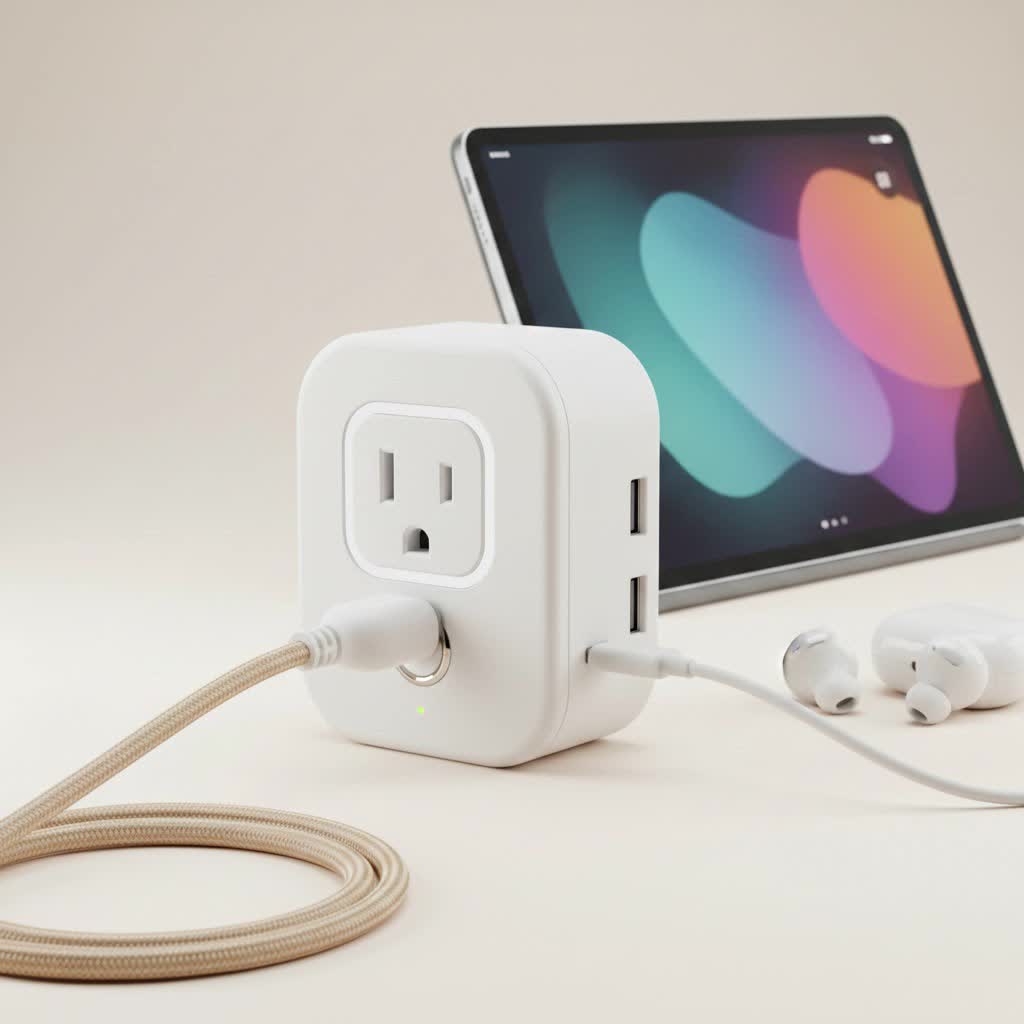
At Kjooz, we’ve spent over a decade helping people embrace smart home technology, and we believe the smart plug is the perfect entry point. It requires no wiring, no technical expertise, and delivers immediate, tangible benefits. This guide will walk you through everything you need to know to choose, install, and maximize the potential of a smart plug for your lamps.
What Exactly is a Smart Plug and How Does It Work?
Think of a smart plug as a smart adapter. You plug it into your standard wall outlet, and then you plug your lamp directly into it. The smart plug itself connects to your home’s Wi-Fi network.
Once connected, the plug’s internal switch can be controlled remotely via a dedicated app on your phone or through a compatible voice assistant like Amazon Alexa, Google Assistant, or Apple’s Siri. When you issue a command—either by tapping a button in the app or saying, “Hey Google, turn on the living room lamp”—the signal travels over the internet to the smart plug, which then either allows or cuts off the flow of electricity to your lamp. It’s an elegant solution that makes any plugged-in device “smart” without modifying the device itself.
Key Benefits of Using a Smart Plug with Your Lamps
Why should you bother adding a smart plug to a perfectly functional lamp? The advantages go far beyond simply turning it on and off without getting up.
- Unmatched Convenience: Control your lighting from anywhere. Whether you’re in another room, at the office, or on vacation, you can turn your lamps on or off with a quick tap on your phone.
- Voice-Activated Control: The real magic happens when you pair your smart plug with a voice assistant. Walking into a dark house with your hands full? Simply say, “Alexa, I’m home,” to trigger a routine that turns on your lamps.
- Enhanced Home Security: Schedule your lamps to turn on and off at random intervals when you’re away. This feature, often called “Away Mode,” creates the convincing illusion that someone is home, deterring potential intruders.
- Energy and Cost Savings: Many smart plugs offer energy monitoring features. You can see exactly how much electricity a lamp is using and identify opportunities to save. More importantly, you can eliminate “phantom” energy draw and ensure lights are never left on by mistake.
- Create Ambiance with Schedules: Set schedules to match your daily routine. Have your bedroom lamp gently fade on to help you wake up in the morning or schedule your living room lights to dim and turn off as you wind down for the night.
How to Choose the Perfect Smart Plug for Your Lamp
Not all smart plugs are created equal. Here are the crucial factors to consider to ensure you get the right one for your specific needs.
Ecosystem Compatibility
This is the most important factor. Which smart home ecosystem are you invested in?
- Amazon Alexa: Look for plugs with the “Works with Alexa” badge.
- Google Home/Assistant: You’ll want a plug that is compatible with Google Home.
- Apple HomeKit: These plugs are typically a bit more expensive but offer seamless integration with Siri and the Apple Home app.
|
Our Picks for the Best Smart Plug in 2026
As an Amazon Associate I earn from qualifying purchases.
|
||
| Num | Product | Action |
|---|---|---|
| 1 | Kasa Smart Plug HS103P4, Smart Home Wi-Fi Outlet Works with Alexa, Echo, Google Home & IFTTT, No Hub Required, Remote Control, 15 Amp, UL Certified, 4-Pack, White |

|
| 2 | Kasa Smart Plug HS103P2, Smart Home Wi-Fi Outlet Works with Alexa, Echo, Google Home & IFTTT, No Hub Required, Remote Control,15 Amp,UL Certified, (Pack of 2) White |
|
| 3 | Kasa Smart Plug Mini 15A, Apple HomeKit Supported, Smart Outlet Works with Siri, Alexa & Google Home, UL Certified, App Control, Scheduling, Timer, 2.4G WiFi Only, 4 Count (Pack of 1) (EP25P4), White |
|
| 4 | Linkind Matter Smart Plug, Work with Apple Home, Siri, Alexa, Google, SmartThings, Smart Home Smart Outlet Timer 15A/1800W, APP Remote Control & Schedule, ETL & FCC Certified, 2.4G Wi-Fi Only, 4 Pack |
|
| 5 | Govee Smart Plug, WiFi Plugs Work with Alexa & Google Assistant, Smart Outlet with Timer & Group Controller, WiFi Outlet for Home, No Hub Required, ETL & FCC Certified, 2.4G WiFi Only, 4 Pack |
|
| 6 | EIGHTREE Smart Plug 2025 Upgrade to 15A, Bluetooth & Wi-Fi Outlet Plug Dual Connection, Voice Control, Remote Control Outlet Timer Indoor, Smart Plugs That Work with Alexa & Google, 2.4GHz Wi-Fi Only |
|
| 7 | Kasa Smart Plug Ultra Mini 15A, Smart Home Wi-Fi Outlet Works with Alexa, Google Home & IFTTT, No Hub Required, UL Certified, 2.4G WiFi Only, 2 Count (Pack of 1)(EP10P2) , White |
|
| 8 | Legrand Radiant® Wi-Fi Matter Smart Plug Matter Hub Required 15A, Easy Setup, Enhanced Compatibility with Apple HomeKit, Google Home, Alexa & SmartThings, Easy Wi-Fi Connectivity w/ Matter (1 Pack) |
|
| 9 | GHome Smart Plug, WiFi Smart Plugs Work with Alexa and Google Home, Smart Outlet Timer with APP Remote Control, 2.4GHz Wi-Fi Only, No Hub Required, ETL FCC Listed |
|
| 10 | EIGHTREE Smart Plug, Smart Home WiFi Outlet Works with Alexa & Google Home, Smart Socket with Remote Control & Timer Function, 2.4GHz WiFi Only, 4 Packs |
|
Many plugs, like those from Kasa Smart (TP-Link) and Wyze, are compatible with both Alexa and Google Assistant, offering great flexibility.
The Dimming Dilemma
This is a common point of confusion. A standard smart plug is a simple on/off switch; it cannot make a regular lamp dimmable. If you plug a lamp into a standard smart plug, it will only turn on to its full brightness.
If you want dimming capabilities, you must use a dimmer smart plug specifically designed for this purpose, and you must pair it with a dimmable light bulb. Using a dimmer plug with a non-dimmable bulb can cause flickering or damage the bulb.
Size and Shape
Some smart plugs are bulky and can block the second outlet. Look for newer, compact designs that allow you to use both sockets in a standard dual outlet. This is especially important for areas where outlets are at a premium, like behind a media console or in the kitchen.
Extra Features
- Energy Monitoring: Plugs like the Kasa Smart Plug Mini with Energy Monitoring can provide valuable insights into your power consumption.
- Physical Button: A manual on/off button on the plug itself is a useful backup in case your Wi-Fi is down or your phone isn’t handy.
- Connectivity: The vast majority of smart plugs use 2.4GHz Wi-Fi. Ensure your router supports this band. A few models use other protocols like Zigbee or Z-Wave, which require a separate smart home hub.
Step-by-Step: Setting Up Your Smart Plug
Getting your smart plug and lamp working together is typically a five-minute process. Here’s a general guide:
- Download the App: Find the manufacturer’s app in the Apple App Store or Google Play Store (e.g., Kasa Smart, Wyze, Wemo). Create an account.
- Plug It In: Plug the smart plug into a wall outlet. A status light will usually start blinking to indicate it’s ready for setup.
- Add the Device: In the app, tap the “+” or “Add Device” button. Select “Smart Plug” from the list of devices.
- Connect to Wi-Fi: Follow the in-app instructions to connect the plug to your home’s 2.4GHz Wi-Fi network. You will need to enter your Wi-Fi password.
- Name Your Plug: Give the plug a descriptive name. This is important for voice control. Use something intuitive like “Bedside Lamp” or “Reading Light” instead of “Smart Plug 1.”
- Connect to Voice Assistant (Optional): Open your Alexa or Google Home app. Go to the “Skills & Games” (Alexa) or “Works with Google” (Google Home) section, search for the smart plug’s brand, and link your accounts.
- Plug in Your Lamp: Finally, plug your lamp into the smart plug and make sure the lamp’s physical switch is in the “On” position. Now, you’re ready to control it with the app and your voice!
Expert Tip from David Chen, Smart Home Integration Specialist at Kjooz: “When naming your plugs, think about how you naturally speak. Using simple, clear names like ‘Desk Lamp’ or ‘Living Room Floor Lamp’ makes voice commands much more reliable and intuitive than generic names.”
Frequently Asked Questions (FAQ)
Can I use a smart plug on any lamp?
Yes, almost any lamp with a standard plug will work. The smart plug simply controls the power. Just ensure the lamp’s power switch is left in the “on” position for the smart plug to work.
Do smart plugs work with 3-way lamps?
A standard smart plug will work, but only as a simple on/off switch. You cannot use the app or your voice to control the three different brightness levels. The lamp will turn on to whatever brightness level the physical switch was set to last.
Will a smart plug for a lamp work with LED bulbs?
Absolutely. Smart plugs are fully compatible with LED, CFL, and incandescent bulbs. If you plan to use a dimmer smart plug, just be sure you are using a bulb specifically labeled as “dimmable.”
How much electricity does a smart plug use?
When idle, a smart plug uses a very small amount of power, typically less than 1 watt. The energy saved by preventing you from leaving lights on by accident far outweighs the minimal standby consumption of the plug itself.
Is it safe to leave a smart plug plugged in all the time?
Yes, they are designed for continuous operation, just like any other home appliance. Always purchase plugs from reputable brands that are UL or ETL certified to ensure they meet safety standards.
Your First Step into a Smarter Home
Upgrading your home with a smart plug for lamp is one of the easiest, most affordable, and most impactful changes you can make. It transforms a simple, single-purpose item into a versatile tool for convenience, security, and efficiency. You’ll quickly wonder how you ever lived without scheduling your lights to welcome you home or turning everything off with a single command from your bed. Give it a try—your old lamps are ready for a brilliant new life.
