Welcome to the world of home automation, where convenience and control are right at your fingertips. If you’re looking to dip your toes into smart technology without a complete overhaul, the Tantan Smart Plug is your perfect starting point. This simple yet powerful device can transform any ordinary appliance into a smart one, giving you remote control, scheduling, and even voice command capabilities. As a smart home expert with over a decade of experience, I’ve seen countless gadgets, but the simplicity and effectiveness of a good smart plug remain undefeated.
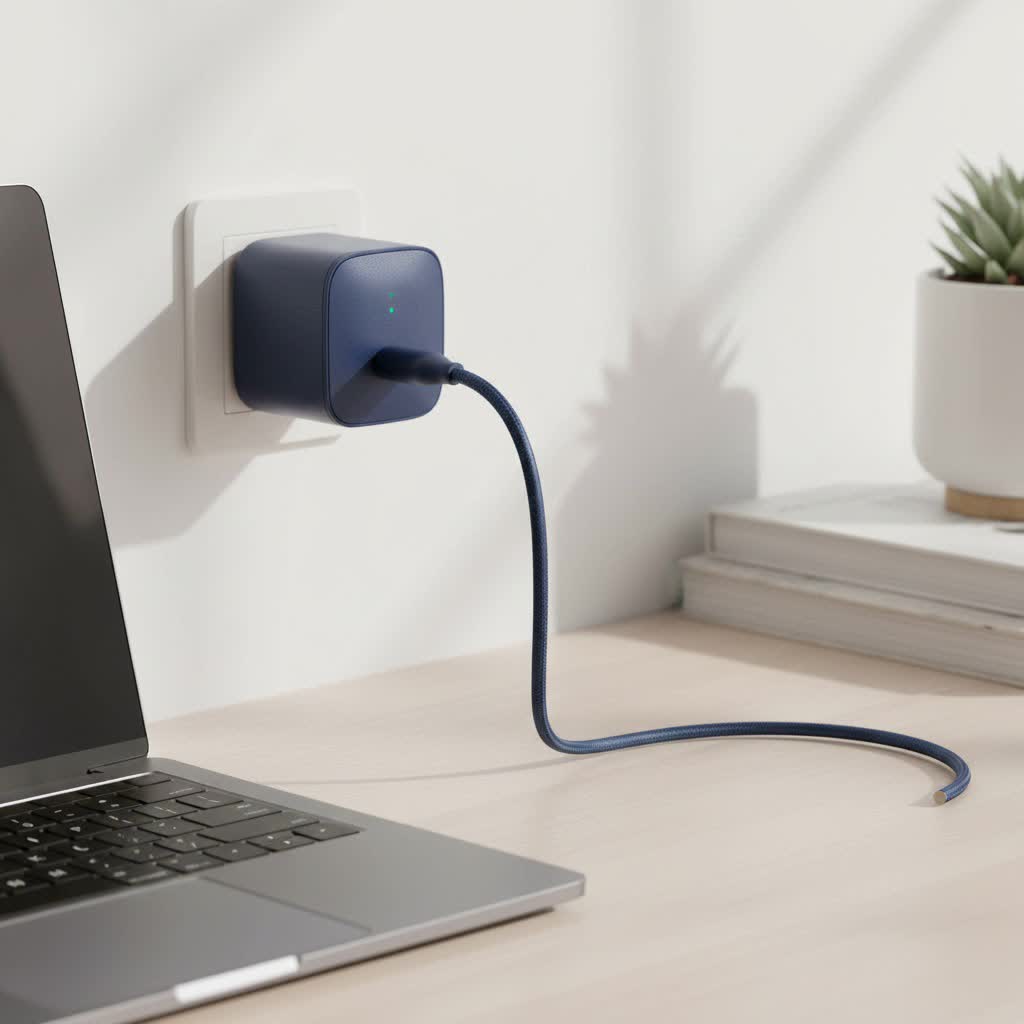
What Exactly is the Tantan Smart Plug?
At its core, the Tantan smart plug is a small adapter that you plug into any standard electrical outlet. You then plug your appliance—be it a lamp, a coffee maker, or a fan—into the smart plug. By connecting the plug to your home’s Wi-Fi network, you instantly grant that appliance “smart” capabilities, all controlled through a dedicated smartphone app or your favorite voice assistant. It’s a seamless way to bring the future into your home, one outlet at a time.
Key Features That Make Tantan a Smart Choice
Not all smart plugs are created equal. The Tantan smart plug comes packed with features designed to make your life easier, more efficient, and a little more fun.
- Remote Control from Anywhere: Left the house and forgot to turn off a light? With the Tantan smart plug and the Smart Life app, you can turn appliances on or off from anywhere in the world, as long as you have an internet connection.
- Voice Assistant Integration: Tantan plugs work flawlessly with Amazon Alexa and Google Assistant. A simple voice command like, “Hey Google, turn on the coffee maker,” can get your morning started before you even get out of bed.
- Scheduling and Timers: Create custom schedules to automate your home. Set your lights to turn on at sunset, have a fan switch on during the warmest part of the day, or use a countdown timer to automatically turn off a device.
- Energy Monitoring: One of the standout features of many Tantan models is real-time energy monitoring. The app allows you to track how much power a connected device is consuming, helping you identify energy-hungry appliances and make smarter choices to lower your electricity bill.
- No Hub Required: Unlike some smart home systems that require a central hub, the Tantan smart plug connects directly to your 2.4 GHz Wi-Fi network, simplifying the setup process and keeping costs down.
- Compact Design: Many models are designed to be compact, ensuring they don’t block the adjacent outlet. This thoughtful design means you can use two smart plugs in a standard dual outlet without any hassle.
Setting Up Your Tantan Smart Plug: A Step-by-Step Guide
Getting your Tantan smart plug up and running is incredibly straightforward. It usually takes less than five minutes. Here’s how to do it.
Before You Begin
|
Our Picks for the Best Smart Plug in 2026
As an Amazon Associate I earn from qualifying purchases.
|
||
| Num | Product | Action |
|---|---|---|
| 1 | Kasa Smart Plug HS103P4, Smart Home Wi-Fi Outlet Works with Alexa, Echo, Google Home & IFTTT, No Hub Required, Remote Control, 15 Amp, UL Certified, 4-Pack, White |

|
| 2 | Govee Smart Plug, WiFi Plugs Work with Alexa & Google Assistant, Smart Outlet with Timer & Group Controller, WiFi Outlet for Home, No Hub Required, ETL & FCC Certified, 2.4G WiFi Only, 4 Pack |
|
| 3 | Legrand Radiant® Wi-Fi Matter Smart Plug Matter Hub Required 15A, Easy Setup, Enhanced Compatibility with Apple HomeKit, Google Home, Alexa & SmartThings, Easy Wi-Fi Connectivity w/ Matter (1 Pack) |
|
| 4 | EIGHTREE Smart Plug 2025 Upgrade to 15A, Bluetooth & Wi-Fi Outlet Plug Dual Connection, Voice Control, Remote Control Outlet Timer Indoor, Smart Plugs That Work with Alexa & Google, 2.4GHz Wi-Fi Only |
|
| 5 | Linkind Matter Smart Plug, Work with Apple Home, Siri, Alexa, Google, SmartThings, Smart Home Smart Outlet Timer 15A/1800W, APP Remote Control & Schedule, ETL & FCC Certified, 2.4G Wi-Fi Only, 4 Pack |
|
| 6 | Kasa Smart Plug Ultra Mini 15A, Smart Home Wi-Fi Outlet Works with Alexa, Google Home & IFTTT, No Hub Required, UL Certified, 2.4G WiFi Only, 2 Count (Pack of 1)(EP10P2) , White |
|
| 7 | Kasa Smart Plug HS103P2, Smart Home Wi-Fi Outlet Works with Alexa, Echo, Google Home & IFTTT, No Hub Required, Remote Control,15 Amp,UL Certified, (Pack of 2) White |
|
| 8 | EIGHTREE Smart Plug, Smart Home WiFi Outlet Works with Alexa & Google Home, Smart Socket with Remote Control & Timer Function, 2.4GHz WiFi Only, 4 Packs |
|
| 9 | GHome Smart Plug, WiFi Smart Plugs Work with Alexa and Google Home, Smart Outlet Timer with APP Remote Control, 2.4GHz Wi-Fi Only, No Hub Required, ETL FCC Listed |
|
| 10 | Kasa Smart Plug Mini 15A, Apple HomeKit Supported, Smart Outlet Works with Siri, Alexa & Google Home, UL Certified, App Control, Scheduling, Timer, 2.4G WiFi Only, 4 Count (Pack of 1) (EP25P4), White |
|
Make sure you have two things ready:
- Your smartphone or tablet.
- Your home’s 2.4 GHz Wi-Fi network name and password. Important: Tantan plugs, like most smart devices, do not support 5 GHz networks.
The Setup Process
- Download the App: Head to the Google Play Store or Apple App Store and download the “Smart Life” app.
- Create an Account: Open the app and register for a new account using your email address.
- Plug It In: Plug the Tantan smart plug into a power outlet. A small LED indicator on the plug should begin to blink rapidly, indicating it’s in pairing mode.
- Add the Device in the App: In the Smart Life app, tap the ‘+’ icon in the top-right corner to add a new device. Select “Socket (Wi-Fi)” or “Electrical Outlet” from the list.
- Connect to Wi-Fi: Confirm that the indicator light is blinking rapidly and proceed to the next step. Enter your 2.4 GHz Wi-Fi password when prompted.
- Wait for Connection: The app will now connect to the plug. This may take a minute or two. The LED light will stop blinking once the connection is successful.
- Name Your Device: Give your plug a descriptive name, like “Living Room Lamp” or “Bedroom Fan.” This makes it easier to identify and control, especially with voice commands.
“A common mistake I see is users trying to connect to a 5 GHz Wi-Fi band,” notes smart home consultant Johnathan Pierce. “Always double-check that your phone is connected to the 2.4 GHz band during setup. It’s the most frequent cause of connection failure and the easiest to fix.”
How to Get the Most Out of Your Smart Plug
Once you’re set up, the real fun begins. Here are a few ideas to integrate the Tantan smart plug into your daily life:
- Boost Home Security: Use the scheduling feature to randomly turn lights on and off when you’re on vacation, creating the illusion that someone is home.
- Craft the Perfect Morning Routine: Schedule your coffee maker to start brewing a few minutes before your alarm goes off. Plug in a lamp and have it gently turn on to ease you into your day.
- Manage Kids’ Screen Time: Connect a TV or gaming console to a smart plug and set a schedule to automatically turn it off when it’s time for homework or bed.
- Protect Your Devices: Use the timer function to prevent overcharging of electronics like phones or power banks.
Troubleshooting Common Issues
While the Tantan smart plug is generally reliable, you might occasionally run into a snag. Here are solutions to the most common problems.
Why won’t my Tantan smart plug connect?
If your plug is failing to connect during setup, the issue is almost always related to your Wi-Fi.
- Check your Wi-Fi band: Ensure you are using a 2.4 GHz network.
- Check your password: A simple typo in the password is a common culprit.
- Move closer to the router: Bring the plug closer to your Wi-Fi router during the initial setup process.
- Reset the plug: If all else fails, reset the plug by pressing and holding the power button for about 5-10 seconds until the indicator light starts blinking rapidly again. Then, restart the setup process in the app.
The plug is unresponsive in the app. What should I do?
This usually indicates a temporary loss of connection. First, check if your home Wi-Fi is working. If it is, try manually turning the plug off and on with its power button. If it remains unresponsive, unplugging it for 30 seconds and plugging it back in can often resolve the issue.
Is the Tantan Smart Plug Right for You?
The Tantan smart plug is an excellent choice for anyone looking for an affordable and easy-to-use entry point into home automation. It’s particularly well-suited for beginners, renters who can’t make permanent installations, and budget-conscious tech enthusiasts.
Pros:
- Extremely affordable.
- Simple setup process with no hub needed.
- Works with Alexa and Google Assistant.
- Useful features like scheduling and energy monitoring.
Cons:
- Reliant on a stable 2.4 GHz Wi-Fi connection.
- Not suitable for high-power appliances like space heaters or air conditioners (always check the 10A/1200W limit).
Frequently Asked Questions (FAQ)
What app do I use for the Tantan smart plug?
The Tantan smart plug typically uses the “Smart Life” app, which is a popular platform for managing various smart home devices from different brands.
Can I use a Tantan smart plug outdoors?
Standard Tantan smart plugs are designed for indoor use only. Using them outdoors can expose them to moisture and temperature extremes, creating a safety hazard. Look for specifically-rated outdoor smart plugs for that purpose.
Does the smart plug work if the internet is down?
If your home internet goes down, you will lose the ability to control the plug remotely via the app or voice assistants. However, any schedules you’ve already set are often stored locally on the device and should continue to run. You can also always control it manually using the physical power button.
Can I control multiple Tantan plugs at once?
Yes. The Smart Life app allows you to group multiple smart plugs together. For example, you can create a “Living Room” group to turn all the lamps in that room on or off with a single tap or voice command.
Is the Tantan smart plug safe?
Yes, when used correctly. They are built with fire-resistant materials and have safety certifications. However, it is crucial to never exceed the maximum power rating (typically 10A). Do not use them with high-draw appliances like space heaters, hair dryers, or large power tools.
Conclusion
The Tantan smart plug is more than just a gadget; it’s a simple, powerful tool that adds a new layer of convenience and control to your daily life. It proves that you don’t need to spend a fortune or be a tech wizard to start building a smarter, more efficient home. By transforming everyday objects into automated devices, you can save energy, enhance security, and streamline your routines. So go ahead, plug in, and discover the effortless power of smart technology.
