Welcome to the world of smart homes, where convenience and control are right at your fingertips. If you’re starting your journey or looking to expand your setup, the TP-Link Kasa smart plug is one of the best entry points available. It’s a simple device that can transform nearly any standard appliance into a smart one. As the lead content creator at Kjooz and a smart home enthusiast for over a decade, I’ve tested countless gadgets, and Kasa plugs consistently stand out for their reliability, ease of use, and feature-rich ecosystem. This guide is your one-stop resource for everything you need to know.
What Exactly is a TP-Link Kasa Smart Plug?
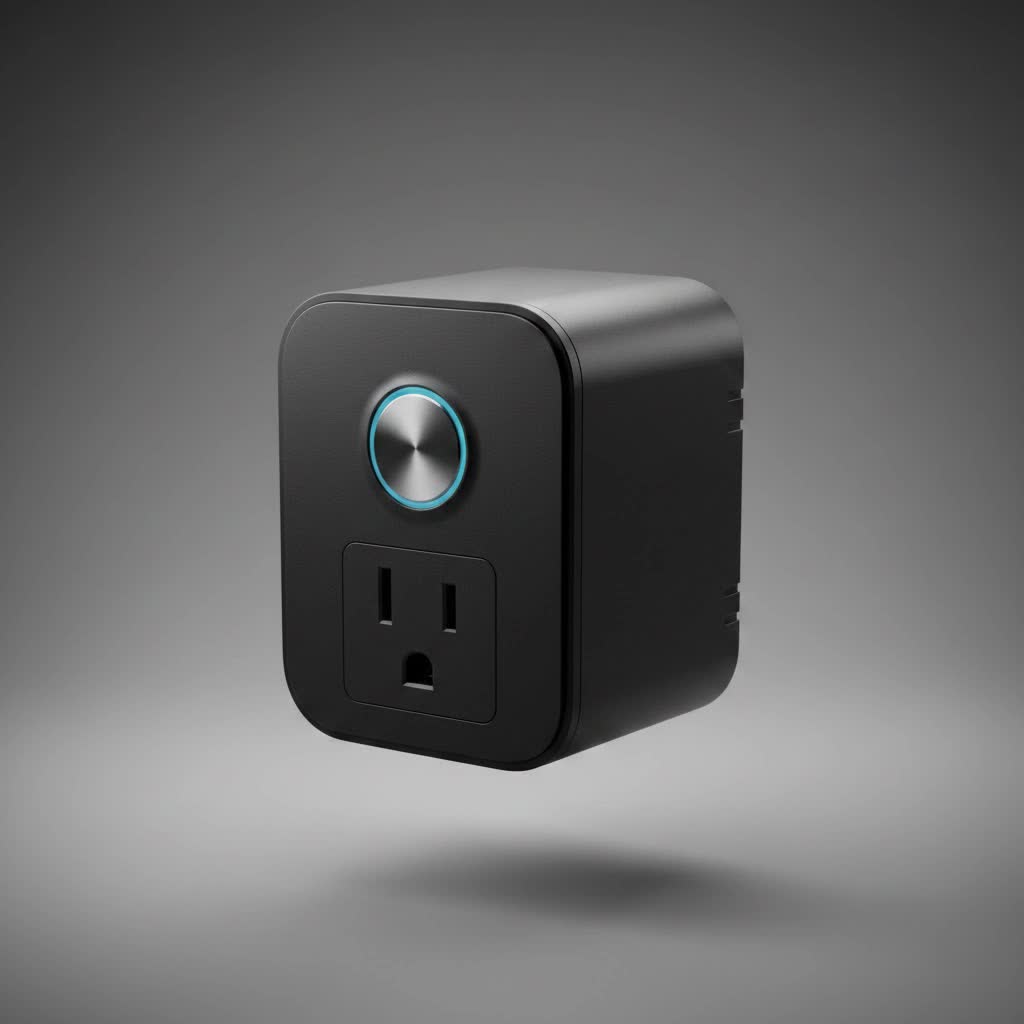
At its core, a TP-Link Kasa smart plug is a small adapter that sits between your wall outlet and an appliance’s power cord. Think of it as a smart middleman. Once plugged in and connected to your home’s Wi-Fi network, it allows you to control the power flow to whatever is plugged into it using the Kasa Smart app on your phone or through voice commands. You can turn a lamp on, start your coffee maker, or reboot your internet router from anywhere in the world with an internet connection.
Why Choose the Kasa Smart Plug?
With so many options on the market, you might wonder what makes Kasa special. The key advantage of the TP-Link Kasa smart plug ecosystem is its simplicity and reliability without requiring a central hub. Many smart home systems need a dedicated bridge or hub to communicate, adding cost and complexity. Kasa plugs connect directly to your Wi-Fi router, making setup incredibly straightforward.
Key Features That Make Kasa a Winner:
- No Hub Required: This is a huge plus for beginners. You just need the plug, your smartphone, and a Wi-Fi connection.
- User-Friendly Kasa App: The companion app is intuitive, allowing for easy setup, scheduling, and device management.
- Voice Control Integration: Kasa plugs work seamlessly with major voice assistants like Amazon Alexa and Google Assistant.
- Reliable Performance: TP-Link is a reputable networking company, and that expertise shows in the stable connectivity of their smart plugs.
|
Our Picks for the Best Smart Plug in 2026
As an Amazon Associate I earn from qualifying purchases.
|
||
| Num | Product | Action |
|---|---|---|
| 1 | Kasa Smart Plug HS103P4, Smart Home Wi-Fi Outlet Works with Alexa, Echo, Google Home & IFTTT, No Hub Required, Remote Control, 15 Amp, UL Certified, 4-Pack, White |

|
| 2 | Kasa Smart Plug Ultra Mini 15A, Smart Home Wi-Fi Outlet Works with Alexa, Google Home & IFTTT, No Hub Required, UL Certified, 2.4G WiFi Only, 2 Count (Pack of 1)(EP10P2) , White |
|
| 3 | GHome Smart Plug, WiFi Smart Plugs Work with Alexa and Google Home, Smart Outlet Timer with APP Remote Control, 2.4GHz Wi-Fi Only, No Hub Required, ETL FCC Listed |
|
| 4 | Legrand Radiant® Wi-Fi Matter Smart Plug Matter Hub Required 15A, Easy Setup, Enhanced Compatibility with Apple HomeKit, Google Home, Alexa & SmartThings, Easy Wi-Fi Connectivity w/ Matter (1 Pack) |
|
| 5 | Kasa Smart Plug Mini 15A, Apple HomeKit Supported, Smart Outlet Works with Siri, Alexa & Google Home, UL Certified, App Control, Scheduling, Timer, 2.4G WiFi Only, 4 Count (Pack of 1) (EP25P4), White |
|
| 6 | Linkind Matter Smart Plug, Work with Apple Home, Siri, Alexa, Google, SmartThings, Smart Home Smart Outlet Timer 15A/1800W, APP Remote Control & Schedule, ETL & FCC Certified, 2.4G Wi-Fi Only, 4 Pack |
|
| 7 | Kasa Smart Plug HS103P2, Smart Home Wi-Fi Outlet Works with Alexa, Echo, Google Home & IFTTT, No Hub Required, Remote Control,15 Amp,UL Certified, (Pack of 2) White |
|
| 8 | EIGHTREE Smart Plug 2025 Upgrade to 15A, Bluetooth & Wi-Fi Outlet Plug Dual Connection, Voice Control, Remote Control Outlet Timer Indoor, Smart Plugs That Work with Alexa & Google, 2.4GHz Wi-Fi Only |
|
| 9 | EIGHTREE Smart Plug, Smart Home WiFi Outlet Works with Alexa & Google Home, Smart Socket with Remote Control & Timer Function, 2.4GHz WiFi Only, 4 Packs |
|
| 10 | Govee Smart Plug, WiFi Plugs Work with Alexa & Google Assistant, Smart Outlet with Timer & Group Controller, WiFi Outlet for Home, No Hub Required, ETL & FCC Certified, 2.4G WiFi Only, 4 Pack |
|
How to Set Up Your TP-Link Kasa Smart Plug
Getting your new plug up and running is a breeze and usually takes less than five minutes. Here’s a simple step-by-step guide to get you started.
- Download the App: First, head to the Apple App Store or Google Play Store and download the “Kasa Smart” app.
- Create an Account: Open the app and create a TP-Link account. This is necessary to manage your devices, especially when you’re away from home.
- Plug It In: Plug your TP-Link Kasa smart plug into a wall outlet. The Wi-Fi indicator light on the plug should start blinking amber and green, signaling it’s ready for setup.
- Add the Device: In the Kasa app, tap the ‘+’ icon (usually in the top right corner) and select “Device,” then “Smart Plugs.” Follow the on-screen instructions.
- Connect to Wi-Fi: The app will guide you to connect to your home Wi-Fi network. You’ll need to enter your Wi-Fi password. The plug will then connect to the network.
- Name Your Plug: Give your plug a descriptive name, like “Living Room Lamp” or “Coffee Maker.” This makes it easy to identify in the app and is crucial for using voice commands.
- All Set! Once the setup is complete, you can test it by turning the plug on and off from the app’s home screen.
Unlocking the Full Potential of Your Kasa Plug
The real magic of a TP-Link Kasa smart plug goes beyond simple on/off control. The Kasa app is packed with features that let you automate and secure your home in clever ways.
Master Your Schedule
The scheduling feature is one of the most powerful tools in the Kasa app. You can create custom schedules to automate your appliances based on your daily routine.
- Morning Routine: Set your coffee maker to turn on at 6:30 AM, so you wake up to a fresh brew.
- Evening Ambiance: Have your living room lamps automatically turn on at sunset.
- Holiday Lights: Schedule your decorative lights to turn on and off at specific times without having to remember every day.
Use Your Voice with Alexa and Google Assistant
Connecting your Kasa account to Amazon Alexa or Google Assistant takes just a few minutes and unlocks hands-free control. Once linked, you can say things like:
- “Alexa, turn on the bedroom fan.”
- “Hey Google, turn off all the lights.”
This feature is incredibly useful when your hands are full or you don’t want to reach for your phone.
Enhance Security with Away Mode
Away Mode is a brilliant feature for when you’re on vacation. When enabled, it randomly turns your connected lights on and off throughout the day to simulate someone being home. This is a simple yet effective way to deter potential intruders and give you peace of mind.
As smart home integrator David Chen often advises clients, “True home automation isn’t just about convenience; it’s about creating a home that responds to your life. The Away Mode on the TP-Link Kasa smart plug is a perfect example—a simple feature that provides a powerful sense of security with zero effort.”
Monitor Your Energy Usage
Certain models, like the Kasa Smart Plug with Energy Monitoring (KP115), allow you to track the power consumption of your appliances. The Kasa app provides real-time data and historical reports, helping you identify energy-hungry devices. This knowledge can help you make smarter decisions to reduce your electricity bill.
Is the TP-Link Kasa Smart Plug Right for You?
The short answer is: most likely, yes. If you are new to smart home technology, the TP-Link Kasa smart plug is an ideal starting point due to its affordability and ease of use. For seasoned smart home users, Kasa plugs are a reliable and cost-effective way to expand an existing ecosystem, especially for controlling simple appliances that don’t need complex integration.
It’s a small investment that delivers significant returns in convenience, security, and even potential energy savings. By turning everyday objects into smart devices, you can automate the mundane parts of your day and take one more step toward a truly connected home.
Frequently Asked Questions (FAQ)
What happens if the Wi-Fi goes down?
If your Wi-Fi network is offline, you won’t be able to control the smart plug remotely through the app or with voice commands. However, any pre-set schedules are saved locally on the plug itself and will continue to run as programmed. You can also always turn the plug on or off manually using the physical button on the side.
Do I need a specific type of Wi-Fi router?
TP-Link Kasa smart plugs work with any standard 2.4GHz Wi-Fi router. Most home routers are dual-band (offering both 2.4GHz and 5GHz networks), so you should have no problem connecting. Just ensure you connect the plug to the 2.4GHz band during setup.
Can I group multiple Kasa smart plugs together?
Yes. The Kasa app allows you to group multiple devices. For example, you can create a “Living Room Lights” group that includes several smart plugs connected to different lamps. This allows you to control all of them with a single tap in the app or one voice command.
Is the Kasa Smart app free to use?
Yes, the Kasa Smart app is completely free to download and use. There are no subscription fees required to access any of the features, including scheduling, remote control, and voice assistant integration.
How secure is the TP-Link Kasa smart plug?
TP-Link uses industry-standard encryption to secure communication between the plug, the app, and their cloud servers. It’s important to use a strong, unique password for your Kasa account and keep your home Wi-Fi network secured with a strong password to maintain security.
