The Feit Smart Plug is an affordable and reliable device that transforms standard appliances into smart ones, offering remote control via the Feit Electric app, voice commands with Amazon Alexa and Google Assistant, and user-friendly scheduling without requiring a separate hub. It connects directly to your home’s 2.4GHz Wi-Fi network, making it a simple starting point for home automation. With over a decade of experience testing smart devices, Kjooz.com recommends Feit for its blend of affordability, reliability, and user-friendly design.
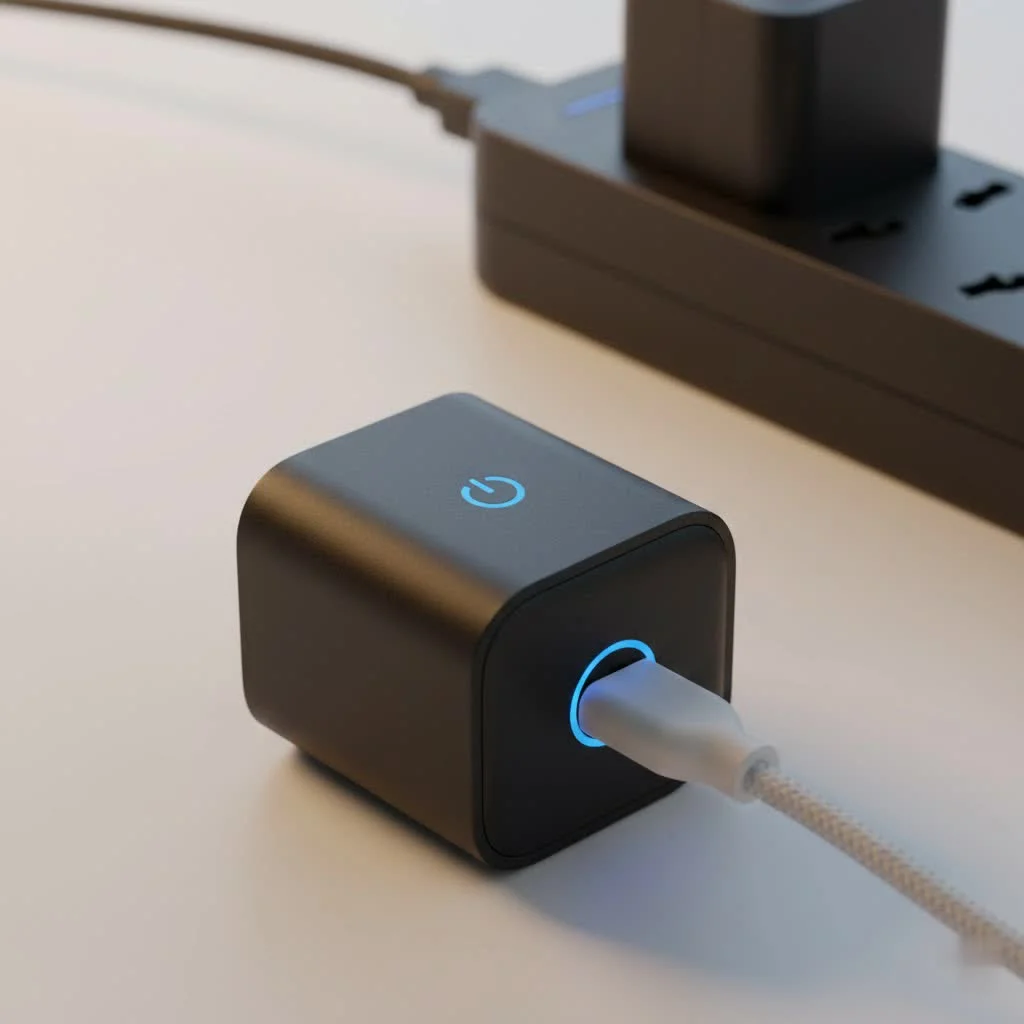
This guide will walk you through everything you need to know, from unboxing your first plug to mastering its advanced features. We’ll turn complex tech into simple, actionable steps, empowering you to upgrade your home efficiently and safely. For complete smart home library on this site.
What Exactly Is a Feit Smart Plug?
At its core, a Feit Smart Plug is a simple adapter that sits between your wall outlet and an appliance’s power cord. Think of it as a smart middleman. Once you plug an appliance—like a lamp, coffee maker, or fan—into it, the smart plug connects to your home’s Wi-Fi network. This connection is the magic key that unlocks a host of new capabilities for your old-school devices.
You can then control the power to that appliance remotely using the Feit Electric app on your smartphone or through voice commands with popular assistants like Amazon Alexa and Google Assistant. It’s a foundational piece of the smart home puzzle, giving you instant control over the non-smart electronics you already own.
Why Choose a Feit Smart Plug? Key Features Explored
With so many options on the market, you might wonder what makes the Feit smart plug stand out. The answer lies in its combination of core features that deliver both convenience and peace of mind without a hefty price tag or complicated installation.
Seamless Integration with Voice Assistants
One of the biggest draws of a smart home is hands-free control. Feit smart plugs excel here, integrating flawlessly with Amazon Alexa and Google Assistant. After a quick setup process, you can say things like:
- “Alexa, turn on the living room lamp.”
- “Hey Google, start the coffee maker.”
This level of integration makes your daily routines smoother and adds a touch of futuristic convenience to your home.
User-Friendly Scheduling and Timers
The Feit Electric app is where you can truly automate your home. You can set detailed schedules for any connected device. For example:
- Morning Routine: Schedule your coffee pot to turn on at 6:30 AM.
- Security: Program lamps to turn on and off in the evening when you’re on vacation, creating the illusion that someone is home.
- Holiday Lights: Set your festive decorations to turn on at sunset and off at bedtime automatically.
You can also set timers and countdowns, which are perfect for tasks like charging devices for a set amount of time or turning off a fan after you’ve fallen asleep.
No Hub Required: Wi-Fi Simplicity
|
Our Picks for the Best Smart Plug in 2026
As an Amazon Associate I earn from qualifying purchases.
|
||
| Num | Product | Action |
|---|---|---|
| 1 | Kasa Smart Plug Ultra Mini 15A, Smart Home Wi-Fi Outlet Works with Alexa, Google Home & IFTTT, No Hub Required, UL Certified, 2.4G WiFi Only, 2 Count (Pack of 1)(EP10P2) , White |

|
| 2 | Legrand Radiant® Wi-Fi Matter Smart Plug Matter Hub Required 15A, Easy Setup, Enhanced Compatibility with Apple HomeKit, Google Home, Alexa & SmartThings, Easy Wi-Fi Connectivity w/ Matter (1 Pack) |
|
| 3 | Linkind Matter Smart Plug, Work with Apple Home, Siri, Alexa, Google, SmartThings, Smart Home Smart Outlet Timer 15A/1800W, APP Remote Control & Schedule, ETL & FCC Certified, 2.4G Wi-Fi Only, 4 Pack |
|
| 4 | Govee Smart Plug, WiFi Plugs Work with Alexa & Google Assistant, Smart Outlet with Timer & Group Controller, WiFi Outlet for Home, No Hub Required, ETL & FCC Certified, 2.4G WiFi Only, 4 Pack |
|
| 5 | GHome Smart Plug, WiFi Smart Plugs Work with Alexa and Google Home, Smart Outlet Timer with APP Remote Control, 2.4GHz Wi-Fi Only, No Hub Required, ETL FCC Listed |
|
| 6 | Kasa Smart Plug HS103P4, Smart Home Wi-Fi Outlet Works with Alexa, Echo, Google Home & IFTTT, No Hub Required, Remote Control, 15 Amp, UL Certified, 4-Pack, White |
|
| 7 | Kasa Smart Plug HS103P2, Smart Home Wi-Fi Outlet Works with Alexa, Echo, Google Home & IFTTT, No Hub Required, Remote Control,15 Amp,UL Certified, (Pack of 2) White |
|
| 8 | Kasa Smart Plug Mini 15A, Apple HomeKit Supported, Smart Outlet Works with Siri, Alexa & Google Home, UL Certified, App Control, Scheduling, Timer, 2.4G WiFi Only, 4 Count (Pack of 1) (EP25P4), White |
|
| 9 | EIGHTREE Smart Plug 2025 Upgrade to 15A, Bluetooth & Wi-Fi Outlet Plug Dual Connection, Voice Control, Remote Control Outlet Timer Indoor, Smart Plugs That Work with Alexa & Google, 2.4GHz Wi-Fi Only |
|
| 10 | EIGHTREE Smart Plug, Smart Home WiFi Outlet Works with Alexa & Google Home, Smart Socket with Remote Control & Timer Function, 2.4GHz WiFi Only, 4 Packs |
|
Many smart home ecosystems require a central hub or bridge to connect devices, adding another layer of cost and complexity. Feit smart plugs eliminate this need entirely. They connect directly to your home’s existing 2.4GHz Wi-Fi network, making the setup process incredibly straightforward. All you need is the plug, your smartphone, and your Wi-Fi password.
A Step-by-Step Guide to Setting Up Your Feit Smart Plug
Getting your Feit Smart Plug up and running is a process you can complete in minutes. Follow these simple steps to connect your device and start enjoying its benefits.
- Download the Feit Electric App: Head to the Apple App Store or Google Play Store and download the official Feit Electric app.
- Create an Account: Open the app and register for a new account using your email address. Follow the prompts to verify your account.
- Plug in the Device: Plug your Feit smart plug into the desired wall outlet. The indicator light on the plug should start blinking rapidly, signaling it’s in pairing mode. If it isn’t blinking, press and hold the power button for about five seconds until it does.
- Connect to Your Wi-Fi: In the app, tap the ‘+’ icon to add a new device. Select “Plugs” and confirm the indicator light is blinking. You will then be prompted to enter your Wi-Fi network’s password. Important: Ensure your phone is connected to a 2.4GHz Wi-Fi network, as most smart plugs are not compatible with 5GHz networks.
- Finalize the Setup: The app will automatically connect to the plug. Once complete, you can give the plug a unique name, like “Bedroom Fan” or “Kitchen Lamp,” to make it easy to identify for app and voice control.
Common Feit Smart Plug Issues and How to Fix Them
Even the most reliable tech can have hiccups. Here are solutions to some of the most common issues users encounter with a Feit smart plug, ensuring you can get back on track quickly.
“My Plug Won’t Connect to Wi-Fi!”
This is the most frequent setup challenge. If your plug fails to connect, try these steps:
- Check Your Wi-Fi Band: Double-check that you are connecting to a 2.4GHz network. If you have a dual-band router, you may need to temporarily disable the 5GHz band during setup.
- Router Distance: Make sure the smart plug is within a reasonable distance of your Wi-Fi router. Walls and other obstructions can weaken the signal.
- Password Check: It sounds simple, but carefully re-enter your Wi-Fi password to ensure there are no typos.
- Reset the Plug: Press and hold the power button for 5-10 seconds until the light blinks rapidly again. This factory resets the plug, allowing you to restart the setup process from scratch.
“Voice Commands Aren’t Working.”
If your app control works but voice commands fail, the issue is likely with the link between Feit and your smart assistant.
- Relink the Accounts: Go into the Amazon Alexa or Google Home app, find the Feit Electric “skill” or “linked service,” and disable it. Then, re-enable and sign back in to refresh the connection.
- Check Device Names: Ensure the name you are saying matches the name you assigned in the app. Vague names can confuse the assistant. “Living Room Main Light” is better than just “Light.”
Frequently Asked Questions (FAQ)
Do Feit smart plugs work with Apple HomeKit?
Typically, Feit smart plugs are designed primarily for Amazon Alexa and Google Assistant. While some newer models may offer broader compatibility, you should always check the product packaging or specifications for explicit Apple HomeKit support.
Can I use a Feit smart plug outdoors?
Feit Electric makes specific models designed for outdoor use. These plugs are weather-resistant and built to withstand elements like rain and dust. Do not use an indoor-rated Feit smart plug for outdoor applications, as it can be a safety hazard.
Do I need a subscription to use Feit smart plugs?
No, there are no monthly fees or subscriptions required. All features, including remote control, scheduling, and voice integration, are available for free through the Feit Electric app.
How do I reset my Feit smart plug?
To perform a factory reset, simply press and hold the physical power button on the side or front of the plug for approximately five to ten seconds. The indicator light will begin to flash rapidly, indicating it has been reset and is ready for a new setup.
Take Control of Your Home Today
The Feit Smart Plug is more than just a gadget; it’s a gateway to a more convenient, automated, and efficient home. By transforming everyday appliances into intelligent devices, it offers a practical solution that saves you time and gives you greater control over your environment. Whether you’re a tech enthusiast or a newcomer to the smart home scene, its simplicity and reliability make it an excellent investment.
Now that you’re armed with this knowledge, you’re ready to take the next step. Start with a single plug for your favorite lamp or coffee maker, and you’ll soon see the endless possibilities for automating your entire home.
Frequently Asked Questions
Do Feit smart plugs work with Apple HomeKit?
Feit smart plugs are primarily designed for Amazon Alexa and Google Assistant. While some newer models might offer broader compatibility, users should always check the product packaging or specifications for explicit Apple HomeKit support before purchasing.
Can I use a Feit smart plug outdoors?
Feit Electric manufactures specific models designed for outdoor use that are weather-resistant. It is crucial to only use outdoor-rated Feit smart plugs for exterior applications, as using an indoor-rated plug outdoors poses a significant safety hazard due to exposure to elements like rain and dust.
Do I need a subscription to use Feit smart plugs?
No, there are no monthly fees or subscriptions required to use Feit smart plugs. All core features, including remote control, scheduling, and voice integration with assistants like Alexa and Google Assistant, are available for free through the Feit Electric app.
How do I reset my Feit smart plug to factory settings?
To perform a factory reset on your Feit smart plug, press and hold the physical power button on the device for approximately five to ten seconds. The indicator light will then begin to flash rapidly, signaling that the plug has been reset and is ready for a new setup process.
What Wi-Fi network is compatible with Feit smart plugs?
Feit smart plugs connect directly to your home's existing 2.4GHz Wi-Fi network. They are generally not compatible with 5GHz networks, so ensure your smartphone is connected to the 2.4GHz band during the initial setup process.
Set Up Your Feit Smart Plug
Follow these simple steps to connect your Feit Smart Plug to your home Wi-Fi and start controlling your appliances remotely.
Locate and download the official Feit Electric app from either the Apple App Store or Google Play Store. This application is essential for controlling and configuring your smart plug.
Open the newly installed Feit Electric app and register for a new user account using your email address. Follow all on-screen prompts to complete the account verification process.
Insert your Feit smart plug into the desired wall outlet. The indicator light on the plug should begin blinking rapidly, which signifies it is in pairing mode. If the light is not blinking, press and hold the power button for about five seconds until it does.
In the Feit Electric app, tap the '+' icon to add a new device and select 'Plugs.' Confirm the indicator light is blinking, then enter your home's 2.4GHz Wi-Fi network password. Ensure your phone is also connected to the 2.4GHz network.
The app will automatically connect to the smart plug. Once the connection is established, you can assign a unique and descriptive name to the plug, such as 'Bedroom Fan' or 'Kitchen Lamp,' for easy identification and voice control.
Smart home that does not lock you in
Free PDF — protocol compatibility matrix for 30 hubs and devices.
I’ve been using the Feit Smart Plug for a few weeks now and it’s fantastic! Setting it up with the Feit Electric app was super easy, and I love being able to turn my coffee maker on from bed. It’s a great way to dip your toes into home automation without spending a fortune. Definitely recommend for anyone looking for an affordable smart home solution.
The Feit Smart Plug works pretty well for the price. I appreciate that it doesn’t need a separate hub, which was a big selling point for me. My only minor complaint is that sometimes it takes a second or two longer than I’d expect to respond to voice commands through Google Assistant. It’s not a dealbreaker, but something to note.
I bought a couple of these Feit plugs to control my lamps and a fan, and they’ve been very reliable. The scheduling feature is a game-changer for making it look like someone’s home when we’re away. Connecting to my 2.4GHz Wi-Fi was straightforward, and I haven’t had any dropouts. Good value for what you get.
These Feit Smart Plugs are exactly what I needed to make my older appliances smart. I can now control my kids’ nightlights and even a slow cooker using Amazon Alexa, which is incredibly convenient. The unboxing and setup process was simple, just as described, and I had them up and running in minutes. Highly satisfied with this purchase!