Getting started with a smart home can feel daunting, but it doesn’t have to be. You don’t need complex wiring or an expensive central hub to begin automating your life. Often, the journey starts with a simple, powerful device: the Kasa Smart Plug. This small gadget is a game-changer, plugging directly into your existing outlets to give you remote control over almost any “dumb” appliance, from your favorite lamp to your morning coffee maker. If you’re ready to add a touch of convenience, security, and efficiency to your home, this is the perfect place to start.
What Exactly Is a Kasa Smart Plug?
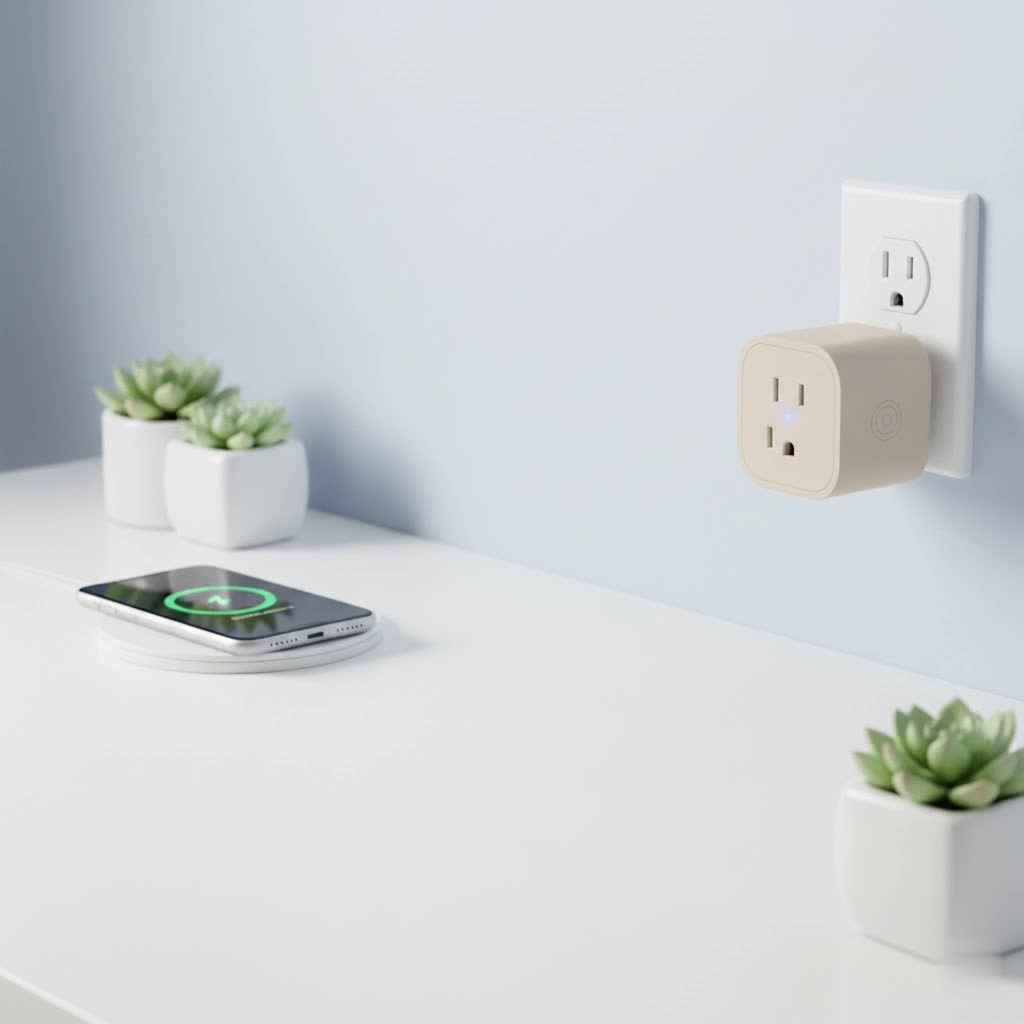
A Kasa smart plug is a device made by TP-Link that fits between your wall outlet and an appliance’s power cord. Once connected to your home’s 2.4GHz Wi-Fi network, it allows you to turn the connected device on or off from anywhere using the Kasa Smart app on your smartphone. It effectively puts the power of a light switch right in your pocket, no matter where you are in the world.
There’s no need for a separate, expensive hub or complicated installation. You just plug it in, connect it to the app, and you’re ready to go. This simplicity makes the Kasa smart plug a popular and accessible entry point into the world of home automation.
Key Features That Make Kasa Smart Plugs a Great Choice
While the basic function is simple, the features packed into this compact device are what make it truly powerful. Kasa plugs offer a suite of options that cater to convenience, security, and even energy savings.
Remote Control From Anywhere
|
Our Picks for the Best Smart Plug in 2026
As an Amazon Associate I earn from qualifying purchases.
|
||
| Num | Product | Action |
|---|---|---|
| 1 | Kasa Smart Plug HS103P2, Smart Home Wi-Fi Outlet Works with Alexa, Echo, Google Home & IFTTT, No Hub Required, Remote Control,15 Amp,UL Certified, (Pack of 2) White |

|
| 2 | Kasa Smart Plug Mini 15A, Apple HomeKit Supported, Smart Outlet Works with Siri, Alexa & Google Home, UL Certified, App Control, Scheduling, Timer, 2.4G WiFi Only, 4 Count (Pack of 1) (EP25P4), White |
|
| 3 | Kasa Smart Plug HS103P4, Smart Home Wi-Fi Outlet Works with Alexa, Echo, Google Home & IFTTT, No Hub Required, Remote Control, 15 Amp, UL Certified, 4-Pack, White |
|
| 4 | EIGHTREE Smart Plug, Smart Home WiFi Outlet Works with Alexa & Google Home, Smart Socket with Remote Control & Timer Function, 2.4GHz WiFi Only, 4 Packs |
|
| 5 | Linkind Matter Smart Plug, Work with Apple Home, Siri, Alexa, Google, SmartThings, Smart Home Smart Outlet Timer 15A/1800W, APP Remote Control & Schedule, ETL & FCC Certified, 2.4G Wi-Fi Only, 4 Pack |
|
| 6 | Kasa Smart Plug Ultra Mini 15A, Smart Home Wi-Fi Outlet Works with Alexa, Google Home & IFTTT, No Hub Required, UL Certified, 2.4G WiFi Only, 2 Count (Pack of 1)(EP10P2) , White |
|
| 7 | Govee Smart Plug, WiFi Plugs Work with Alexa & Google Assistant, Smart Outlet with Timer & Group Controller, WiFi Outlet for Home, No Hub Required, ETL & FCC Certified, 2.4G WiFi Only, 4 Pack |
|
| 8 | GHome Smart Plug, WiFi Smart Plugs Work with Alexa and Google Home, Smart Outlet Timer with APP Remote Control, 2.4GHz Wi-Fi Only, No Hub Required, ETL FCC Listed |
|
| 9 | EIGHTREE Smart Plug 2025 Upgrade to 15A, Bluetooth & Wi-Fi Outlet Plug Dual Connection, Voice Control, Remote Control Outlet Timer Indoor, Smart Plugs That Work with Alexa & Google, 2.4GHz Wi-Fi Only |
|
| 10 | Legrand Radiant® Wi-Fi Matter Smart Plug Matter Hub Required 15A, Easy Setup, Enhanced Compatibility with Apple HomeKit, Google Home, Alexa & SmartThings, Easy Wi-Fi Connectivity w/ Matter (1 Pack) |
|
The primary benefit is the ability to control your devices remotely. Forgotten to turn off a fan after leaving the house? No problem. Open the Kasa app and switch it off with a single tap. Want to turn on a lamp before you get home so you don’t walk into a dark house? You can do that, too.
Voice Control with Alexa and Google Assistant
For ultimate hands-free convenience, Kasa smart plugs integrate seamlessly with popular voice assistants like Amazon Alexa and Google Assistant. After a simple setup process, you can say things like, “Alexa, turn on the coffee maker,” or, “Hey Google, turn off the living room lamp.”
Scheduling and Timers
Automation is where the Kasa smart plug truly shines. Using the app, you can create detailed schedules for any connected device.
- Wake up gently: Schedule your bedroom lamp to turn on at 7:00 AM.
- Automate holiday lights: Set your festive decorations to turn on at sunset and off at midnight.
- Run a fan intermittently: Program a fan to run for 30-minute intervals throughout the night.
You can also set timers, which are perfect for tasks like charging your phone (to avoid overcharging) or turning off a space heater after an hour.
Away Mode for Enhanced Security
A standout feature is “Away Mode.” When activated, the plug will randomly turn the connected device—typically a lamp or a TV—on and off to simulate someone being home. This is an excellent deterrent for potential intruders when you’re on vacation or out for the evening.
Energy Monitoring
Select models of the Kasa smart plug come with built-in energy monitoring. The Kasa app provides detailed reports on how much power a connected appliance is consuming in real-time and over historical periods. This is invaluable for identifying energy-hungry devices and finding opportunities to save money on your electricity bill.
How to Set Up Your Kasa Smart Plug: A Step-by-Step Guide
One of the best things about the Kasa smart plug is its incredibly simple setup process. Even if you’re not tech-savvy, you can have it up and running in under ten minutes.
- Download the App: Go to the Apple App Store or Google Play Store and download the free “Kasa Smart” app.
- Create an Account: Open the app and create a TP-Link Kasa account. This is necessary to manage your devices remotely.
- Plug It In: Plug your Kasa smart plug into a standard wall outlet. The indicator light on the plug should start blinking, usually amber and blue, indicating it’s ready for setup.
- Add the Device in the App: In the Kasa app, tap the ‘+’ icon in the top right corner and select ‘Device,’ then ‘Smart Plugs.’ Follow the on-screen instructions.
- Connect to Wi-Fi: The app will guide you to connect your phone to the smart plug’s temporary Wi-Fi network. Once connected, you will select your home Wi-Fi network and enter the password.
- Name Your Plug: Give your plug a descriptive name, such as “Bedside Lamp” or “Kitchen Fan.” This makes it easy to identify in the app and is essential for voice commands.
- All Done! Once connected, you can plug any appliance into your Kasa smart plug and start controlling it immediately.
As home automation expert Jonathan Clarke notes, “The beauty of devices like the Kasa smart plug is their low barrier to entry. They offer a tangible, immediate benefit without the cost or complexity of a fully integrated system. It’s the first step that gets people hooked on the possibilities of a smarter home.”
Troubleshooting Common Kasa Smart Plug Issues
Even with a reliable device, you might occasionally run into a snag. Here are solutions to the most common problems.
What if my Kasa plug won’t connect to Wi-Fi?
This is the most frequent issue. First, ensure your home Wi-Fi is a 2.4GHz network, as Kasa plugs do not support 5GHz networks. Also, check that you entered the Wi-Fi password correctly. If it still fails, try moving the plug closer to your router during the setup process.
How do I factory reset my Kasa smart plug?
To perform a factory reset, plug the device in and press and hold the power button on the side of the plug for about 10 seconds. The Wi-Fi indicator light will begin to blink rapidly, signaling that the reset is complete and the plug is ready to be set up again.
Frequently Asked Questions (FAQ)
Do I need a hub for a Kasa smart plug?
No, you do not. Kasa smart plugs connect directly to your home’s Wi-Fi network, so no additional hub or hardware is required.
Can a Kasa smart plug be used outdoors?
Standard indoor Kasa smart plugs should not be used outdoors. However, TP-Link offers specific outdoor models (like the Kasa Smart Outdoor Plug KP400) that are weather-resistant and designed for outdoor use.
Does Kasa work with Apple HomeKit?
While most Kasa plugs work with Alexa and Google Assistant, only specific models, such as the EP25, are compatible with Apple HomeKit. Be sure to check the product specifications if HomeKit compatibility is important to you.
How much energy does a Kasa smart plug use?
In standby mode, a smart plug consumes a very small amount of energy, typically less than 1 watt. The cost is negligible, usually amounting to only a dollar or two per year.
Is the Kasa app free to use?
Yes, the Kasa Smart app is completely free to download and use. There are no subscription fees for controlling your devices, setting schedules, or using any of its core features.
Your First Step to a Smarter Home
The Kasa smart plug proves that home automation can be simple, affordable, and incredibly useful. It transforms everyday objects into smart devices, offering convenience that quickly becomes indispensable. Whether you want to automate your morning routine, enhance your home’s security while you’re away, or simply control a hard-to-reach lamp without getting up, this little device is a powerful and reliable solution. Give one a try and discover just how easy it is to make your home work smarter for you.
