In our rush to make everything “smart,” sometimes we forget the value of a simple button. You’ve just gotten comfortable on the couch, but a lamp is glaring across the room. Do you hunt for your phone, unlock it, find the right app, and wait for it to connect? Or do you just press a button? If you prefer the latter, then a Smart Plug With Remote might be the perfect piece of tech you’ve been missing. Here at Kjooz, we’ve spent over a decade testing every gadget under the sun, and this simple device remains one of our favorites for its sheer practicality.
What Exactly Is a Smart Plug with Remote?
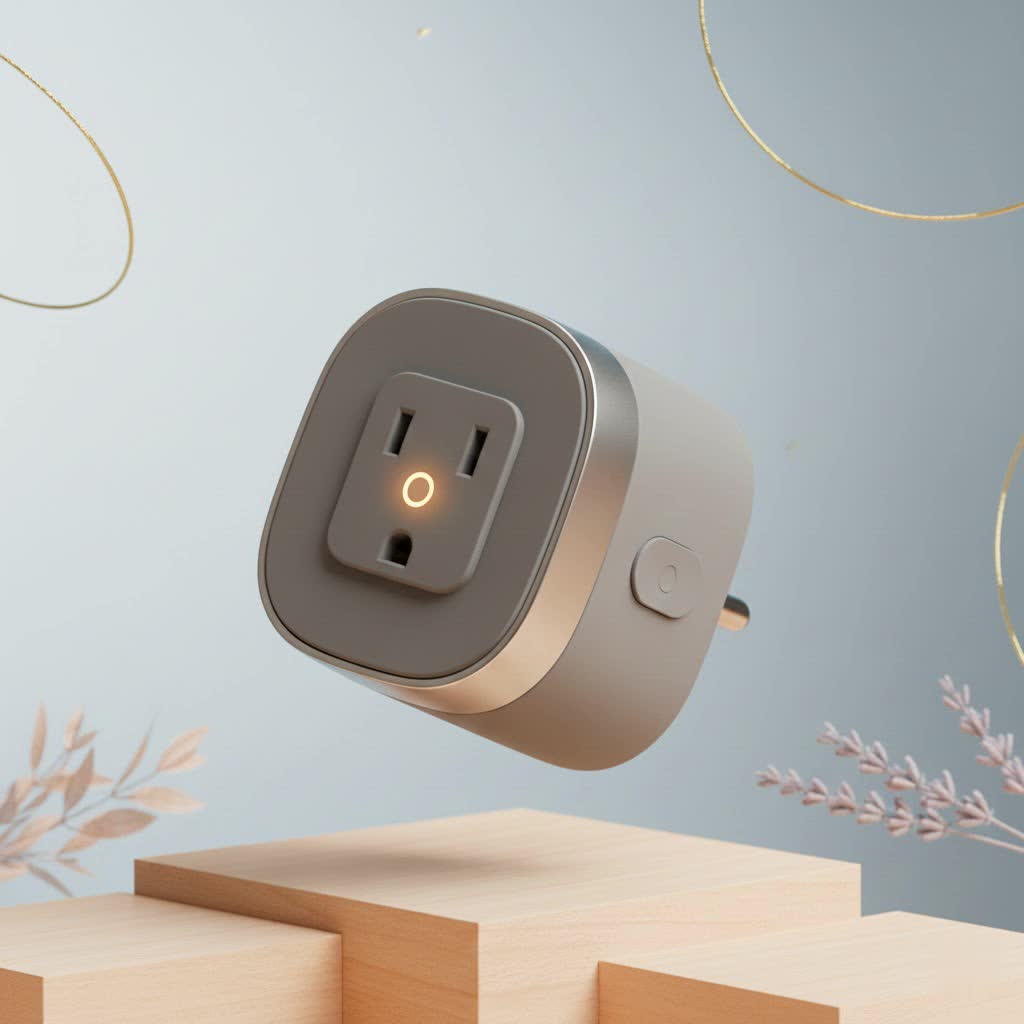
A smart plug with a remote is a device that you plug into a standard electrical outlet. You then plug an appliance, like a lamp or a fan, into the smart plug. This gives you the ability to turn the appliance on or off wirelessly using a dedicated physical remote control. It’s a brilliant blend of old-school convenience and modern smart home technology.
While most standard smart plugs rely solely on a smartphone app and a Wi-Fi connection, this variant gives you a tangible, immediate way to control your devices. This is especially useful for anyone who finds apps cumbersome or doesn’t have a smartphone handy.
Why You Need Convenience Beyond the App
The beauty of a smart plug with a remote lies in its simplicity and accessibility. It solves real-world problems that app-only devices can’t always address.
- Accessibility for Everyone: These plugs are a game-changer for elderly individuals or people with mobility issues. A physical remote is often far more intuitive and easier to handle than a complex smartphone interface. There’s no need to worry about app updates, passwords, or small on-screen buttons.
- No Wi-Fi, No Problem: Many models use Radio Frequency (RF) to communicate between the plug and the remote. This means they don’t need an internet connection to work. If your Wi-Fi goes down, you can still control your lamp, which is something an app-based plug can’t do.
- Instant Control: Sometimes, grabbing a remote from the coffee table is simply faster than finding your phone. It provides instant, tactile control without the potential distractions of notifications and other apps.
- Effortless Setup: The pairing process for a remote-controlled plug is typically incredibly simple. You press a button on the plug and a button on the remote, and you’re done. It’s a true “plug-and-play” experience.
Expert Take by Alex Bennett: “I often recommend RF smart plugs to people who want to dip their toes into home automation without the commitment of setting up a full smart home ecosystem. They provide about 80% of the benefit—remote control—with only 10% of the setup complexity.”
How to Choose the Best Smart Plug With Remote
Not all remote-controlled plugs are created equal. To find the right one for your needs, consider a few key factors that can make a big difference in your experience.
Control Method: RF vs. Wi-Fi
The most significant distinction is how the remote “talks” to the plug.
- Radio Frequency (RF): This is the most common type for plugs with physical remotes. RF signals can travel through walls and furniture, so you don’t need a direct line of sight. They are self-contained and don’t rely on your home’s Wi-Fi network.
- Wi-Fi/App-Based: Some “smart” plugs offer both app control and a separate physical remote or button. These give you the best of both worlds—remote access from anywhere via your phone and simple physical control at home. However, they do require a stable Wi-Fi connection.
|
Our Picks for the Best Smart Plug in 2026
As an Amazon Associate I earn from qualifying purchases.
|
||
| Num | Product | Action |
|---|---|---|
| 1 | Kasa Smart Plug Mini 15A, Apple HomeKit Supported, Smart Outlet Works with Siri, Alexa & Google Home, UL Certified, App Control, Scheduling, Timer, 2.4G WiFi Only, 4 Count (Pack of 1) (EP25P4), White |

|
| 2 | Kasa Smart Plug Ultra Mini 15A, Smart Home Wi-Fi Outlet Works with Alexa, Google Home & IFTTT, No Hub Required, UL Certified, 2.4G WiFi Only, 2 Count (Pack of 1)(EP10P2) , White |
|
| 3 | Kasa Smart Plug HS103P2, Smart Home Wi-Fi Outlet Works with Alexa, Echo, Google Home & IFTTT, No Hub Required, Remote Control,15 Amp,UL Certified, (Pack of 2) White |
|
| 4 | Linkind Matter Smart Plug, Work with Apple Home, Siri, Alexa, Google, SmartThings, Smart Home Smart Outlet Timer 15A/1800W, APP Remote Control & Schedule, ETL & FCC Certified, 2.4G Wi-Fi Only, 4 Pack |
|
| 5 | Govee Smart Plug, WiFi Plugs Work with Alexa & Google Assistant, Smart Outlet with Timer & Group Controller, WiFi Outlet for Home, No Hub Required, ETL & FCC Certified, 2.4G WiFi Only, 4 Pack |
|
| 6 | EIGHTREE Smart Plug, Smart Home WiFi Outlet Works with Alexa & Google Home, Smart Socket with Remote Control & Timer Function, 2.4GHz WiFi Only, 4 Packs |
|
| 7 | Kasa Smart Plug HS103P4, Smart Home Wi-Fi Outlet Works with Alexa, Echo, Google Home & IFTTT, No Hub Required, Remote Control, 15 Amp, UL Certified, 4-Pack, White |
|
| 8 | Legrand Radiant® Wi-Fi Matter Smart Plug Matter Hub Required 15A, Easy Setup, Enhanced Compatibility with Apple HomeKit, Google Home, Alexa & SmartThings, Easy Wi-Fi Connectivity w/ Matter (1 Pack) |
|
| 9 | GHome Smart Plug, WiFi Smart Plugs Work with Alexa and Google Home, Smart Outlet Timer with APP Remote Control, 2.4GHz Wi-Fi Only, No Hub Required, ETL FCC Listed |
|
| 10 | EIGHTREE Smart Plug 2025 Upgrade to 15A, Bluetooth & Wi-Fi Outlet Plug Dual Connection, Voice Control, Remote Control Outlet Timer Indoor, Smart Plugs That Work with Alexa & Google, 2.4GHz Wi-Fi Only |
|
Range and Signal Strength
Check the manufacturer’s specified range for the remote. A typical RF remote will have a range of about 100 feet (30 meters) in an open area. This is usually more than enough for most homes, but if you plan to control an outlet in the garage from your bedroom, you’ll want to confirm the range is sufficient.
Power and Load Capacity
This is a critical safety consideration. Every smart plug has a maximum power rating, usually measured in amperes (A) and watts (W).
- For low-power devices like lamps, chargers, and fans, a standard 10A plug is perfectly fine.
- For high-power appliances like space heaters, coffee makers, or air conditioners, you absolutely need a heavy-duty plug, typically rated for 15A or more. Plugging a high-draw appliance into an underrated plug is a serious fire hazard.
Extra Features to Look For
While the core function is simple on/off control, many modern smart plugs come with additional features, especially those that also connect to Wi-Fi. Look for:
- Voice Control: Many plugs that work via Wi-Fi are also compatible with Amazon Alexa and Google Assistant. This lets you turn devices on or off with a simple voice command, adding another layer of remote control.
- Scheduling and Timers: Use an app to set schedules for your lights to turn on at sunset or your fan to turn off after you’ve fallen asleep.
- Energy Monitoring: Some plugs can track how much electricity the connected appliance is using, helping you identify energy hogs and save money on your utility bills.
Step-by-Step: Setting Up Your New Smart Plug
Setting up a basic RF smart plug is incredibly easy. Here’s the typical process:
- Unbox Everything: Take the plug and the remote out of the packaging. Most remotes come with a pre-installed battery, but you may need to pull a small plastic tab to activate it.
- Plug It In: Insert the smart plug into the wall outlet where you want to use it.
- Connect Your Appliance: Plug the cord from your lamp, fan, or other device directly into the smart plug.
- Pair the Remote: This step can vary slightly. Often, you’ll press and hold a button on the side of the plug until an indicator light starts flashing. Then, you’ll press the desired “on” and “off” buttons on the remote to link them. The indicator light will usually stop flashing to confirm a successful pairing.
- Test It Out: Press the “on” and “off” buttons on your remote to ensure it’s controlling the appliance correctly. That’s it—you’re ready to go!
Smart Plugs with Remotes vs. Standard Smart Plugs
| Feature | Smart Plug with Remote (RF) | Standard Smart Plug (Wi-Fi) |
|---|---|---|
| Primary Control | Physical Remote | Smartphone App |
| Wi-Fi Dependency | Not required | Required for all functions |
| Best For | Simplicity, accessibility, offline reliability | Advanced automation, scheduling, voice control |
| Setup Process | Extremely simple, often under 60 seconds | Can be more involved, requires app download |
| Away-From-Home Control | No | Yes, via the app |
Frequently Asked Questions (FAQ)
Can I use one remote to control multiple smart plugs?
Yes, many products are designed for this. You can often buy kits with multiple plugs and a single remote. You can then program specific buttons on the remote (e.g., “1,” “2,” “3”) to control each plug individually.
Do these plugs work with Alexa or Google Home?
If it’s a simple RF-only plug, then no. It operates independently. However, if you buy a Wi-Fi-enabled smart plug that also comes with a remote, it will almost certainly be compatible with major voice assistants. Always check the product description.
What happens if I lose the remote?
For RF-only models, losing the remote can be a problem. Some plugs have a manual on/off button on the unit itself, but you lose the remote functionality. You may be able to purchase a replacement remote from the manufacturer.
Do smart plugs with remotes use a lot of electricity?
No. In standby mode, a smart plug consumes a very small amount of power, typically less than 1 watt. The cost is negligible, amounting to only a dollar or two per year.
Can I use a smart plug with a remote for outdoor appliances?
Only if the plug is specifically rated for outdoor use. Outdoor plugs are built to withstand moisture, temperature changes, and dust. Using an indoor plug outside is dangerous and can lead to short circuits or fire.
The Perfect Blend of Simple and Smart
A smart plug with remote is a testament to the idea that technology should make life easier, not more complicated. It offers the immediate satisfaction of a physical button while still giving you control over your devices from across the room. Whether you’re looking for an accessibility solution for a family member, a reliable switch for a room with spotty Wi-Fi, or you simply want to avoid reaching for your phone, this humble gadget is an outstanding addition to any home.
