Welcome to the world of smart homes, where convenience and control are right at your fingertips. If you’re starting your journey, the Alexa Smart Plug is one of the simplest yet most powerful devices you can own. It’s a small adapter that plugs into any standard wall outlet, instantly transforming everyday appliances like lamps, coffee makers, and fans into smart devices you can control with your voice or a tap on your phone. This guide will walk you through everything you need to know, from setup to advanced automation.
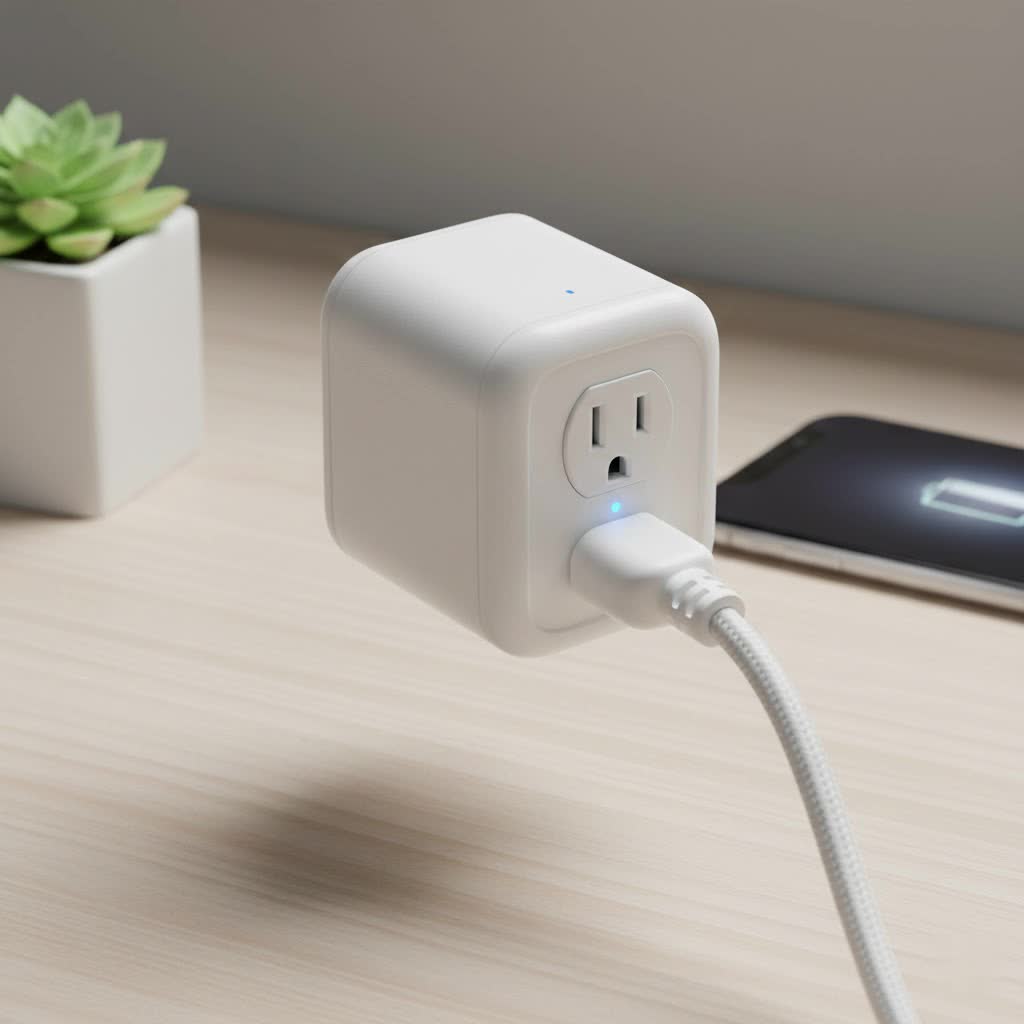
What Exactly is an Alexa Smart Plug?
At its core, an Alexa smart plug is a bridge between your traditional electronics and your smart home ecosystem, specifically Amazon’s Alexa. It connects to your home’s Wi-Fi network, allowing it to receive commands from the Alexa app on your smartphone or any Alexa-enabled device, like an Amazon Echo speaker.
When you say, “Alexa, turn on the living room lamp,” your Echo device sends that command over the internet to the Alexa service. The service then identifies the correct smart plug and sends a signal through your Wi-Fi network, telling it to switch the power on. The entire process happens in a fraction of a second, making it feel like magic. It’s a simple, affordable entry point into home automation without needing to replace your existing appliances.
Why You Absolutely Need a Smart Plug
You might wonder if a smart plug is just a novelty. However, once you integrate an Alexa smart plug into your daily life, you’ll discover its immense practical benefits. It’s not just about turning things on and off with your voice; it’s about creating a more efficient, secure, and convenient home.
- Unmatched Convenience: Imagine waking up and saying, “Alexa, good morning,” to have your coffee maker start brewing and your bedside lamp gently turn on. Or, when your hands are full, you can simply ask Alexa to turn on the kitchen fan. This level of hands-free control is a game-changer.
- Energy Savings: Ever leave the house and worry you left a light or an iron on? With a smart plug, you can check the status and turn it off from anywhere using the Alexa app. Many models also offer energy monitoring, showing you exactly how much power an appliance is using, which helps you identify energy hogs and reduce your electricity bill.
- Enhanced Home Security: Smart plugs are a fantastic security tool. You can schedule lights and radios to turn on and off randomly when you’re on vacation, creating the illusion that someone is home. This “Away Mode” is a powerful deterrent for potential intruders.
- Accessibility for Everyone: For individuals with mobility challenges, smart plugs are more than a convenience; they are an essential tool for independence. The ability to control lamps, fans, and other devices by voice can make a significant difference in daily comfort and safety.
How to Choose the Right Alexa Smart Plug
With so many options on the market, picking the right plug can seem daunting. However, focusing on a few key features will help you find the perfect match for your needs.
Key Features to Consider
- Size and Shape: Some smart plugs are bulky and can block the second outlet. Look for compact, round, or square designs that leave room for other plugs.
- Energy Monitoring: If you want to track your electricity consumption, choose a model with a built-in energy monitoring feature. This is perfect for understanding the cost of running devices like space heaters or air conditioners.
- USB Ports: Some plugs come with integrated USB ports, allowing you to charge your phone and tablet without needing a separate power adapter.
- Outdoor Use: If you want to control holiday lights or patio fountains, you’ll need a weather-resistant outdoor smart plug specifically designed to withstand the elements.
- Brand Reliability: Stick to reputable brands like Amazon, TP-Link Kasa, Wyze, and Philips Hue. These brands offer reliable performance, regular security updates, and excellent customer support.
|
Our Picks for the Best Smart Plug in 2026
As an Amazon Associate I earn from qualifying purchases.
|
||
| Num | Product | Action |
|---|---|---|
| 1 | Govee Smart Plug, WiFi Plugs Work with Alexa & Google Assistant, Smart Outlet with Timer & Group Controller, WiFi Outlet for Home, No Hub Required, ETL & FCC Certified, 2.4G WiFi Only, 4 Pack |

|
| 2 | Legrand Radiant® Wi-Fi Matter Smart Plug Matter Hub Required 15A, Easy Setup, Enhanced Compatibility with Apple HomeKit, Google Home, Alexa & SmartThings, Easy Wi-Fi Connectivity w/ Matter (1 Pack) |
|
| 3 | EIGHTREE Smart Plug, Smart Home WiFi Outlet Works with Alexa & Google Home, Smart Socket with Remote Control & Timer Function, 2.4GHz WiFi Only, 4 Packs |
|
| 4 | Kasa Smart Plug Ultra Mini 15A, Smart Home Wi-Fi Outlet Works with Alexa, Google Home & IFTTT, No Hub Required, UL Certified, 2.4G WiFi Only, 2 Count (Pack of 1)(EP10P2) , White |
|
| 5 | GHome Smart Plug, WiFi Smart Plugs Work with Alexa and Google Home, Smart Outlet Timer with APP Remote Control, 2.4GHz Wi-Fi Only, No Hub Required, ETL FCC Listed |
|
| 6 | Kasa Smart Plug Mini 15A, Apple HomeKit Supported, Smart Outlet Works with Siri, Alexa & Google Home, UL Certified, App Control, Scheduling, Timer, 2.4G WiFi Only, 4 Count (Pack of 1) (EP25P4), White |
|
| 7 | Kasa Smart Plug HS103P4, Smart Home Wi-Fi Outlet Works with Alexa, Echo, Google Home & IFTTT, No Hub Required, Remote Control, 15 Amp, UL Certified, 4-Pack, White |
|
| 8 | Kasa Smart Plug HS103P2, Smart Home Wi-Fi Outlet Works with Alexa, Echo, Google Home & IFTTT, No Hub Required, Remote Control,15 Amp,UL Certified, (Pack of 2) White |
|
| 9 | EIGHTREE Smart Plug 2025 Upgrade to 15A, Bluetooth & Wi-Fi Outlet Plug Dual Connection, Voice Control, Remote Control Outlet Timer Indoor, Smart Plugs That Work with Alexa & Google, 2.4GHz Wi-Fi Only |
|
| 10 | Linkind Matter Smart Plug, Work with Apple Home, Siri, Alexa, Google, SmartThings, Smart Home Smart Outlet Timer 15A/1800W, APP Remote Control & Schedule, ETL & FCC Certified, 2.4G Wi-Fi Only, 4 Pack |
|
As our lead smart home technician, David Chen, often says, “Don’t just buy the cheapest plug. Invest in one from a trusted brand that offers stable connectivity and security updates. A reliable connection is the foundation of a frustration-free smart home.”
Setting Up Your Alexa Smart Plug: A Step-by-Step Guide
Getting your new Alexa smart plug up and running is incredibly simple and usually takes less than five minutes. Here’s a straightforward guide to get you started.
- Plug It In: Take the smart plug out of the box and plug it into a wall outlet. A small indicator light should start blinking, which means it’s in pairing mode.
- Open the Alexa App: On your smartphone or tablet, open the Amazon Alexa app.
- Add a New Device: Tap the “Devices” icon in the bottom menu. Then, tap the plus (+) icon in the top right corner and select “Add Device.”
- Select Your Device Type: Choose “Plug” from the list of device types. You’ll then be prompted to select the brand of your smart plug.
- Follow the On-Screen Instructions: The app will guide you through the rest of the process. For many plugs, especially the Amazon Smart Plug, you can simply scan a barcode on the device or packaging to connect it automatically. For others, you may need to connect to the plug’s temporary Wi-Fi network and then enter your home Wi-Fi password.
- Name Your Plug: Once connected, Alexa will ask you to name the plug. Be descriptive! Use names like “Coffee Maker,” “Bedside Lamp,” or “Living Room Fan.” This makes voice commands intuitive and easy to remember.
- Start Controlling: That’s it! You can now control the plug by voice. Just say, “Alexa, turn on the Coffee Maker.”
Go Beyond On and Off: Unlocking Advanced Features
The real power of an Alexa smart plug is unlocked when you start using automation features like Routines and Schedules.
Creating Smart Home Routines
Routines allow you to trigger multiple actions with a single command. For example, you can create a “Movie Night” routine:
- Trigger: “Alexa, it’s movie night.”
- Actions: The routine could dim your smart lights, turn on the TV (if connected to a smart plug), and turn on the lamp next to the couch.
Using Schedules and Timers
Schedules are perfect for automating repetitive tasks.
- Set your entryway lamp to turn on automatically at sunset every day.
- Schedule your holiday lights to turn on at 6 PM and off at 11 PM.
- Use a timer to automatically turn off a box fan after 30 minutes to save energy.
Common Problems and How to Troubleshoot Them
Even the best technology can have hiccups. Here are some common issues and their quick fixes.
- Plug is Unresponsive: If Alexa says the device isn’t responding, the most common culprit is a weak Wi-Fi signal. Try moving your router closer to the plug or using a Wi-Fi extender. Sometimes, simply unplugging the smart plug and plugging it back in will resolve the issue.
- Setup Failure: If you can’t connect the plug during setup, make sure your phone is connected to a 2.4 GHz Wi-Fi network. Most smart plugs are not compatible with 5 GHz networks. Also, double-check that you entered your Wi-Fi password correctly.
- Incorrect Voice Commands: If Alexa misunderstands you, try renaming the plug in the Alexa app to something simpler and more distinct.
Frequently Asked Questions (FAQ)
Do I need an Amazon Echo device to use an Alexa smart plug?
No, you do not need an Echo speaker. You can control the smart plug entirely through the Alexa app on your smartphone. However, an Echo device provides the convenience of hands-free voice control.
Can I use an Alexa smart plug with Google Assistant or Apple HomeKit?
It depends on the plug. Many third-party smart plugs from brands like TP-Link Kasa are compatible with multiple ecosystems, including both Alexa and Google Assistant. Always check the product specifications before you buy.
Do smart plugs use a lot of electricity when idle?
No, smart plugs consume a very small amount of energy in standby mode—typically less than 1 watt. The energy savings from turning off power-hungry appliances far outweigh the minimal standby consumption.
Can I control my smart plug when I’m away from home?
Yes. As long as your smart plug is connected to your home Wi-Fi and your phone has an internet connection, you can control it from anywhere in the world through the Alexa app.
Are Alexa smart plugs safe to use?
Yes, when purchased from reputable manufacturers, they are designed and certified to meet safety standards just like any other electrical device. They often include features like overload protection for added safety.
The Smart Choice for Your Modern Home
An Alexa smart plug is far more than a simple gadget; it’s your first step toward a more intelligent, responsive, and efficient home. It offers a powerful blend of convenience, security, and energy management at an incredibly low cost. Whether you want to automate your morning coffee, secure your home while you’re away, or simply control a hard-to-reach lamp, this small device delivers a huge impact. So go ahead, plug one in, and discover a smarter way to live.
