Welcome to the world of home automation, a space where convenience and control are right at your fingertips. If you’re just starting to build your smart home, one of the simplest and most affordable entry points is the Wifi Smart Plug. This small, unassuming device can transform nearly any standard appliance into a smart one, unlocking a new level of efficiency and control in your daily life. From turning on your coffee maker from bed to ensuring your hair straightener is off when you’re miles from home, a smart plug is a powerful tool.
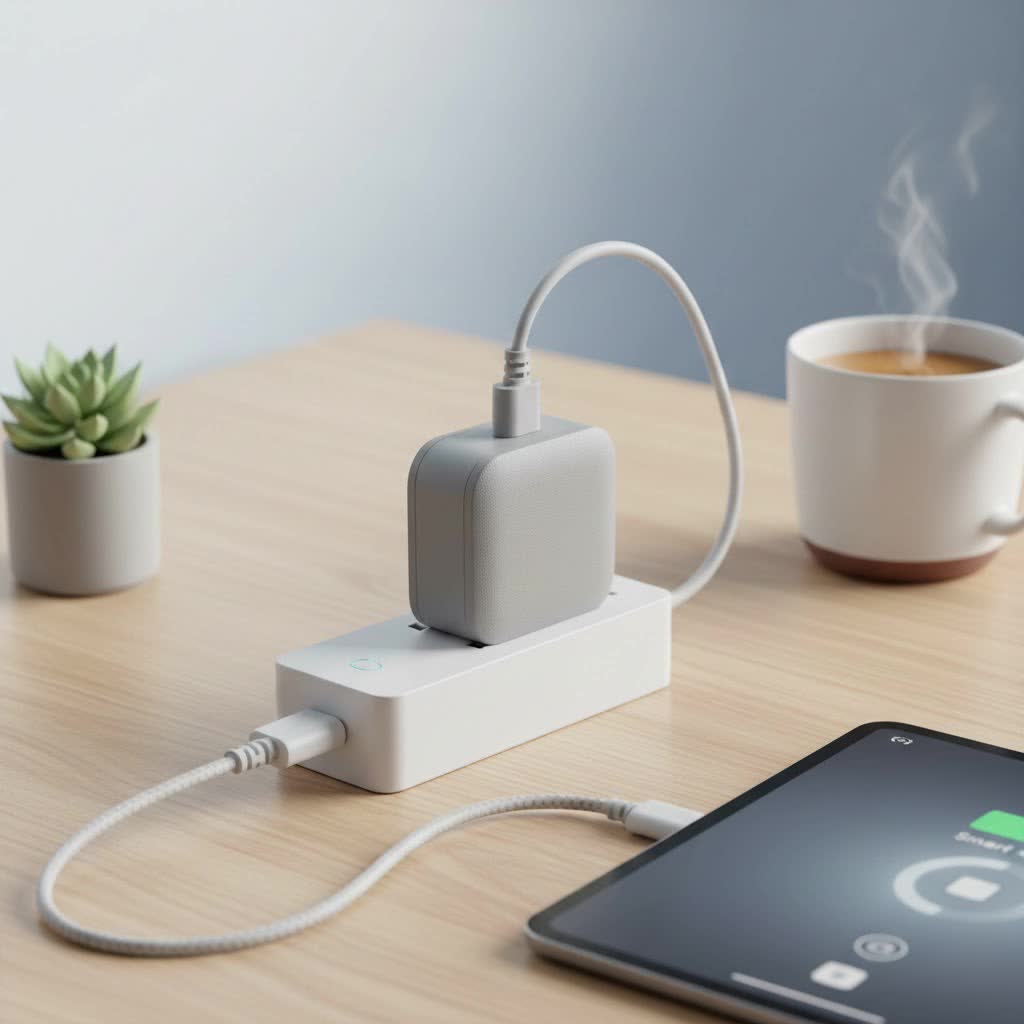
But what exactly is it, and how does this piece of technology work its magic? As the lead content creator at Kjooz, with over a decade of hands-on experience with smart home gadgets, I’m here to demystify the wifi smart plug. We’ll explore everything from its basic function to advanced features, helping you understand how to choose, install, and get the most out of this essential smart home device.
What Exactly Is a WiFi Smart Plug?
A wifi smart plug is a device that fits between your wall outlet and an appliance’s power cord. Think of it as a smart adapter. On the outside, it looks like a simple plug-in block. On the inside, it contains a WiFi radio that connects directly to your home’s wireless network. This connection is the key that allows you to remotely control whatever is plugged into it.
Once connected, you can turn the power supply to the appliance on or off using a dedicated smartphone app, a smart home hub, or even your voice through a compatible assistant like Amazon Alexa or Google Assistant. Essentially, it gives “dumb” electronics smart capabilities without any complex wiring or installation.
How Do WiFi Smart Plugs Work?
The principle behind a wifi smart plug is elegantly simple. It acts as a remote-controlled switch for your electrical outlets. Here’s a breakdown of the process:
- Connection to Power: You plug the smart plug into a standard wall socket. Then, you plug your appliance—like a lamp, fan, or kettle—into the smart plug.
- Connection to Network: During the initial setup, you use a smartphone app to connect the smart plug to your home’s WiFi network. You’ll typically enter your WiFi password to grant it access.
- Remote Communication: Once connected, the plug is registered to your account. When you tap the “on” or “off” button in the app, it sends a signal over the internet to your home’s WiFi router.
- Executing the Command: The router relays this signal to the smart plug, which then either opens or closes the electrical circuit, turning the connected appliance on or off accordingly.
This entire process happens in a matter of seconds, allowing for near-instantaneous control from anywhere in the world, as long as you have an internet connection.
Key Benefits of Using a WiFi Smart Plug
So, why should you consider adding a wifi smart plug to your home? The benefits extend far beyond simply turning things on and off remotely.
Unmatched Convenience and Control
|
Our Picks for the Best Smart Plug in 2026
As an Amazon Associate I earn from qualifying purchases.
|
||
| Num | Product | Action |
|---|---|---|
| 1 | Govee Smart Plug, WiFi Plugs Work with Alexa & Google Assistant, Smart Outlet with Timer & Group Controller, WiFi Outlet for Home, No Hub Required, ETL & FCC Certified, 2.4G WiFi Only, 4 Pack |

|
| 2 | Kasa Smart Plug HS103P4, Smart Home Wi-Fi Outlet Works with Alexa, Echo, Google Home & IFTTT, No Hub Required, Remote Control, 15 Amp, UL Certified, 4-Pack, White |
|
| 3 | Legrand Radiant® Wi-Fi Matter Smart Plug Matter Hub Required 15A, Easy Setup, Enhanced Compatibility with Apple HomeKit, Google Home, Alexa & SmartThings, Easy Wi-Fi Connectivity w/ Matter (1 Pack) |
|
| 4 | Linkind Matter Smart Plug, Work with Apple Home, Siri, Alexa, Google, SmartThings, Smart Home Smart Outlet Timer 15A/1800W, APP Remote Control & Schedule, ETL & FCC Certified, 2.4G Wi-Fi Only, 4 Pack |
|
| 5 | Kasa Smart Plug Ultra Mini 15A, Smart Home Wi-Fi Outlet Works with Alexa, Google Home & IFTTT, No Hub Required, UL Certified, 2.4G WiFi Only, 2 Count (Pack of 1)(EP10P2) , White |
|
| 6 | Kasa Smart Plug Mini 15A, Apple HomeKit Supported, Smart Outlet Works with Siri, Alexa & Google Home, UL Certified, App Control, Scheduling, Timer, 2.4G WiFi Only, 4 Count (Pack of 1) (EP25P4), White |
|
| 7 | EIGHTREE Smart Plug 2025 Upgrade to 15A, Bluetooth & Wi-Fi Outlet Plug Dual Connection, Voice Control, Remote Control Outlet Timer Indoor, Smart Plugs That Work with Alexa & Google, 2.4GHz Wi-Fi Only |
|
| 8 | EIGHTREE Smart Plug, Smart Home WiFi Outlet Works with Alexa & Google Home, Smart Socket with Remote Control & Timer Function, 2.4GHz WiFi Only, 4 Packs |
|
| 9 | GHome Smart Plug, WiFi Smart Plugs Work with Alexa and Google Home, Smart Outlet Timer with APP Remote Control, 2.4GHz Wi-Fi Only, No Hub Required, ETL FCC Listed |
|
| 10 | Kasa Smart Plug HS103P2, Smart Home Wi-Fi Outlet Works with Alexa, Echo, Google Home & IFTTT, No Hub Required, Remote Control,15 Amp,UL Certified, (Pack of 2) White |
|
The most obvious benefit is convenience. Forgot to turn off a light downstairs after getting into bed? Just use your phone. Want your coffee to start brewing the moment you wake up? Set a schedule. This level of control streamlines your daily routines.
Energy Savings and Cost Reduction
Many smart plugs come with energy monitoring features. The companion app can show you exactly how much electricity an appliance is consuming. You can identify energy-guzzling devices and use scheduling features to automatically turn them off when not in use, cutting down on “vampire power” draw and lowering your electricity bill.
Enhanced Home Security
Smart plugs are a fantastic, low-cost security tool. With an “Away Mode,” the plug can randomly turn connected lamps on and off, simulating presence and deterring potential intruders while you’re on vacation. You can make it look like someone is home, even when they’re not.
Voice-Activated Operation
Integrating your wifi smart plug with a voice assistant like Amazon Alexa, Google Assistant, or Apple Siri takes convenience to the next level. Simple commands like, “Hey Google, turn on the living room fan,” make controlling your environment effortless, especially when your hands are full.
“The beauty of the WiFi smart plug is its simplicity,” says David Chen, a smart home technology expert. “It’s a foundational device that provides immediate, tangible benefits. It requires no technical skill to install, yet it opens the door to a truly automated and responsive living space.”
Choosing the Right WiFi Smart Plug for Your Home
With a flood of options on the market, selecting the right plug can seem daunting. Here are the key factors to consider to ensure you get the perfect fit for your needs.
Compatibility with Voice Assistants
Make sure the plug you choose works with your preferred smart home ecosystem. Most products list their compatibility clearly on the box—look for “Works with Alexa,” “Works with Google Home,” or Apple HomeKit support.
Size and Shape
This is a surprisingly important detail. Some bulky smart plugs can be so large that they block the adjacent outlet, rendering it useless. Look for compact or offset designs that ensure you can still use both sockets in a standard dual outlet.
Power Rating and Appliance Safety
Not all smart plugs are created equal when it comes to power handling. Check the maximum amperage and wattage rating. For simple devices like lamps or fans, a standard 10-amp plug is fine. For high-draw appliances like space heaters, irons, or air conditioners, you absolutely need a heavy-duty plug, typically rated at 15 amps, to prevent overheating and fire hazards.
Advanced Features to Look For
- Energy Monitoring: Provides real-time and historical data on power consumption.
- Scheduling and Timers: Allows you to automate when devices turn on and off based on time of day or a countdown timer.
- Away Mode: Randomizes on/off cycles for lights to simulate an occupied home.
- No Hub Required: Most modern wifi smart plugs connect directly to your router, eliminating the need for an additional, costly smart home hub.
Step-by-Step Guide: How to Set Up Your WiFi Smart Plug
Setting up a wifi smart plug is typically a quick and painless process. While the exact steps may vary slightly by brand, the general guide is as follows:
- Download the App: Find the manufacturer’s dedicated app on the Apple App Store or Google Play Store and download it to your smartphone.
- Create an Account: Open the app and create a user account. This is necessary to manage your devices.
- Plug In the Device: Plug the smart plug into the desired wall outlet. A status light will usually start blinking, indicating it’s ready for setup.
- Connect to WiFi: Follow the in-app instructions. You will typically select “Add a new device,” choose the smart plug from a list, and then enter your home’s WiFi password. Your phone may temporarily connect directly to the plug’s own WiFi signal to transfer the network credentials.
- Name Your Plug: Once connected, give the plug a descriptive name, such as “Bedside Lamp” or “Kitchen Fan.” This makes it easy to identify in the app and is crucial for using voice commands.
- Connect Your Appliance: Plug your desired appliance into the smart plug, and you’re ready to go! Test it using the app to ensure everything is working correctly.
Frequently Asked Questions (FAQ)
Do WiFi smart plugs use a lot of electricity themselves?
No, a wifi smart plug consumes a very small amount of energy to stay connected to the network, typically less than 1 watt. The energy savings from managing your connected appliances will far outweigh the plug’s own consumption.
Can a smart plug damage my appliances?
A smart plug is essentially a switch and will not damage appliances as long as you use it correctly. The key is to ensure the plug’s power rating (amperage) is sufficient for the appliance you’re connecting to it. Never use a low-power plug for a high-power device like a heater.
Do I need a smart home hub for a WiFi smart plug?
For a wifi smart plug, you do not need a hub. These devices connect directly to your existing WiFi router. This is different from other smart devices that use protocols like Zigbee or Z-Wave, which do require a central hub.
Can I use a smart plug outdoors?
You should only use a smart plug outdoors if it is specifically rated for outdoor use. Outdoor models are built with weather-resistant materials to withstand rain, dust, and temperature fluctuations. Using an indoor plug outside is a serious safety hazard.
What happens if the WiFi goes down?
If your internet connection is lost, you won’t be able to control the smart plug remotely through the app or with voice commands. However, most smart plugs have a physical power button on the device itself, so you can still turn it on and off manually. Any pre-set schedules are often stored locally on the plug and should continue to function without WiFi.
Conclusion: Are WiFi Smart Plugs Worth It?
For anyone looking to dip their toes into the smart home world, a wifi smart plug is an undeniable best first step. It’s affordable, incredibly easy to install, and provides immediate value in the form of convenience, energy savings, and enhanced security. By transforming everyday objects into smart, connected devices, these plugs empower you to create a more efficient, responsive, and automated home. They bridge the gap between your traditional appliances and the modern connected world, proving that you don’t need a complete overhaul to build a smarter living space.
