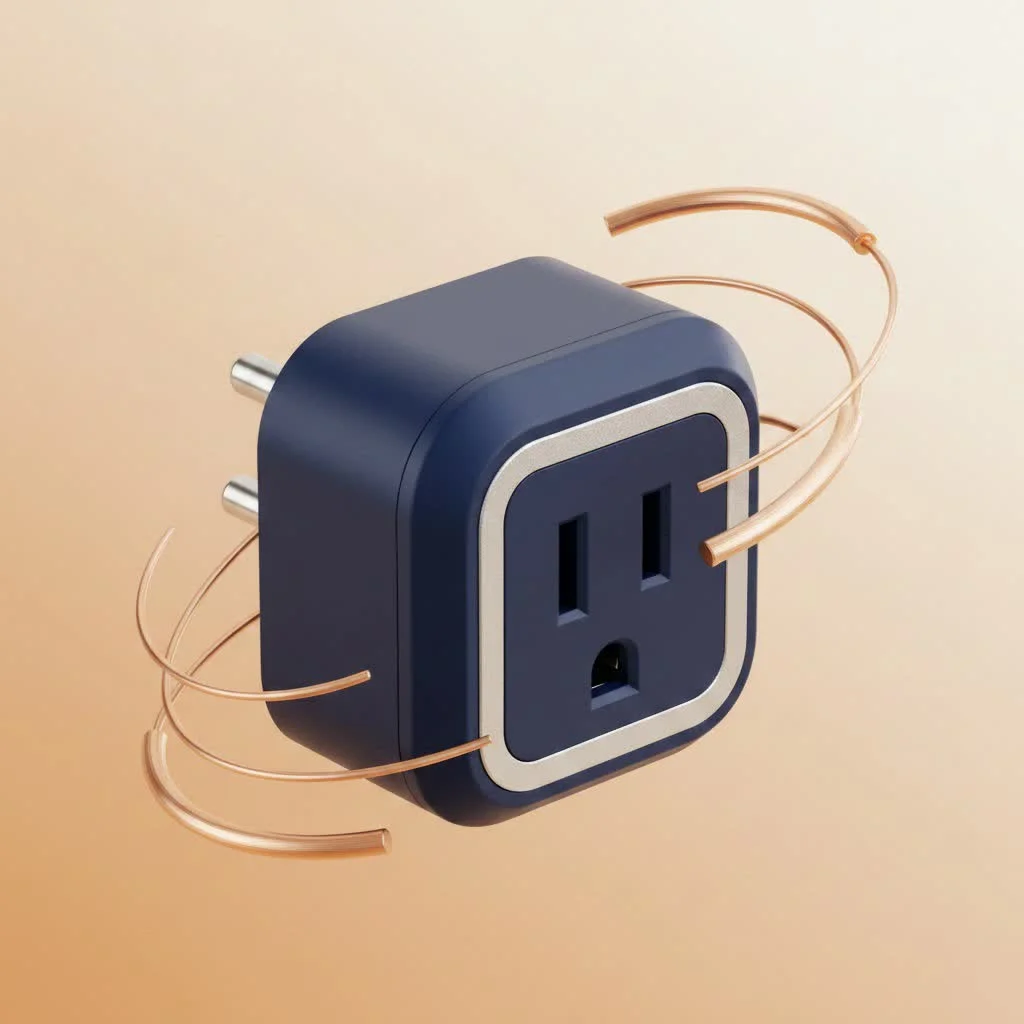
A HomeKit smart plug transforms ordinary appliances into smart devices controllable via Apple Home, Siri, or automations. These adapters sit between an outlet and an appliance, enabling wireless power control and integration into Apple’s secure smart home ecosystem. For instance, a HomeKit smart plug can turn on a lamp or coffee maker with a simple voice command, enhancing convenience and offering potential energy savings.
What Exactly Is a HomeKit Smart Plug?
At its core, a HomeKit smart plug is an adapter that sits between your electrical wall outlet and the power cord of an appliance. Think of it as a smart gatekeeper for electricity. When you plug a device into it, the smart plug can turn the power on or off based on commands it receives wirelessly. Because it’s “HomeKit-enabled,” it communicates directly and securely with Apple’s smart home framework. This means you don’t need a dozen different apps; you can manage everything from one place—the Apple Home app on your iPhone, iPad, Mac, or Apple Watch. For complete smart home library on this site.
The true power comes from integration. You can say, “Hey Siri, turn on the living room lamp,” and your command is instantly executed. This seamless experience, backed by Apple’s strong focus on privacy and security, is why choosing a native HomeKit device is a smart move for anyone invested in the Apple ecosystem.
How to Choose the Perfect HomeKit Smart Plug
Not all smart plugs are created equal. As the technology has evolved, so have the options. Making the right choice depends on understanding a few key features that can dramatically impact performance and future-proof your investment.
Connectivity is Key: Thread vs. Wi-Fi
This is perhaps the most important decision you’ll make. For years, most smart plugs connected directly to your home’s Wi-Fi network.
- Wi-Fi Plugs: These are straightforward and easy to understand. They connect to the same network as your phone and computer. However, as you add more and more smart devices (lights, cameras, sensors), your Wi-Fi network can become congested, potentially leading to slower speeds and less reliable connections.
- Thread Plugs: Thread is a newer, more advanced wireless protocol designed specifically for smart home devices. Instead of every device connecting to your router, Thread devices create a dedicated mesh network. Each Thread-enabled device can talk to its neighbors, extending the network’s range and reliability. This results in faster response times (no more lag when you turn on a light) and a more stable system that “heals” itself if one device goes offline. To use Thread, you need a Thread Border Router, such as a HomePod mini, a newer Apple TV 4K, or certain third-party routers.
Expert Take by David Chen, Smart Home Consultant: “I always recommend a Thread-based HomeKit smart plug if the home has a compatible border router. The difference in speed and reliability is night and day. It eliminates the ‘No Response’ errors that plague many Wi-Fi-based smart homes.”
The Rise of Matter: Future-Proofing Your Home
|
Our Picks for the Best Smart Plug in 2026
As an Amazon Associate I earn from qualifying purchases.
|
||
| Num | Product | Action |
|---|---|---|
| 1 | Kasa Smart Plug HS103P4, Smart Home Wi-Fi Outlet Works with Alexa, Echo, Google Home & IFTTT, No Hub Required, Remote Control, 15 Amp, UL Certified, 4-Pack, White |

|
| 2 | EIGHTREE Smart Plug, Smart Home WiFi Outlet Works with Alexa & Google Home, Smart Socket with Remote Control & Timer Function, 2.4GHz WiFi Only, 4 Packs |
|
| 3 | GHome Smart Plug, WiFi Smart Plugs Work with Alexa and Google Home, Smart Outlet Timer with APP Remote Control, 2.4GHz Wi-Fi Only, No Hub Required, ETL FCC Listed |
|
| 4 | Linkind Matter Smart Plug, Work with Apple Home, Siri, Alexa, Google, SmartThings, Smart Home Smart Outlet Timer 15A/1800W, APP Remote Control & Schedule, ETL & FCC Certified, 2.4G Wi-Fi Only, 4 Pack |
|
| 5 | EIGHTREE Smart Plug 2025 Upgrade to 15A, Bluetooth & Wi-Fi Outlet Plug Dual Connection, Voice Control, Remote Control Outlet Timer Indoor, Smart Plugs That Work with Alexa & Google, 2.4GHz Wi-Fi Only |
|
| 6 | Kasa Smart Plug Ultra Mini 15A, Smart Home Wi-Fi Outlet Works with Alexa, Google Home & IFTTT, No Hub Required, UL Certified, 2.4G WiFi Only, 2 Count (Pack of 1)(EP10P2) , White |
|
| 7 | Legrand Radiant® Wi-Fi Matter Smart Plug Matter Hub Required 15A, Easy Setup, Enhanced Compatibility with Apple HomeKit, Google Home, Alexa & SmartThings, Easy Wi-Fi Connectivity w/ Matter (1 Pack) |
|
| 8 | Kasa Smart Plug HS103P2, Smart Home Wi-Fi Outlet Works with Alexa, Echo, Google Home & IFTTT, No Hub Required, Remote Control,15 Amp,UL Certified, (Pack of 2) White |
|
| 9 | Kasa Smart Plug Mini 15A, Apple HomeKit Supported, Smart Outlet Works with Siri, Alexa & Google Home, UL Certified, App Control, Scheduling, Timer, 2.4G WiFi Only, 4 Count (Pack of 1) (EP25P4), White |
|
| 10 | Govee Smart Plug, WiFi Plugs Work with Alexa & Google Assistant, Smart Outlet with Timer & Group Controller, WiFi Outlet for Home, No Hub Required, ETL & FCC Certified, 2.4G WiFi Only, 4 Pack |
|
You may have heard about Matter, the new universal smart home standard backed by Apple, Google, Amazon, and others. Matter’s goal is to ensure that devices from different brands can all work together seamlessly. A HomeKit smart plug that also supports Matter is the ultimate future-proof choice. It guarantees that your plug will not only work flawlessly with your Apple devices today but will also be compatible with other platforms if your smart home ecosystem expands in the future.
Do You Need Energy Monitoring?
Some premium smart plugs come with a built-in energy monitoring feature. This allows you to see exactly how much electricity the connected appliance is using, both in real-time and over historical periods. Is your old space heater secretly driving up your utility bill? An energy-monitoring smart plug can tell you. While not essential for everyone, it’s a fantastic tool for anyone looking to understand their energy consumption and find opportunities to save money.
Size and Shape Matter
This might seem like a minor detail, but it can be a major annoyance. Many older or cheaper smart plugs are so bulky that they block the second outlet on a standard wall plate. Look for compact, modern designs that allow you to use both outlets without any obstruction. This is especially important for areas like kitchens or offices where outlet space is prime real estate.
Step-by-Step: Setting Up Your First HomeKit Smart Plug
One of the best things about HomeKit is its incredibly simple setup process. There’s no need for complicated network configurations or technical know-how.
- Unbox the Plug: Take your new smart plug out of the box. You’ll find a small QR-style code on the device itself or in the manual. This is your HomeKit setup code.
- Plug It In: Connect the smart plug to a wall outlet in a location where it can get a good wireless signal.
- Open the Home App: On your iPhone or iPad, open the built-in Home app.
- Add Accessory: Tap the “+” icon in the top-right corner and select “Add Accessory.”
- Scan the Code: Your camera will activate. Simply point it at the HomeKit code on your plug. It will scan it automatically.
- Configure and Name It: Your device will be added to your home. You can assign it to a room (e.g., “Living Room”) and give it a descriptive name (e.g., “Floor Lamp”). This is the name you will use for Siri commands.
That’s it! In under a minute, your “dumb” appliance is now a fully integrated part of your smart home.
Unleash Your Creativity: Smart Uses for Your Plug
The real fun begins once your plug is set up. You can go far beyond simple on/off commands by using automations and scenes.
- Create a “Good Morning” Scene: Have your coffee maker start brewing and a lamp in your bedroom gently fade on the moment your morning alarm goes off.
- Enhance Home Security: Use an automation to turn lamps on and off randomly in the evening when you’re on vacation, creating the illusion that someone is home.
- Control Hard-to-Reach Outlets: Perfect for the outlet behind the Christmas tree or the tangled mess of cables behind your entertainment center.
- Automate Fans and Heaters: Set a fan to turn on automatically when a temperature sensor in the room hits a certain threshold.
- Protect Your Electronics: Connect your devices to the plug and set a schedule to ensure they are fully powered off at night, saving standby power and reducing fire risk.
Frequently Asked Questions (FAQ)
What is the best HomeKit smart plug?
The “best” plug depends on your needs. For top-tier performance and features, the Eve Energy is a popular choice due to its Thread support and excellent energy monitoring. For a reliable and budget-friendly option, brands like Meross offer great Wi-Fi plugs that are compact and responsive.
Do I need a hub for a HomeKit smart plug?
To control your HomeKit smart plug when you’re away from home or to run automations, you need a device to act as a home hub. This can be a HomePod, HomePod mini, or an Apple TV. The hub stays at home and securely relays commands to your devices.
Can I use a HomeKit smart plug with Android?
Traditionally, no. HomeKit is an Apple-exclusive platform. However, if you purchase a smart plug that supports the new Matter standard, it can be controlled by both Apple HomeKit and Android-based systems like Google Home simultaneously.
Can I use a smart plug for any appliance?
You must check the power rating. Most smart plugs are rated for around 15 amps, which is fine for lamps, fans, coffee makers, and small electronics. They should not be used for heavy-duty appliances like refrigerators, washing machines, or large air conditioners, as these can draw too much power and create a safety hazard.
How do I fix a “No Response” error in the Home app?
This is a common issue, especially with Wi-Fi devices. First, try unplugging the smart plug and plugging it back in after 10 seconds. If that doesn’t work, restarting your Wi-Fi router often solves the problem. Upgrading to Thread-based devices significantly reduces the frequency of these errors.
Your First Step to a Smarter Home
A HomeKit smart plug is more than just a gadget; it’s an accessible entry point into the powerful world of home automation. It offers a blend of convenience, security, and even potential energy savings, all managed within the clean and private ecosystem you already know. By starting with a single plug, you can transform the way you interact with everyday objects and lay the foundation for a truly intelligent living space. So go ahead, pick one up, and discover just how smart your home can be.
Smart home that does not lock you in
Free PDF — protocol compatibility matrix for 30 hubs and devices.

I’ve tried a few different smart home ecosystems, and HomeKit is by far the most reliable for me. These smart plugs are super responsive, whether I’m using the Home app or Siri. I even set up an automation to turn on my string lights outside at sunset. It’s amazing how much convenience a small adapter can add to your daily routine.
I got one of these to control my old coffee maker, and it works as advertised for the most part. My only minor complaint is that sometimes the connection seems a little flaky, and I have to try the Siri command twice. It’s not a huge deal, but it can be a bit annoying when I’m in a hurry. Still, it’s nice to have coffee ready when I wake up.
These smart plugs are fantastic for making older appliances smart. I use one for my fan in the living room, and setting up a schedule for it to turn on and off has been great for energy savings. The security aspect of HomeKit was a big selling point for me, knowing it’s all within Apple’s secure ecosystem. It’s a solid investment for convenience.
I’ve been slowly building out my smart home, and adding a HomeKit smart plug for my bedside lamp was a game-changer. Being able to turn it off with Siri when I’m already in bed is so convenient. Setup was a breeze, and it integrates perfectly with my other Apple devices. Definitely recommend for anyone looking to add simple automations.