Have you ever left the house and had that nagging feeling that you left the iron on? Or perhaps you’ve wished you could turn on your lights to welcome you home without fumbling for a switch in the dark. In our increasingly connected world, the solution is simpler and more affordable than you might think. Enter the Tuya smart plug, a small yet powerful device designed to bring the convenience of home automation to everyone. If you’re ready to upgrade your home’s IQ, you’ve come to the right place.
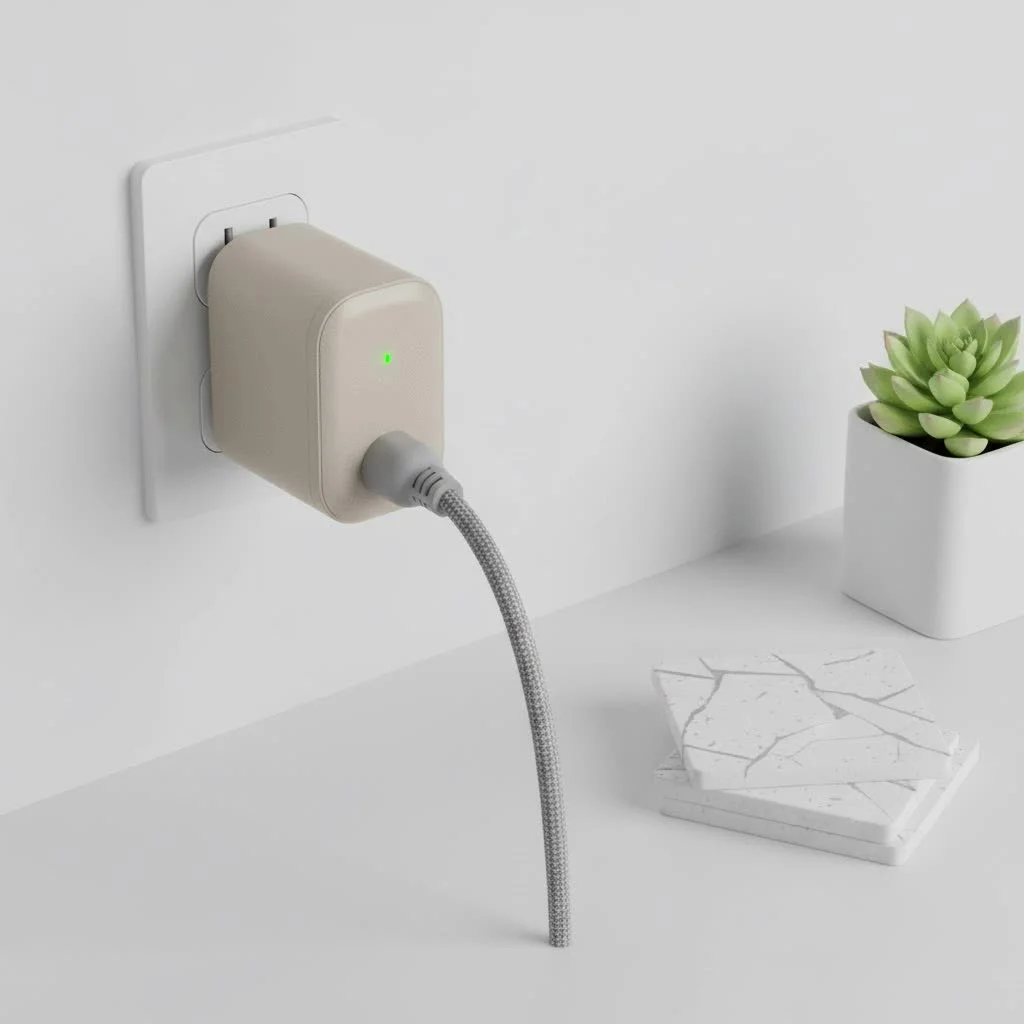
What Exactly is a Tuya Smart Plug?
This is where things get interesting and a common point of confusion. You might see dozens of smart plugs on the market from various brands, all claiming to be “Tuya-powered.” Tuya isn’t actually a manufacturer of smart plugs. Instead, Tuya is a global Internet of Things (IoT) platform that provides the hardware, software, and cloud infrastructure for other companies to create their own smart devices.
Think of it like this: Tuya provides the “brains” and the nervous system, while hundreds of different brands build the “body” or the physical plug. This is why you can control devices from many different manufacturers all within a single app, usually the “Smart Life” or “Tuya Smart” app. This ecosystem approach makes the Tuya smart plug incredibly versatile and accessible.
The Core Features That Will Change Your Home
A Tuya smart plug might look like a simple adapter, but it’s packed with features that can streamline your daily routines and even save you money.
- Remote Control: The primary function of any smart plug. As long as your plug is connected to your home’s Wi-Fi, you can turn the connected appliance on or off from anywhere in the world using your smartphone.
- Scheduling and Timers: Create automated schedules to fit your lifestyle. Set your coffee maker to start brewing at 7 AM, program your lights to turn on at sunset, or use a timer to automatically turn off a fan after an hour.
- Voice Control Integration: The magic of a truly hands-free home. Most Tuya-powered plugs seamlessly integrate with major voice assistants like Amazon Alexa and Google Assistant. A simple command like, “Hey Google, turn on the living room lamp,” is all it takes.
- Energy Monitoring: Many Tuya smart plug models come with built-in energy monitoring. This feature allows you to track the real-time and historical power consumption of your appliances, helping you identify energy hogs and reduce your electricity bill.
How to Set Up Your Tuya Smart Plug: A Step-by-Step Guide
Getting started with a Tuya smart plug is surprisingly straightforward. You don’t need to be a tech wizard to get it up and running in just a few minutes.
What You’ll Need
|
Our Picks for the Best Smart Plug in 2026
As an Amazon Associate I earn from qualifying purchases.
|
||
| Num | Product | Action |
|---|---|---|
| 1 | Kasa Smart Plug HS103P2, Smart Home Wi-Fi Outlet Works with Alexa, Echo, Google Home & IFTTT, No Hub Required, Remote Control,15 Amp,UL Certified, (Pack of 2) White |

|
| 2 | Kasa Smart Plug Ultra Mini 15A, Smart Home Wi-Fi Outlet Works with Alexa, Google Home & IFTTT, No Hub Required, UL Certified, 2.4G WiFi Only, 2 Count (Pack of 1)(EP10P2) , White |
|
| 3 | Kasa Smart Plug HS103P4, Smart Home Wi-Fi Outlet Works with Alexa, Echo, Google Home & IFTTT, No Hub Required, Remote Control, 15 Amp, UL Certified, 4-Pack, White |
|
| 4 | Linkind Matter Smart Plug, Work with Apple Home, Siri, Alexa, Google, SmartThings, Smart Home Smart Outlet Timer 15A/1800W, APP Remote Control & Schedule, ETL & FCC Certified, 2.4G Wi-Fi Only, 4 Pack |
|
| 5 | Legrand Radiant® Wi-Fi Matter Smart Plug Matter Hub Required 15A, Easy Setup, Enhanced Compatibility with Apple HomeKit, Google Home, Alexa & SmartThings, Easy Wi-Fi Connectivity w/ Matter (1 Pack) |
|
| 6 | EIGHTREE Smart Plug, Smart Home WiFi Outlet Works with Alexa & Google Home, Smart Socket with Remote Control & Timer Function, 2.4GHz WiFi Only, 4 Packs |
|
| 7 | GHome Smart Plug, WiFi Smart Plugs Work with Alexa and Google Home, Smart Outlet Timer with APP Remote Control, 2.4GHz Wi-Fi Only, No Hub Required, ETL FCC Listed |
|
| 8 | Govee Smart Plug, WiFi Plugs Work with Alexa & Google Assistant, Smart Outlet with Timer & Group Controller, WiFi Outlet for Home, No Hub Required, ETL & FCC Certified, 2.4G WiFi Only, 4 Pack |
|
| 9 | EIGHTREE Smart Plug 2025 Upgrade to 15A, Bluetooth & Wi-Fi Outlet Plug Dual Connection, Voice Control, Remote Control Outlet Timer Indoor, Smart Plugs That Work with Alexa & Google, 2.4GHz Wi-Fi Only |
|
| 10 | Kasa Smart Plug Mini 15A, Apple HomeKit Supported, Smart Outlet Works with Siri, Alexa & Google Home, UL Certified, App Control, Scheduling, Timer, 2.4G WiFi Only, 4 Count (Pack of 1) (EP25P4), White |
|
- A Tuya-powered smart plug.
- A smartphone (iOS or Android).
- Your home Wi-Fi network name and password. (Note: Most smart plugs operate on a 2.4GHz Wi-Fi band, so ensure your router has this enabled).
Installation in 5 Simple Steps
- Download the App: Go to the Apple App Store or Google Play Store and download either the “Tuya Smart” or “Smart Life” app. Both are official apps for the Tuya platform and function almost identically.
- Create an Account: Open the app and register for a new account using your email address or phone number. Follow the verification steps.
- Plug in the Device: Plug your smart plug into a power outlet. A small indicator light should begin to blink rapidly, indicating it’s in pairing mode. If it’s not blinking, press and hold the power button on the plug for about 5-7 seconds until it does.
- Add the Plug in the App: In the app, tap the ‘+’ icon (usually in the top right corner) to add a new device. The app may automatically detect the new plug. If not, select the device type manually (usually under “Socket” or “Electrical Outlet”).
- Connect to Wi-Fi: Follow the on-screen prompts. You’ll be asked to select your 2.4GHz Wi-Fi network and enter the password. The app will then connect to the plug and configure it. Once complete, you can rename the plug (e.g., “Bedside Lamp”) and start using it!
Is the Tuya Platform Safe?
Security is a valid concern with any internet-connected device in your home. The Tuya platform has faced scrutiny in the past, but the company has since made significant strides in security. Tuya complies with major international security and privacy standards, including GDPR and CCPA, and their platform is certified by third-party security firms.
As smart home expert David Chen notes, “The security of an IoT ecosystem like Tuya depends on both the platform and the user. While Tuya provides a secure cloud infrastructure, users must do their part by using strong, unique passwords for their accounts and enabling two-factor authentication for an added layer of protection.”
Pro Tip: Always buy smart devices from reputable brands, keep the device’s firmware and your control app updated, and use a secure password for your Wi-Fi network.
Choosing the Right Tuya-Powered Plug
With so many options available, how do you pick the right one? Here are a few things to consider:
- Size and Shape: Some plugs are bulky and can block the adjacent outlet. Look for compact or round designs if space is tight.
- Power Rating: Check the maximum amperage (A) and wattage (W) the plug can handle. Ensure it’s sufficient for the appliance you intend to use, especially for high-draw devices like space heaters.
- Energy Monitoring: If you want to track your power usage, make sure you choose a model that explicitly includes this feature.
- USB Ports: Some models come with built-in USB charging ports, which can be a convenient bonus for charging your other devices.
Frequently Asked Questions (FAQ)
What apps work with a Tuya smart plug?
The two main apps are “Tuya Smart” and “Smart Life.” Both are developed by Tuya and offer very similar functionality. Some device manufacturers may also have their own branded app, but it is typically just a customized version of the Tuya app.
Do I need a hub for a Tuya smart plug?
No, for most Tuya devices, you do not need a separate hub. The majority of Tuya smart plugs are Wi-Fi based, meaning they connect directly to your home’s Wi-Fi router, simplifying the setup process.
Can I use a Tuya smart plug outdoors?
You should only use a smart plug outdoors if it is specifically rated for outdoor use. Outdoor models are built with weather-resistant materials to protect against rain, dust, and temperature changes. Using an indoor plug outside is a safety hazard.
Does a Tuya smart plug work with Apple HomeKit?
Direct integration with Apple HomeKit is less common for Tuya devices compared to Alexa and Google Assistant. However, some newer devices are starting to offer HomeKit support. Always check the product specifications before purchasing if HomeKit compatibility is essential for you.
What happens if the internet goes down?
If your internet connection is lost, you will not be able to control the smart plug remotely from your phone or with voice commands. However, any pre-set schedules and timers are often stored locally on the plug itself and will continue to function as programmed. You can also always turn the plug on or off manually using the physical button on the device.
Your First Step into a Smarter Home
The Tuya smart plug represents a gateway into the exciting world of home automation. It’s an affordable, easy-to-use device that offers immediate benefits in convenience, energy savings, and peace of mind. By turning any ordinary appliance into a smart one, you can customize your home to work for you, not the other way around. Whether you’re starting small with a single plug or planning a fully integrated smart home, the Tuya ecosystem provides a flexible and powerful foundation to build upon. Now go ahead, plug in, and enjoy a smarter way of living.
Smart home that does not lock you in
Free PDF — protocol compatibility matrix for 30 hubs and devices.
