Welcome to the world of smart homes, where convenience and control are right at your fingertips. If you’re starting your journey or looking to expand your setup, the Kasa Smart Wi-Fi Plug Mini is a device you’ve likely come across. This tiny gadget packs a powerful punch, turning everyday appliances into smart devices. But is it the right choice for you? As a smart home expert with over a decade of experience, I’m here to give you the complete rundown on this popular smart plug.
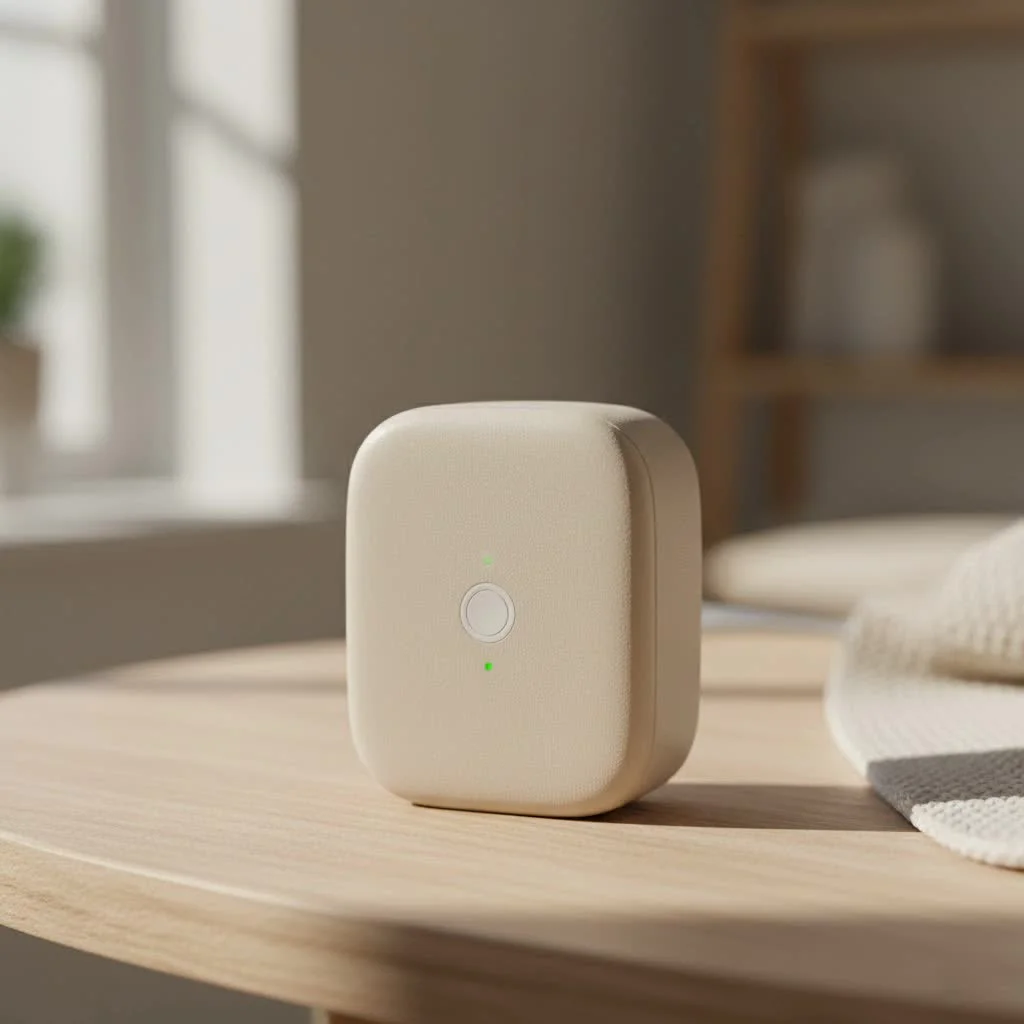
The Kasa Smart Wi-Fi Plug Mini, officially known as the EP10, is designed to be compact and unobtrusive. Its key selling point is its size—it’s small enough to plug into a standard wall outlet without blocking the second socket. This is a huge advantage over older, bulkier smart plugs that often hogged the entire outlet. It connects directly to your home’s Wi-Fi network, allowing you to control whatever is plugged into it from anywhere using the Kasa Smart app on your phone. For best smart home roundups on this site.
What Makes the Kasa Smart Plug Mini Stand Out?
So, what’s all the fuss about? The Kasa Smart Wi-Fi Plug Mini isn’t just about turning things on and off remotely. It’s about integrating intelligence into your home in a simple, affordable way. Let’s break down the core features that make it a favorite among tech enthusiasts and beginners alike.
Key Features and Benefits
- Ultra-Compact Design: As mentioned, its small form factor is a major win. You can easily stack two Mini plugs in a single wall receptacle, maximizing your outlet space.
- No Hub Required: One of the biggest advantages is its simplicity. The Kasa Mini connects directly to your 2.4GHz Wi-Fi network. You don’t need to buy a separate, expensive hub or bridge to make it work.
- Remote Control: Left the house and forgot to turn off the iron? No problem. You can check the status of your connected appliance and switch it off from anywhere in the world using the Kasa app.
- Voice Control Integration: The plug works seamlessly with major voice assistants like Amazon Alexa and Google Assistant. A simple command like, “Hey Google, turn on the coffee maker,” is all it takes to start your morning.
- Scheduling and Timers: This is where the “smart” part truly shines. You can create schedules to automatically power electronics on or off at specific times. Set your living room lamp to turn on at sunset or your holiday lights to switch off at midnight. You can also use timers and a countdown feature, which is perfect for charging devices or for parents managing screen time.
- Away Mode: This clever feature makes it look like someone is home even when you’re on vacation. It randomly turns your connected lights on and off during a set period, deterring potential intruders.
“The Kasa Smart Wi-Fi Plug Mini is the perfect entry point into home automation. It’s reliable, incredibly easy to set up, and the app is one of the most user-friendly on the market.” – David Chen, Smart Home Technology Analyst.
How to Set Up Your Kasa Smart Wi-Fi Plug Mini
Getting your Kasa Mini up and running is a straightforward process that takes just a few minutes. You don’t need to be a tech wizard to do it.
- Download the App: First, download the “Kasa Smart” app from the Apple App Store or Google Play Store. Create an account if you don’t already have one.
- Plug It In: Plug the Kasa Smart Wi-Fi Plug Mini into a wall outlet. The Wi-Fi indicator light on the plug should start blinking orange and green, indicating it’s ready for setup.
- Add the Device: Open the Kasa app and tap the ‘+’ icon to add a new device. Select “Device,” then “Smart Plugs,” and choose the “Smart Plug Mini.”
- Connect to Wi-Fi: The app will guide you through connecting the plug to your home’s 2.4GHz Wi-Fi network. You’ll need to enter your Wi-Fi password.
- Name Your Plug: Once connected, you can give your plug a custom name, like “Living Room Lamp” or “Bedroom Fan,” to make it easy to identify and control via voice commands.
That’s it! Your plug is now ready to use. You can immediately start controlling it from the app or proceed to link it with your preferred voice assistant.
Practical Uses for Your Smart Plug
You might be wondering what you can actually do with a smart plug. The possibilities are surprisingly vast and can add a lot of convenience to your daily routine.
Everyday Convenience
|
Our Picks for the Best Smart Plug in 2026
As an Amazon Associate I earn from qualifying purchases.
|
||
| Num | Product | Action |
|---|---|---|
| 1 | EIGHTREE Smart Plug, Smart Home WiFi Outlet Works with Alexa & Google Home, Smart Socket with Remote Control & Timer Function, 2.4GHz WiFi Only, 4 Packs |

|
| 2 | Govee Smart Plug, WiFi Plugs Work with Alexa & Google Assistant, Smart Outlet with Timer & Group Controller, WiFi Outlet for Home, No Hub Required, ETL & FCC Certified, 2.4G WiFi Only, 4 Pack |
|
| 3 | Kasa Smart Plug HS103P4, Smart Home Wi-Fi Outlet Works with Alexa, Echo, Google Home & IFTTT, No Hub Required, Remote Control, 15 Amp, UL Certified, 4-Pack, White |
|
| 4 | GHome Smart Plug, WiFi Smart Plugs Work with Alexa and Google Home, Smart Outlet Timer with APP Remote Control, 2.4GHz Wi-Fi Only, No Hub Required, ETL FCC Listed |
|
| 5 | Linkind Matter Smart Plug, Work with Apple Home, Siri, Alexa, Google, SmartThings, Smart Home Smart Outlet Timer 15A/1800W, APP Remote Control & Schedule, ETL & FCC Certified, 2.4G Wi-Fi Only, 4 Pack |
|
| 6 | EIGHTREE Smart Plug 2025 Upgrade to 15A, Bluetooth & Wi-Fi Outlet Plug Dual Connection, Voice Control, Remote Control Outlet Timer Indoor, Smart Plugs That Work with Alexa & Google, 2.4GHz Wi-Fi Only |
|
| 7 | Kasa Smart Plug Ultra Mini 15A, Smart Home Wi-Fi Outlet Works with Alexa, Google Home & IFTTT, No Hub Required, UL Certified, 2.4G WiFi Only, 2 Count (Pack of 1)(EP10P2) , White |
|
| 8 | Kasa Smart Plug Mini 15A, Apple HomeKit Supported, Smart Outlet Works with Siri, Alexa & Google Home, UL Certified, App Control, Scheduling, Timer, 2.4G WiFi Only, 4 Count (Pack of 1) (EP25P4), White |
|
| 9 | Legrand Radiant® Wi-Fi Matter Smart Plug Matter Hub Required 15A, Easy Setup, Enhanced Compatibility with Apple HomeKit, Google Home, Alexa & SmartThings, Easy Wi-Fi Connectivity w/ Matter (1 Pack) |
|
| 10 | Kasa Smart Plug HS103P2, Smart Home Wi-Fi Outlet Works with Alexa, Echo, Google Home & IFTTT, No Hub Required, Remote Control,15 Amp,UL Certified, (Pack of 2) White |
|
- Morning Coffee: Plug your drip coffee maker in, and schedule it to turn on ten minutes before your alarm. Wake up to the smell of freshly brewed coffee.
- Lamps and Lighting: Automate your home’s lighting without buying expensive smart bulbs. Schedule lamps to turn on and off, or control them with your voice.
- Fans and Heaters: Turn on a fan from your bed on a hot night or pre-heat a room with a space heater before you get home from work.
Safety and Security
- Hair Straighteners and Irons: Never again worry if you’ve left a hot appliance on. A quick check of the app gives you peace of mind.
- Simulate Presence: Use the “Away Mode” to make your home look occupied while you’re on vacation.
Fun and Niche Uses
- Holiday Decorations: Easily control your Christmas lights or other seasonal decorations with a schedule or a simple tap on your phone.
- Limit Screen Time: Connect your TV or gaming console to a smart plug and set a schedule to automatically turn it off when it’s time for homework or bed.
Kasa Smart Plug Mini vs. The Competition
The smart plug market is crowded, with options from brands like Wyze, Amazon, and TP-Link’s own newer brand, Tapo. How does the Kasa Mini hold up?
| Feature | Kasa Smart Wi-Fi Plug Mini | Wyze Plug | Amazon Smart Plug |
|---|---|---|---|
| Hub Required | No | No | No |
| Voice Assistant | Alexa, Google Assistant | Alexa, Google Assistant | Alexa Only |
| Design | Compact, round | Compact, rectangular | Rectangular, slightly larger |
| App | Kasa Smart (Highly rated) | Wyze App | Alexa App |
| Special Feature | Away Mode | Vacation Mode | Simple, deep Alexa integration |
The Kasa plug’s main strengths are its reliable performance, an excellent app experience, and compatibility with both major voice assistant ecosystems. While the Amazon Smart Plug is great for those exclusively using Alexa, the Kasa offers more flexibility. The Wyze Plug is a strong competitor, often at a lower price point, but many users find the Kasa app to be more polished and reliable.
Frequently Asked Questions (FAQ)
Does the Kasa Smart Plug Mini work with Apple HomeKit?
Natively, the standard Kasa Smart Wi-Fi Plug Mini (EP10) does not support Apple HomeKit. However, some newer models in the Kasa lineup do offer HomeKit support, so be sure to check the product specifications if this is a critical feature for you.
Does the plug work on a 5GHz Wi-Fi network?
No, like most smart home devices, the Kasa Smart Plug Mini requires a 2.4GHz Wi-Fi network to connect. Most modern routers are dual-band, broadcasting both 2.4GHz and 5GHz networks, so this is rarely an issue.
Can I use the Kasa smart plug outdoors?
The Kasa Smart Wi-Fi Plug Mini is designed and rated for indoor use only. For outdoor needs, Kasa offers specific outdoor smart plug models that are weather-resistant.
How much power does the smart plug use when idle?
The plug consumes a very small amount of energy when it’s idle (less than 1W). It’s designed to be energy-efficient, so it won’t significantly impact your electricity bill.
What if my internet goes down?
If your home Wi-Fi network is down, you will not be able to control the plug remotely through the app or with voice commands. However, any schedules you have programmed are saved locally on the plug itself and will continue to run as planned. You can also always turn the plug on or off manually using the physical button on its side.
The Final Verdict
The Kasa Smart Wi-Fi Plug Mini is a fantastic product that delivers on its promises. It’s affordable, incredibly simple to set up, and reliable in its performance. Its compact design ensures it won’t be an eyesore or an inconvenience on your wall outlets. The Kasa app is intuitive and packed with useful features like scheduling, timers, and the brilliant Away Mode.
Whether you’re a smart home newcomer looking for an easy first step or a seasoned pro wanting to add more control points to your ecosystem, the Kasa Mini is an excellent and highly recommended choice. It’s a small investment that offers a significant return in convenience, security, and fun.
Smart home that does not lock you in
Free PDF — protocol compatibility matrix for 30 hubs and devices.
