Welcome to Kjooz, your trusted resource for all things smart home. Today, we’re diving deep into the WiZ smart plug, a simple yet powerful device that can instantly upgrade your everyday appliances. If you’ve ever wanted to control your coffee maker from bed or ensure your hair straightener is off after leaving the house, you’re in the right place. As a smart device expert with over a decade of experience, I’ll guide you through everything this nifty gadget has to offer, from setup to advanced automation.
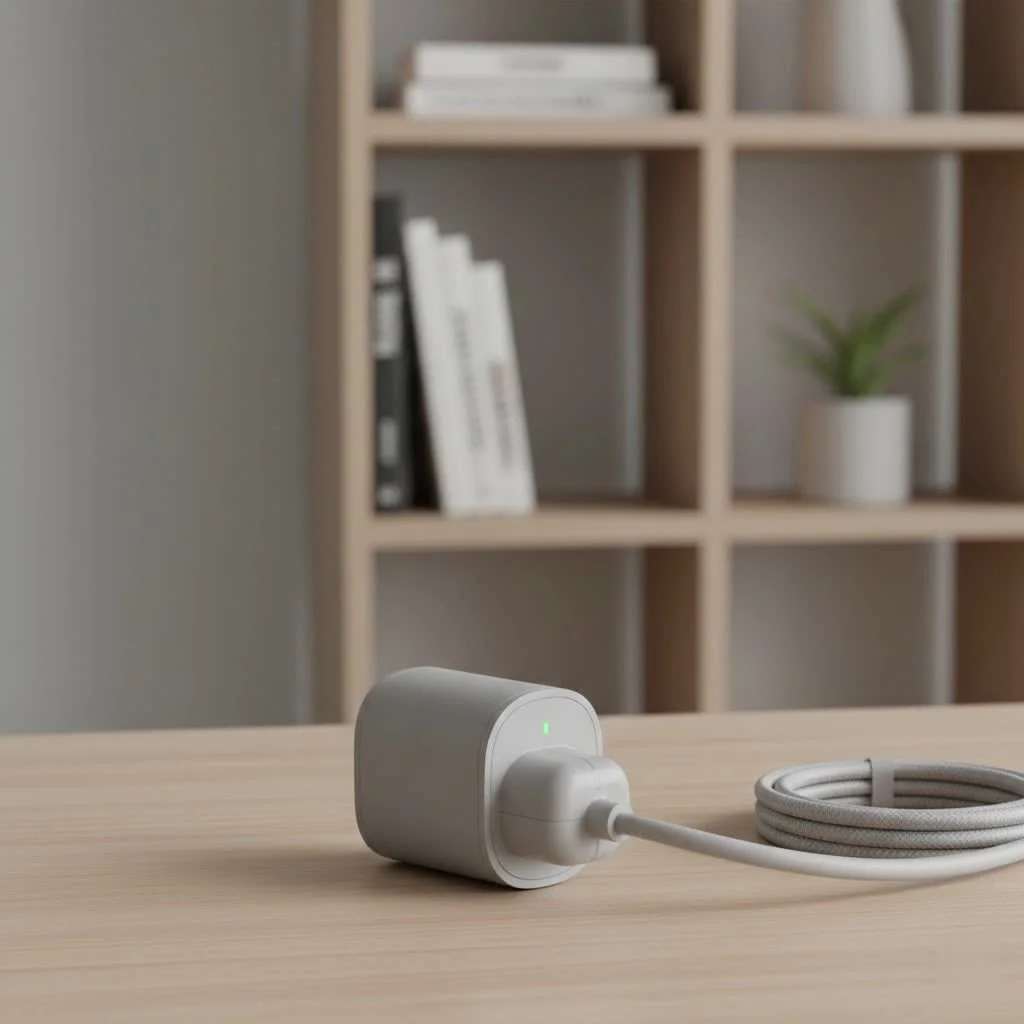
A smart plug is the gateway to home automation. It’s an affordable, easy-to-use device that fits between your standard wall outlet and an appliance’s power cord. The WiZ smart plug takes this concept and enhances it with seamless connectivity and a feature-rich app, allowing you to turn any “dumb” device into a smart one. For expert smart home reviews on this site.
What Exactly Is a WiZ Smart Plug?
At its core, the WiZ smart plug is a smart adapter that lets you control power flow to any device you plug into it. Using your home’s Wi-Fi network, it connects to the WiZ app on your smartphone, giving you remote control from anywhere in the world. You can turn devices on or off, set schedules, and even monitor energy usage, all with a few taps on your screen or a simple voice command.
Think of it as a remote control for your outlets. That floor lamp in the corner? Your electric fan? The holiday lights? Plug them into a WiZ smart plug, and they instantly become part of your connected home ecosystem.
Key Features That Make the WiZ Smart Plug Stand Out
Not all smart plugs are created equal. WiZ, backed by the lighting giant Signify (the parent company of Philips Hue), packs several impressive features into its compact and affordable plug.
Seamless App and Voice Control
The magic happens through the intuitive WiZ app. From there, you can group plugs, create schedules, and set up custom scenes. But the control doesn’t stop there. The WiZ smart plug integrates flawlessly with major voice assistants, including:
- Google Assistant: “Hey Google, turn on the coffee maker.”
- Amazon Alexa: “Alexa, switch off the living room fan.”
- Siri Shortcuts: Create custom phrases to control your devices via your iPhone or Apple Watch.
This hands-free control adds a layer of convenience that quickly becomes indispensable in a modern home.
No Hub Required: Direct Wi-Fi Connection
One of the biggest advantages of the WiZ ecosystem is its simplicity. Unlike Zigbee or Z-Wave devices that require a separate hub to communicate, the WiZ smart plug connects directly to your home’s 2.4 GHz Wi-Fi network. This simplifies the setup process and lowers the barrier to entry for anyone just starting their smart home journey. Just plug it in, connect it through the app, and you’re ready to go.
Powerful Scheduling and Automation
|
Our Picks for the Best Smart Plug in 2026
As an Amazon Associate I earn from qualifying purchases.
|
||
| Num | Product | Action |
|---|---|---|
| 1 | Kasa Smart Plug HS103P4, Smart Home Wi-Fi Outlet Works with Alexa, Echo, Google Home & IFTTT, No Hub Required, Remote Control, 15 Amp, UL Certified, 4-Pack, White |

|
| 2 | Govee Smart Plug, WiFi Plugs Work with Alexa & Google Assistant, Smart Outlet with Timer & Group Controller, WiFi Outlet for Home, No Hub Required, ETL & FCC Certified, 2.4G WiFi Only, 4 Pack |
|
| 3 | Legrand Radiant® Wi-Fi Matter Smart Plug Matter Hub Required 15A, Easy Setup, Enhanced Compatibility with Apple HomeKit, Google Home, Alexa & SmartThings, Easy Wi-Fi Connectivity w/ Matter (1 Pack) |
|
| 4 | Linkind Matter Smart Plug, Work with Apple Home, Siri, Alexa, Google, SmartThings, Smart Home Smart Outlet Timer 15A/1800W, APP Remote Control & Schedule, ETL & FCC Certified, 2.4G Wi-Fi Only, 4 Pack |
|
| 5 | Kasa Smart Plug Ultra Mini 15A, Smart Home Wi-Fi Outlet Works with Alexa, Google Home & IFTTT, No Hub Required, UL Certified, 2.4G WiFi Only, 2 Count (Pack of 1)(EP10P2) , White |
|
| 6 | GHome Smart Plug, WiFi Smart Plugs Work with Alexa and Google Home, Smart Outlet Timer with APP Remote Control, 2.4GHz Wi-Fi Only, No Hub Required, ETL FCC Listed |
|
| 7 | Kasa Smart Plug Mini 15A, Apple HomeKit Supported, Smart Outlet Works with Siri, Alexa & Google Home, UL Certified, App Control, Scheduling, Timer, 2.4G WiFi Only, 4 Count (Pack of 1) (EP25P4), White |
|
| 8 | Kasa Smart Plug HS103P2, Smart Home Wi-Fi Outlet Works with Alexa, Echo, Google Home & IFTTT, No Hub Required, Remote Control,15 Amp,UL Certified, (Pack of 2) White |
|
| 9 | EIGHTREE Smart Plug, Smart Home WiFi Outlet Works with Alexa & Google Home, Smart Socket with Remote Control & Timer Function, 2.4GHz WiFi Only, 4 Packs |
|
| 10 | EIGHTREE Smart Plug 2025 Upgrade to 15A, Bluetooth & Wi-Fi Outlet Plug Dual Connection, Voice Control, Remote Control Outlet Timer Indoor, Smart Plugs That Work with Alexa & Google, 2.4GHz Wi-Fi Only |
|
This is where the “smart” in smart plug truly shines. The WiZ app allows you to create detailed schedules for any connected device.
- Morning Routine: Schedule your lamp to fade on gently at 7 AM.
- Energy Savings: Ensure your entertainment center is completely powered off overnight.
- Vacation Mode: Set lights to turn on and off randomly to simulate occupancy and deter intruders while you’re away.
“The real power of a device like the WiZ smart plug isn’t just remote control; it’s the ‘set it and forget it’ automation that simplifies your daily life and provides peace of mind,” notes David Chen, a leading smart home technology analyst.
Energy Monitoring for Smarter Consumption
Select models of the WiZ smart plug come with a built-in energy monitoring feature. This allows you to see exactly how much power a connected appliance is consuming in real-time and view historical data through the WiZ app. By identifying energy-hungry devices, you can make more informed decisions to reduce your electricity bill and shrink your carbon footprint.
How to Set Up Your WiZ Smart Plug: A Step-by-Step Guide
Getting your WiZ smart plug up and running is incredibly straightforward and typically takes less than five minutes.
- Download the App: First, install the free WiZ app from the Google Play Store or Apple App Store. Create an account and a “Home” within the app.
- Plug It In: Insert the WiZ smart plug into the wall outlet you wish to use. The indicator light on the plug should start blinking, signaling it’s in pairing mode.
- Add the Device: In the WiZ app, tap the ‘+’ icon to add a new device. Select “Smart Plug” from the list of available products.
- Connect to Wi-Fi: Ensure your phone is connected to your 2.4 GHz Wi-Fi network. Enter your Wi-Fi password when prompted by the app. The app will then locate and pair with the plug automatically.
- Name Your Plug: Once connected, give your plug a descriptive name, like “Living Room Lamp” or “Bedroom Fan,” to make it easy to identify for app and voice control.
That’s it! Your appliance is now smart and ready to be controlled remotely.
Is the WiZ Smart Plug Right for You?
The WiZ smart plug is an excellent choice for a wide range of users, but it’s particularly well-suited for those just beginning their smart home adventure. It offers a perfect balance of functionality, affordability, and ease of use.
Pros:
- Extremely easy to set up and use.
- No expensive hub or extra hardware required.
- Works with all major voice assistants.
- Affordable price point.
- Energy monitoring is available on select models.
Cons:
- Requires a stable 2.4 GHz Wi-Fi connection.
- The physical design might block the second outlet on some wall plates.
It’s a fantastic standalone product and even better if you already own or plan to buy other WiZ smart lights, as you can control everything from a single, unified app.
Troubleshooting Common WiZ Smart Plug Issues
Even the best technology can have hiccups. Here are solutions to a couple of common issues you might encounter.
My Plug Won’t Connect to Wi-Fi
This is the most common setup problem. The primary cause is that most modern routers broadcast both 2.4 GHz and 5 GHz Wi-Fi networks under the same name. The WiZ plug can only connect to the 2.4 GHz band. To fix this, temporarily disable the 5 GHz band in your router’s settings during setup, or move further from your router, as the 2.4 GHz signal has a longer range.
The Plug is Unresponsive
If the plug suddenly stops responding to the app or voice commands, try these steps:
- Unplug the smart plug and plug it back in after 10 seconds. This simple power cycle often resolves the issue.
- Check your Wi-Fi network. If your internet is down, the plug won’t be able to communicate with the WiZ cloud servers.
- Ensure the appliance plugged into it is switched on. A smart plug can’t power a device that is physically turned off.
Frequently Asked Questions (FAQ)
Do I need a hub for the WiZ smart plug?
No, you do not need a hub. The WiZ smart plug connects directly to your home’s Wi-Fi network, making setup simple and cost-effective.
Can I use the WiZ smart plug with Apple HomeKit?
While the WiZ app supports Siri Shortcuts, it does not offer native integration with Apple HomeKit at this time. You can, however, use Siri to trigger scenes and control devices.
Does the WiZ smart plug work with 5GHz Wi-Fi?
No, like most IoT devices, the WiZ smart plug only operates on the 2.4 GHz Wi-Fi band. This band offers better range and wall penetration, which is ideal for smart home devices.
What is the difference between the WiZ smart plug and the Philips Hue smart plug?
Both are owned by Signify, but they operate on different systems. WiZ uses Wi-Fi, while Philips Hue primarily uses a Zigbee-based system that requires a Hue Bridge. The WiZ plug is generally more affordable and doesn’t need a hub, making it a better entry-level option.
Can the WiZ smart plug control the power of a TV?
Yes, you can use it to cut power to a TV completely. This is great for parental controls or for ensuring the TV isn’t drawing standby power. However, it will not turn the TV on to a viewable state, as that requires a signal from the TV’s remote control.
Your First Step into a Smarter World
The WiZ smart plug is more than just a gadget; it’s a simple, powerful, and affordable entry point into the world of home automation. It empowers you to make your home more convenient, secure, and energy-efficient without a complex or costly setup. Whether you’re scheduling your morning coffee, managing holiday decorations, or simply want the peace of mind that comes with remote control, the WiZ plug is a reliable and versatile solution. Ready to upgrade your home? Give it a try and share your creative uses with the Kjooz community.
Smart home that does not lock you in
Free PDF — protocol compatibility matrix for 30 hubs and devices.
