The best HomeKit smart plug for most users is the Eve Energy, which offers superior performance through Thread connectivity and detailed energy monitoring. For budget-conscious buyers, the Meross Smart Wi-Fi Plug Mini provides reliable HomeKit integration at a lower price point. These devices transform standard appliances into smart devices controllable via iPhone or Siri commands, enhancing home automation.
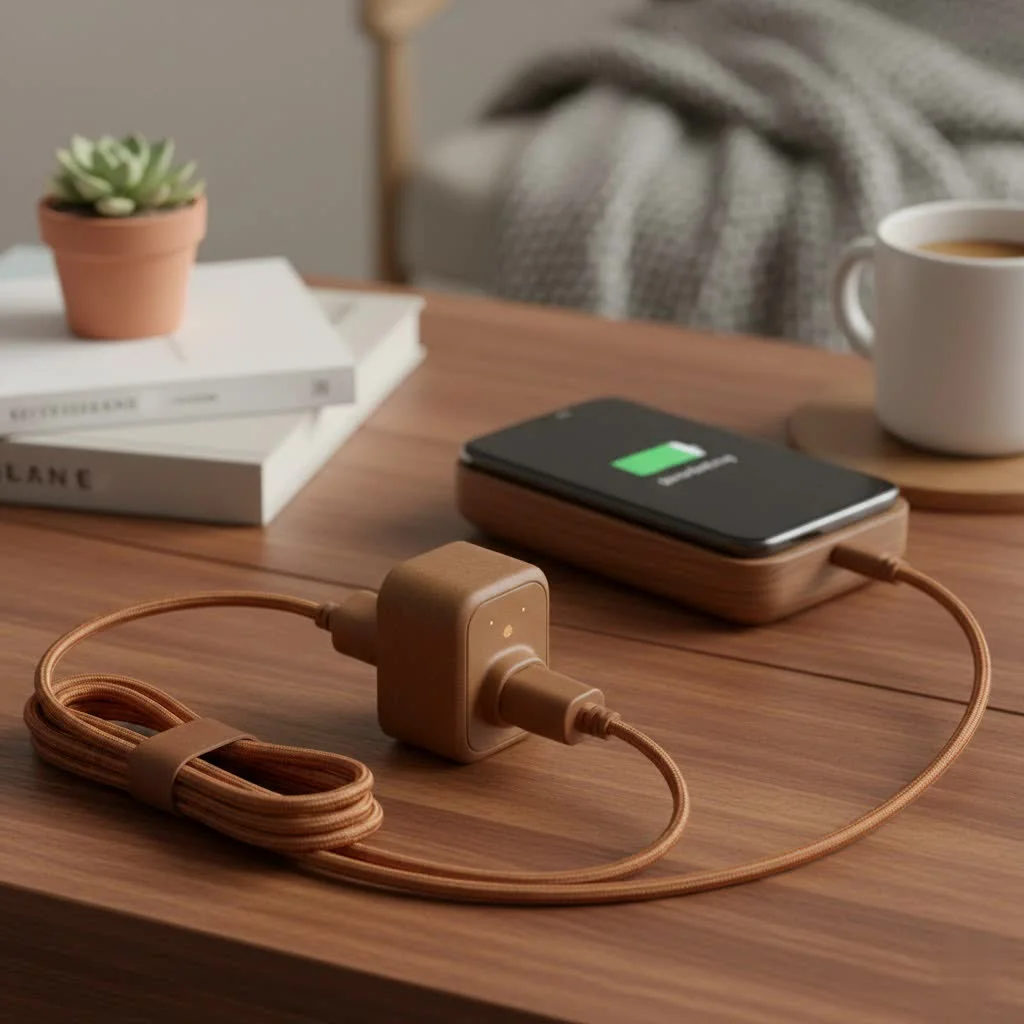
A smart plug serves as a gateway to home automation, plugging into any standard wall outlet to bridge power flow to an appliance. Once connected, users can control power directly from the Home app on an iPhone, iPad, or Mac. This enables convenient actions like starting a coffee maker from bed or verifying an iron is off after leaving the house, making a home more responsive to daily needs.
What Makes a Great HomeKit Smart Plug?
Before selecting a smart plug, understanding key criteria ensures a responsive, reliable, and future-proof device. Not all plugs offer the same level of performance or features.
Connectivity: Thread vs. Wi-Fi
Connectivity is a primary consideration for HomeKit users, mainly between Thread and Wi-Fi protocols.
- Thread: This low-power mesh network protocol is ideal for smart home devices. Thread-enabled devices connect to each other, forming a self-healing and robust network, which results in faster response times and enhanced reliability. A Thread border router, such as a HomePod, HomePod mini, or a newer Apple TV 4K, is required for operation.
- Wi-Fi: Wi-Fi plugs are common and connect directly to a home’s wireless router. They are easy to set up without needing a specific hub beyond the existing router. However, adding many Wi-Fi devices can congest the network, potentially causing slower response times or dropped connections.
For optimal performance, a plug supporting Matter over Thread is recommended. Matter is a universal smart home standard designed to ensure seamless device interoperability across different ecosystems, increasing long-term value.
Design and Size
A compact design is crucial for smart plugs. The best designs are small enough not to obstruct the second outlet, allowing another device to be plugged in. Always verify dimensions, especially for use in power strips or confined spaces.
Key Features
Beyond basic on/off control, premium smart plugs offer advanced features:
- Energy Monitoring: This feature tracks real-time and historical power consumption of connected appliances, helping users identify energy hogs and potentially reduce electricity bills.
- Physical Button: A physical button on the plug provides quick manual power toggling without needing a phone or voice command.
The Best HomeKit Smart Plugs of 2025
Based on extensive testing, these smart plugs excel in performance, reliability, and value within the Apple HomeKit ecosystem.
Best Overall: Eve Energy
|
Our Picks for the Best Smart Plug in 2026
As an Amazon Associate I earn from qualifying purchases.
|
||
| Num | Product | Action |
|---|---|---|
| 1 | EIGHTREE Smart Plug, Smart Home WiFi Outlet Works with Alexa & Google Home, Smart Socket with Remote Control & Timer Function, 2.4GHz WiFi Only, 4 Packs |

|
| 2 | Linkind Matter Smart Plug, Work with Apple Home, Siri, Alexa, Google, SmartThings, Smart Home Smart Outlet Timer 15A/1800W, APP Remote Control & Schedule, ETL & FCC Certified, 2.4G Wi-Fi Only, 4 Pack |
|
| 3 | GHome Smart Plug, WiFi Smart Plugs Work with Alexa and Google Home, Smart Outlet Timer with APP Remote Control, 2.4GHz Wi-Fi Only, No Hub Required, ETL FCC Listed |
|
| 4 | Kasa Smart Plug HS103P2, Smart Home Wi-Fi Outlet Works with Alexa, Echo, Google Home & IFTTT, No Hub Required, Remote Control,15 Amp,UL Certified, (Pack of 2) White |
|
| 5 | Kasa Smart Plug Mini 15A, Apple HomeKit Supported, Smart Outlet Works with Siri, Alexa & Google Home, UL Certified, App Control, Scheduling, Timer, 2.4G WiFi Only, 4 Count (Pack of 1) (EP25P4), White |
|
| 6 | EIGHTREE Smart Plug 2025 Upgrade to 15A, Bluetooth & Wi-Fi Outlet Plug Dual Connection, Voice Control, Remote Control Outlet Timer Indoor, Smart Plugs That Work with Alexa & Google, 2.4GHz Wi-Fi Only |
|
| 7 | Kasa Smart Plug Ultra Mini 15A, Smart Home Wi-Fi Outlet Works with Alexa, Google Home & IFTTT, No Hub Required, UL Certified, 2.4G WiFi Only, 2 Count (Pack of 1)(EP10P2) , White |
|
| 8 | Kasa Smart Plug HS103P4, Smart Home Wi-Fi Outlet Works with Alexa, Echo, Google Home & IFTTT, No Hub Required, Remote Control, 15 Amp, UL Certified, 4-Pack, White |
|
| 9 | Govee Smart Plug, WiFi Plugs Work with Alexa & Google Assistant, Smart Outlet with Timer & Group Controller, WiFi Outlet for Home, No Hub Required, ETL & FCC Certified, 2.4G WiFi Only, 4 Pack |
|
| 10 | Legrand Radiant® Wi-Fi Matter Smart Plug Matter Hub Required 15A, Easy Setup, Enhanced Compatibility with Apple HomeKit, Google Home, Alexa & SmartThings, Easy Wi-Fi Connectivity w/ Matter (1 Pack) |
|
The Eve Energy consistently ranks as the top HomeKit smart plug due to its native Thread support, which provides lightning-fast response times and robust reliability. Setup is straightforward, requiring only a scan of the HomeKit code.
Eve Energy also offers the most detailed energy monitoring available, with the Eve app providing comprehensive graphs and consumption estimates. While it is a premium product with a corresponding price, it delivers superior performance and features.
Best Value: Meross Smart Wi-Fi Plug Mini
The Meross Smart Wi-Fi Plug Mini is an excellent choice for those seeking strong performance without a premium price. It offers reliable HomeKit integration via Wi-Fi and features a highly compact design that keeps the second outlet clear.
Although it lacks Thread connectivity and energy monitoring, its performance for daily tasks is excellent. It responds quickly to Siri commands and automations, making it suitable for lamps, fans, and other simple appliances. This plug offers unbeatable value for outfitting multiple rooms on a budget.
Best for Outdoors: TP-Link Kasa Smart Wi-Fi Outdoor Plug
The TP-Link Kasa Smart Wi-Fi Outdoor Plug extends smart home capabilities outdoors with its weather-resistant design. It includes two independently controllable outlets, ideal for managing landscape lighting and holiday decorations. It integrates smoothly with HomeKit, ensuring reliable control for all outdoor power needs.
How to Set Up Your HomeKit Smart Plug
Setting up a new smart plug is a user-friendly process, typically taking less than a minute.
- Plug it in: Insert the smart plug into your chosen wall outlet. A status light should illuminate, indicating it is powered on and ready for pairing.
- Open the Home App: On your iPhone or iPad, launch the Apple Home app.
- Add Accessory: Tap the “+” icon in the top-right corner, then select “Add Accessory.”
- Scan the Code: Use your device’s camera to scan the HomeKit QR code, which is located on the plug or in its manual.
- Configure: The device will connect instantly. You can then assign it to a room, give it a custom name (e.g., “Living Room Lamp”), and integrate it into automations or scenes.
Frequently Asked Questions (FAQ)
Do I need a hub for a HomeKit smart plug?
A separate hub is not required for Wi-Fi-based plugs. However, to control any HomeKit device remotely or to run automations, a Home Hub (such as a HomePod, HomePod mini, or Apple TV) is necessary. For Thread-enabled plugs, one of these devices also functions as a border router.
What is the real-world benefit of Thread over Wi-Fi?
Thread offers faster and more reliable communication than Wi-Fi. For example, a Siri command to turn on a lamp with a Thread plug travels directly from a HomePod mini to the plug, bypassing the router. This direct communication results in instantaneous responses and avoids Wi-Fi network congestion.
Can I use a HomeKit plug with Amazon Alexa or Google Assistant?
Yes, if the smart plug supports Matter. Matter acts as a universal translator for smart homes, enabling devices to operate across different ecosystems. Many newer plugs, including options from Eve and TP-Link Kasa, support Matter, allowing simultaneous control with Siri, Alexa, and Google Assistant.
Are smart plugs a fire hazard?
Reputable smart plugs from brands like Eve, Meross, and TP-Link are safety-certified and pose no more fire risk than other electrical devices. It is crucial, however, to never exceed the plug’s maximum load rating; avoid plugging in high-draw appliances like space heaters or large power tools unless the plug is specifically designed for such use.
The Final Word on Your Smart Home Upgrade
Choosing the best HomeKit smart plug depends on individual needs. For peak performance, reliability, and future-proofing, the Eve Energy with Thread is the top recommendation. For a dependable, budget-friendly option, the Meross Smart Wi-Fi Plug Mini offers excellent value.
Integrating a smart plug is one of the simplest and most effective ways to start a smart home journey, providing convenience through voice commands and sophisticated automations.
Frequently Asked Questions
Do I need a hub for a HomeKit smart plug?
A separate hub is not required for Wi-Fi-based plugs. However, to control any HomeKit device remotely or to run automations, a Home Hub (such as a HomePod, HomePod mini, or Apple TV) is necessary. For Thread-enabled plugs, one of these devices also functions as a border router.
What is the real-world benefit of Thread over Wi-Fi for smart plugs?
Thread offers faster and more reliable communication than Wi-Fi. For example, a Siri command to turn on a lamp with a Thread plug travels directly from a HomePod mini to the plug, bypassing the router. This direct communication results in instantaneous responses and avoids Wi-Fi network congestion.
Can I use a HomeKit smart plug with Amazon Alexa or Google Assistant?
Yes, if the smart plug supports Matter. Matter acts as a universal translator for smart homes, enabling devices to operate across different ecosystems. Many newer plugs, including options from Eve and TP-Link Kasa, support Matter, allowing simultaneous control with Siri, Alexa, and Google Assistant.
Are smart plugs a fire hazard if used incorrectly?
Reputable smart plugs from brands like Eve, Meross, and TP-Link are safety-certified and pose no more fire risk than other electrical devices. It is crucial, however, to never exceed the plug's maximum load rating; avoid plugging in high-draw appliances like space heaters or large power tools unless the plug is specifically designed for such use.
What features should I look for in a premium HomeKit smart plug?
Beyond basic on/off control, premium HomeKit smart plugs often include energy monitoring, which tracks real-time and historical power consumption, and a physical button for quick manual toggling. The Eve Energy, for instance, provides detailed energy monitoring graphs.
Smart home that does not lock you in
Free PDF — protocol compatibility matrix for 30 hubs and devices.
These smart plugs are fantastic for automating my morning routine. I love being able to start my coffee maker from bed using my iPhone. It’s such a small thing, but it makes a big difference in my day. The integration with the Home app is super smooth, and I haven’t had any issues with connectivity.
I’ve been using smart plugs for a while, but the ability to control them directly from the Home app on my Mac is incredibly convenient. It’s great for those times I’m working and want to turn on a fan without reaching for my phone. These devices really do transform standard appliances into smart devices, making life a lot easier.
I picked up a couple of the Meross Smart Wi-Fi Plug Minis because the price was right, and they do work with HomeKit. However, I’ve noticed they occasionally drop off my Wi-Fi network, requiring a quick reset. It’s not a huge deal, but it can be a bit annoying when I’m trying to turn on my lamp with Siri and it doesn’t respond right away.
I finally upgraded to the Eve Energy after reading about its Thread connectivity, and wow, what a difference! Setup was a breeze with my HomePod mini, and the response time is instant. The energy monitoring feature is a game-changer for keeping an eye on my older appliances. Definitely worth the investment for a seamless HomeKit experience.