Welcome to the ultimate guide to the GE Cync Smart Plug, your first step into a smarter, more connected home. If you’ve ever wanted to control your lights, coffee maker, or any other simple appliance with just your voice or a tap on your phone, you’re in the right place. As smart home technology becomes more accessible, devices like this are transforming our living spaces from passive environments into responsive ecosystems. This plug isn’t just about convenience; it’s about efficiency, security, and taking full control of your home’s electronics, no matter where you are.
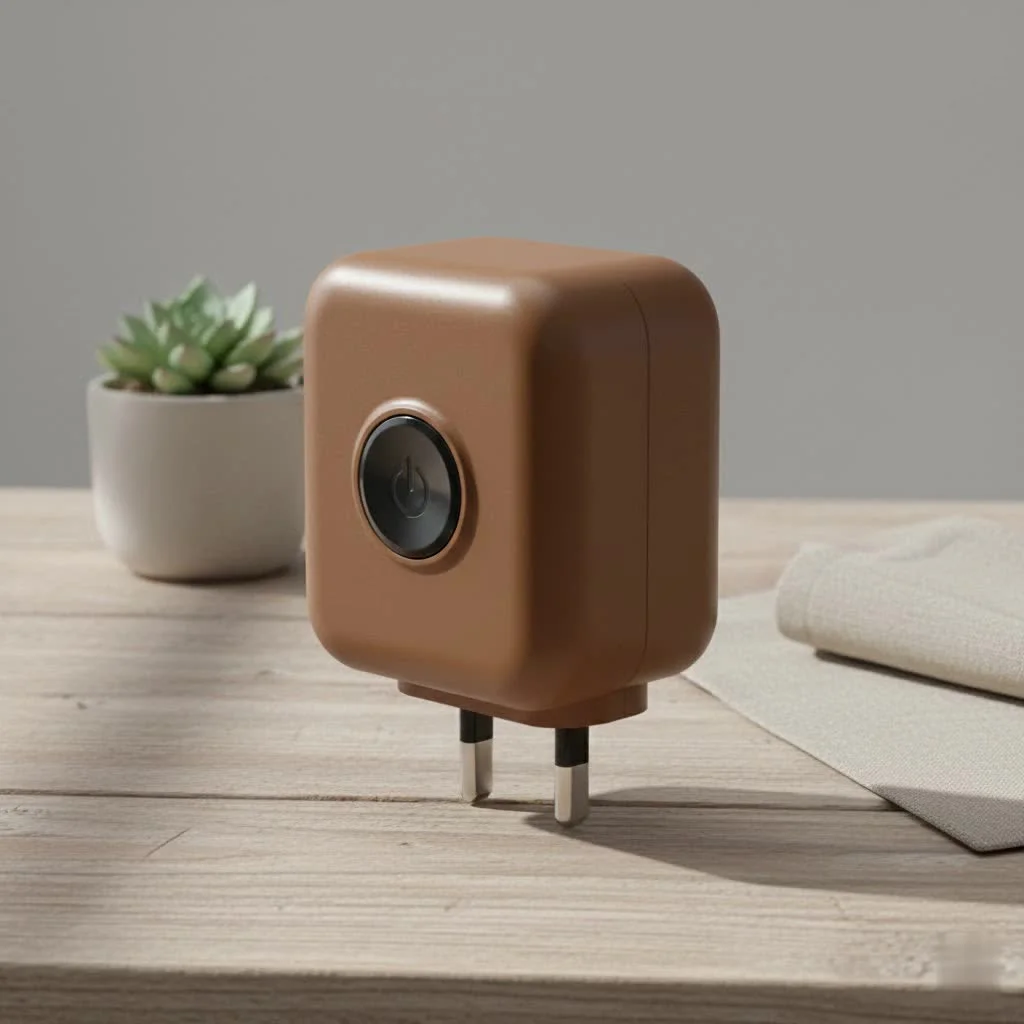
At Kjooz.com, we’ve tested countless smart plugs, and the GE Cync lineup consistently captures our attention. In this comprehensive review, we’ll dive deep into what makes it a compelling choice for both beginners and seasoned smart home enthusiasts. We’ll cover everything from its standout features and dead-simple setup process to troubleshooting tips and how it stacks up against the competition. Let’s plug in and get started.
What is a GE Cync Smart Plug?
A GE Cync Smart Plug is a device that fits into any standard electrical outlet, acting as a bridge between your regular appliances and your smart home network. Once you plug an appliance—like a lamp, fan, or holiday decorations—into the smart plug, you can control it wirelessly through the Cync app or with voice commands via assistants like Amazon Alexa and Google Assistant. It essentially turns any “dumb” device into a smart one, giving you remote control and automation capabilities without needing to replace the appliance itself.
The magic happens through its direct Wi-Fi connection, which means you don’t need a separate, expensive hub or bridge to make it work. This plug-and-play simplicity is one of its biggest selling points.
Key Features That Make It a Smart Choice
Not all smart plugs are created equal. The GE Cync Smart Plug packs several features that make it a robust and user-friendly option for home automation.
Hub-Free Wi-Fi Connectivity
The most significant advantage is its ability to connect directly to your home’s 2.4 GHz Wi-Fi network. This eliminates the need for an additional smart home hub, which simplifies setup and reduces overall cost. For anyone just starting their smart home journey, this is a massive plus.
Voice Control with Major Assistants
Seamless integration with Amazon Alexa and Google Assistant is a core feature. After a quick setup, you can use simple voice commands like:
- “Hey Google, turn on the living room lamp.”
- “Alexa, start the coffee maker.”
This hands-free control is incredibly convenient, especially when your hands are full or you’re comfortable on the couch.
Powerful Scheduling and Timers
|
Our Picks for the Best Smart Plug in 2026
As an Amazon Associate I earn from qualifying purchases.
|
||
| Num | Product | Action |
|---|---|---|
| 1 | Kasa Smart Plug Mini 15A, Apple HomeKit Supported, Smart Outlet Works with Siri, Alexa & Google Home, UL Certified, App Control, Scheduling, Timer, 2.4G WiFi Only, 4 Count (Pack of 1) (EP25P4), White |

|
| 2 | Legrand Radiant® Wi-Fi Matter Smart Plug Matter Hub Required 15A, Easy Setup, Enhanced Compatibility with Apple HomeKit, Google Home, Alexa & SmartThings, Easy Wi-Fi Connectivity w/ Matter (1 Pack) |
|
| 3 | Linkind Matter Smart Plug, Work with Apple Home, Siri, Alexa, Google, SmartThings, Smart Home Smart Outlet Timer 15A/1800W, APP Remote Control & Schedule, ETL & FCC Certified, 2.4G Wi-Fi Only, 4 Pack |
|
| 4 | Kasa Smart Plug Ultra Mini 15A, Smart Home Wi-Fi Outlet Works with Alexa, Google Home & IFTTT, No Hub Required, UL Certified, 2.4G WiFi Only, 2 Count (Pack of 1)(EP10P2) , White |
|
| 5 | Kasa Smart Plug HS103P4, Smart Home Wi-Fi Outlet Works with Alexa, Echo, Google Home & IFTTT, No Hub Required, Remote Control, 15 Amp, UL Certified, 4-Pack, White |
|
| 6 | EIGHTREE Smart Plug, Smart Home WiFi Outlet Works with Alexa & Google Home, Smart Socket with Remote Control & Timer Function, 2.4GHz WiFi Only, 4 Packs |
|
| 7 | EIGHTREE Smart Plug 2025 Upgrade to 15A, Bluetooth & Wi-Fi Outlet Plug Dual Connection, Voice Control, Remote Control Outlet Timer Indoor, Smart Plugs That Work with Alexa & Google, 2.4GHz Wi-Fi Only |
|
| 8 | Govee Smart Plug, WiFi Plugs Work with Alexa & Google Assistant, Smart Outlet with Timer & Group Controller, WiFi Outlet for Home, No Hub Required, ETL & FCC Certified, 2.4G WiFi Only, 4 Pack |
|
| 9 | Kasa Smart Plug HS103P2, Smart Home Wi-Fi Outlet Works with Alexa, Echo, Google Home & IFTTT, No Hub Required, Remote Control,15 Amp,UL Certified, (Pack of 2) White |
|
| 10 | GHome Smart Plug, WiFi Smart Plugs Work with Alexa and Google Home, Smart Outlet Timer with APP Remote Control, 2.4GHz Wi-Fi Only, No Hub Required, ETL FCC Listed |
|
The Cync app unlocks the full potential of automation. You can create custom schedules to align with your daily routine.
- Morning Routine: Schedule your bedroom lamp to fade on at 7 AM and the coffee pot to start brewing at 7:05 AM.
- Evening Routine: Set your lights to turn on automatically at sunset, creating a welcoming ambiance when you arrive home.
- Vacation Mode: Create a randomized schedule for your lights to turn on and off, giving the impression that someone is home and enhancing security.
Compact and Practical Design
The GE Cync Smart Plug is designed to be unobtrusive. Its compact form factor ensures it only covers a single outlet, leaving the second one free for another device. This might seem like a small detail, but it’s a critical practical consideration that many other bulky smart plugs get wrong.
Expert Take: David Chen, a smart home integration specialist, notes, “The no-hub requirement is a game-changer for accessibility. The GE Cync plug lowers the barrier to entry, allowing homeowners to experiment with automation in a single room without committing to an entire ecosystem. Its reliability is what makes them stay.”
How to Set Up Your GE Cync Smart Plug
Getting your new smart plug up and running is a straightforward process that takes only a few minutes. Here’s a simple step-by-step guide.
- Download the Cync App: Head to the Google Play Store or Apple App Store and download the official Cync app, powered by Savant.
- Create an Account: Open the app and follow the prompts to create a new account.
- Plug It In: Plug the GE Cync Smart Plug into the desired wall outlet. A blue indicator light should start flashing, indicating it’s in setup mode.
- Add the Device: In the Cync app, tap the ‘+’ icon to add a new device. Select “Plugs” and follow the on-screen instructions.
- Connect to Wi-Fi: The app will guide you to connect the plug to your home’s 2.4 GHz Wi-Fi network. You will need to enter your Wi-Fi password.
- Name Your Device: Give your plug a descriptive name, such as “Floor Lamp” or “Kitchen Fan.” This makes it easier to identify and control, especially with voice commands.
- Connect to Voice Assistants (Optional): To enable voice control, open your Amazon Alexa or Google Home app. Search for the Cync skill/action, link your Cync account, and discover new devices.
That’s it! Your plug is now ready to use.
Troubleshooting Common Issues
Even the best technology can have hiccups. If you run into problems with your GE Cync Smart Plug, here are some common fixes.
The Plug Won’t Connect to Wi-Fi
- Check Your Band: Ensure you are connecting to a 2.4 GHz Wi-Fi network. Most smart home devices, including this one, are not compatible with 5 GHz networks.
- Check Your Password: Double-check that you entered the correct Wi-Fi password. It’s a common mistake.
- Restart Everything: Try unplugging the smart plug, waiting 10 seconds, and plugging it back in. You can also try restarting your router.
The Plug is Unresponsive
If the plug suddenly stops responding to the app or voice commands, it may have lost its connection. Often, a simple power cycle (unplugging and replugging it) will resolve the issue. If the problem persists, you may need to perform a factory reset by holding down the side button until the light flashes red, and then repeat the setup process.
Voice Commands Aren’t Working
- Check the Link: Ensure your Cync account is still properly linked within the Alexa or Google Home app.
- Use the Right Name: Make sure you are using the exact name you assigned to the plug during setup. If you named it “Desk Light,” saying “Turn on the office lamp” won’t work.
Frequently Asked Questions (FAQ)
What can I plug into a GE Cync Smart Plug?
You can plug in almost any small appliance with a physical on/off switch, such as lamps, fans, coffee makers, holiday lights, and humidifiers. Avoid high-power appliances like space heaters or large power tools that exceed the plug’s maximum amperage rating (typically 15 amps).
Do I need a hub for the GE Cync Smart Plug to work?
No, you do not. The plug connects directly to your home’s Wi-Fi network, making setup simple and cost-effective without the need for a separate hub or bridge.
Can I use the GE Cync Smart Plug outdoors?
There are specific indoor and outdoor models. The standard indoor plug should not be used outdoors, as it is not rated for weather resistance. Make sure you purchase the designated GE Cync Outdoor Smart Plug for use in open environments.
Can I control the plug if I’m away from home?
Yes. As long as the smart plug is connected to your home Wi-Fi and your phone has an internet connection (Wi-Fi or cellular), you can control your devices from anywhere in the world through the Cync app.
Does the GE Cync Smart Plug monitor energy usage?
Some smart plug models on the market offer energy monitoring, but this feature is not standard on all GE Cync Smart Plugs. Check the specifications of your specific model if this is a priority for you.
The Final Verdict
The GE Cync Smart Plug is a fantastic and reliable entry point into home automation. Its key strengths—hub-free setup, dependable performance, and seamless integration with major voice assistants—make it an excellent choice for anyone looking to add a layer of convenience and control to their home. While it may lack some of the niche features of more expensive plugs, it absolutely nails the fundamentals.
Whether you want to automate your morning routine, enhance home security while you’re away, or simply enjoy the convenience of turning off the lights from bed, this smart plug delivers. It’s an affordable, easy-to-use device that proves you don’t need a complex or expensive system to start building a smarter home.
Smart home that does not lock you in
Free PDF — protocol compatibility matrix for 30 hubs and devices.
