Welcome to the world of home automation, where convenience and control are at your fingertips. If you’re looking to dip your toes into smart home technology without a complicated setup or a hefty price tag, the Meross smart plug is your perfect starting point. It’s a simple device with a powerful promise: to make nearly any appliance in your home smarter. From your morning coffee maker to the lamp in your living room, this guide will show you how Meross is changing the game.
As the lead creator at Kjooz.com, I’ve spent over a decade testing and integrating smart devices, and Meross consistently stands out for its reliability, ease of use, and fantastic value. Let’s plug in and explore everything you need to know. For more smart home guides on this site.
What Exactly Is a Meross Smart Plug?
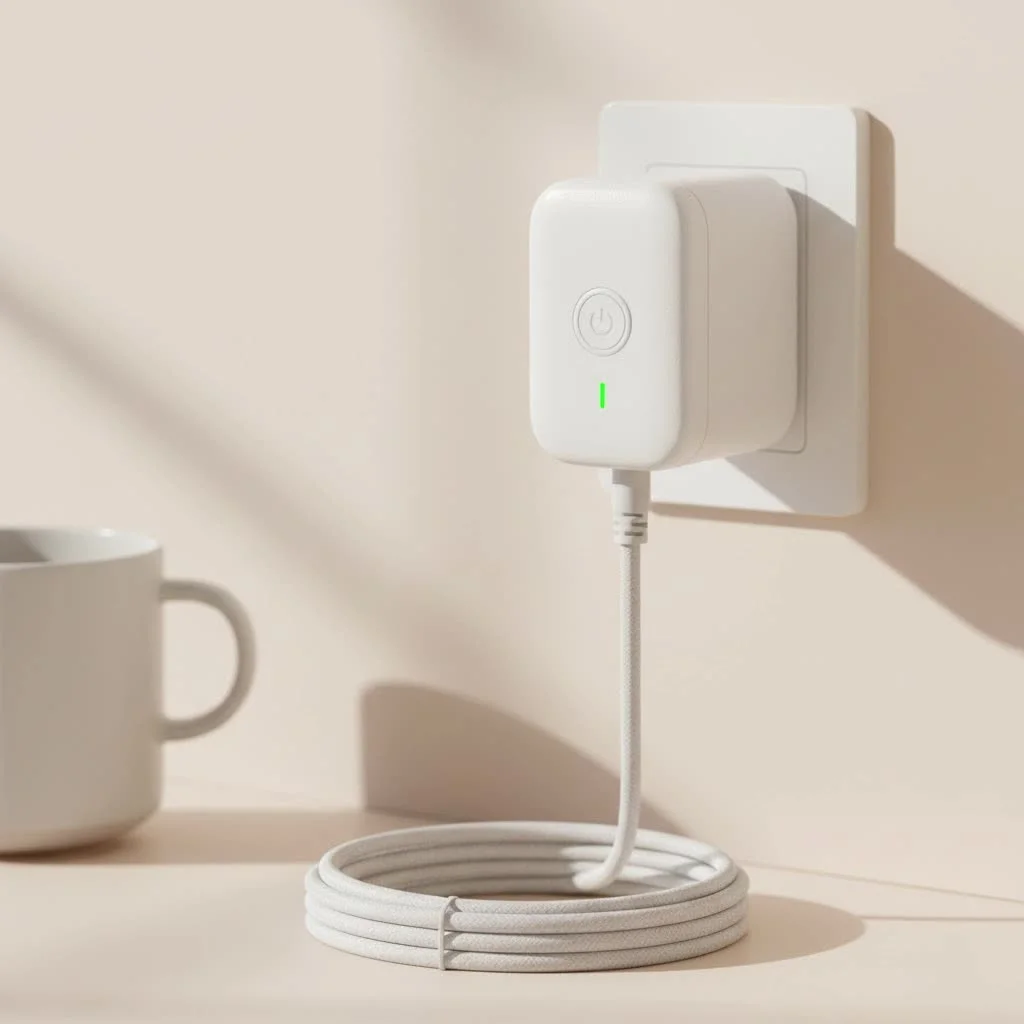
At its core, a Meross smart plug is a compact adapter that fits between a standard electrical outlet and an appliance’s power cord. Once connected to your home’s Wi-Fi network, it allows you to control the power flow to the connected device remotely through a smartphone app or with voice commands. Think of it as a smart on/off switch for your non-smart devices, instantly bringing them into your connected ecosystem.
Why Choose a Meross Smart Plug?
With so many options on the market, you might wonder what makes Meross special. The answer lies in its combination of robust features, wide compatibility, and user-friendly design. It strikes an ideal balance that appeals to both beginners and seasoned smart home enthusiasts.
Seamless Smart Home Integration
One of Meross’s greatest strengths is its compatibility with major smart home platforms. Most models work flawlessly with:
- Apple HomeKit: This is a major selling point, as HomeKit-certified devices often come at a premium. Meross offers this integration at a very accessible price.
- Amazon Alexa: Easily control your plugs with voice commands through any Alexa-enabled device.
- Google Assistant: Seamlessly integrate Meross plugs into your Google Home routines and voice controls.
- Samsung SmartThings: Connect your plugs to a wider network of sensors and devices for more complex automations.
This broad compatibility ensures the Meross smart plug can fit into your existing setup or be the foundation for a new one.
Effortless Setup and a User-Friendly App
Getting started with Meross is incredibly simple. The process typically takes just a few minutes through the intuitive Meross app. You don’t need a separate, expensive hub for most of their Wi-Fi plugs; they connect directly to your router.
The app itself is clean and straightforward, allowing you to organize your plugs by room, set schedules, and create automated “scenes” without any confusion.
Key Features at Your Fingertips
|
Our Picks for the Best Smart Plug in 2026
As an Amazon Associate I earn from qualifying purchases.
|
||
| Num | Product | Action |
|---|---|---|
| 1 | EIGHTREE Smart Plug 2025 Upgrade to 15A, Bluetooth & Wi-Fi Outlet Plug Dual Connection, Voice Control, Remote Control Outlet Timer Indoor, Smart Plugs That Work with Alexa & Google, 2.4GHz Wi-Fi Only |

|
| 2 | Kasa Smart Plug Ultra Mini 15A, Smart Home Wi-Fi Outlet Works with Alexa, Google Home & IFTTT, No Hub Required, UL Certified, 2.4G WiFi Only, 2 Count (Pack of 1)(EP10P2) , White |
|
| 3 | Govee Smart Plug, WiFi Plugs Work with Alexa & Google Assistant, Smart Outlet with Timer & Group Controller, WiFi Outlet for Home, No Hub Required, ETL & FCC Certified, 2.4G WiFi Only, 4 Pack |
|
| 4 | Kasa Smart Plug HS103P2, Smart Home Wi-Fi Outlet Works with Alexa, Echo, Google Home & IFTTT, No Hub Required, Remote Control,15 Amp,UL Certified, (Pack of 2) White |
|
| 5 | Legrand Radiant® Wi-Fi Matter Smart Plug Matter Hub Required 15A, Easy Setup, Enhanced Compatibility with Apple HomeKit, Google Home, Alexa & SmartThings, Easy Wi-Fi Connectivity w/ Matter (1 Pack) |
|
| 6 | GHome Smart Plug, WiFi Smart Plugs Work with Alexa and Google Home, Smart Outlet Timer with APP Remote Control, 2.4GHz Wi-Fi Only, No Hub Required, ETL FCC Listed |
|
| 7 | EIGHTREE Smart Plug, Smart Home WiFi Outlet Works with Alexa & Google Home, Smart Socket with Remote Control & Timer Function, 2.4GHz WiFi Only, 4 Packs |
|
| 8 | Kasa Smart Plug Mini 15A, Apple HomeKit Supported, Smart Outlet Works with Siri, Alexa & Google Home, UL Certified, App Control, Scheduling, Timer, 2.4G WiFi Only, 4 Count (Pack of 1) (EP25P4), White |
|
| 9 | Linkind Matter Smart Plug, Work with Apple Home, Siri, Alexa, Google, SmartThings, Smart Home Smart Outlet Timer 15A/1800W, APP Remote Control & Schedule, ETL & FCC Certified, 2.4G Wi-Fi Only, 4 Pack |
|
| 10 | Kasa Smart Plug HS103P4, Smart Home Wi-Fi Outlet Works with Alexa, Echo, Google Home & IFTTT, No Hub Required, Remote Control, 15 Amp, UL Certified, 4-Pack, White |
|
Meross packs its smart plugs with practical features that go beyond a simple on/off switch.
- Schedules and Timers: Automate your daily routines. Set your coffee pot to turn on at 6:30 AM, schedule lamps to turn on at sunset, or program holiday lights to switch off automatically.
- Remote Control: Did you leave the iron on? Check the app from anywhere in the world and turn it off for instant peace of mind.
- Voice Control: The magic of a hands-free home comes alive with voice commands. Simply say, “Hey Siri, turn on the living room fan,” and it’s done.
- Energy Monitoring: Select Meross models include energy monitoring, which tracks the power consumption of connected appliances. This feature is fantastic for identifying energy-hungry devices and finding opportunities to save on your electricity bill.
How to Set Up Your Meross Smart Plug
Ready to get started? The installation is designed to be quick and painless.
- Download the App: Find the “Meross” app on the Apple App Store or Google Play Store.
- Create an Account: Sign up for a free Meross account.
- Plug It In: Plug the Meross smart plug into a wall outlet. The indicator light should start blinking, showing it’s ready for setup.
- Add the Device: In the Meross app, tap the ‘+’ icon to add a new device. Select “Smart Plug” from the list.
- Connect to Wi-Fi: Follow the on-screen instructions to connect the plug to your home’s 2.4GHz Wi-Fi network. Note: Like most smart devices, Meross plugs do not support 5GHz networks for setup.
- Name Your Plug: Give your plug a descriptive name, like “Bedside Lamp” or “Kitchen Fan,” to make it easy to identify for app and voice control.
- Link to Smart Assistants: Once set up in the Meross app, follow the prompts to link it to Apple Home, Amazon Alexa, or Google Home for voice commands.
Unlocking Advanced Automation with Scenes
The true power of a smart home is getting devices to work together. The “Scenes” feature in the Meross app lets you control multiple plugs with a single tap or command.
As smart home analyst David Chen from Tech-Savvy Living notes, “The entry point to a truly intelligent home isn’t about having one smart device; it’s about creating simple, automated routines that make your life easier. A ‘Good Night’ scene that turns off all your lights and a fan with one command is a perfect example of this principle in action, and Meross makes it incredibly accessible.”
For instance, you could create a “Movie Night” scene that turns off the main living room lamps, turns on a soft accent light, and powers up your TV’s soundbar simultaneously.
Troubleshooting Common Issues
While the Meross smart plug is highly reliable, you might occasionally encounter a hiccup. Here’s how to solve the most common problems.
My Plug Won’t Connect to Wi-Fi
- Check Your Band: Ensure your phone is connected to your 2.4GHz Wi-Fi network during setup, not the 5GHz band.
- Check Your Password: Double-check that you entered the correct Wi-Fi password.
- Check the Distance: Make sure the plug is not too far from your Wi-Fi router. A weak signal can cause connection failures.
The Plug is Unresponsive
- Power Cycle It: The oldest trick in the IT book often works best. Unplug the smart plug, wait about 10 seconds, and plug it back in.
- Check Your Internet: Verify that your home’s internet connection is working properly. If your Wi-Fi is down, the plug won’t be controllable remotely.
- Factory Reset: If all else fails, press and hold the power button on the plug for about 5 seconds until the light blinks rapidly. This will reset it to factory settings, allowing you to set it up again from scratch.
Frequently Asked Questions (FAQ)
Is Meross a good and trustworthy brand?
Yes, Meross is widely regarded as a reputable brand in the smart home market. They are known for producing reliable, affordable, and secure devices that are certified by major platforms like Apple and Amazon.
Do Meross smart plugs work with Apple HomeKit?
Absolutely. Many Meross models are specifically designed to be compatible with Apple HomeKit, which is a significant advantage for users in the Apple ecosystem. Always check the product description to ensure the model you’re buying has the “Works with Apple HomeKit” logo.
Can I use a Meross smart plug outdoors?
Meross offers specific outdoor smart plug models that are designed with weather-resistant casings (often rated IP44 or higher) to withstand rain, dust, and temperature changes. You should never use an indoor-rated Meross smart plug for outdoor applications.
Do I need a special hub to use Meross plugs?
No, the vast majority of Meross Wi-Fi smart plugs connect directly to your home’s Wi-Fi router, so no separate hub or bridge is required. This makes the initial investment lower and the setup process much simpler.
Does the Meross smart plug work without an internet connection?
If the internet goes down, you will lose remote control via the app and voice assistant functionality. However, any pre-set schedules and timers are stored locally on the plug itself, so they will continue to run as programmed. You can also always turn the plug on or off manually using the physical button on the device.
The Final Verdict
The Meross smart plug is a fantastic choice for anyone looking to build a smarter, more automated home. It removes the traditional barriers of high cost and complex setup, offering a powerful, reliable, and user-friendly experience right out of the box. Whether you’re setting your first schedule or integrating it into a complex network of devices, Meross provides the features you need with the simplicity you want. It’s an easy and enthusiastic recommendation from us at Kjooz.com.
Smart home that does not lock you in
Free PDF — protocol compatibility matrix for 30 hubs and devices.
