Welcome to the definitive guide on the Hue Smart Plug, brought to you by Kjooz.com. If you’ve ever wondered how to make your regular lamps, fans, or coffee makers “smart,” you’ve come to the right place. With over a decade of hands-on experience in smart home technology, I’ve seen countless gadgets come and go. Yet, the Philips Hue Smart Plug remains a cornerstone of a truly integrated and reliable smart home. It’s more than just a plug; it’s the key that unlocks the full potential of everyday electronics, seamlessly blending them into the world-renowned Hue ecosystem.
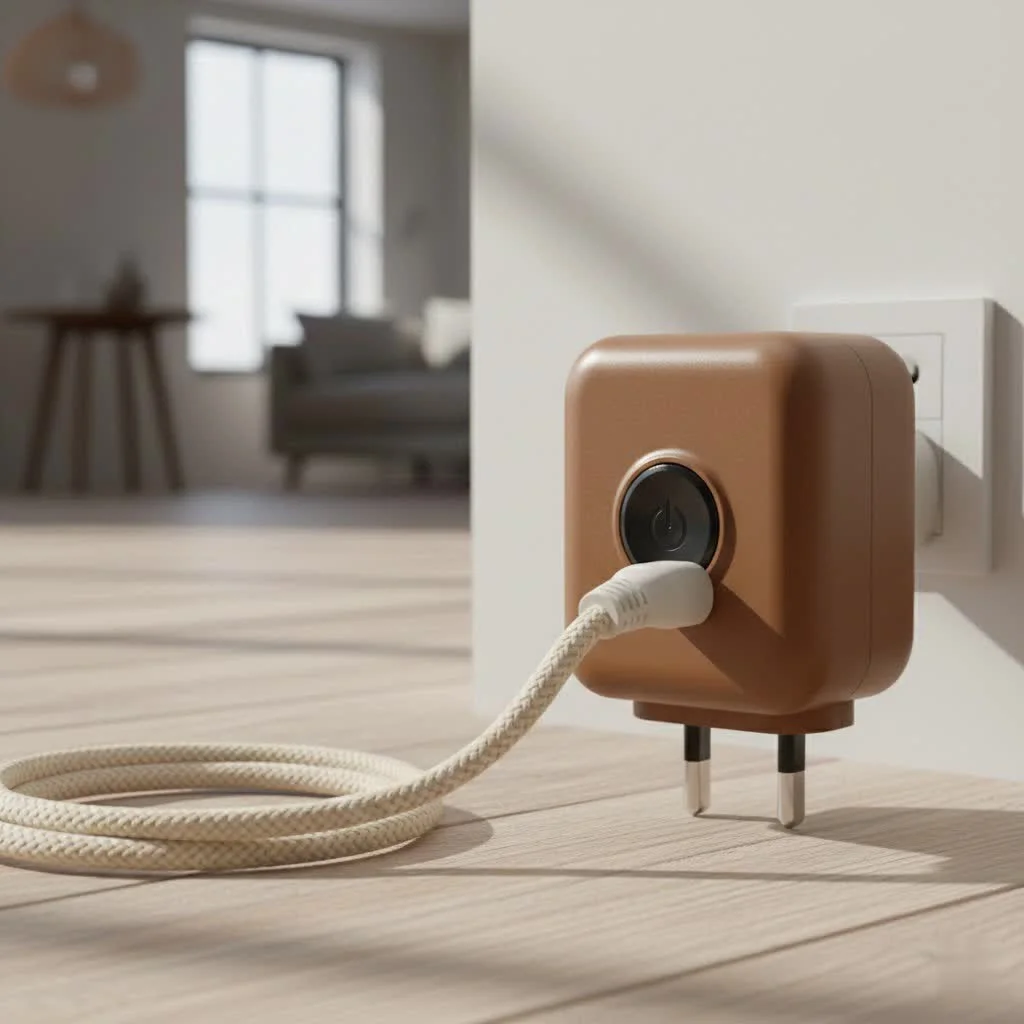
This article will walk you through everything you need to know. We’ll cover what it is, how to set it up, and explore creative ways to use it that you might not have considered. Let’s plug in and get started. For complete smart home library on this site.
What Exactly Is a Hue Smart Plug?
At its core, the Philips Hue Smart Plug is a simple adapter that sits between a standard electrical outlet and the power cord of any device. Once connected, it allows you to turn that device on or off remotely using your smartphone, voice commands, or automated schedules. Think of it as a smart remote control for anything you can plug into a wall.
But what truly sets the Hue Smart Plug apart is its native integration with the Philips Hue ecosystem. While many smart plugs exist, this one is designed to work flawlessly with your Hue lights and accessories, all controlled through the single, intuitive Hue app. This creates a unified and powerful smart home experience that standalone devices simply can’t match.
Key Features at a Glance
- Instant Smart Control: Immediately turn any plugged-in device into a smart device.
- Seamless Hue Integration: Control the plug alongside your Hue lights in the same app.
- Voice Assistant Compatibility: Works perfectly with Amazon Alexa, Google Assistant, and Apple HomeKit.
- Compact Design: Its slim profile ensures it doesn’t block adjacent outlets.
- Bluetooth and Zigbee Control: Offers flexible setup options, whether you have a Hue Bridge or not.
How to Set Up Your Hue Smart Plug
Getting your Hue Smart Plug up and running is incredibly straightforward. Philips has refined the process to be virtually foolproof, typically taking less than two minutes.
David Chen, a smart home integration specialist with 15 years in the field, often says, “The beauty of the Hue ecosystem is its simplicity. The smart plug is a perfect example—it just works, right out of the box, without any of the usual networking headaches.”
Here’s a simple step-by-step guide:
- Plug It In: Connect the Hue Smart Plug to a wall outlet. Then, plug your desired appliance (like a lamp or fan) into the smart plug. Ensure the appliance is switched to the “On” position.
- Open the Hue App: Launch the Philips Hue app on your smartphone. If you’re new to Hue, you’ll need to download it and create an account first.
- Add Accessory: Navigate to
Settings>Accessory setupand tap theAdd accessorybutton. - Select Smart Plug: From the list of accessories, choose
Hue Smart Plug. The app will now search for the plug. If you’re using Bluetooth, ensure you are within range (about 30 feet). - Follow the Prompts: The app will automatically detect and add the plug. You can then name it (e.g., “Living Room Fan” or “Bedside Lamp”) and assign it to a specific room.
- Start Controlling: That’s it! You can now toggle the plug on and off from the app’s home screen, add it to lighting scenes, or control it with your voice.
For users with a Hue Bridge, the process is similar, but the plug will be added via the Zigbee protocol, which extends its range and unlocks more advanced automation features.
Unleashing Your Home’s Potential: Creative Uses
The real magic of the Hue Smart Plug isn’t just turning things on and off; it’s about automation and convenience. Here are some of my favorite ways to use it:
Automate Your Morning Routine
|
Our Picks for the Best Smart Plug in 2026
As an Amazon Associate I earn from qualifying purchases.
|
||
| Num | Product | Action |
|---|---|---|
| 1 | Kasa Smart Plug Mini 15A, Apple HomeKit Supported, Smart Outlet Works with Siri, Alexa & Google Home, UL Certified, App Control, Scheduling, Timer, 2.4G WiFi Only, 4 Count (Pack of 1) (EP25P4), White |

|
| 2 | EIGHTREE Smart Plug, Smart Home WiFi Outlet Works with Alexa & Google Home, Smart Socket with Remote Control & Timer Function, 2.4GHz WiFi Only, 4 Packs |
|
| 3 | Kasa Smart Plug HS103P4, Smart Home Wi-Fi Outlet Works with Alexa, Echo, Google Home & IFTTT, No Hub Required, Remote Control, 15 Amp, UL Certified, 4-Pack, White |
|
| 4 | Kasa Smart Plug HS103P2, Smart Home Wi-Fi Outlet Works with Alexa, Echo, Google Home & IFTTT, No Hub Required, Remote Control,15 Amp,UL Certified, (Pack of 2) White |
|
| 5 | Linkind Matter Smart Plug, Work with Apple Home, Siri, Alexa, Google, SmartThings, Smart Home Smart Outlet Timer 15A/1800W, APP Remote Control & Schedule, ETL & FCC Certified, 2.4G Wi-Fi Only, 4 Pack |
|
| 6 | GHome Smart Plug, WiFi Smart Plugs Work with Alexa and Google Home, Smart Outlet Timer with APP Remote Control, 2.4GHz Wi-Fi Only, No Hub Required, ETL FCC Listed |
|
| 7 | Govee Smart Plug, WiFi Plugs Work with Alexa & Google Assistant, Smart Outlet with Timer & Group Controller, WiFi Outlet for Home, No Hub Required, ETL & FCC Certified, 2.4G WiFi Only, 4 Pack |
|
| 8 | EIGHTREE Smart Plug 2025 Upgrade to 15A, Bluetooth & Wi-Fi Outlet Plug Dual Connection, Voice Control, Remote Control Outlet Timer Indoor, Smart Plugs That Work with Alexa & Google, 2.4GHz Wi-Fi Only |
|
| 9 | Legrand Radiant® Wi-Fi Matter Smart Plug Matter Hub Required 15A, Easy Setup, Enhanced Compatibility with Apple HomeKit, Google Home, Alexa & SmartThings, Easy Wi-Fi Connectivity w/ Matter (1 Pack) |
|
| 10 | Kasa Smart Plug Ultra Mini 15A, Smart Home Wi-Fi Outlet Works with Alexa, Google Home & IFTTT, No Hub Required, UL Certified, 2.4G WiFi Only, 2 Count (Pack of 1)(EP10P2) , White |
|
Plug your coffee maker (the kind with a physical on/off switch) into a Hue Smart Plug. Set a schedule in the Hue app for it to turn on at 6:30 AM every weekday. You’ll wake up to the smell of freshly brewed coffee without lifting a finger.
Enhance Home Security
When you’re on vacation, plug a couple of lamps and a radio into smart plugs. Use the “Automations” feature in the Hue app to create a schedule that turns them on and off at various times in the evening, creating the convincing illusion that someone is home.
Control “Dumb” Holiday Lights
Tired of crawling behind the Christmas tree to plug in the lights? A Hue Smart Plug is the perfect solution. You can schedule your holiday decorations to turn on at sunset and off at bedtime. Better yet, group them together and say, “Hey Google, turn on Christmas!”
Improve Air Quality and Comfort
Connect a fan or an air purifier to a smart plug. You can turn it on remotely before you get home on a hot day or schedule it to run for a few hours in the afternoon to circulate air, all without it running 24/7.
Hue Smart Plug: Answering Your Questions (FAQ)
Here are some of the most common questions I get from readers at Kjooz.com about the Hue Smart Plug.
Do I need a Hue Bridge to use the Hue Smart Plug?
No, you do not necessarily need a Hue Bridge. The plug supports Bluetooth, allowing you to control it directly from your smartphone within the same room (up to about 30 feet). However, to unlock its full potential—including out-of-home control, advanced scheduling, and integration with the full suite of Hue accessories—a Hue Bridge is highly recommended.
Can the Hue Smart Plug dim lights?
No, the Hue Smart Plug cannot dim lights. It functions as a simple on/off switch. It cuts power to the connected device entirely or restores it. For dimming capabilities, you need to use Philips Hue smart bulbs.
What is the maximum power load for the Hue Smart Plug?
The Hue Smart Plug is designed for standard home appliances. In the US, it’s typically rated for a maximum of 15A / 1800W. Always check the specifications for your region, but it’s more than enough for lamps, fans, coffee makers, and other small electronics. Avoid using it for heavy-duty appliances like refrigerators or space heaters that require a higher continuous load.
Can I use the Hue Smart Plug outdoors?
The standard Philips Hue Smart Plug is rated for indoor use only. It is not designed to withstand moisture, extreme temperatures, or UV exposure. For outdoor needs, Philips offers a separate, weather-resistant Hue Outdoor Smart Plug.
How does it integrate with voice assistants?
Integration is seamless. Once you’ve set up the plug in the Hue app, you can link your Hue account to Amazon Alexa, Google Assistant, or Apple HomeKit. After that, you can control the plug with commands like, “Alexa, turn on the bedroom fan,” or “Siri, turn off the living room lamp.”
The Final Verdict
After years of testing, the Hue Smart Plug remains my top recommendation for anyone already invested in or considering the Philips Hue ecosystem. While it may come at a slight premium compared to other brands, its reliability, ease of use, and flawless integration into a unified smart home system are worth every penny.
It’s the missing link that extends the power of Hue beyond lighting, transforming your everyday appliances into smart, automated members of your home. Whether you’re taking your first step into smart home technology or are a seasoned enthusiast, the Hue Smart Plug is a powerful, practical, and incredibly useful tool. Take control of your home, one plug at a time.
Smart home that does not lock you in
Free PDF — protocol compatibility matrix for 30 hubs and devices.
