Welcome to the world of smart homes, where convenience is king. If you’re dipping your toes into home automation, you’ve likely come across the Amazon Basics Smart Plug. It promises a simple, affordable way to make any outlet smart. But does it deliver on that promise? As a smart home expert with over a decade of experience, I’ve tested countless devices, and today, I’m giving you the complete, no-nonsense guide to this popular gadget. We’ll explore its features, setup process, and whether it’s the right choice for your home.
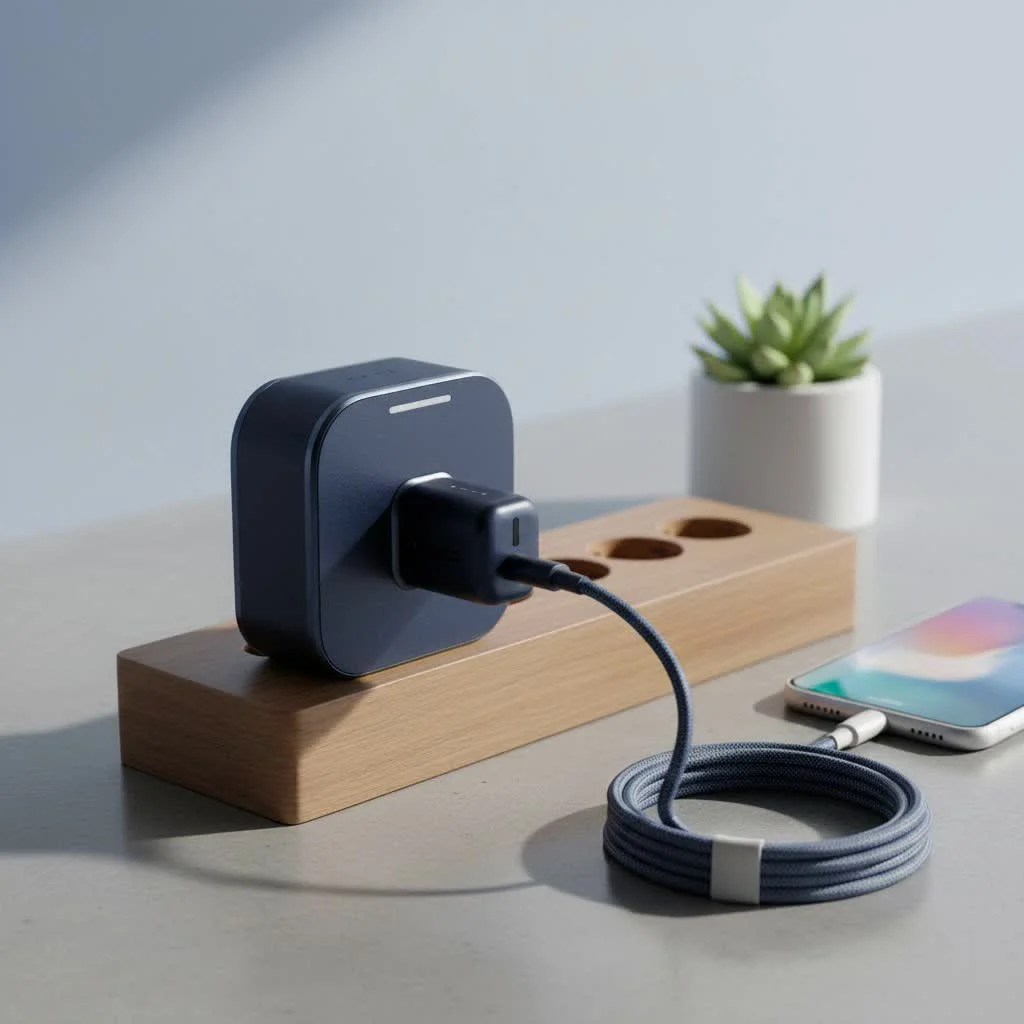
The core idea behind a smart plug is to give you remote control over any device you plug into it. Think of it as a smart middleman between your wall socket and your lamp, fan, or coffee maker. The Amazon Basics Smart Plug is designed to do this with minimal fuss, especially if you’re already part of the Amazon Alexa ecosystem.
What Exactly is the Amazon Basics Smart Plug?
The Amazon Basics Smart Plug is a compact device that plugs into any standard electrical outlet. You then plug a conventional appliance into it. Once connected to your home’s Wi-Fi network, it allows you to turn the appliance on or off from anywhere using the Alexa app or, more importantly, with your voice through an Alexa-enabled device like an Echo Dot.
Its primary appeal is its simplicity and tight integration with Amazon’s ecosystem. Unlike many third-party plugs that require you to download a separate app and create another account, this one is built to work seamlessly within the Alexa app you already use.
Key Features at a Glance
Before we dive deeper, let’s break down what this smart plug brings to the table:
- Seamless Alexa Integration: This is its main selling point. Control is handled directly through the Alexa app, making setup and daily use incredibly straightforward for Echo owners.
- Voice Control: The magic of a smart home. Simply say, “Alexa, turn on the living room lamp,” and it happens.
- Scheduling and Routines: Automate your home by setting schedules. Have your coffee maker start brewing at 7 AM or turn off all connected lights at midnight.
- Compact Design: It’s designed to be small enough that it won’t block the second outlet, a common frustration with older, bulkier smart plugs.
- Away Mode: A useful security feature that randomly turns lights on and off to simulate that someone is home when you’re away.
- Frustration-Free Setup: Amazon’s technology allows the plug to be automatically detected by your Echo device as soon as you plug it in, often making the setup process take less than a minute.
How to Set Up Your Amazon Basics Smart Plug
One of the most intimidating parts of building a smart home is the setup. Amazon tackled this head-on. Here’s a simple, step-by-step guide to getting your plug up and running.
- Plug It In: Find a standard wall outlet and plug in your Amazon Basics Smart Plug. A small blue LED light should start blinking, indicating it’s in setup mode.
- Open the Alexa App: On your smartphone or tablet, open the Alexa app.
- Automatic Detection: In most cases, if your Wi-Fi information is saved to your Amazon account, you’ll get a notification that a new plug has been found. Simply follow the on-screen prompts to name it (e.g., “Bedroom Fan”) and assign it to a room.
- Manual Setup (If Needed): If it’s not detected automatically, don’t worry.
- Tap the “Devices” icon in the bottom right corner of the Alexa app.
- Tap the “+” icon in the top right corner.
- Select “Add Device,” then choose “Plug.”
- Select “Amazon” from the list of brands and follow the instructions to scan a barcode or connect to the plug’s temporary Wi-Fi network.
Once connected, you can test it by toggling it on and off in the app or by giving Alexa a voice command.
Creative Ways to Use Your Smart Plug
You’ve got your plug set up. Now what? The real fun begins when you think beyond just turning on a lamp. Here are some practical and creative ideas to get the most out of your Amazon Basics Smart Plug.
Morning and Evening Routines
|
Our Picks for the Best Smart Plug in 2026
As an Amazon Associate I earn from qualifying purchases.
|
||
| Num | Product | Action |
|---|---|---|
| 1 | EIGHTREE Smart Plug, Smart Home WiFi Outlet Works with Alexa & Google Home, Smart Socket with Remote Control & Timer Function, 2.4GHz WiFi Only, 4 Packs |

|
| 2 | Linkind Matter Smart Plug, Work with Apple Home, Siri, Alexa, Google, SmartThings, Smart Home Smart Outlet Timer 15A/1800W, APP Remote Control & Schedule, ETL & FCC Certified, 2.4G Wi-Fi Only, 4 Pack |
|
| 3 | Kasa Smart Plug Mini 15A, Apple HomeKit Supported, Smart Outlet Works with Siri, Alexa & Google Home, UL Certified, App Control, Scheduling, Timer, 2.4G WiFi Only, 4 Count (Pack of 1) (EP25P4), White |
|
| 4 | Kasa Smart Plug HS103P2, Smart Home Wi-Fi Outlet Works with Alexa, Echo, Google Home & IFTTT, No Hub Required, Remote Control,15 Amp,UL Certified, (Pack of 2) White |
|
| 5 | EIGHTREE Smart Plug 2025 Upgrade to 15A, Bluetooth & Wi-Fi Outlet Plug Dual Connection, Voice Control, Remote Control Outlet Timer Indoor, Smart Plugs That Work with Alexa & Google, 2.4GHz Wi-Fi Only |
|
| 6 | Govee Smart Plug, WiFi Plugs Work with Alexa & Google Assistant, Smart Outlet with Timer & Group Controller, WiFi Outlet for Home, No Hub Required, ETL & FCC Certified, 2.4G WiFi Only, 4 Pack |
|
| 7 | GHome Smart Plug, WiFi Smart Plugs Work with Alexa and Google Home, Smart Outlet Timer with APP Remote Control, 2.4GHz Wi-Fi Only, No Hub Required, ETL FCC Listed |
|
| 8 | Kasa Smart Plug HS103P4, Smart Home Wi-Fi Outlet Works with Alexa, Echo, Google Home & IFTTT, No Hub Required, Remote Control, 15 Amp, UL Certified, 4-Pack, White |
|
| 9 | Legrand Radiant® Wi-Fi Matter Smart Plug Matter Hub Required 15A, Easy Setup, Enhanced Compatibility with Apple HomeKit, Google Home, Alexa & SmartThings, Easy Wi-Fi Connectivity w/ Matter (1 Pack) |
|
| 10 | Kasa Smart Plug Ultra Mini 15A, Smart Home Wi-Fi Outlet Works with Alexa, Google Home & IFTTT, No Hub Required, UL Certified, 2.4G WiFi Only, 2 Count (Pack of 1)(EP10P2) , White |
|
Create an “Alexa, Good Morning” routine that turns on your smart plug-connected coffee maker, switches on a lamp, and plays your favorite morning news briefing. Conversely, an “Alexa, Good Night” routine can turn everything off at once.
Enhance Home Security
Using the “Away Mode” is a great start. You can also set schedules for lamps and radios to turn on and off at specific times while you’re on vacation, creating a convincing illusion that your home is occupied.
Manage Kitchen Appliances
Connect your slow cooker to a smart plug. You can put your ingredients in before you leave for work and turn it on remotely a few hours before you get home, so dinner is ready when you walk in the door. It’s also great for electric kettles and coffee grinders.
As smart home consultant David Chen often says, “The best smart devices are the ones that solve a real, everyday problem. A smart plug on a coffee maker doesn’t just add tech; it gives you back five minutes of your morning. That’s a tangible benefit.”
Holiday and Accent Lighting
Managing holiday lights is a classic use case. Instead of crawling behind the tree to plug them in, just ask Alexa. This is also perfect for accent lighting behind TVs or under cabinets.
Is the Amazon Basics Smart Plug the Right Choice for You?
This is the most important question. While it’s an excellent device, it’s not for everyone. Let’s weigh the pros and cons.
Pros:
- Unbeatable Simplicity: If you are an Alexa user, the setup and integration are as easy as it gets.
- Affordable: It’s competitively priced, making it a low-risk entry point into smart home technology.
- Reliable: It’s a first-party device, meaning the connection and performance within the Amazon ecosystem are generally very stable.
- No Extra Hub Required: It connects directly to your Wi-Fi network.
Cons:
- Alexa-Only Ecosystem: This is a major limitation. If you use Google Assistant or Apple HomeKit, this plug is not for you. It is designed exclusively for the Amazon ecosystem.
- No Energy Monitoring: Many competing smart plugs from brands like Kasa or Wyze offer energy monitoring features, which let you see how much power a connected device is using. The Amazon Basics model lacks this feature.
- Requires 2.4 GHz Wi-Fi: Like most smart home gadgets, it only works on the 2.4 GHz Wi-Fi band. This isn’t usually a problem as most modern routers are dual-band, but it’s something to be aware of.
Frequently Asked Questions (FAQ)
Q: Can I use the Amazon Basics Smart Plug with Google Home or Apple HomeKit?
A: No. This smart plug is designed to work exclusively with Amazon Alexa. It will not connect to or be controlled by Google Assistant or Apple HomeKit.
Q: Do I need an Amazon Echo device to use the smart plug?
A: You don’t need an Echo device for basic control. You can turn the plug on and off using the Alexa app on your phone. However, an Echo device is required to use voice commands.
Q: Does the smart plug work if my internet goes down?
A: No. The plug requires an active internet connection to receive commands from the Alexa app or your Echo device. Any schedules you’ve set, however, are stored locally and should still run without internet.
Q: How much electricity does the smart plug itself use?
A: The smart plug consumes a very small amount of power when idle, typically less than 1 watt. Its energy consumption is minimal and won’t have a noticeable impact on your electricity bill.
Q: What should I do if my smart plug becomes unresponsive?
A: First, try unplugging it and plugging it back in. If that doesn’t work, check your Wi-Fi connection. As a last resort, you can perform a factory reset by holding down the button on the side of the plug for about 12 seconds until the LED flashes red.
The Final Verdict
The Amazon Basics Smart Plug is a fantastic choice for a specific user: someone who is already invested in the Amazon Alexa ecosystem and values simplicity and reliability over advanced features. It’s the perfect “first” smart device for beginners or a simple, cost-effective way to expand an existing Alexa-powered smart home.
If you’re looking for energy monitoring or compatibility with multiple voice assistants, you’ll want to look at other options. But for seamless, no-headache control of your everyday appliances through Alexa, this plug is a powerful and practical tool that truly delivers on its promise of making your home a little bit smarter.
Smart home that does not lock you in
Free PDF — protocol compatibility matrix for 30 hubs and devices.
