Welcome to the world of home automation, where convenience and control are just a tap or a voice command away. If you’re starting your smart home journey, one of the simplest yet most powerful devices you can own is a smart plug. In this comprehensive guide, we’ll dive deep into the Kasa Smart Wi-Fi Plug Mini, a top contender that promises to make any ordinary appliance smart. With over a decade of hands-on experience with smart home gadgets at Kjooz.com, I’ve seen countless devices come and go, but this compact powerhouse from TP-Link’s Kasa line remains a perennial favorite for its reliability, ease of use, and affordability.
What is the Kasa Smart Wi-Fi Plug Mini?
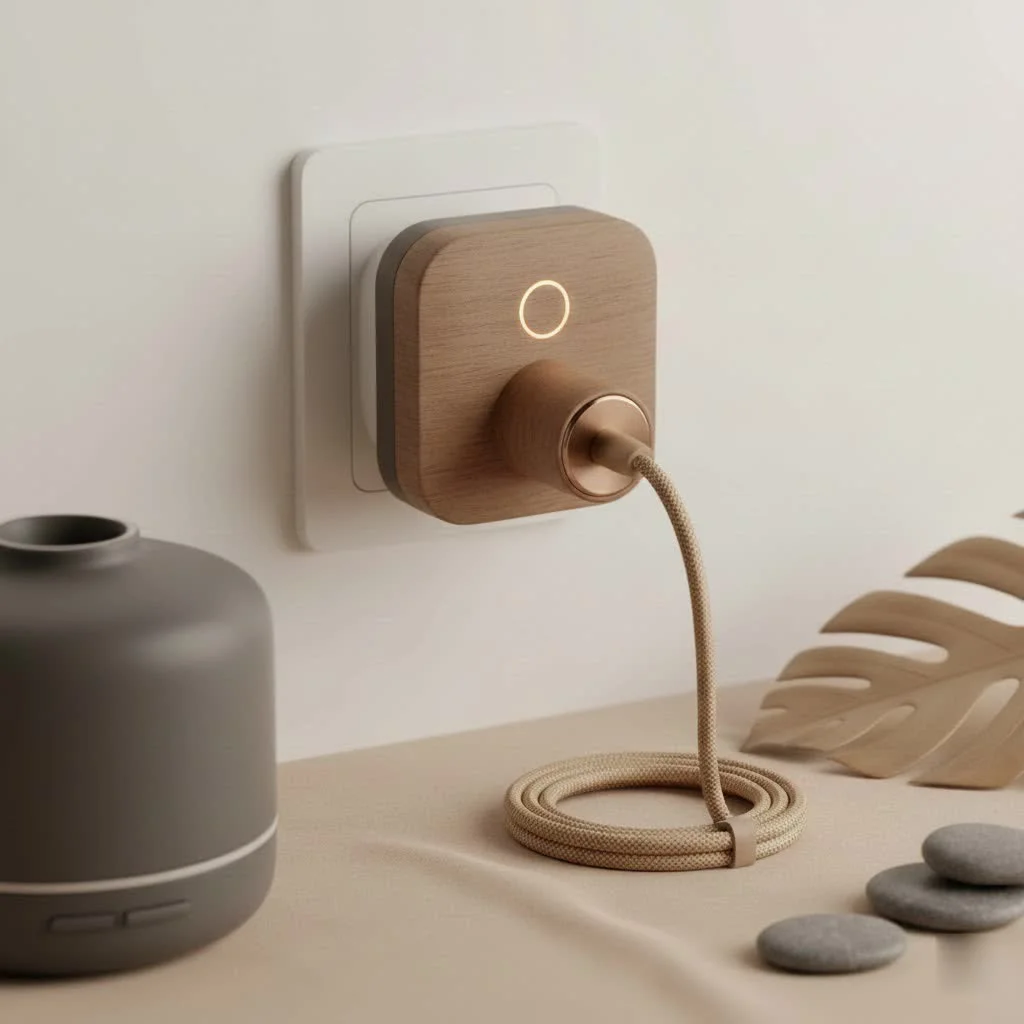
The Kasa Smart Wi-Fi Plug Mini is a device that plugs into any standard electrical outlet. You then plug a “dumb” appliance—like a lamp, a fan, or a coffee maker—into the smart plug. Once connected to your home’s Wi-Fi network, it allows you to control the power to that appliance remotely using the Kasa Smart app on your smartphone or with voice commands through assistants like Amazon Alexa or Google Assistant. Its “mini” design is a key feature, ensuring it’s compact enough not to block the adjacent outlet, a common frustration with older, bulkier smart plugs.
Key Features That Make It a Standout Choice
While the concept is simple, the Kasa plug is packed with features that deliver significant value. It’s more than just an on/off switch; it’s a tool for automation, security, and convenience.
Compact, Unobtrusive Design
One of the most practical advantages of the Kasa Smart Wi-Fi Plug Mini is its size. The sleek, rectangular form factor is specifically engineered to occupy a single socket without infringing on its neighbor. This means you can easily stack two of them in a standard dual-wall outlet, maximizing your smart home potential without creating a cluttered mess.
Seamless Setup with the Kasa Smart App
Getting started is incredibly straightforward, which is crucial for users who may not be tech-savvy. The entire process is guided through the user-friendly Kasa Smart app (available for iOS and Android). There’s no need for a separate, expensive smart home hub. The plug connects directly to your home’s 2.4GHz Wi-Fi network.
“The beauty of the Kasa ecosystem is its simplicity,” notes smart home analyst David Chen. “TP-Link has refined the onboarding process to a point where you can have a device like the Plug Mini up and running in under five minutes. That accessibility is key to its widespread adoption.”
Hands-Free Voice Control
|
Our Picks for the Best Smart Plug in 2026
As an Amazon Associate I earn from qualifying purchases.
|
||
| Num | Product | Action |
|---|---|---|
| 1 | Kasa Smart Plug HS103P2, Smart Home Wi-Fi Outlet Works with Alexa, Echo, Google Home & IFTTT, No Hub Required, Remote Control,15 Amp,UL Certified, (Pack of 2) White |

|
| 2 | Govee Smart Plug, WiFi Plugs Work with Alexa & Google Assistant, Smart Outlet with Timer & Group Controller, WiFi Outlet for Home, No Hub Required, ETL & FCC Certified, 2.4G WiFi Only, 4 Pack |
|
| 3 | Kasa Smart Plug HS103P4, Smart Home Wi-Fi Outlet Works with Alexa, Echo, Google Home & IFTTT, No Hub Required, Remote Control, 15 Amp, UL Certified, 4-Pack, White |
|
| 4 | Linkind Matter Smart Plug, Work with Apple Home, Siri, Alexa, Google, SmartThings, Smart Home Smart Outlet Timer 15A/1800W, APP Remote Control & Schedule, ETL & FCC Certified, 2.4G Wi-Fi Only, 4 Pack |
|
| 5 | Kasa Smart Plug Mini 15A, Apple HomeKit Supported, Smart Outlet Works with Siri, Alexa & Google Home, UL Certified, App Control, Scheduling, Timer, 2.4G WiFi Only, 4 Count (Pack of 1) (EP25P4), White |
|
| 6 | EIGHTREE Smart Plug, Smart Home WiFi Outlet Works with Alexa & Google Home, Smart Socket with Remote Control & Timer Function, 2.4GHz WiFi Only, 4 Packs |
|
| 7 | Legrand Radiant® Wi-Fi Matter Smart Plug Matter Hub Required 15A, Easy Setup, Enhanced Compatibility with Apple HomeKit, Google Home, Alexa & SmartThings, Easy Wi-Fi Connectivity w/ Matter (1 Pack) |
|
| 8 | Kasa Smart Plug Ultra Mini 15A, Smart Home Wi-Fi Outlet Works with Alexa, Google Home & IFTTT, No Hub Required, UL Certified, 2.4G WiFi Only, 2 Count (Pack of 1)(EP10P2) , White |
|
| 9 | EIGHTREE Smart Plug 2025 Upgrade to 15A, Bluetooth & Wi-Fi Outlet Plug Dual Connection, Voice Control, Remote Control Outlet Timer Indoor, Smart Plugs That Work with Alexa & Google, 2.4GHz Wi-Fi Only |
|
| 10 | GHome Smart Plug, WiFi Smart Plugs Work with Alexa and Google Home, Smart Outlet Timer with APP Remote Control, 2.4GHz Wi-Fi Only, No Hub Required, ETL FCC Listed |
|
The magic of a smart home truly comes alive with voice commands. The Kasa Smart Wi-Fi Plug Mini integrates flawlessly with major voice assistants, including:
- Amazon Alexa: “Alexa, turn on the living room lamp.”
- Google Assistant: “Hey Google, start the coffee maker.”
This hands-free control is perfect for moments when your hands are full, you’re comfortable on the couch, or you’re already in bed and forgot to turn off a light.
Powerful Scheduling and Timer Functions
Automation is where the Kasa plug truly shines. Using the app, you can create detailed schedules to power your devices on and off at specific times.
- Morning Routine: Schedule your coffee maker to turn on at 6:30 AM, so you wake up to the smell of fresh coffee.
- Evening Wind-Down: Set your lamps to turn off automatically at 11:00 PM.
- Holiday Lights: Automate your decorative lights to turn on at sunset and off at sunrise.
You can also set timers and countdowns, which is perfect for tasks like charging devices for a set period or turning off a fan after you’ve fallen asleep.
Away Mode for Enhanced Security
A standout feature is the “Away Mode.” When activated, the Kasa plug will randomly turn connected lights on and off throughout the day or evening. This smart feature simulates the presence of someone at home, acting as a powerful deterrent to potential intruders while you’re on vacation or away for the evening.
How to Set Up Your Kasa Smart Wi-Fi Plug Mini
Ready to get started? Here’s a simple, step-by-step guide to setting up your first Kasa Smart Wi-Fi Plug Mini.
- Download the App: Go to the Apple App Store or Google Play Store and download the “Kasa Smart” app.
- Create an Account: Open the app and create a TP-Link Kasa account. This will allow you to control your devices from anywhere.
- Plug It In: Plug the Kasa Smart Wi-Fi Plug Mini into a wall outlet. The Wi-Fi indicator light on the plug should start blinking amber and green.
- Add the Device: In the Kasa app, tap the ‘+’ icon in the top right corner and select “Device,” then “Smart Plugs.” Choose the “Smart Plug Mini” from the list.
- Connect to Wi-Fi: Follow the in-app instructions. You will be prompted to connect to the plug’s temporary Wi-Fi network and then select your home’s 2.4GHz Wi-Fi network and enter the password.
- Name Your Plug: Give your plug a descriptive name, like “Bedside Lamp” or “Kitchen Fan.” This is the name you will use for voice commands.
- Update Firmware: The app will likely prompt you to update the plug’s firmware to the latest version. This is important for security and performance.
That’s it! Your smart plug is now ready to use. You can control it from the app’s home screen or proceed to link it with your preferred voice assistant.
Creative Ways to Use Your Smart Plug
Beyond turning lamps on and off, here are some practical and creative applications for your Kasa plug:
- Manage Slow Cookers: Start dinner while you’re still at the office by plugging in your slow cooker and turning it on remotely.
- Protect Your Electronics: Connect your devices to a power strip, then plug the strip into the Kasa plug. You can create a schedule to completely cut power overnight, preventing “vampire” power drain.
- Improve Air Quality: Hook up a humidifier or dehumidifier to a smart plug and schedule it to run during specific hours to maintain optimal humidity levels.
- Control Seasonal Devices: Easily manage holiday decorations, space heaters in the winter, or window AC units in the summer without fumbling for switches.
- Reboot Your Router Remotely: Plug your Wi-Fi router into a Kasa plug. If your internet connection drops, you can reboot it from your phone without having to get up and unplug it.
Frequently Asked Questions (FAQ)
Do I need a smart home hub for the Kasa Smart Wi-Fi Plug Mini?
No, you do not. The Kasa plug connects directly to your home’s Wi-Fi network, so you don’t need any additional hardware like a Philips Hue Bridge or a Samsung SmartThings hub.
Does the Kasa plug work with 5GHz Wi-Fi?
No, like most smart home devices, the Kasa Smart Wi-Fi Plug Mini only operates on the 2.4GHz Wi-Fi band. This band offers a longer range than 5GHz, which is better for devices spread throughout a home. Most modern routers are dual-band, so this is rarely an issue.
Can I control the smart plug when I’m away from home?
Yes. As long as the smart plug is connected to your home Wi-Fi and your smartphone has an internet connection (Wi-Fi or cellular), you can control the plug from anywhere in the world through the Kasa Smart app.
Is the Kasa Smart Wi-Fi Plug Mini safe to use?
Absolutely. It is UL certified for safety and built with V-0 flame-retardant materials. It also has overload protection to ensure it automatically shuts off if the connected appliance draws too much power.
Can I group multiple Kasa plugs together?
Yes, the Kasa app allows you to group multiple smart devices together. For example, you can create a “Living Room” group with several smart plugs and smart bulbs, allowing you to turn everything on or off with a single tap or voice command.
Final Thoughts: A Small Plug with a Big Impact
The Kasa Smart Wi-Fi Plug Mini is more than just a gadget; it’s an accessible entry point into a smarter, more automated lifestyle. Its blend of affordability, reliability, and user-friendly design makes it an ideal choice for both beginners and seasoned smart home enthusiasts. Whether you want to add voice control to a vintage lamp, automate your morning coffee, or add a layer of security while you’re away, this compact device delivers exceptional value. At Kjooz.com, we believe the best technology is the kind that simplifies your life, and the Kasa Smart Plug Mini does exactly that.
Smart home that does not lock you in
Free PDF — protocol compatibility matrix for 30 hubs and devices.

The Kasa Smart Wi-Fi Plug Mini is pretty good for the price, and it does make my old coffee maker ‘smart’ which is nice. My only minor complaint is that sometimes it takes a second or two longer than I’d expect for the command to register, especially if my Wi-Fi is a bit spotty. It’s not a deal-breaker, but something to note if you need instant response times. Still, it’s reliable most of the time.
I picked up a couple of these Kasa plugs after reading about their ease of use, and I’m impressed. I’ve got one controlling my Christmas tree lights and another for a humidifier. The compact powerhouse design is a real plus; it doesn’t block the second outlet which is a common issue with other smart plugs I’ve tried. TP-Link really did a good job with this one.
I’ve been using the Kasa Smart Wi-Fi Plug Mini for a few months now, and it’s fantastic. I mainly use it for my bedroom lamp and a fan, and being able to control them with voice commands through Alexa is super convenient. Setup was a breeze, literally took me five minutes to get everything connected to my Wi-Fi network. Definitely a great starting point for anyone looking to get into home automation without breaking the bank.
As someone who’s been dabbling in smart home gadgets for a while, the Kasa Smart Wi-Fi Plug Mini stands out for its sheer reliability. I’ve had other brands drop off my network constantly, but these Kasa plugs from TP-Link just work. I’m using them for everything from charging stations to a slow cooker, and the scheduling feature is a lifesaver. Highly recommend for both beginners and experienced users.