Welcome to the world of home automation, where convenience and control are at your fingertips. If you’re starting your smart home journey, the first and most impactful device you should consider is the smart plug socket. This small, unassuming gadget is a powerhouse of functionality, capable of transforming any ordinary appliance into a smart device. At Kjooz, we believe in empowering you with knowledge, and this comprehensive guide will walk you through everything you need to know about making your home smarter, one outlet at a time.
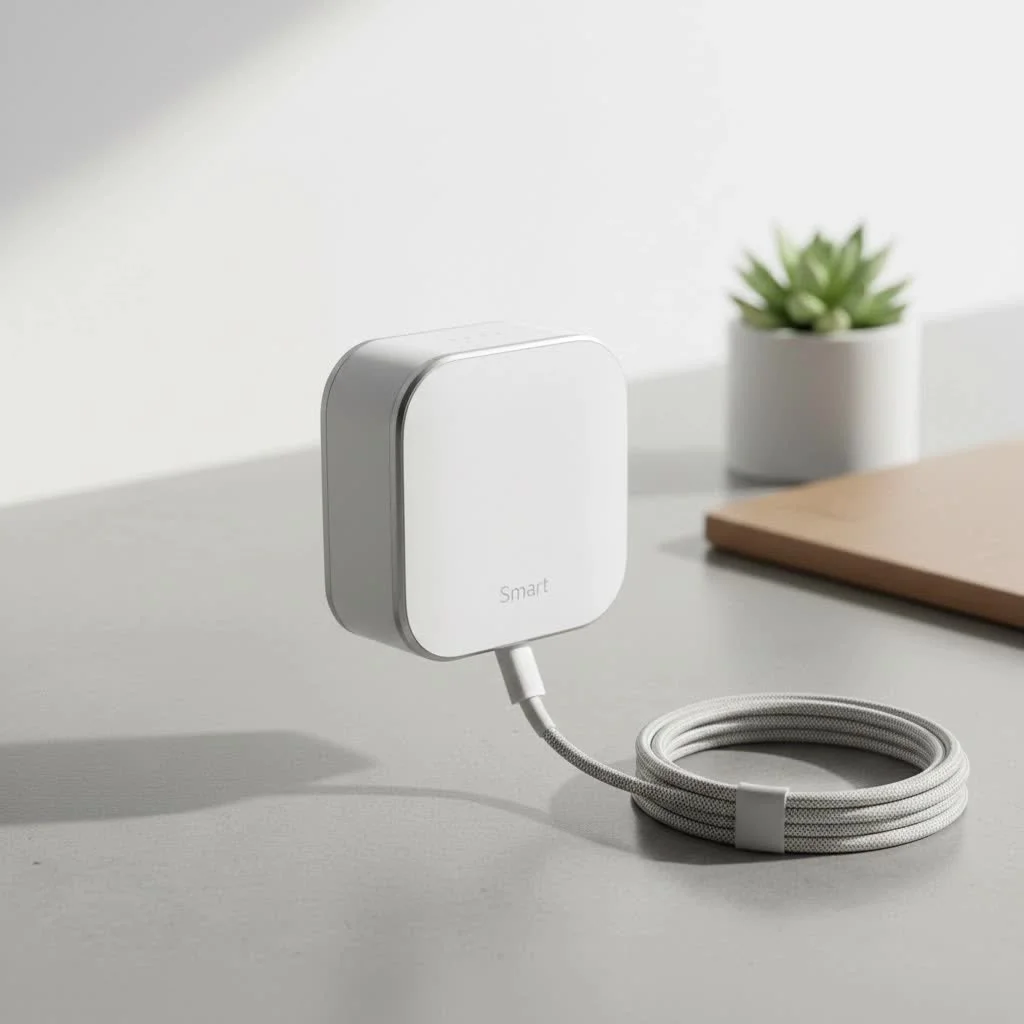
What Exactly is a Smart Plug Socket and How Does It Work?
A smart plug socket, also known as a smart outlet or Wi-Fi plug, is a device that you plug into a traditional electrical outlet. You then plug your regular appliance—like a lamp, coffee maker, or fan—into the smart plug. In essence, it acts as a smart intermediary.
The magic happens through its connection to your home’s Wi-Fi network. Once connected, the smart plug socket can be controlled remotely via a smartphone app, or even with voice commands through a compatible smart home assistant like Amazon Alexa, Google Assistant, or Apple’s Siri. It works by simply controlling the flow of electricity to the device plugged into it. When you command it to turn off, it cuts the power; when you turn it on, it allows the power to flow. It’s a brilliantly simple concept with powerful implications for convenience, energy savings, and security.
The Key Benefits of Using a Smart Plug Socket
Integrating a smart plug socket into your home isn’t just a novelty; it offers tangible benefits that can enhance your daily life.
- Unmatched Convenience: Forgot to turn off the iron? No need to rush back home. You can turn it off from your office using your smartphone. Want your coffee ready when you wake up? A smart plug can start the coffee maker automatically.
- Energy Savings: Many smart plugs come with energy monitoring features. They track how much power an appliance is using, helping you identify energy-hungry devices and reduce “vampire drain”—the energy consumed by electronics even when they are turned off.
- Enhanced Home Security: When you’re on vacation, you can schedule lights and radios to turn on and off at random intervals, creating the illusion that someone is home. This simple trick can be a powerful deterrent for potential intruders.
- Voice-Activated Control: The ability to control appliances with just your voice is a game-changer. Saying “Hey Google, turn on the fan” on a hot day without having to get up is a luxury you’ll quickly get used to.
“The smart plug socket is the gateway to home automation. It’s affordable, incredibly easy to set up, and offers immediate, practical benefits. It’s the perfect first step for anyone curious about building a smarter living space,” says David Chen, Lead Smart Home Engineer at Kjooz.
Choosing the Right Smart Plug Socket for Your Home
With a flood of options on the market, selecting the right smart plug can seem daunting. Here are the key factors to consider to ensure you find the perfect fit for your needs.
Connectivity: Wi-Fi, Bluetooth, Zigbee, or Z-Wave
|
Our Picks for the Best Smart Plug in 2026
As an Amazon Associate I earn from qualifying purchases.
|
||
| Num | Product | Action |
|---|---|---|
| 1 | Kasa Smart Plug HS103P2, Smart Home Wi-Fi Outlet Works with Alexa, Echo, Google Home & IFTTT, No Hub Required, Remote Control,15 Amp,UL Certified, (Pack of 2) White |

|
| 2 | Legrand Radiant® Wi-Fi Matter Smart Plug Matter Hub Required 15A, Easy Setup, Enhanced Compatibility with Apple HomeKit, Google Home, Alexa & SmartThings, Easy Wi-Fi Connectivity w/ Matter (1 Pack) |
|
| 3 | GHome Smart Plug, WiFi Smart Plugs Work with Alexa and Google Home, Smart Outlet Timer with APP Remote Control, 2.4GHz Wi-Fi Only, No Hub Required, ETL FCC Listed |
|
| 4 | Kasa Smart Plug Ultra Mini 15A, Smart Home Wi-Fi Outlet Works with Alexa, Google Home & IFTTT, No Hub Required, UL Certified, 2.4G WiFi Only, 2 Count (Pack of 1)(EP10P2) , White |
|
| 5 | Kasa Smart Plug HS103P4, Smart Home Wi-Fi Outlet Works with Alexa, Echo, Google Home & IFTTT, No Hub Required, Remote Control, 15 Amp, UL Certified, 4-Pack, White |
|
| 6 | Kasa Smart Plug Mini 15A, Apple HomeKit Supported, Smart Outlet Works with Siri, Alexa & Google Home, UL Certified, App Control, Scheduling, Timer, 2.4G WiFi Only, 4 Count (Pack of 1) (EP25P4), White |
|
| 7 | EIGHTREE Smart Plug 2025 Upgrade to 15A, Bluetooth & Wi-Fi Outlet Plug Dual Connection, Voice Control, Remote Control Outlet Timer Indoor, Smart Plugs That Work with Alexa & Google, 2.4GHz Wi-Fi Only |
|
| 8 | EIGHTREE Smart Plug, Smart Home WiFi Outlet Works with Alexa & Google Home, Smart Socket with Remote Control & Timer Function, 2.4GHz WiFi Only, 4 Packs |
|
| 9 | Govee Smart Plug, WiFi Plugs Work with Alexa & Google Assistant, Smart Outlet with Timer & Group Controller, WiFi Outlet for Home, No Hub Required, ETL & FCC Certified, 2.4G WiFi Only, 4 Pack |
|
| 10 | Linkind Matter Smart Plug, Work with Apple Home, Siri, Alexa, Google, SmartThings, Smart Home Smart Outlet Timer 15A/1800W, APP Remote Control & Schedule, ETL & FCC Certified, 2.4G Wi-Fi Only, 4 Pack |
|
The most common type is the Wi-Fi smart plug, which connects directly to your home router without needing an extra hub. This makes it incredibly easy to set up. Bluetooth plugs are less common and work over a shorter range, typically controlled only when you’re nearby. Zigbee and Z-Wave plugs require a separate smart home hub (like an Amazon Echo with a built-in hub or a Samsung SmartThings hub). The advantage is that they create their own mesh network, which can be more reliable and won’t crowd your Wi-Fi network if you plan on adding many smart devices. For most beginners, a Wi-Fi plug is the ideal choice.
Compatibility with Voice Assistants
Check the product’s compatibility with your preferred smart home ecosystem. Most smart plugs support Amazon Alexa and Google Assistant, but support for Apple HomeKit (Siri) can be less common. Ensure the plug you choose works seamlessly with the voice assistant you already use.
Size and Shape
This is an often-overlooked detail. Some bulky smart plugs can be so large that they block the adjacent outlet, rendering it useless. Look for compact, modern designs that allow you to use both sockets in a standard dual outlet.
Extra Features
- Energy Monitoring: If you want to cut down on your electricity bill, choose a smart plug socket that offers real-time energy monitoring. The companion app will show you how much power your devices are consuming.
- USB Ports: Some models include built-in USB ports, allowing you to charge your phone or other devices without needing a separate power adapter, adding another layer of convenience.
How to Set Up Your Smart Plug Socket: A Step-by-Step Guide
Setting up your first smart plug is a straightforward process that usually takes less than five minutes. While specific steps may vary slightly by brand, the general process is universal.
- Download the App: Find the manufacturer’s dedicated app in the Apple App Store or Google Play Store and download it to your smartphone.
- Create an Account: Open the app and create a user account. This is necessary to manage your devices remotely.
- Plug It In: Plug the smart plug socket into a wall outlet. A light on the plug will typically start blinking to indicate it’s in pairing mode.
- Connect to Wi-Fi: Follow the in-app instructions to add a new device. You will need to select your home Wi-Fi network and enter the password. Make sure your phone is connected to a 2.4GHz Wi-Fi network, as most smart plugs are not compatible with 5GHz networks.
- Name Your Device: Once connected, give your plug a descriptive name like “Living Room Lamp” or “Bedroom Fan.” This makes it easier to identify and control, especially with voice commands.
- Connect to Your Voice Assistant (Optional): Open your Alexa, Google Home, or Apple Home app. Search for the skill or service associated with your smart plug brand, link your account, and allow the app to discover your new device.
Unlocking Advanced Features for a Smarter Home
The real power of a smart plug socket is unlocked through its advanced features.
Scheduling and Timers
This is one of the most useful features. You can create custom schedules for any connected appliance.
- Set your holiday lights to turn on at sunset and off at midnight.
- Schedule a fan to turn on in the afternoon to cool your room before you get home.
- Use a countdown timer to automatically turn off a device, like a space heater, after a set amount of time.
Voice Control Integration
Once linked to your smart assistant, you can control your devices hands-free. This is perfect for when your hands are full or you’re across the room. You can also group multiple plugs together. For instance, create a “Good Night” routine that turns off all your lamps and a “Good Morning” routine that starts your coffee maker.
Energy Monitoring Explained
For plugs with this feature, the app provides a detailed dashboard of energy usage. You can see how many kilowatt-hours (kWh) an appliance has used today, this week, or this month. This data empowers you to make informed decisions about your energy consumption, helping you save money and reduce your carbon footprint.
Frequently Asked Questions (FAQ)
What is the main purpose of a smart plug socket?
The main purpose is to let you control any standard electrical appliance remotely through a smartphone app or voice commands. This adds convenience, helps save energy, and can improve home security.
Do smart plug sockets use a lot of electricity?
No. When the connected appliance is off, the smart plug itself consumes a very small amount of power to maintain its Wi-Fi connection—typically less than one watt. The energy it can save you by turning off power-hungry devices far outweighs its own consumption.
Can a smart plug socket be used outdoors?
Only if it is specifically rated for outdoor use. Outdoor smart plugs are built with weather-resistant materials to withstand rain, dust, and temperature fluctuations. Never use an indoor smart plug outside.
Do I need a smart home hub for a smart plug to work?
Not usually. Most popular smart plugs are Wi-Fi based and connect directly to your router, so no hub is required. However, if you choose a Zigbee or Z-Wave model, you will need a compatible hub.
Can a smart plug damage my appliances?
No, a smart plug socket from a reputable brand is designed to be safe and will not damage your appliances. It simply controls the power supply. However, always ensure the plug’s power rating (in amps and watts) is sufficient for the appliance you intend to connect to it.
Take Control of Your Home Today
The smart plug socket is more than just a gadget; it’s an accessible, affordable, and powerful tool that serves as the perfect entry point into the exciting world of home automation. It offers an immediate return on investment through convenience, energy savings, and peace of mind. By transforming your everyday appliances into smart devices, you take the first step toward creating a home that works for you. Explore the possibilities, start with a single plug, and experience the simple joy of a smarter, more connected life.
Smart home that does not lock you in
Free PDF — protocol compatibility matrix for 30 hubs and devices.
