Welcome to the ultimate resource for everything you need to know about the Teckin smart plug. If you’ve ever wondered how to dip your toes into the world of smart homes without a hefty investment, this little device is your perfect starting point. As a smart home expert with over a decade of experience, I’ve seen countless gadgets come and go, but the simplicity and effectiveness of a quality smart plug remain unmatched. They are the unsung heroes of home automation, turning your everyday appliances into intelligent, controllable devices.
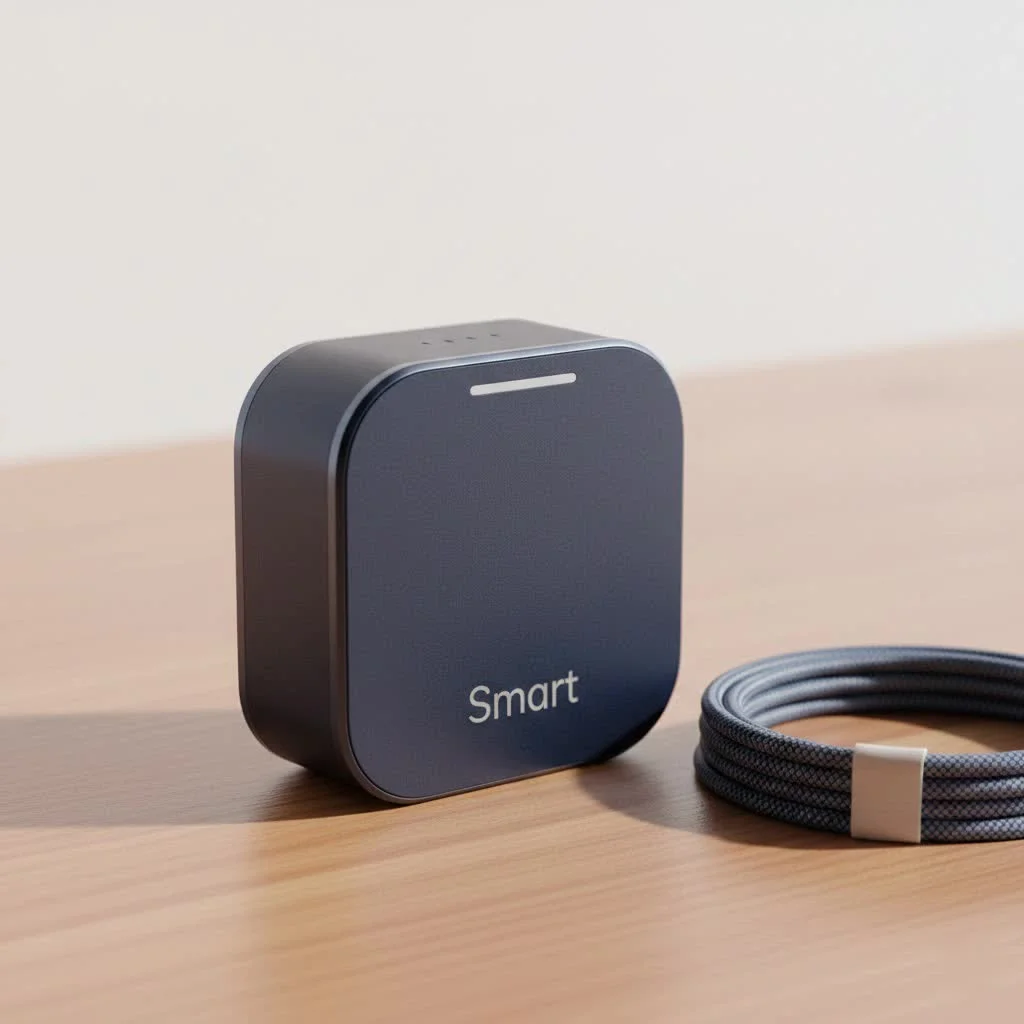
In this guide, we’ll dive deep into the Teckin smart plug, a popular choice known for its affordability and reliability. We will cover everything from the initial setup to advanced features and troubleshooting, ensuring you have the confidence to make your home smarter and more efficient. Whether you want to control your lights from the couch or schedule your coffee maker to brew before you wake up, you’re in the right place.
What Exactly is a Teckin Smart Plug?
At its core, a Teckin smart plug is a simple adapter that sits between your wall outlet and an appliance’s power cord. Once connected to your home’s Wi-Fi network, it allows you to turn the appliance on or off remotely using a smartphone app. Think of it as a remote control for your power sockets, but with a global range and a host of intelligent features.
The real magic happens through the companion app, typically the “Smart Life” app, which acts as the central hub for all your Teckin devices. This connectivity unlocks a world of convenience, from setting automated schedules to controlling devices with just your voice.
As Smart Home Integration Specialist, David Chen, often says, “The smart plug is the gateway to home automation. It’s a low-risk, high-reward product that demonstrates the tangible benefits of a connected home almost instantly. Teckin has successfully packaged this power into an accessible and user-friendly device.”
Key Features That Make Teckin Plugs Stand Out
While the concept is simple, Teckin smart plugs are packed with features that deliver significant value. Understanding these will help you maximize their potential in your home.
Remote Control and Voice Activation
The most fundamental feature is the ability to control your devices from anywhere with an internet connection. Left the house and forgot to turn off a lamp? No problem. Just open the app and switch it off.
Furthermore, Teckin plugs integrate seamlessly with major voice assistants like Amazon Alexa and Google Assistant. This allows for hands-free control. Simple commands like, “Alexa, turn on the living room fan,” or, “Hey Google, switch off the bedroom lamp,” become second nature.
Scheduling and Timers
|
Our Picks for the Best Smart Plug in 2026
As an Amazon Associate I earn from qualifying purchases.
|
||
| Num | Product | Action |
|---|---|---|
| 1 | Kasa Smart Plug HS103P4, Smart Home Wi-Fi Outlet Works with Alexa, Echo, Google Home & IFTTT, No Hub Required, Remote Control, 15 Amp, UL Certified, 4-Pack, White |

|
| 2 | GHome Smart Plug, WiFi Smart Plugs Work with Alexa and Google Home, Smart Outlet Timer with APP Remote Control, 2.4GHz Wi-Fi Only, No Hub Required, ETL FCC Listed |
|
| 3 | Linkind Matter Smart Plug, Work with Apple Home, Siri, Alexa, Google, SmartThings, Smart Home Smart Outlet Timer 15A/1800W, APP Remote Control & Schedule, ETL & FCC Certified, 2.4G Wi-Fi Only, 4 Pack |
|
| 4 | Kasa Smart Plug Ultra Mini 15A, Smart Home Wi-Fi Outlet Works with Alexa, Google Home & IFTTT, No Hub Required, UL Certified, 2.4G WiFi Only, 2 Count (Pack of 1)(EP10P2) , White |
|
| 5 | EIGHTREE Smart Plug, Smart Home WiFi Outlet Works with Alexa & Google Home, Smart Socket with Remote Control & Timer Function, 2.4GHz WiFi Only, 4 Packs |
|
| 6 | Kasa Smart Plug HS103P2, Smart Home Wi-Fi Outlet Works with Alexa, Echo, Google Home & IFTTT, No Hub Required, Remote Control,15 Amp,UL Certified, (Pack of 2) White |
|
| 7 | Legrand Radiant® Wi-Fi Matter Smart Plug Matter Hub Required 15A, Easy Setup, Enhanced Compatibility with Apple HomeKit, Google Home, Alexa & SmartThings, Easy Wi-Fi Connectivity w/ Matter (1 Pack) |
|
| 8 | Kasa Smart Plug Mini 15A, Apple HomeKit Supported, Smart Outlet Works with Siri, Alexa & Google Home, UL Certified, App Control, Scheduling, Timer, 2.4G WiFi Only, 4 Count (Pack of 1) (EP25P4), White |
|
| 9 | Govee Smart Plug, WiFi Plugs Work with Alexa & Google Assistant, Smart Outlet with Timer & Group Controller, WiFi Outlet for Home, No Hub Required, ETL & FCC Certified, 2.4G WiFi Only, 4 Pack |
|
| 10 | EIGHTREE Smart Plug 2025 Upgrade to 15A, Bluetooth & Wi-Fi Outlet Plug Dual Connection, Voice Control, Remote Control Outlet Timer Indoor, Smart Plugs That Work with Alexa & Google, 2.4GHz Wi-Fi Only |
|
This is where home automation truly begins to shine. With the app, you can create custom schedules for any connected appliance.
- Morning Routine: Schedule your coffee maker to start brewing at 7:00 AM.
- Security: Set lamps to turn on and off randomly when you’re on vacation to simulate presence.
- Energy Savings: Program your entertainment center to shut down completely overnight, eliminating standby power consumption.
You can also set timers or countdowns, which are perfect for tasks like charging devices for a specific duration or turning off a fan after you’ve fallen asleep.
Energy Monitoring
Select models of the Teckin smart plug come with a built-in energy monitoring feature. This is a game-changer for anyone conscious of their electricity consumption. The app provides real-time and historical data on how much power an appliance is using, helping you identify energy-hungry devices and make informed decisions to lower your utility bills.
How to Set Up Your Teckin Smart Plug: A Step-by-Step Guide
Getting your Teckin smart plug up and running is a straightforward process that typically takes less than five minutes. Here’s a simple, step-by-step guide to get you connected.
- Download the App: First, head to the Google Play Store or Apple App Store and download the “Smart Life” app. Create an account and log in.
- Plug It In: Insert the Teckin smart plug into a wall outlet. A small LED indicator light should start blinking rapidly, indicating it’s in pairing mode. If it isn’t blinking, press and hold the power button on the side of the plug for about 5-10 seconds until it does.
- Add the Device in the App: Open the Smart Life app and tap the ‘+’ icon in the top-right corner to add a new device.
- Select the Device Type: Choose “Socket (Wi-Fi)” from the list of available devices.
- Connect to Wi-Fi: Enter your home Wi-Fi network credentials. It’s crucial to ensure your phone is connected to a 2.4GHz Wi-Fi network, as most smart plugs, including Teckin, are not compatible with 5GHz networks.
- Complete the Pairing: The app will now search for and connect to the plug. The blinking light on the plug will turn solid once the connection is successful.
- Name Your Device: The final step is to give your plug a descriptive name, such as “Floor Lamp” or “Kitchen Fan.” This makes it easier to identify and control, especially when using voice commands.
That’s it! Your Teckin smart plug is now ready to use.
Common Troubleshooting Tips
Even the most reliable tech can have its hiccups. If you run into issues with your Teckin smart plug, here are some common problems and their solutions.
Why is my Teckin smart plug not connecting?
This is the most frequent issue users face. The cause is almost always related to the Wi-Fi connection.
- Check Your Wi-Fi Band: As mentioned, ensure you are using a 2.4GHz network. If you have a dual-band router, you may need to temporarily disable the 5GHz band during setup.
- Verify Your Password: A simple typo in the Wi-Fi password can prevent connection. Double-check that it’s entered correctly.
- Bring It Closer: Move the smart plug closer to your Wi-Fi router during the initial setup process to ensure a strong signal.
- Reset the Plug: If all else fails, perform a factory reset by holding the power button for 10 seconds until the light blinks rapidly again, then restart the setup process.
The plug is unresponsive in the app.
If the plug shows as “offline” or doesn’t respond to commands, try these steps:
- Physically turn the plug off and on again using its power button.
- Check your home Wi-Fi network to ensure it’s online.
- Restart your Wi-Fi router.
Frequently Asked Questions (FAQ)
Do Teckin smart plugs work with Apple HomeKit?
Natively, most Teckin smart plugs do not support Apple HomeKit. However, tech-savvy users can sometimes achieve integration through third-party solutions like Homebridge, but this requires a more complex setup.
Can I use a Teckin smart plug outdoors?
Standard Teckin plugs are designed for indoor use only. Using them outdoors can expose them to moisture and temperature extremes, posing a safety risk. Look for specific outdoor-rated smart plugs for those applications.
Is it safe to use a Teckin smart plug with a high-power appliance?
Always check the maximum power rating on the plug itself. Most are rated for 10A or 15A. They are perfectly safe for lamps, fans, and small kitchen appliances. However, you should avoid using them with high-draw appliances like space heaters or large power tools unless you have verified the plug’s specifications can handle the load.
Do I need a smart home hub to use a Teckin plug?
No, you do not. Teckin smart plugs connect directly to your Wi-Fi network, so they don’t require a separate hub like Zigbee or Z-Wave devices do. All you need is the plug, a smartphone, and a Wi-Fi connection.
Can multiple people control the same smart plug?
Yes. The Smart Life app has a device-sharing feature that allows you to grant access to other family members so they can control the plugs from their own smartphones.
The Final Verdict
The Teckin smart plug is an excellent and affordable entry point into the world of home automation. It’s incredibly easy to set up, packed with useful features like scheduling and voice control, and compatible with the most popular smart ecosystems. While it may not have the brand recognition of more expensive competitors, it delivers reliable performance and exceptional value. By turning your ordinary appliances into smart devices, you can enhance convenience, improve security, and even save money on your energy bills. It’s a small change that can make a big difference in how you interact with your home.
Smart home that does not lock you in
Free PDF — protocol compatibility matrix for 30 hubs and devices.
