Welcome to the world of home automation, where convenience and control are right at your fingertips. If you’re just starting your smart home journey, one of the simplest yet most powerful devices you can own is a smart electric plug. This small, unassuming gadget can transform nearly any standard appliance into a smart device, unlocking a new level of efficiency and control. As the lead content creator at Kjooz.com, I’ve spent over a decade demystifying smart home tech, and I’m here to guide you through everything you need to know about this game-changing device.
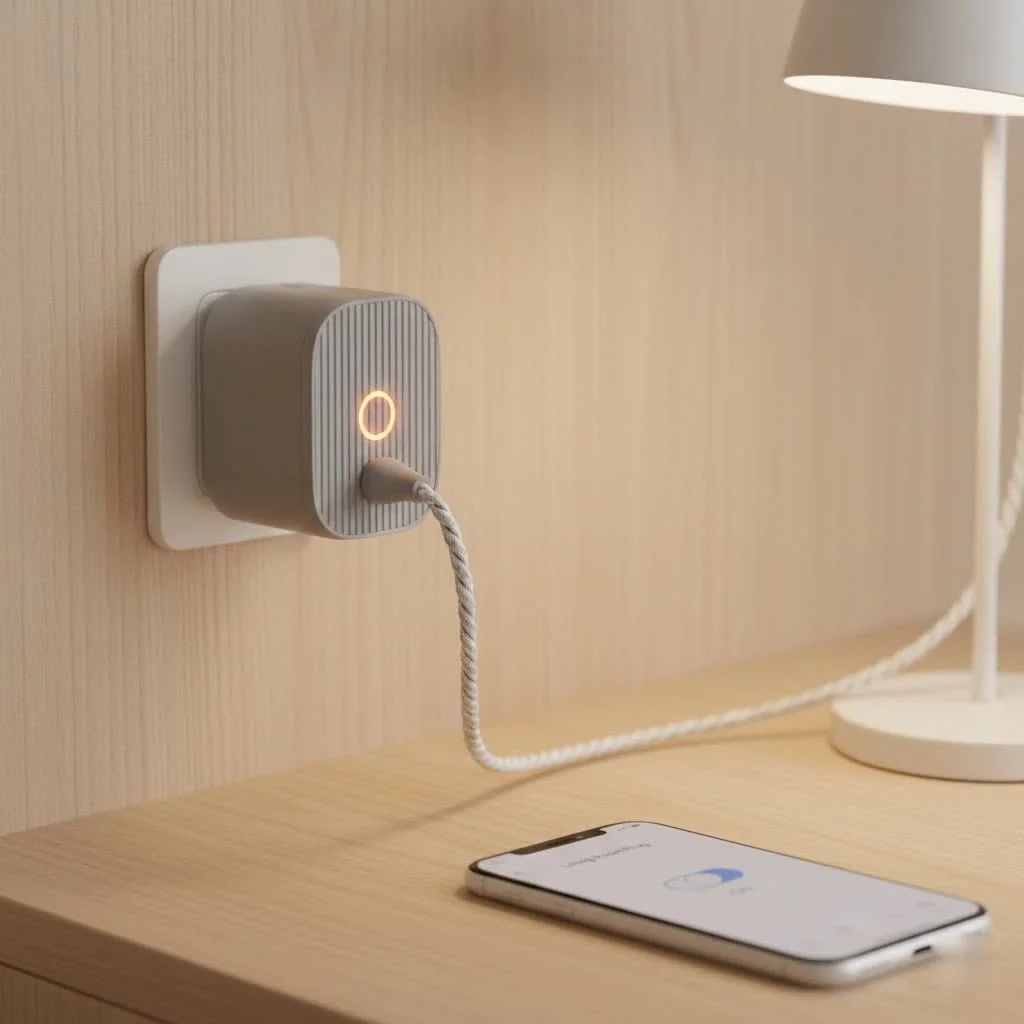
A smart electric plug, also known as a smart outlet or Wi-Fi plug, is a device that you plug into a regular electrical outlet. You then plug your appliance, like a lamp, fan, or coffee maker, into the smart plug. This simple connection allows you to control the appliance remotely through an app on your smartphone, or with voice commands via a smart assistant like Amazon Alexa, Google Assistant, or Apple’s Siri. It’s essentially a remote control for your power outlets, but with a whole lot more intelligence built-in.
Why You Absolutely Need a Smart Electric Plug
The beauty of a smart electric plug lies in its simplicity and versatility. It’s an affordable entry point into home automation that doesn’t require complex wiring or professional installation. But what can it really do for you? The benefits are more significant than you might think.
- Unmatched Convenience: Ever left the house and worried you left the iron on? With a smart plug, you can check its status and turn it off from anywhere using your phone. You can also turn on lights before you get home or start the coffee maker from your bed.
- Enhanced Home Security: When you’re on vacation, you can schedule lamps to turn on and off at random intervals, creating the illusion that someone is home. This simple trick, known as “Away Mode,” is a powerful deterrent for potential intruders.
- Energy and Cost Savings: Many smart plugs come with energy monitoring features. They can tell you exactly how much power a connected appliance is using, helping you identify energy-hungry devices. You can also set schedules to ensure devices aren’t drawing “phantom power” when not in use, leading to lower electricity bills.
- Voice-Activated Control: The magic of a smart home is hands-free control. By connecting your smart electric plug to a voice assistant, you can simply say, “Hey Google, turn on the living room fan,” or “Alexa, turn off the Christmas lights.”
Are All Smart Plugs Created Equal? The Different Types
While they may look similar, smart plugs operate using different communication protocols. Understanding these differences is key to choosing the right one for your home.
Wi-Fi Plugs
|
Our Picks for the Best Smart Plug in 2026
As an Amazon Associate I earn from qualifying purchases.
|
||
| Num | Product | Action |
|---|---|---|
| 1 | Legrand Radiant® Wi-Fi Matter Smart Plug Matter Hub Required 15A, Easy Setup, Enhanced Compatibility with Apple HomeKit, Google Home, Alexa & SmartThings, Easy Wi-Fi Connectivity w/ Matter (1 Pack) |

|
| 2 | GHome Smart Plug, WiFi Smart Plugs Work with Alexa and Google Home, Smart Outlet Timer with APP Remote Control, 2.4GHz Wi-Fi Only, No Hub Required, ETL FCC Listed |
|
| 3 | Kasa Smart Plug Ultra Mini 15A, Smart Home Wi-Fi Outlet Works with Alexa, Google Home & IFTTT, No Hub Required, UL Certified, 2.4G WiFi Only, 2 Count (Pack of 1)(EP10P2) , White |
|
| 4 | EIGHTREE Smart Plug, Smart Home WiFi Outlet Works with Alexa & Google Home, Smart Socket with Remote Control & Timer Function, 2.4GHz WiFi Only, 4 Packs |
|
| 5 | Linkind Matter Smart Plug, Work with Apple Home, Siri, Alexa, Google, SmartThings, Smart Home Smart Outlet Timer 15A/1800W, APP Remote Control & Schedule, ETL & FCC Certified, 2.4G Wi-Fi Only, 4 Pack |
|
| 6 | Kasa Smart Plug HS103P2, Smart Home Wi-Fi Outlet Works with Alexa, Echo, Google Home & IFTTT, No Hub Required, Remote Control,15 Amp,UL Certified, (Pack of 2) White |
|
| 7 | Kasa Smart Plug HS103P4, Smart Home Wi-Fi Outlet Works with Alexa, Echo, Google Home & IFTTT, No Hub Required, Remote Control, 15 Amp, UL Certified, 4-Pack, White |
|
| 8 | Kasa Smart Plug Mini 15A, Apple HomeKit Supported, Smart Outlet Works with Siri, Alexa & Google Home, UL Certified, App Control, Scheduling, Timer, 2.4G WiFi Only, 4 Count (Pack of 1) (EP25P4), White |
|
| 9 | Govee Smart Plug, WiFi Plugs Work with Alexa & Google Assistant, Smart Outlet with Timer & Group Controller, WiFi Outlet for Home, No Hub Required, ETL & FCC Certified, 2.4G WiFi Only, 4 Pack |
|
| 10 | EIGHTREE Smart Plug 2025 Upgrade to 15A, Bluetooth & Wi-Fi Outlet Plug Dual Connection, Voice Control, Remote Control Outlet Timer Indoor, Smart Plugs That Work with Alexa & Google, 2.4GHz Wi-Fi Only |
|
This is the most common and straightforward type. Wi-Fi plugs connect directly to your home’s Wi-Fi network, just like your laptop or smartphone.
- Pros: Easy to set up, no extra hub required.
- Cons: Each plug is another device on your Wi-Fi network, which could potentially slow it down if you have many devices.
Bluetooth Plugs
These plugs connect directly to your smartphone via Bluetooth.
- Pros: Very simple setup, doesn’t clog your Wi-Fi network.
- Cons: Limited range. You typically need to be within about 30 feet to control them, making them unsuitable for remote, out-of-home control unless they also have a Wi-Fi gateway.
Zigbee and Z-Wave Plugs
These are popular protocols in more extensive smart home setups. They create a dedicated “mesh network” separate from your Wi-Fi.
- Pros: Extremely reliable and fast. They don’t interfere with your Wi-Fi. The mesh network expands and gets stronger with each device you add.
- Cons: They require a central hub (like a Samsung SmartThings Hub or Amazon Echo with a built-in Zigbee hub) to connect to the internet and your phone.
As home automation consultant James Peterson often says, “Choosing your first smart plug isn’t just about the plug itself; it’s about choosing the ecosystem you want to build. Wi-Fi is great for starting small, but if you dream of a fully automated home, thinking about Zigbee or Z-Wave early on can save you headaches later.”
How to Choose the Perfect Smart Electric Plug
With so many options on the market, picking the right smart electric plug can feel overwhelming. Here’s a simple checklist to help you decide.
1. Ecosystem Compatibility
Which smart assistant do you use? Ensure the plug is compatible with Amazon Alexa, Google Assistant, or Apple HomeKit, depending on your preference. Most products will display these compatibility logos prominently on their packaging.
2. Size and Shape
Some bulky smart plugs can block the second outlet. Look for compact, round, or square designs that are specifically made to leave the other socket free.
3. Power and Amperage Rating
Check the maximum power rating (in watts) and amperage (in amps) of the plug. For small appliances like lamps or fans, a standard 10A plug is fine. For more powerful appliances like space heaters or air conditioners, you’ll need a heavy-duty plug, typically rated at 15A. Using an underrated plug with a high-power device is a serious fire hazard.
4. Special Features
Do you want extra functionality?
- Energy Monitoring: Tracks power consumption in real-time and over time.
- USB Ports: Some plugs include built-in USB ports for charging your devices.
- Outdoor Rating: If you want to control patio lights or holiday decorations, you’ll need a weatherproof outdoor smart plug.
- Dimming: While most smart plugs only offer on/off control, some specialized models can dim connected lamps.
Getting Started: A Step-by-Step Setup Guide
You’ve bought your first smart electric plug. Now what? The setup process is surprisingly simple and usually takes less than five minutes.
- Download the App: Find the manufacturer’s companion app on the Apple App Store or Google Play Store and download it to your smartphone. Create an account if required.
- Plug It In: Plug the smart plug into your desired wall outlet. A light on the plug will usually start blinking, indicating it’s in pairing mode.
- Connect to Wi-Fi: Open the app and follow the on-screen instructions. This typically involves adding a new device, selecting the smart plug model, and connecting it to your home’s 2.4GHz Wi-Fi network. (Note: Most smart devices do not work on 5GHz networks).
- Name Your Device: Give the plug a descriptive name, like “Bedside Lamp” or “Kitchen Fan.” This makes it easy to identify in the app and is crucial for voice commands.
- Connect to Your Voice Assistant (Optional): Open your Alexa, Google Home, or Apple Home app. Go to the section for adding a new device or “skill.” Search for the smart plug’s brand, link your account, and let the assistant discover your new device.
- Test It Out: You’re all set! Try turning the plug on and off using the app and with a voice command to ensure everything is working correctly.
Common Problems and How to Fix Them
Even the best tech can have hiccups. Here are some common issues you might encounter with your smart electric plug and how to troubleshoot them.
My Plug Won’t Connect to Wi-Fi
- Check your network: Ensure you are connecting to a 2.4GHz Wi-Fi band, not 5GHz.
- Check your password: Double-check that you entered the correct Wi-Fi password.
- Move closer: Try moving the plug closer to your router during the initial setup process.
- Reset the plug: Most plugs have a physical button. Press and hold it for 5-10 seconds to factory reset the device and start the setup process over.
The Plug is Unresponsive
- Check the app: Make sure the plug isn’t showing as “Offline” in its native app.
- Power cycle: Unplug the smart plug, wait 10 seconds, and plug it back in. This simple reboot often solves the problem.
- Check your internet: If your home internet is down, you won’t be able to control the plug remotely.
Voice Commands Aren’t Working
- Check the name: Ensure the name of the plug in the voice assistant app matches what you are saying. “Turn on Living Room Light” won’t work if the device is named “Main Lamp.”
- Relink the skill: Sometimes the connection between services can fail. Try disabling and re-enabling the manufacturer’s skill in your Alexa or Google Home app.
Frequently Asked Questions (FAQ)
Do smart plugs use a lot of electricity?
A smart electric plug itself uses a very small amount of power to stay connected to Wi-Fi, typically less than 1 watt. The energy savings from scheduling and turning off devices often far outweighs the plug’s own consumption.
Can a smart plug damage my appliances?
No, a smart plug simply acts as a switch for the power. As long as you use a plug with the correct power rating for your appliance, it is perfectly safe. Never plug a 15A appliance into a 10A plug.
Can I plug a power strip into a smart plug?
Yes, you can. This allows you to control multiple devices at once (like a TV, soundbar, and gaming console). However, be very careful not to exceed the maximum wattage rating of the smart plug. Add up the power consumption of all devices on the strip to ensure it’s below the limit.
What happens if the internet goes out?
If your internet connection drops, you will lose remote control via the app and voice commands. However, any schedules or timers stored locally on the plug itself will usually continue to function. You can also still turn the plug on and off manually using the physical button on the device.
Your First Step to a Smarter Home
The smart electric plug is more than just a gadget; it’s a gateway to a more convenient, secure, and efficient home. It empowers you to control your environment, save money on energy bills, and simplify your daily routines. By starting with this small, affordable device, you can experience the tangible benefits of home automation and build a foundation for a more connected future. So go ahead, transform that old lamp into a smart light and take the first step toward building the smart home of your dreams.
Smart home that does not lock you in
Free PDF — protocol compatibility matrix for 30 hubs and devices.
