You’ve upgraded your router, you’re enjoying lightning-fast 5GHz Wi-Fi speeds, and now you’re looking to expand your smart home. You search for a 5ghz smart plug to match your network, but you hit a wall. The options are scarce, if not completely non-existent. It’s a common point of confusion, and you’ve come to the right place for answers. As smart home experts, we’re here to demystify the relationship between smart plugs and Wi-Fi bands and show you why the 2.4GHz plug in your cart is exactly what you need.
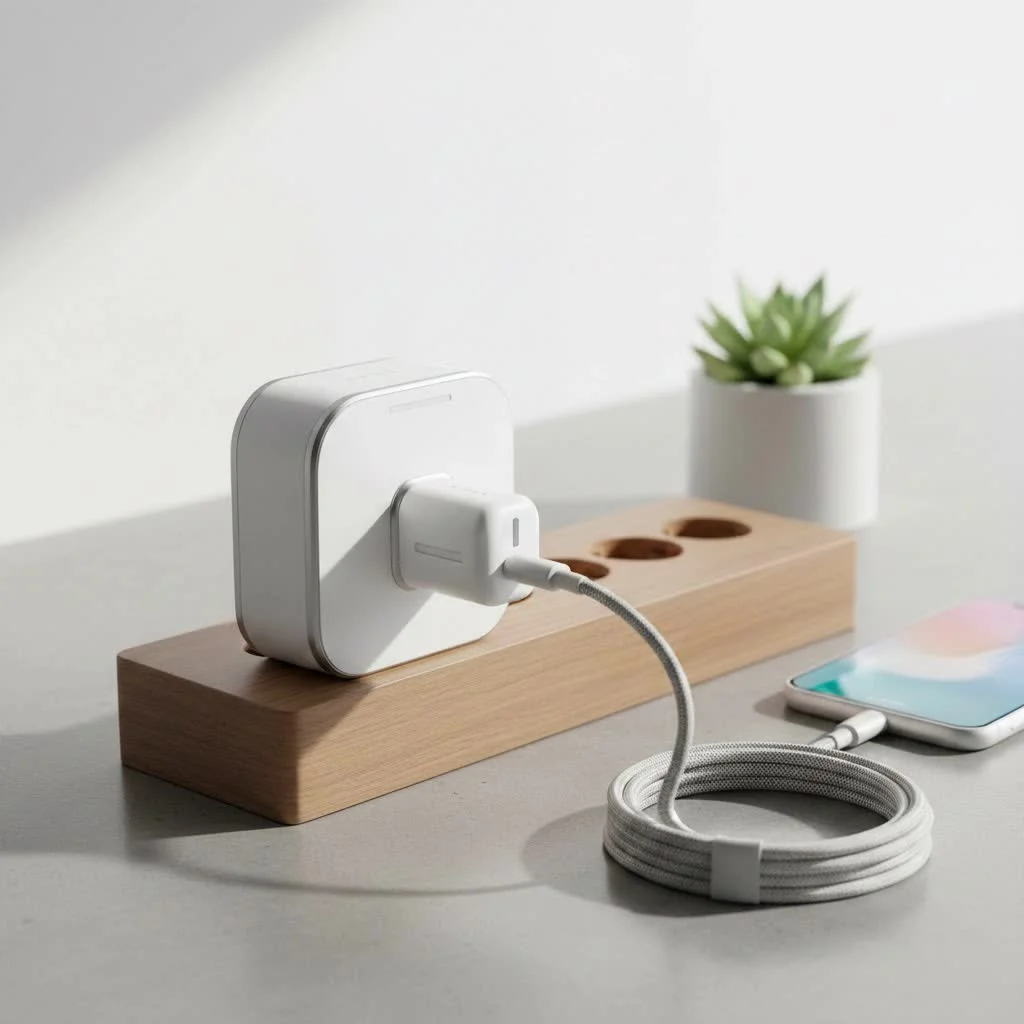
The short answer is that the vast majority of smart plugs are intentionally designed to work on the 2.4GHz band, and for very good reasons. This isn’t an oversight by manufacturers; it’s a strategic choice that benefits you in terms of reliability, range, and cost.
Why Smart Plugs Almost Exclusively Use 2.4GHz Wi-Fi
To understand why a dedicated 5ghz smart plug is an anomaly, we need to look at the fundamental differences between the 2.4GHz and 5GHz Wi-Fi bands. Think of them as two different types of highways for your internet traffic.
- 5GHz Wi-Fi: This is the express superhighway. It’s much faster and can handle more traffic with less interference, making it perfect for high-bandwidth activities like streaming 4K movies, online gaming, and large file downloads. However, this speed comes at a cost—its signal has a shorter range and struggles to penetrate solid objects like walls, floors, and dense furniture.
- 2.4GHz Wi-Fi: This is the all-access local road. It’s slower than 5GHz, but its signal travels much farther and is far more effective at getting through obstructions. It’s the workhorse of the Wi-Fi world, built for reliability over long distances.
Smart plugs and most other Internet of Things (IoT) devices simply don’t need the high-speed bandwidth that 5GHz provides. They only send and receive tiny packets of data—simple on/off commands, energy usage reports, or status updates.
The Key Advantages of 2.4GHz for Smart Devices
Manufacturers stick with 2.4GHz for a few critical reasons that directly impact performance and user experience.
- Superior Range and Penetration: Your smart plugs might be scattered all over your home, tucked behind sofas, in the basement, or out in the garage. The long-range signal of 2.4GHz Wi-Fi ensures a stable and reliable connection, even at a distance from your router or through multiple walls. A 5ghz smart plug would likely suffer from frequent disconnections in these same locations.
- Lower Manufacturing Costs: The chipsets required for 2.4GHz connectivity are less complex and have been in mass production for much longer. This simplicity translates to a lower cost for manufacturers, which in turn makes the final product more affordable for consumers.
- Reduced Network Congestion (On Your Fast Lane): By keeping low-bandwidth devices like smart plugs, smart lights, and sensors on the 2.4GHz band, you free up the 5GHz superhighway for the devices that truly need it. This smart separation ensures your laptop, smart TV, and gaming console get the fast, uninterrupted connection they require.
“We deliberately engineer our smart home devices for the 2.4GHz band. It’s the gold standard for IoT reliability. The goal is a device that connects easily and stays connected, no matter where you place it in your home. For the simple commands a smart plug uses, the speed of 5GHz is overkill and its range is a liability,” explains David Chen, Lead Smart Home Engineer at Kjooz.
“But My Router is 5GHz!” – Making It Work
This is the core of the issue for most people. You have a modern router that prominently advertises its 5GHz capabilities, so it’s natural to assume you need devices to match. The great news is that virtually all modern routers are dual-band or tri-band.
A dual-band router broadcasts both a 2.4GHz and a 5GHz network simultaneously from the same unit. This gives you the best of both worlds. Your high-performance devices can connect to the 5GHz band, while all your smart home gadgets can connect to the robust 2.4GHz band.
How to Connect Your Smart Plug to a Dual-Band Network
|
Our Picks for the Best Smart Plug in 2026
As an Amazon Associate I earn from qualifying purchases.
|
||
| Num | Product | Action |
|---|---|---|
| 1 | EIGHTREE Smart Plug, Smart Home WiFi Outlet Works with Alexa & Google Home, Smart Socket with Remote Control & Timer Function, 2.4GHz WiFi Only, 4 Packs |

|
| 2 | Kasa Smart Plug HS103P4, Smart Home Wi-Fi Outlet Works with Alexa, Echo, Google Home & IFTTT, No Hub Required, Remote Control, 15 Amp, UL Certified, 4-Pack, White |
|
| 3 | EIGHTREE Smart Plug 2025 Upgrade to 15A, Bluetooth & Wi-Fi Outlet Plug Dual Connection, Voice Control, Remote Control Outlet Timer Indoor, Smart Plugs That Work with Alexa & Google, 2.4GHz Wi-Fi Only |
|
| 4 | Linkind Matter Smart Plug, Work with Apple Home, Siri, Alexa, Google, SmartThings, Smart Home Smart Outlet Timer 15A/1800W, APP Remote Control & Schedule, ETL & FCC Certified, 2.4G Wi-Fi Only, 4 Pack |
|
| 5 | Govee Smart Plug, WiFi Plugs Work with Alexa & Google Assistant, Smart Outlet with Timer & Group Controller, WiFi Outlet for Home, No Hub Required, ETL & FCC Certified, 2.4G WiFi Only, 4 Pack |
|
| 6 | Kasa Smart Plug Ultra Mini 15A, Smart Home Wi-Fi Outlet Works with Alexa, Google Home & IFTTT, No Hub Required, UL Certified, 2.4G WiFi Only, 2 Count (Pack of 1)(EP10P2) , White |
|
| 7 | Legrand Radiant® Wi-Fi Matter Smart Plug Matter Hub Required 15A, Easy Setup, Enhanced Compatibility with Apple HomeKit, Google Home, Alexa & SmartThings, Easy Wi-Fi Connectivity w/ Matter (1 Pack) |
|
| 8 | Kasa Smart Plug Mini 15A, Apple HomeKit Supported, Smart Outlet Works with Siri, Alexa & Google Home, UL Certified, App Control, Scheduling, Timer, 2.4G WiFi Only, 4 Count (Pack of 1) (EP25P4), White |
|
| 9 | Kasa Smart Plug HS103P2, Smart Home Wi-Fi Outlet Works with Alexa, Echo, Google Home & IFTTT, No Hub Required, Remote Control,15 Amp,UL Certified, (Pack of 2) White |
|
| 10 | GHome Smart Plug, WiFi Smart Plugs Work with Alexa and Google Home, Smart Outlet Timer with APP Remote Control, 2.4GHz Wi-Fi Only, No Hub Required, ETL FCC Listed |
|
Connecting your 2.4GHz smart plug is usually straightforward. However, some modern “smart” routers try to simplify things by combining both bands under a single Wi-Fi name (SSID). This can sometimes confuse the setup process for smart plugs.
If you’re having trouble, follow these steps:
- Temporarily Disable the 5GHz Band: The easiest fix is to log into your router’s administration settings (usually through a web browser or a dedicated app). Find the Wi-Fi settings and temporarily turn off the 5GHz network.
- Ensure Your Phone is on 2.4GHz: During setup, your smart plug’s app often needs your phone to be on the same network you want the plug to connect to. With the 5GHz band off, your phone will automatically connect to the 2.4GHz network.
- Run the Smart Plug Setup: Follow the manufacturer’s instructions in the app to connect the smart plug. It will now only see the 2.4GHz network and should connect without issue.
- Re-enable the 5GHz Band: Once the smart plug is successfully connected to your network, you can go back into your router’s settings and turn the 5GHz band back on. Your plug will remain on the 2.4GHz network, and all your other devices will reconnect to their preferred bands.
The Future of Smart Plugs and Wi-Fi
While the demand for a 5ghz smart plug is low right now, technology is always evolving. The introduction of Wi-Fi 6 and Wi-Fi 6E is changing the landscape. These newer standards are designed to handle a massive number of connected devices much more efficiently on both bands. However, the fundamental principles of range versus speed still apply. For the foreseeable future, 2.4GHz will remain the most practical and reliable choice for the majority of smart home devices.
Frequently Asked Questions (FAQ)
Why can’t I find any 5GHz smart plugs?
Manufacturers overwhelmingly choose the 2.4GHz Wi-Fi band for its superior range, better ability to penetrate walls, and lower cost. These factors are more important for a smart plug’s reliability than the high speed offered by 5GHz.
Will my 2.4GHz smart plug work with my 5GHz router?
Yes. Nearly all routers that support 5GHz are dual-band, meaning they also broadcast a 2.4GHz signal. Your smart plug will connect to the 2.4GHz band while your other devices can use the 5GHz band.
My Wi-Fi network has only one name. How do I connect my smart plug?
Your router is likely using a feature called “band steering” that combines both networks. To set up your plug, you may need to log into your router’s settings and temporarily disable the 5GHz band or create a separate, dedicated 2.4GHz guest network for your smart devices.
Is 2.4GHz less secure than 5GHz?
No. The security of your network is determined by the encryption standard you use (like WPA2 or WPA3), not the frequency band. As long as you use a strong, unique password for your Wi-Fi network, both bands are equally secure.
Could a 5ghz smart plug offer any benefits?
In a very small, open-plan apartment with a lot of 2.4GHz network congestion from neighbors, a 5GHz plug could theoretically offer a more stable connection. However, for the vast majority of homes, its shorter range would be a significant disadvantage.
Your Smart Home is Ready for 2.4GHz
Don’t let the 2.4GHz requirement hold you back from building a smarter, more automated home. Chasing a 5ghz smart plug is a search for a product that solves a problem that doesn’t really exist. The industry has standardized on 2.4GHz for smart home gadgets because it is the most reliable, cost-effective, and practical solution. Your dual-band router is perfectly equipped to handle these devices. So, embrace the power and range of 2.4GHz, and start enjoying the convenience and control that smart plugs bring to your life.
Smart home that does not lock you in
Free PDF — protocol compatibility matrix for 30 hubs and devices.
