Welcome to the world of smart homes, where convenience and control are right at your fingertips. If you’re already part of the Ring ecosystem, you’ve likely experienced the peace of mind that comes with their security devices. But what about the other electronics in your home? That’s where the Ring Smart Plug comes in, acting as a simple yet powerful bridge between your everyday devices and your smart home network. As a smart device expert at Kjooz, I’ve spent years testing and integrating gadgets, and the Ring Smart Plug consistently stands out for its seamless integration and reliability. This guide will walk you through everything you need to know to unlock its full potential.
What Exactly is a Ring Smart Plug?
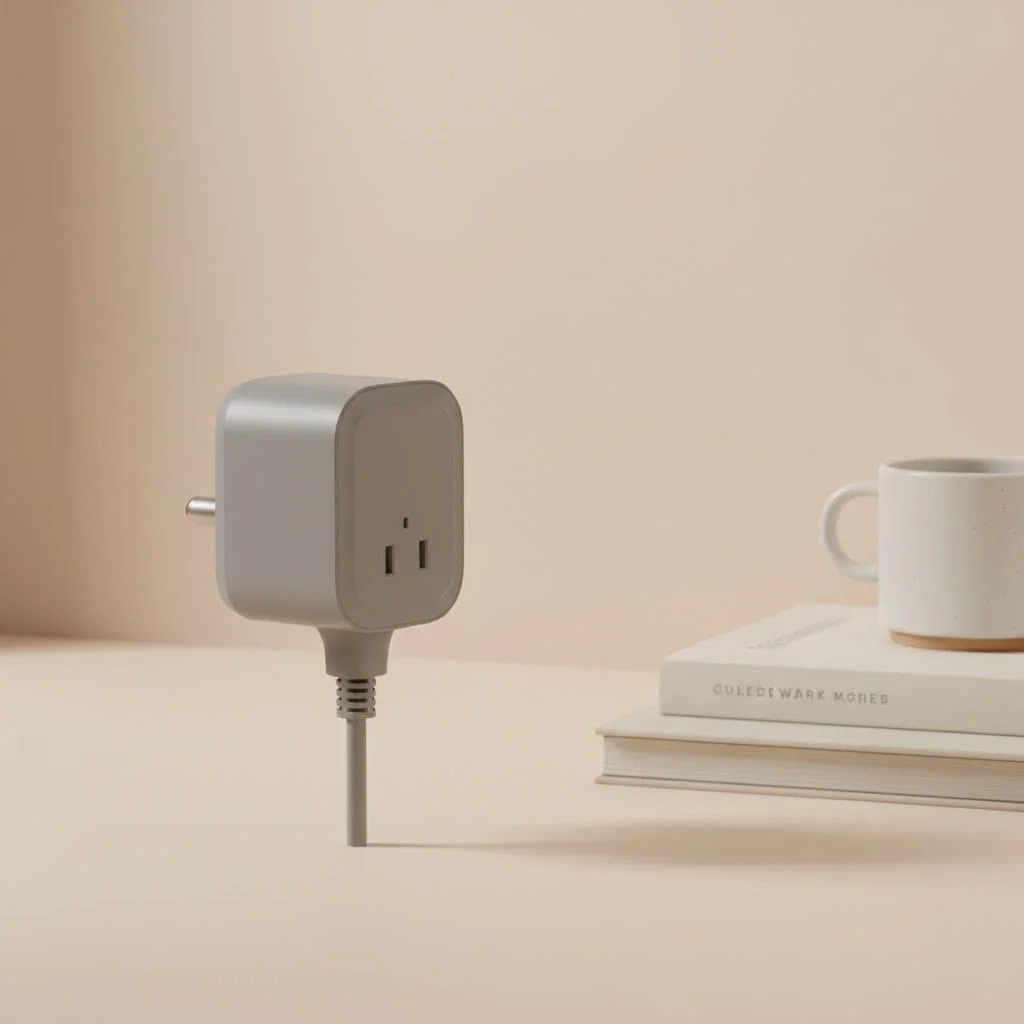
At its core, a Ring Smart Plug is a device that fits between your standard wall outlet and an electronic device, such as a lamp, fan, or coffee maker. Once connected, it allows you to turn that device on or off remotely through the Ring app. Its true power, however, lies in its ability to automate these devices and integrate them with your existing Ring Alarm or cameras. This transforms ordinary electronics into active components of your smart home and security setup. To achieve this, the smart plug requires the Ring Bridge, a separate hub that communicates with the plug and connects it to your home’s Wi-Fi network.
The Standout Features of the Ring Smart Plug
While it may look simple, this plug packs a punch when it comes to features that enhance both convenience and security. It’s more than just a remote on/off switch; it’s an automation powerhouse for anyone invested in the Ring ecosystem.
Key Capabilities:
- Total Remote Control: Whether you’re in another room or another country, you can turn connected devices on or off instantly using the Ring app on your smartphone.
- Advanced Scheduling: Create custom schedules to automate your home. You can set your lights to turn on at sunset, start a fan at a specific time, or manage holiday decorations without ever touching a switch.
- Ring Ecosystem Integration: The plug works seamlessly with your other Ring devices. For instance, you can program a lamp to turn on automatically whenever your Ring Video Doorbell detects motion, creating a powerful security deterrent.
- Amazon Alexa Compatibility: As a Ring product (an Amazon company), it integrates perfectly with Alexa. This allows you to control your connected devices using simple voice commands like, “Alexa, turn on the living room lamp.”
- Ring Bridge is Essential: It’s crucial to understand that the smart features of the Ring Smart Plug are enabled by the Ring Bridge (sold separately or in bundles). The Bridge uses a low-power radio frequency to communicate with the plug, ensuring a reliable connection without congesting your home’s Wi-Fi network.
How to Set Up Your Ring Smart Plug: A Step-by-Step Guide
Getting your Ring Smart Plug up and running is remarkably straightforward. The Ring app guides you through the process, but here is a clear breakdown of the steps involved.
- Set Up the Ring Bridge First: Before you can use the smart plug, you must install the Ring Bridge. Plug it into a standard power outlet in a central location in your home.
- Add the Bridge in the Ring App: Open the Ring app, go to “Set Up a Device,” select “Smart Lighting,” and scan the QR code on your Ring Bridge. Follow the on-screen instructions to connect it to your Wi-Fi network.
- Position Your Smart Plug: Plug the Ring Smart Plug into the outlet you wish to use. Make sure it’s within the wireless range of your Ring Bridge.
- Add the Smart Plug to the App: In the Ring app, again select “Set Up a Device” and “Smart Lighting.” Scan the QR code on your smart plug and follow the prompts to link it to your Bridge.
- Connect and Name Your Device: Plug your lamp, fan, or other appliance into the smart plug. In the app, you can give the plug a custom name (e.g., “Bedside Lamp”) and assign it to a group for easier control.
As smart home integrator David Chen often advises, “The magic of a device like the Ring Smart Plug isn’t just turning things on and off remotely. It’s about creating automated routines that make your home feel more responsive and secure. Linking your lights to your motion sensors is a classic, effective security strategy.”
Creative and Practical Uses for Your Smart Plug
Once you’re set up, you can get creative. The true value of a smart plug is discovered in how it simplifies your daily routines and enhances your home’s security.
Enhance Your Home Security
|
Our Picks for the Best Smart Plug in 2026
As an Amazon Associate I earn from qualifying purchases.
|
||
| Num | Product | Action |
|---|---|---|
| 1 | Kasa Smart Plug Ultra Mini 15A, Smart Home Wi-Fi Outlet Works with Alexa, Google Home & IFTTT, No Hub Required, UL Certified, 2.4G WiFi Only, 2 Count (Pack of 1)(EP10P2) , White |

|
| 2 | Linkind Matter Smart Plug, Work with Apple Home, Siri, Alexa, Google, SmartThings, Smart Home Smart Outlet Timer 15A/1800W, APP Remote Control & Schedule, ETL & FCC Certified, 2.4G Wi-Fi Only, 4 Pack |
|
| 3 | Legrand Radiant® Wi-Fi Matter Smart Plug Matter Hub Required 15A, Easy Setup, Enhanced Compatibility with Apple HomeKit, Google Home, Alexa & SmartThings, Easy Wi-Fi Connectivity w/ Matter (1 Pack) |
|
| 4 | GHome Smart Plug, WiFi Smart Plugs Work with Alexa and Google Home, Smart Outlet Timer with APP Remote Control, 2.4GHz Wi-Fi Only, No Hub Required, ETL FCC Listed |
|
| 5 | Kasa Smart Plug Mini 15A, Apple HomeKit Supported, Smart Outlet Works with Siri, Alexa & Google Home, UL Certified, App Control, Scheduling, Timer, 2.4G WiFi Only, 4 Count (Pack of 1) (EP25P4), White |
|
| 6 | EIGHTREE Smart Plug 2025 Upgrade to 15A, Bluetooth & Wi-Fi Outlet Plug Dual Connection, Voice Control, Remote Control Outlet Timer Indoor, Smart Plugs That Work with Alexa & Google, 2.4GHz Wi-Fi Only |
|
| 7 | Kasa Smart Plug HS103P2, Smart Home Wi-Fi Outlet Works with Alexa, Echo, Google Home & IFTTT, No Hub Required, Remote Control,15 Amp,UL Certified, (Pack of 2) White |
|
| 8 | Govee Smart Plug, WiFi Plugs Work with Alexa & Google Assistant, Smart Outlet with Timer & Group Controller, WiFi Outlet for Home, No Hub Required, ETL & FCC Certified, 2.4G WiFi Only, 4 Pack |
|
| 9 | EIGHTREE Smart Plug, Smart Home WiFi Outlet Works with Alexa & Google Home, Smart Socket with Remote Control & Timer Function, 2.4GHz WiFi Only, 4 Packs |
|
| 10 | Kasa Smart Plug HS103P4, Smart Home Wi-Fi Outlet Works with Alexa, Echo, Google Home & IFTTT, No Hub Required, Remote Control, 15 Amp, UL Certified, 4-Pack, White |
|
Imagine a potential intruder approaching your home. Your Ring camera detects motion and, in an instant, the lights inside your house turn on. This level of integrated automation can be a powerful deterrent. You can link your smart plugs to any Ring camera or sensor, creating the illusion that someone is always home and alert.
Automate Your Lighting
Forget fumbling for light switches in the dark.
- Welcome Home: Set your entryway lamp to turn on when you open a door equipped with a Ring Alarm Contact Sensor.
- Scheduled Ambiance: Schedule lamps in your living room to turn on at dusk and off at bedtime.
- Vacation Mode: When you’re away, create a schedule that mimics your normal lighting patterns to deter potential break-ins.
Control Small Appliances and Decorations
The Ring Smart Plug is perfect for more than just lights.
- Morning Coffee: Plug in your (non-boiling) coffee maker and schedule it to turn on just before you wake up. Important safety note: Only use this with appliances that are safe to operate unattended.
- Seasonal Cheer: Effortlessly manage holiday lights and decorations. Set a schedule for them to turn on and off automatically, saving energy and hassle.
- Stay Cool: Connect a fan and turn it on from your phone before you enter a room, ensuring it’s comfortable when you arrive.
Frequently Asked Questions (FAQ)
What is the Ring Bridge and why is it necessary?
The Ring Bridge is a hub that connects your Ring Smart Lighting devices, including the Ring Smart Plug, to the Ring app. It uses a proprietary low-power, long-range network, which is more reliable and won’t interfere with your Wi-Fi. You must have a Ring Bridge for the smart plug’s scheduling and automation features to work.
Can I use the Ring Smart Plug without any other Ring products?
Yes, you can use the smart plug on its own, but you will still need to purchase the Ring Bridge to enable its smart functionality through the Ring app. However, its value is maximized when used with other Ring devices like cameras or the Ring Alarm system.
Does the Ring Smart Plug work with Google Assistant or Apple HomeKit?
No, the Ring Smart Plug is designed to work within the Ring and Amazon Alexa ecosystems. It does not offer native support for Google Assistant or Apple HomeKit.
Can the Ring Smart Plug monitor my energy usage?
The Ring Smart Plug does not include an energy monitoring feature. Its primary functions are remote control and automation within the Ring ecosystem.
How far can the smart plug be from the Ring Bridge?
The range can vary depending on the layout and construction of your home. The Ring Bridge uses a long-range network, but obstacles like thick concrete walls can reduce its reach. It’s best to place the Bridge in a central location relative to your smart devices for the strongest connection.
Conclusion: A Smart Addition for Any Ring User
The Ring Smart Plug is a brilliantly simple device that unlocks a new layer of automation and control for anyone invested in the Ring ecosystem. While it requires the Ring Bridge, the seamless integration with Ring cameras and alarms makes it a uniquely powerful tool for enhancing home security and convenience. By connecting everyday appliances to your smart network, you can create a home that is not only smarter but also safer and more responsive to your needs. If you’re looking to take the next step in building out your Ring-powered smart home, this plug is an essential, versatile, and highly effective addition.
Smart home that does not lock you in
Free PDF — protocol compatibility matrix for 30 hubs and devices.
