In the ever-expanding world of smart home technology, you’ve likely heard of smart plugs that let you control any outlet with your phone. Most of these rely on your home’s Wi-Fi network. But as you add more and more devices—from speakers to thermostats to light bulbs—your Wi-Fi can start to feel crowded and slow. This is where a Zigbee smart plug comes in, offering a more robust, reliable, and efficient way to automate your home. If you’re looking to build a truly stable smart home, understanding this technology is a game-changer.
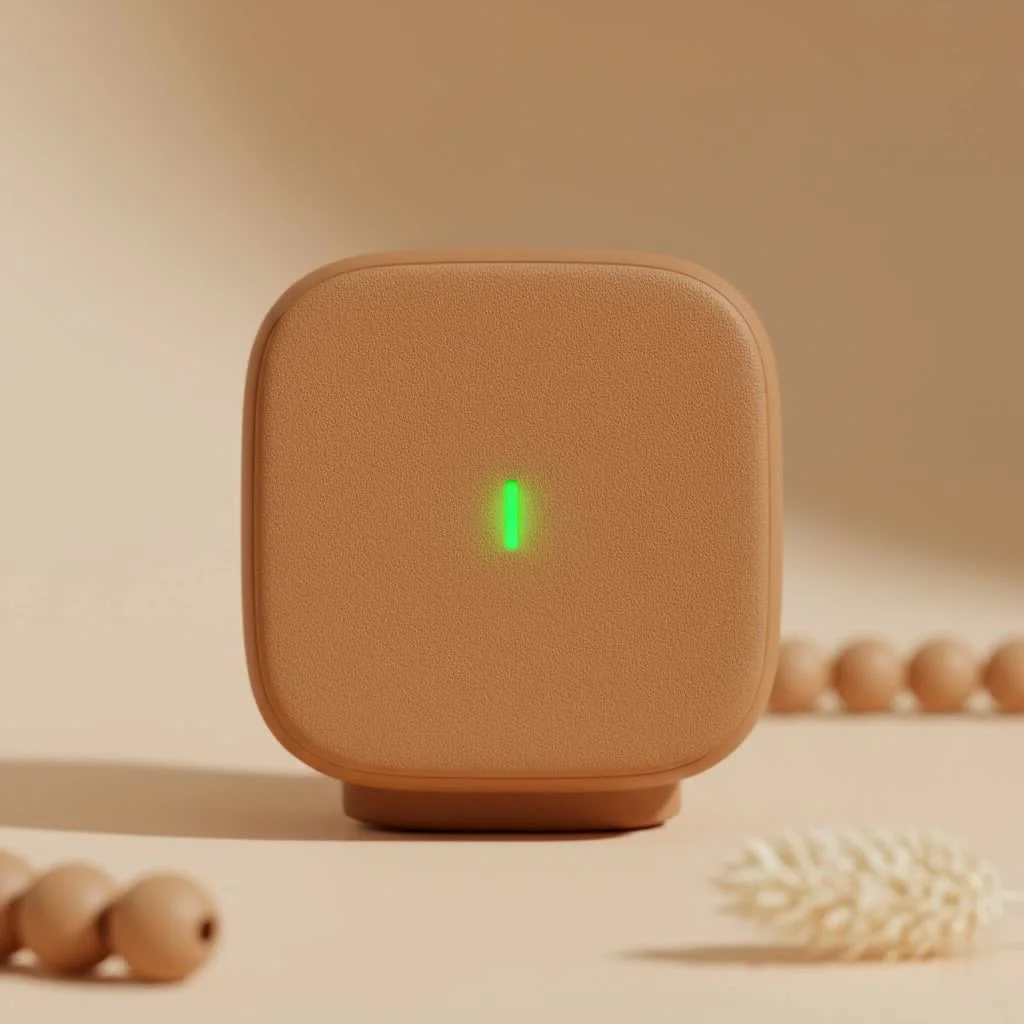
Unlike its Wi-Fi-dependent cousins, a Zigbee smart plug operates on a dedicated low-power network, freeing up your Wi-Fi for the high-bandwidth devices that actually need it, like your laptop or smart TV. It’s a subtle but powerful difference that can drastically improve the performance and reliability of your entire smart home ecosystem. Let’s dive into what makes Zigbee technology the professional’s choice for home automation.
What Exactly is Zigbee? A Simple Explanation
Before we focus on the plug itself, it helps to understand the technology powering it. Zigbee is a wireless communication protocol specifically designed for low-power, low-data devices. Think of it as a private, super-efficient language spoken between your smart devices. It operates on the 2.4 GHz frequency, similar to Wi-Fi and Bluetooth, but it’s engineered to avoid congestion and interference.
The real genius of Zigbee lies in its structure. Instead of every device connecting directly to your Wi-Fi router (a “star network”), Zigbee devices create a “mesh network.”
The Magic of Mesh Networking
In a mesh network, each mains-powered device, like a Zigbee smart plug, can act as a repeater or “router” for the signal. This means it can pass information along from a device that’s far away from the central hub to the hub itself.
Imagine you have a hub in your living room and a smart plug in the garage, just out of direct range. If you place another Zigbee plug in the hallway between them, the hallway plug will relay the signal, creating a strong, self-healing, and incredibly reliable network. The more Zigbee devices you add, the stronger and more extensive your network becomes.
Why Choose a Zigbee Smart Plug Over Wi-Fi?
While Wi-Fi smart plugs are popular and easy to set up, they have limitations, especially in a home with many connected devices. A Zigbee smart plug offers distinct advantages that address these shortcomings.
Key Advantages of Zigbee Plugs
|
Our Picks for the Best Smart Plug in 2026
As an Amazon Associate I earn from qualifying purchases.
|
||
| Num | Product | Action |
|---|---|---|
| 1 | Govee Smart Plug, WiFi Plugs Work with Alexa & Google Assistant, Smart Outlet with Timer & Group Controller, WiFi Outlet for Home, No Hub Required, ETL & FCC Certified, 2.4G WiFi Only, 4 Pack |

|
| 2 | Kasa Smart Plug HS103P4, Smart Home Wi-Fi Outlet Works with Alexa, Echo, Google Home & IFTTT, No Hub Required, Remote Control, 15 Amp, UL Certified, 4-Pack, White |
|
| 3 | Kasa Smart Plug Mini 15A, Apple HomeKit Supported, Smart Outlet Works with Siri, Alexa & Google Home, UL Certified, App Control, Scheduling, Timer, 2.4G WiFi Only, 4 Count (Pack of 1) (EP25P4), White |
|
| 4 | Legrand Radiant® Wi-Fi Matter Smart Plug Matter Hub Required 15A, Easy Setup, Enhanced Compatibility with Apple HomeKit, Google Home, Alexa & SmartThings, Easy Wi-Fi Connectivity w/ Matter (1 Pack) |
|
| 5 | Kasa Smart Plug Ultra Mini 15A, Smart Home Wi-Fi Outlet Works with Alexa, Google Home & IFTTT, No Hub Required, UL Certified, 2.4G WiFi Only, 2 Count (Pack of 1)(EP10P2) , White |
|
| 6 | Linkind Matter Smart Plug, Work with Apple Home, Siri, Alexa, Google, SmartThings, Smart Home Smart Outlet Timer 15A/1800W, APP Remote Control & Schedule, ETL & FCC Certified, 2.4G Wi-Fi Only, 4 Pack |
|
| 7 | Kasa Smart Plug HS103P2, Smart Home Wi-Fi Outlet Works with Alexa, Echo, Google Home & IFTTT, No Hub Required, Remote Control,15 Amp,UL Certified, (Pack of 2) White |
|
| 8 | GHome Smart Plug, WiFi Smart Plugs Work with Alexa and Google Home, Smart Outlet Timer with APP Remote Control, 2.4GHz Wi-Fi Only, No Hub Required, ETL FCC Listed |
|
| 9 | EIGHTREE Smart Plug 2025 Upgrade to 15A, Bluetooth & Wi-Fi Outlet Plug Dual Connection, Voice Control, Remote Control Outlet Timer Indoor, Smart Plugs That Work with Alexa & Google, 2.4GHz Wi-Fi Only |
|
| 10 | EIGHTREE Smart Plug, Smart Home WiFi Outlet Works with Alexa & Google Home, Smart Socket with Remote Control & Timer Function, 2.4GHz WiFi Only, 4 Packs |
|
- Reduced Wi-Fi Clutter: Every Wi-Fi device connected to your router demands a slice of its attention and bandwidth. A dozen smart plugs can start to slow down your network for more important tasks like streaming movies or video calls. Zigbee devices operate on their own separate network, so they don’t compete for Wi-Fi resources.
- Superior Reliability and Range: Thanks to its mesh networking capability, Zigbee is inherently more reliable. There’s no single point of failure. If one pathway is blocked, the signal simply finds another route. This also means the range can easily extend throughout large homes, something Wi-Fi struggles with.
- Lower Power Consumption: Zigbee was built from the ground up for efficiency. While this is more critical for battery-powered sensors, the low-energy design principle means the technology is streamlined and built for sustainability within a smart home ecosystem.
“Many beginners start with Wi-Fi plugs for their simplicity, but they often run into stability issues as their smart home grows,” notes David Chen, a Smart Home Integration Specialist at Kjooz.com. “Moving to a Zigbee smart plug is the logical next step for anyone serious about creating a responsive and frustration-free automated environment.”
The One Thing You Must Have: The Zigbee Hub
There is one crucial requirement for using a Zigbee smart plug: you need a Zigbee hub. This is a central controller that acts as the brain of your Zigbee network. It connects to your router via an Ethernet cable or Wi-Fi and translates the Zigbee protocol into something your home network and smartphone can understand.
What is a Zigbee Hub and Why is it Essential?
The hub is the bridge between your Zigbee devices and the outside world. Without it, the plugs have no way to receive commands from your app or voice assistant. The hub coordinates all the devices on the mesh network, manages their connections, and executes the automations and schedules you create.
Popular Zigbee Hubs You Might Already Own
The good news is that you might not need to buy a separate device. Many popular smart home products already have a Zigbee hub built right in. These include:
- Amazon Echo (4th Gen, Echo Plus, Echo Show 10, and newer Echo Studio models)
- Philips Hue Bridge
- Samsung SmartThings Hub
- Aqara Hubs
- Homey Bridge/Pro
If you own one of these, you’re already equipped to start adding Zigbee devices to your home.
How to Choose the Right Zigbee Smart Plug
When you’re ready to buy, not all Zigbee smart plugs are created equal. Keep these factors in mind to ensure you get the best fit for your home and needs.
- Hub Compatibility: This is the most important factor. While Zigbee is a universal standard, some brands implement it in ways that are optimized for their own hubs. Always double-check that the plug you want to buy is certified to work with your specific hub (e.g., “Works with SmartThings” or “Compatible with Amazon Echo”).
- Power Rating: Check the maximum wattage and amperage the plug can handle. For standard lamps or phone chargers, any plug will do. But for high-draw appliances like space heaters, coffee makers, or fans, you need a plug rated for at least 15 amps to prevent overheating and fire hazards.
- Energy Monitoring: A key feature of many premium smart plugs is the ability to monitor the energy consumption of the connected device. This is fantastic for identifying “energy vampires” and understanding your electricity usage.
- Size and Shape: Some smart plugs are bulky and can block the second outlet. Look for compact, modern designs that allow you to use both sockets in a standard wall outlet.
Step-by-Step: Setting Up Your First Zigbee Smart Plug
Getting your first Zigbee smart plug online is usually a straightforward process. While the exact steps vary by hub, the general workflow is as follows:
- Plug It In: Insert the Zigbee smart plug into the desired wall outlet. A small LED indicator should light up or start blinking, indicating it’s in pairing mode.
- Open Your Hub’s App: Launch the app for your Zigbee hub (e.g., the Amazon Alexa app, Samsung SmartThings app, or Philips Hue app).
- Add a New Device: Navigate to the section for adding a new device. This is often labeled “Add Device,” “Discover Devices,” or a “+” icon.
- Start the Scan: Your hub will begin searching for new Zigbee devices nearby. Since your plug is in pairing mode, the hub should find it within a minute.
- Name and Configure: Once discovered, you can give the plug a descriptive name, like “Living Room Lamp” or “Coffee Maker.” You can then add it to rooms, groups, or routines within your app.
- Test It Out: Turn the plug on and off from the app to confirm that it’s working correctly. You can also try a voice command, such as, “Alexa, turn on the living room lamp.”
Frequently Asked Questions (FAQ)
Do I absolutely need a Zigbee hub for a Zigbee smart plug?
Yes, a Zigbee hub (or a compatible smart speaker with a built-in hub) is essential. The plug cannot connect directly to your Wi-Fi router. The hub acts as the necessary bridge between the Zigbee network and your home network.
Can Zigbee smart plugs work with Alexa or Google Assistant?
Absolutely. Once the Zigbee smart plug is connected to a compatible hub, that hub shares the device with your linked voice assistants. You can then control the plug using voice commands through Amazon Alexa or Google Assistant just like any other smart device.
Are all Zigbee devices compatible with each other?
Mostly, but not always. Zigbee 3.0 is the latest standard designed to ensure interoperability between devices from different manufacturers. However, it’s always safest to check the product listing for explicit compatibility with your specific hub to avoid any surprises.
Do Zigbee plugs use a lot of electricity themselves?
No, they are incredibly energy-efficient. The standby power consumption of a Zigbee plug is extremely low, typically less than one watt. Their low-power design is one of the core strengths of the Zigbee protocol.
What is the typical range of a Zigbee smart plug?
In a typical indoor environment, the direct range between a plug and the hub is about 10-20 meters (30-65 feet). However, this is extended significantly by the mesh network. Each plug or other mains-powered Zigbee device you add acts as a repeater, effectively extending the network’s reach throughout your entire home.
The Final Verdict: Is a Zigbee Smart Plug Worth It?
If you’re just starting with a single smart plug, a Wi-Fi model is a simple and effective choice. However, if you plan to build a comprehensive smart home with multiple devices, switching to a Zigbee smart plug is a strategic and highly recommended upgrade.
The investment in a hub pays off with a faster, more reliable, and more secure network that won’t bog down your Wi-Fi. By taking the load off your router and creating a powerful, self-healing mesh network, Zigbee provides a professional-grade foundation for your home automation. Take control of your home’s efficiency and reliability—make your next smart plug a Zigbee smart plug.
Smart home that does not lock you in
Free PDF — protocol compatibility matrix for 30 hubs and devices.
