Welcome to the definitive guide to the Merkury Innovations smart plug, brought to you by the experts at Kjooz.com. If you’re looking to dip your toes into the world of smart homes without breaking the bank, this little device might be your perfect starting point. It promises to turn any ordinary appliance into a smart one, giving you control from anywhere. But does it live up to the hype? As a smart home specialist with over a decade of experience, I’ve seen countless gadgets come and go. In this comprehensive review, we’ll dive deep into its setup, features, and troubleshooting to help you decide if it’s the right fit for your home.
What Exactly is a Merkury Innovations Smart Plug?
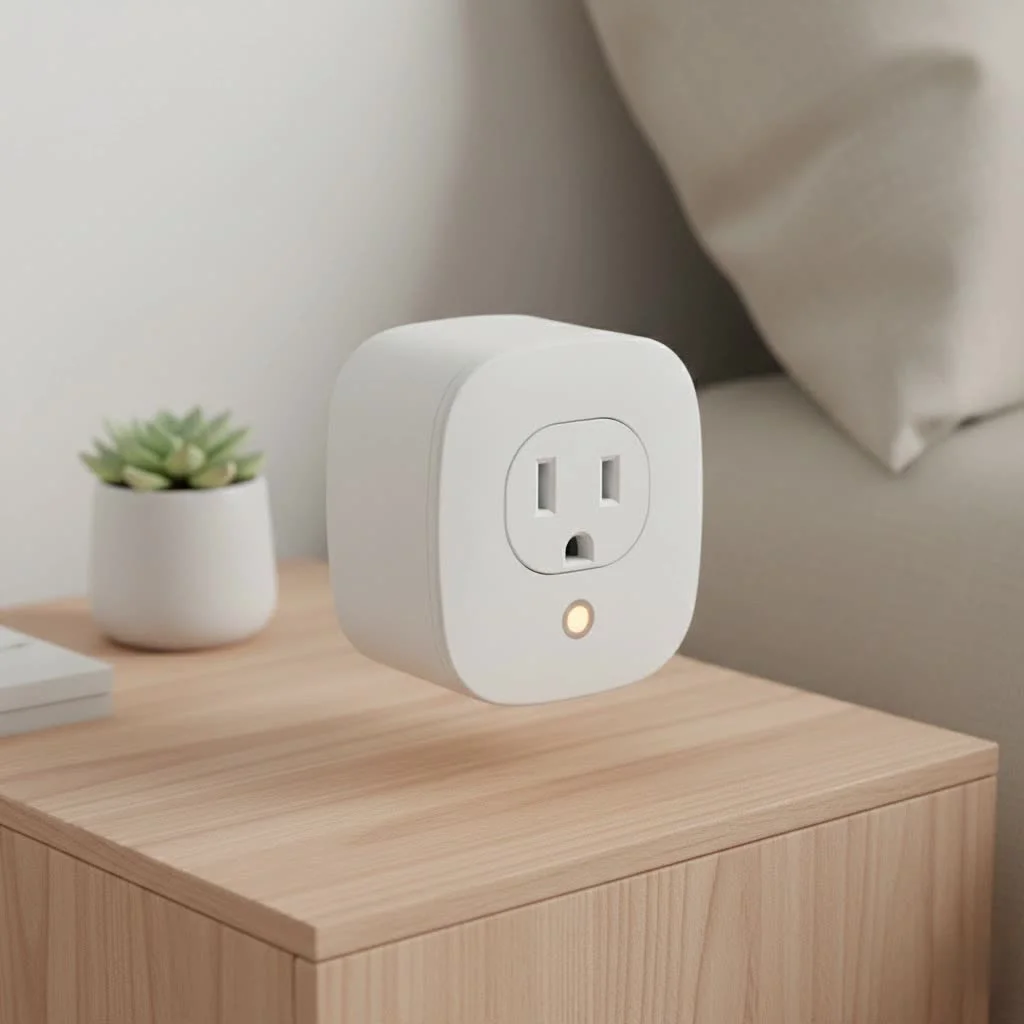
The Merkury Innovations smart plug is a simple yet powerful device that fits between your wall outlet and an appliance’s power cord. At its core, it’s a Wi-Fi-enabled adapter that allows you to turn the connected device on or off remotely using your smartphone. Unlike some smart home systems that require a central, expensive hub to function, this plug connects directly to your home’s 2.4GHz Wi-Fi network, making it an accessible and budget-friendly option for beginners.
Key features typically include:
- Remote Control: Turn lamps, fans, coffee makers, or other small appliances on or off from anywhere in the world via a mobile app.
- Voice Control: It integrates seamlessly with popular voice assistants like Amazon Alexa and Google Assistant.
- Scheduling and Timers: Set automated schedules to power your devices on or off at specific times, helping you save energy and add a layer of security.
- No Hub Required: Its direct Wi-Fi connectivity simplifies setup and reduces overall cost.
Step-by-Step Guide to Setting Up Your Merkury Smart Plug
Getting your Merkury Innovations smart plug up and running is surprisingly straightforward. The entire process is managed through the Geeni app, which is the control center for most Merkury smart products.
- Download the Geeni App: Before you do anything else, head to the Google Play Store or Apple App Store and download the “Geeni” app. Create an account and log in.
- Prepare the Plug: Plug the smart plug into a wall outlet. A light on the plug should begin blinking rapidly. This indicates it’s in pairing mode. If it isn’t blinking, press and hold the power button on the side for about five seconds until it starts.
- Add the Device in the App: Open the Geeni app and tap the “+” icon in the top-right corner. Select “Smart Plug” or “Smart Power” from the list of devices.
- Connect to Wi-Fi: Ensure your phone is connected to your home’s 2.4GHz Wi-Fi network. The app will prompt you to enter your Wi-Fi password. It’s crucial to use the 2.4GHz band, as most smart plugs are not compatible with 5GHz networks.
- Complete the Pairing: The app will search for and connect to the plug. This can take a minute or two. Once connected, you can give the plug a custom name, like “Living Room Lamp” or “Bedroom Fan,” for easy identification.
- Connect to Voice Assistants (Optional): To enable voice control, open your Amazon Alexa or Google Home app. Search for the “Geeni” skill, enable it, and link your account. Your named plugs will then be available for voice commands.
Getting the Most Out of Your Smart Plug’s Features
Once set up, the real fun begins. A smart plug is more than just a remote on/off switch. It’s a tool for automation, convenience, and even energy savings.
Create Automated Schedules
|
Our Picks for the Best Smart Plug in 2026
As an Amazon Associate I earn from qualifying purchases.
|
||
| Num | Product | Action |
|---|---|---|
| 1 | EIGHTREE Smart Plug, Smart Home WiFi Outlet Works with Alexa & Google Home, Smart Socket with Remote Control & Timer Function, 2.4GHz WiFi Only, 4 Packs |

|
| 2 | Govee Smart Plug, WiFi Plugs Work with Alexa & Google Assistant, Smart Outlet with Timer & Group Controller, WiFi Outlet for Home, No Hub Required, ETL & FCC Certified, 2.4G WiFi Only, 4 Pack |
|
| 3 | Kasa Smart Plug Mini 15A, Apple HomeKit Supported, Smart Outlet Works with Siri, Alexa & Google Home, UL Certified, App Control, Scheduling, Timer, 2.4G WiFi Only, 4 Count (Pack of 1) (EP25P4), White |
|
| 4 | EIGHTREE Smart Plug 2025 Upgrade to 15A, Bluetooth & Wi-Fi Outlet Plug Dual Connection, Voice Control, Remote Control Outlet Timer Indoor, Smart Plugs That Work with Alexa & Google, 2.4GHz Wi-Fi Only |
|
| 5 | GHome Smart Plug, WiFi Smart Plugs Work with Alexa and Google Home, Smart Outlet Timer with APP Remote Control, 2.4GHz Wi-Fi Only, No Hub Required, ETL FCC Listed |
|
| 6 | Kasa Smart Plug HS103P2, Smart Home Wi-Fi Outlet Works with Alexa, Echo, Google Home & IFTTT, No Hub Required, Remote Control,15 Amp,UL Certified, (Pack of 2) White |
|
| 7 | Linkind Matter Smart Plug, Work with Apple Home, Siri, Alexa, Google, SmartThings, Smart Home Smart Outlet Timer 15A/1800W, APP Remote Control & Schedule, ETL & FCC Certified, 2.4G Wi-Fi Only, 4 Pack |
|
| 8 | Legrand Radiant® Wi-Fi Matter Smart Plug Matter Hub Required 15A, Easy Setup, Enhanced Compatibility with Apple HomeKit, Google Home, Alexa & SmartThings, Easy Wi-Fi Connectivity w/ Matter (1 Pack) |
|
| 9 | Kasa Smart Plug HS103P4, Smart Home Wi-Fi Outlet Works with Alexa, Echo, Google Home & IFTTT, No Hub Required, Remote Control, 15 Amp, UL Certified, 4-Pack, White |
|
| 10 | Kasa Smart Plug Ultra Mini 15A, Smart Home Wi-Fi Outlet Works with Alexa, Google Home & IFTTT, No Hub Required, UL Certified, 2.4G WiFi Only, 2 Count (Pack of 1)(EP10P2) , White |
|
The scheduling feature is one of the most powerful aspects of the Merkury Innovations smart plug. You can use it to:
- Simulate Presence: Schedule lamps to turn on and off in the evening when you’re on vacation, making it look like someone is home.
- Wake Up Gently: Connect your lamp and schedule it to turn on a few minutes before your alarm.
- Automate Holiday Lights: Set your festive lights to turn on at sunset and off at bedtime automatically, without you having to touch a thing.
Use Timers and Countdowns
The timer function is perfect for tasks where you need a device to run for a specific period. For example, you can set a fan to run for an hour while you fall asleep or ensure a space heater in the garage turns off after 30 minutes.
As smart home expert James Peterson notes, “The true value of a smart plug isn’t just remote control; it’s the ability to ‘set it and forget it.’ Automation frees up your mental energy for more important things while making your home safer and more efficient.”
Common Merkury Smart Plug Problems and How to Fix Them
No technology is perfect, and you might encounter a hiccup or two. Fortunately, most issues with the Merkury Innovations smart plug are easy to resolve.
Why won’t my smart plug connect to Wi-Fi?
This is the most common setup issue. The cause is almost always related to your Wi-Fi network.
- Solution: First, double-check that you are connecting to a 2.4GHz Wi-Fi network, not a 5GHz one. Most modern routers broadcast both, so you may need to go into your router’s settings to separate them or temporarily disable the 5GHz band during setup. Also, ensure you’ve entered the Wi-Fi password correctly.
My smart plug is unresponsive in the app. What do I do?
If the plug suddenly stops responding to commands from the Geeni app, it has likely lost its connection.
- Solution: Try power-cycling the plug by unplugging it, waiting 10 seconds, and plugging it back in. If that doesn’t work, check your home’s Wi-Fi network. If your internet is down, the plug won’t work. If the issue persists, a factory reset might be necessary.
How do I factory reset my Merkury smart plug?
A factory reset will erase the plug’s settings and put it back into pairing mode, allowing you to set it up from scratch.
- Solution: With the plug connected to a power outlet, press and hold the physical power button on its side. Continue holding it for 5-10 seconds until the indicator light begins to flash rapidly. The plug is now reset and ready to be re-added to the Geeni app.
Is the Merkury Innovations Smart Plug Right for You?
The Merkury Innovations smart plug is an excellent choice for anyone new to smart home technology or those looking for a simple, cost-effective solution. Its hub-free design and integration with major voice assistants make it incredibly versatile. It’s perfect for controlling lamps, fans, small kitchen appliances, and seasonal decorations.
However, it may not be suitable for heavy-duty appliances like refrigerators or air conditioners, as its power rating may not be sufficient. Always check the power requirements (in amps and watts) of the appliance before connecting it to a smart plug.
Frequently Asked Questions (FAQ)
Q: Do I need a special hub for the Merkury smart plug?
A: No, you do not. The Merkury Innovations smart plug connects directly to your home’s 2.4GHz Wi-Fi network without the need for a separate hub or subscription service.
Q: Can I control the smart plug when I’m not home?
A: Yes. As long as the smart plug is connected to your home Wi-Fi and your smartphone has an internet connection (Wi-Fi or cellular data), you can control it from anywhere in the world through the Geeni app.
Q: Does the Merkury smart plug work with Apple HomeKit?
A: Typically, Merkury Innovations products do not offer native support for Apple HomeKit. They are designed primarily for use with Amazon Alexa and Google Assistant.
Q: Can this smart plug monitor energy usage?
A: The standard models of the Merkury Innovations smart plug do not typically include energy monitoring features. This functionality is usually found in more premium, higher-priced smart plugs.
Q: What happens if the internet goes down?
A: If your home internet connection is lost, you will not be able to control the plug remotely via the app or voice commands. However, any schedules saved directly to the device should still run, and you can always turn the plug on or off manually using the physical button on its side.
Your First Step into a Smarter Home
The Merkury Innovations smart plug is a fantastic and affordable entry point into home automation. It demystifies smart technology, offering practical benefits like convenience, security, and scheduling in an easy-to-use package. By following this guide, you can confidently install, configure, and troubleshoot your device, unlocking the full potential of your newly connected home. Now, go ahead and make your home a little smarter—one outlet at a time.
Smart home that does not lock you in
Free PDF — protocol compatibility matrix for 30 hubs and devices.

I was looking for an affordable way to add some smart features to my home, and this plug delivered! I’m using it to control my Christmas lights, and the scheduling feature is a lifesaver. It’s super convenient to manage everything from my phone. Highly recommend for anyone wanting to try out smart home devices without breaking the bank.
I’ve been using the Merkury Innovations smart plug for about a month now, and it’s fantastic! Setup was a breeze, literally took me five minutes to get it connected to my Wi-Fi. I’m using it for my coffee maker, and it’s so nice to have my coffee ready when I wake up. Definitely a great way to dip your toes into smart home tech without spending a fortune.
I had a bit of a struggle with the initial setup of the Merkury Innovations smart plug. It took a few tries to get it to connect to my router, which was a little frustrating. Once it was set up, it works fine for my fan, but that first impression wasn’t the smoothest. It does what it promises, but be prepared for a potential hiccup or two during installation.
This smart plug is pretty solid for the price. I appreciate how it can turn any ordinary appliance into a smart one; I’ve got mine controlling a floor lamp in my living room. My only minor gripe is that sometimes the app can be a little slow to respond, but it always gets the job done eventually. Good value overall.