Welcome to the world of home automation, where convenience and control are right at your fingertips. If you’re looking to dip your toes into smart home technology without a complicated setup, the TP-Link Kasa Smart Wi-Fi Plug is one of the best entry points available. As someone who has spent over a decade testing, installing, and living with smart devices, I’ve seen countless products come and go. Yet, the Kasa plug remains a steadfast recommendation for its reliability, ease of use, and robust features.
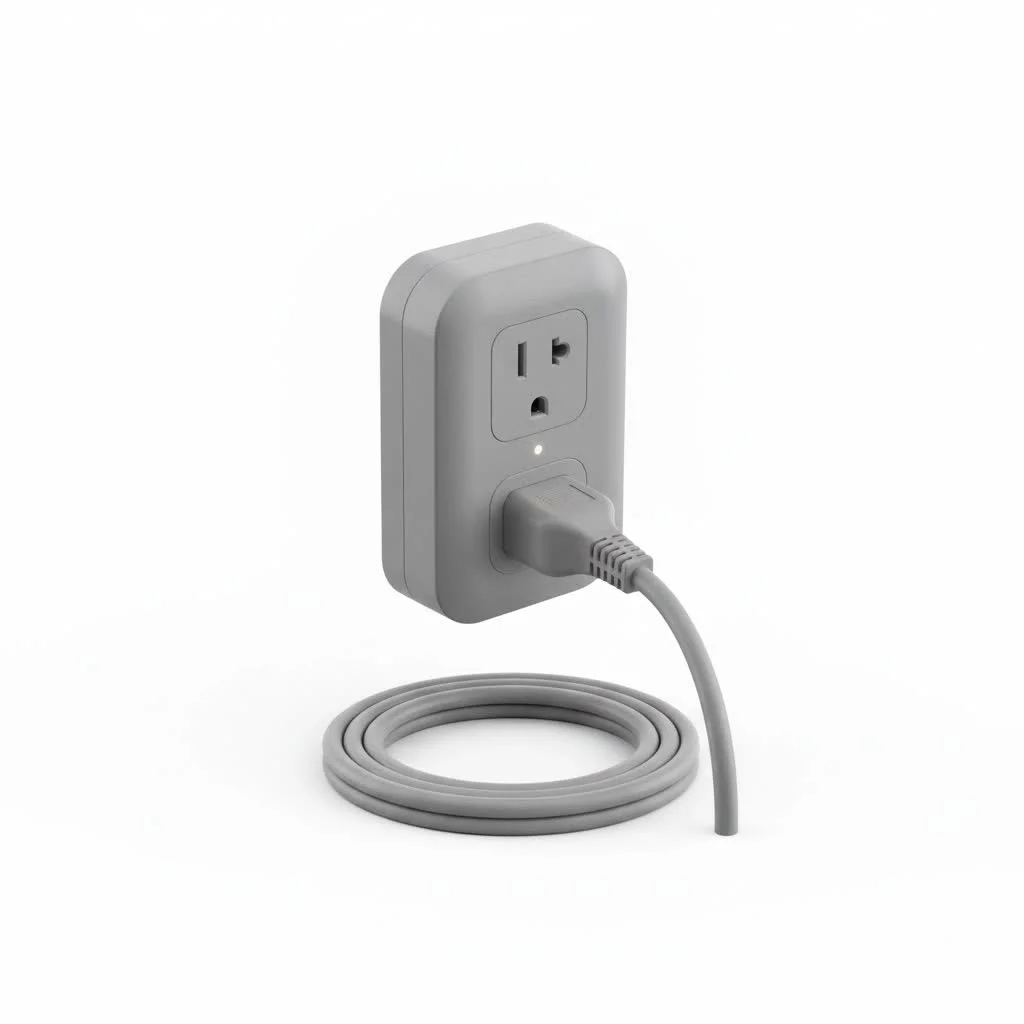
This guide is your one-stop resource for everything you need to know. We’ll break down what makes this little gadget so powerful, how to get it running in minutes, and how you can use it to make your life easier, safer, and more energy-efficient. Whether you’re a tech enthusiast or a complete beginner, you’re in the right place.
What Exactly Is a Kasa Smart Plug?
At its core, the TP-Link Kasa Smart Wi-Fi Plug is a device that fits between your standard wall outlet and an appliance’s power cord. Think of it as a smart middleman for your non-smart devices. By connecting to your home’s Wi-Fi network, it allows you to turn any plugged-in device—like a lamp, fan, or coffee maker—on or off remotely using your smartphone.
But its capabilities go far beyond a simple on/off switch. Through the intuitive Kasa Smart app, you can unlock a suite of features that transform how you interact with your everyday electronics.
As smart home integrator David Chen often states, “The magic of a great smart plug isn’t just remote control; it’s the ability to make your home’s ecosystem work for you, automating the mundane tasks so you can focus on what matters.”
Key Features That Make It Stand Out
Not all smart plugs are created equal. The Kasa line, particularly models like the popular KP115 or the slim EP10, packs a punch with features designed for modern living.
- Remote Control: The most fundamental feature. Left the house and forgot to turn off the iron? Open the Kasa app and shut it down from anywhere in the world with an internet connection.
- Voice Assistant Integration: Seamlessly connect your plug to Amazon Alexa, Google Assistant, or Samsung SmartThings. A simple command like, “Hey Google, turn on the coffee maker,” can start your morning routine without you lifting a finger.
- Scheduling and Timers: This is where the real automation begins. Set your living room lamps to turn on at sunset and off at bedtime. Create a schedule for your holiday lights so they operate automatically. Use the timer function to have a fan turn off after 30 minutes.
- Away Mode: A brilliant security feature. Away Mode intelligently turns your connected devices on and off at random intervals, simulating that someone is home. It’s a simple yet effective way to deter potential intruders while you’re on vacation.
- Energy Monitoring: Select Kasa models come equipped with energy monitoring. This powerful tool shows you exactly how much power a connected device is consuming in real-time and provides historical data. It’s perfect for identifying energy-hungry appliances and making informed decisions to lower your electricity bill.
How to Set Up Your TP-Link Kasa Smart Wi-Fi Plug
Getting your Kasa plug up and running is incredibly straightforward and usually takes less than five minutes. TP-Link has refined the process to be as user-friendly as possible.
Here’s a simple step-by-step guide:
- Download the App: First, head to the Apple App Store or Google Play Store and download the “Kasa Smart” app on your smartphone or tablet.
- Create an Account: Open the app and create a TP-Link Kasa account. This requires a valid email address and a password. You’ll need to verify your email to proceed.
- Plug It In: Plug your new Kasa Smart Plug into a wall outlet. The Wi-Fi indicator light on the plug should start blinking, usually alternating between amber and green, indicating it’s ready for setup.
- Add the Device: In the Kasa app, tap the ‘+’ icon (usually in the top-right corner) and select “Device,” then “Smart Plugs.” Choose the specific model you purchased.
- Connect to Wi-Fi: The app will guide you to connect to your home Wi-Fi network. You’ll need to select your 2.4GHz network (most smart home devices, including Kasa plugs, do not support 5GHz networks for initial setup) and enter the password.
- Name Your Plug: Once connected, you can give your plug a descriptive name, like “Living Room Lamp” or “Bedroom Fan.” This makes it easy to identify in the app and for voice commands.
- Update Firmware: The app may prompt you to update the plug’s firmware to the latest version. This is highly recommended to ensure you have the latest features and security patches.
That’s it! Your plug is now fully configured and ready to use.
Practical Ideas for Your Kasa Smart Plug
You have your new smart plug set up, but what should you do with it? The possibilities are nearly endless. Here are some of my favorite real-world applications to get your creativity flowing.
For Morning and Evening Routines
|
Our Picks for the Best Smart Plug in 2026
As an Amazon Associate I earn from qualifying purchases.
|
||
| Num | Product | Action |
|---|---|---|
| 1 | Govee Smart Plug, WiFi Plugs Work with Alexa & Google Assistant, Smart Outlet with Timer & Group Controller, WiFi Outlet for Home, No Hub Required, ETL & FCC Certified, 2.4G WiFi Only, 4 Pack |

|
| 2 | Kasa Smart Plug Mini 15A, Apple HomeKit Supported, Smart Outlet Works with Siri, Alexa & Google Home, UL Certified, App Control, Scheduling, Timer, 2.4G WiFi Only, 4 Count (Pack of 1) (EP25P4), White |
|
| 3 | EIGHTREE Smart Plug 2025 Upgrade to 15A, Bluetooth & Wi-Fi Outlet Plug Dual Connection, Voice Control, Remote Control Outlet Timer Indoor, Smart Plugs That Work with Alexa & Google, 2.4GHz Wi-Fi Only |
|
| 4 | Kasa Smart Plug HS103P2, Smart Home Wi-Fi Outlet Works with Alexa, Echo, Google Home & IFTTT, No Hub Required, Remote Control,15 Amp,UL Certified, (Pack of 2) White |
|
| 5 | EIGHTREE Smart Plug, Smart Home WiFi Outlet Works with Alexa & Google Home, Smart Socket with Remote Control & Timer Function, 2.4GHz WiFi Only, 4 Packs |
|
| 6 | Kasa Smart Plug Ultra Mini 15A, Smart Home Wi-Fi Outlet Works with Alexa, Google Home & IFTTT, No Hub Required, UL Certified, 2.4G WiFi Only, 2 Count (Pack of 1)(EP10P2) , White |
|
| 7 | Linkind Matter Smart Plug, Work with Apple Home, Siri, Alexa, Google, SmartThings, Smart Home Smart Outlet Timer 15A/1800W, APP Remote Control & Schedule, ETL & FCC Certified, 2.4G Wi-Fi Only, 4 Pack |
|
| 8 | GHome Smart Plug, WiFi Smart Plugs Work with Alexa and Google Home, Smart Outlet Timer with APP Remote Control, 2.4GHz Wi-Fi Only, No Hub Required, ETL FCC Listed |
|
| 9 | Kasa Smart Plug HS103P4, Smart Home Wi-Fi Outlet Works with Alexa, Echo, Google Home & IFTTT, No Hub Required, Remote Control, 15 Amp, UL Certified, 4-Pack, White |
|
| 10 | Legrand Radiant® Wi-Fi Matter Smart Plug Matter Hub Required 15A, Easy Setup, Enhanced Compatibility with Apple HomeKit, Google Home, Alexa & SmartThings, Easy Wi-Fi Connectivity w/ Matter (1 Pack) |
|
- Coffee Maker: Schedule your coffee maker to start brewing a few minutes before you wake up.
- Bedside Lamp: Set your lamp to turn on gradually in the morning or to turn off automatically 10 minutes after you get into bed.
- Electric Kettle: Start boiling water for your tea from the comfort of your couch.
For Safety and Security
- Lamps on a Schedule: Use the scheduling or Away Mode feature to make your home look occupied when you’re not there.
- Curling Irons & Straighteners: Never worry if you left a hot styling tool on again. Connect it to a smart plug and turn it off remotely for peace of mind.
- Holiday Decorations: Automate your Christmas lights or Halloween displays to run on a set schedule without needing to plug and unplug them daily.
For Convenience and Energy Savings
- Fans and Air Purifiers: Turn on a fan in a stuffy room before you enter it, or schedule your air purifier to run only at certain times of the day.
- Entertainment Centers: Many electronics consume “vampire power” even when turned off. Plug your entire entertainment setup into a power strip, then into a Kasa plug, and cut power to all of them completely with one tap or command.
- Window AC Units: Turn on your window air conditioner 20 minutes before you get home so the room is cool when you arrive, without running it all day.
Frequently Asked Questions (FAQ)
What is the difference between the Kasa smart plug models?
TP-Link offers several models. The main differences are typically size (slim vs. standard), and features like energy monitoring. For example, the KP115 includes energy monitoring, while the EP10 is a more compact, basic plug. Always check the product description for the exact features.
Do I need a smart home hub to use a Kasa plug?
No, you do not. The TP-Link Kasa Smart Wi-Fi Plug connects directly to your home’s Wi-Fi network. All you need is the plug, the Kasa app, and a Wi-Fi connection.
Can I use the Kasa plug outdoors?
Standard Kasa indoor plugs should not be used outdoors. However, TP-Link makes specific outdoor smart plugs (like the Kasa KP400) that are weather-resistant and designed for that purpose.
What happens if the internet goes down?
If your internet connection is lost, you won’t be able to control the plug remotely from the app or with voice commands. However, any schedules and timers that are already set and stored on the plug itself will continue to function as programmed. You can also still turn the plug on and off manually using the physical button on the device.
Is the Kasa Smart Plug secure?
TP-Link uses encryption to secure communication between the plug, the app, and the cloud. It’s important to use a strong, unique password for your Kasa account and keep your plug’s firmware updated to maintain the best security.
The Final Verdict
For anyone looking to build a smarter, more automated home, the TP-Link Kasa Smart Wi-Fi Plug is a fantastic and affordable starting point. It’s incredibly easy to install, boasts a rich set of features through a user-friendly app, and integrates flawlessly with major voice assistants.
From adding convenience to your daily routines to enhancing your home’s security and helping you save on your energy bill, this small device delivers immense value. It’s a reliable, no-fuss product that truly just works—and in the often-complex world of smart technology, that is the highest praise you can give. Go ahead, plug one in, and discover a simpler way to control your world.
Smart home that does not lock you in
Free PDF — protocol compatibility matrix for 30 hubs and devices.
