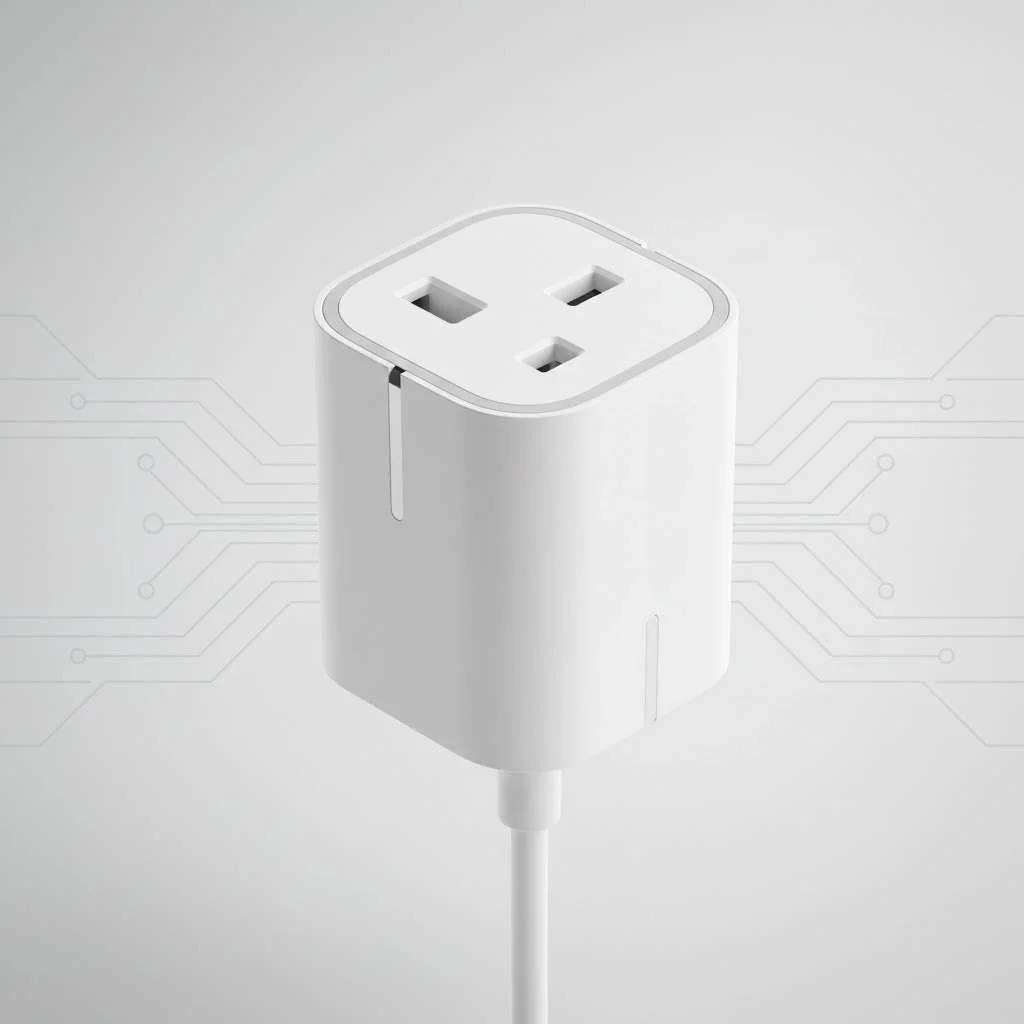
The Wemo Smart Plug is a simple yet powerful device that transforms ordinary appliances into smart devices, allowing remote control and automation via a smartphone app or voice commands. It connects directly to your home’s Wi-Fi network, eliminating the need for a separate hub, and offers features like scheduling, voice control, and an “Away Mode” for security. As a specialist in smart home technology for over ten years, I’ve found Wemo Smart Plugs consistently reliable and easy to integrate, making them an ideal first step into home automation.
What Exactly Is a Wemo Smart Plug?
At its core, a Wemo Smart Plug is a device that plugs into a standard electrical outlet. You then plug an appliance, like a lamp, fan, or coffee maker, into the smart plug. Once connected to your home’s Wi-Fi network, it acts as a remote-controlled switch for that appliance. Using the Wemo app on your smartphone or simple voice commands, you can turn the connected device on or off from anywhere in the world. For shop curated smart home on this site.
This simple function unlocks a world of possibilities for convenience, security, and even energy savings. It’s not just about turning things off and on remotely; it’s about making your home work for you.
open up the Key Features of Your Wemo Plug
Wemo has packed a surprising amount of functionality into its compact smart plugs. These features work together to create a truly intelligent home environment.
Effortless Remote Control
The primary benefit is, of course, remote control. Stuck in traffic and want the lights on before you get home? No problem. Want to ensure the iron is off after you’ve left for work? A quick tap in the app gives you instant peace of mind.
Smart Scheduling and Timers
This is where the real “smart” automation comes in. You can set schedules for your devices to operate automatically.
- Morning Routine: Schedule your coffee maker to turn on at 7:00 AM.
- Evening Ambiance: Have your living room lamps turn on automatically at sunset.
- Holiday Lights: Set your festive decorations on a schedule so you never have to plug and unplug them again.
- Timers: Use a countdown timer to automatically turn off a fan after 30 minutes or limit a child’s TV time.
Hands-Free Voice Commands
Wemo plugs integrate seamlessly with the major smart home ecosystems. Whether you’re team Alexa, Google Assistant, or Apple HomeKit, you can control your devices with a simple voice command. Saying “Hey Google, turn on the bedroom fan” is a small luxury you’ll quickly wonder how you ever lived without.
Secure Your Home with Away Mode
|
Our Picks for the Best Smart Plug in 2026
As an Amazon Associate I earn from qualifying purchases.
|
||
| Num | Product | Action |
|---|---|---|
| 1 | Legrand Radiant® Wi-Fi Matter Smart Plug Matter Hub Required 15A, Easy Setup, Enhanced Compatibility with Apple HomeKit, Google Home, Alexa & SmartThings, Easy Wi-Fi Connectivity w/ Matter (1 Pack) |

|
| 2 | GHome Smart Plug, WiFi Smart Plugs Work with Alexa and Google Home, Smart Outlet Timer with APP Remote Control, 2.4GHz Wi-Fi Only, No Hub Required, ETL FCC Listed |
|
| 3 | Kasa Smart Plug HS103P2, Smart Home Wi-Fi Outlet Works with Alexa, Echo, Google Home & IFTTT, No Hub Required, Remote Control,15 Amp,UL Certified, (Pack of 2) White |
|
| 4 | EIGHTREE Smart Plug 2025 Upgrade to 15A, Bluetooth & Wi-Fi Outlet Plug Dual Connection, Voice Control, Remote Control Outlet Timer Indoor, Smart Plugs That Work with Alexa & Google, 2.4GHz Wi-Fi Only |
|
| 5 | Kasa Smart Plug Ultra Mini 15A, Smart Home Wi-Fi Outlet Works with Alexa, Google Home & IFTTT, No Hub Required, UL Certified, 2.4G WiFi Only, 2 Count (Pack of 1)(EP10P2) , White |
|
| 6 | Kasa Smart Plug Mini 15A, Apple HomeKit Supported, Smart Outlet Works with Siri, Alexa & Google Home, UL Certified, App Control, Scheduling, Timer, 2.4G WiFi Only, 4 Count (Pack of 1) (EP25P4), White |
|
| 7 | EIGHTREE Smart Plug, Smart Home WiFi Outlet Works with Alexa & Google Home, Smart Socket with Remote Control & Timer Function, 2.4GHz WiFi Only, 4 Packs |
|
| 8 | Govee Smart Plug, WiFi Plugs Work with Alexa & Google Assistant, Smart Outlet with Timer & Group Controller, WiFi Outlet for Home, No Hub Required, ETL & FCC Certified, 2.4G WiFi Only, 4 Pack |
|
| 9 | Linkind Matter Smart Plug, Work with Apple Home, Siri, Alexa, Google, SmartThings, Smart Home Smart Outlet Timer 15A/1800W, APP Remote Control & Schedule, ETL & FCC Certified, 2.4G Wi-Fi Only, 4 Pack |
|
| 10 | Kasa Smart Plug HS103P4, Smart Home Wi-Fi Outlet Works with Alexa, Echo, Google Home & IFTTT, No Hub Required, Remote Control, 15 Amp, UL Certified, 4-Pack, White |
|
A standout feature for security is “Away Mode.” When activated, the Wemo Smart Plug will turn a connected lamp on and off randomly, simulating that someone is home. This is a brilliant and simple way to deter potential intruders while you’re on vacation.
“The magic of a device like the Wemo Smart Plug is its accessibility,” notes James Chen, a smart home integration specialist. “It doesn’t require complex wiring or a central hub. You can buy one, set it up in five minutes, and immediately see a tangible benefit in your daily routine. It’s the gateway to a smarter lifestyle.”
Space-Saving, Thoughtful Design
Older smart plugs were often bulky, blocking the second outlet. Wemo’s modern design is sleek and compact, allowing you to use both outlets without any issue. It’s a small detail that makes a huge difference in practical, everyday use.
Choosing the Right Wemo Smart Plug for You
Belkin offers a couple of key Wemo models, and picking the right one depends on your smart home ecosystem.
- Wemo Wi-Fi Smart Plug (Model WSP080): This is the most versatile and common model. It connects directly to your Wi-Fi and works with Amazon Alexa, Google Assistant, and Apple HomeKit. If you use a mix of devices or primarily an Android phone, this is the plug for you.
- Wemo Smart Plug with Thread (Model WSP100): This model is designed specifically for users deeply embedded in the Apple HomeKit ecosystem. It uses Thread, a newer, more robust mesh networking technology, for an incredibly fast and reliable connection. Important Note: This model works only with Apple HomeKit and is not compatible with the Wemo app for Android or other voice assistants.
Your Step-by-Step Guide to Setting Up a Wemo Smart Plug
Getting your Wemo up and running is incredibly straightforward. You’ll be controlling your devices in minutes.
- Download the App: First, download the free Wemo app from the Apple App Store or Google Play Store. If you have the Thread model, you will use the Apple Home app instead.
- Plug It In: Plug the Wemo Smart Plug into a wall outlet. The indicator light will begin to flash, signaling it’s ready for setup.
- Connect Your Phone: Open the Wemo app and follow the on-screen instructions. For most models, you’ll be prompted to temporarily connect your phone to the Wemo’s own Wi-Fi network. For newer HomeKit models, you may simply scan a code.
- Join Your Home Network: The app will then guide you to select your home Wi-Fi network from a list and enter your password. This connects the plug to the internet.
- Name and Customize: Once connected, the firmware may update automatically. After that, you can give your plug a custom name (e.g., “Living Room Lamp” or “Office Fan”) and assign it to a room.
- Start Automating: That’s it! Your plug is ready. You can now control it from the app, link it to your voice assistant, and start setting up schedules.
Quick Troubleshooting for Common Wemo Issues
Even the best tech can have hiccups. If your Wemo plug becomes unresponsive, here are a few simple steps to try:
- The Simple Reboot: The oldest trick in the IT book often works best. Unplug the Wemo from the wall, wait about 10 seconds, and plug it back in. This often resolves minor connectivity glitches.
- Check Your Wi-Fi: Ensure your home’s Wi-Fi router is working properly. Most smart plugs operate on the 2.4GHz Wi-Fi band, so make sure that band is enabled on your router.
- Factory Reset: If all else fails, a factory reset can help. Press and hold the power button on the plug for about 5 seconds. The light will flash, indicating it has been reset to its factory settings. You will then need to go through the setup process again.
The Perfect Start to Your Smart Home
The Wemo Smart Plug is more than just a gadget; it’s an accessible, affordable, and highly practical entry into the world of home automation. It solves everyday problems with elegant simplicity, offering a tangible improvement to your daily life. Whether you’re looking for added convenience, a bit more security, or just the simple joy of turning off the lights from your bed, the Wemo Smart Plug is a small device that delivers big results.
Frequently Asked Questions
Do Wemo smart plugs require a special hub to function?
No, Wemo smart plugs do not require a special hub. They connect directly to your home's existing Wi-Fi network, making them easy to set up and use without additional hardware.
What types of appliances can a Wemo smart plug control?
Wemo smart plugs can control most common plug-in appliances such as lamps, fans, holiday lights, humidifiers, and small kitchen gadgets. However, they are not suitable for high-draw appliances like large space heaters or air conditioners; always check the appliance's power requirements.
Will a Wemo smart plug still work if my internet connection goes down?
If your internet connection is lost, you will not be able to control the Wemo plug remotely via the app or voice commands. However, any pre-set schedules are stored locally on the device and will continue to run as programmed.
Can I use a standard Wemo smart plug in outdoor environments?
No, the standard Wemo Smart Plug is designed and rated for indoor use only. Exposing it to moisture, rain, or extreme temperatures can create a safety hazard and will damage the device.
What is the difference between Wemo Wi-Fi and Thread models?
The Wemo Wi-Fi Smart Plug (Model WSP080) connects directly to Wi-Fi and works with Alexa, Google Assistant, and Apple HomeKit. The Wemo Smart Plug with Thread (Model WSP100) is specifically for Apple HomeKit users, utilizing Thread technology for faster connections, but it is not compatible with Android or other voice assistants.
Smart home that does not lock you in
Free PDF — protocol compatibility matrix for 30 hubs and devices.
As someone who’s been into smart home tech for a while, I can attest to the reliability of Wemo Smart Plugs. I’ve integrated several into my system, controlling everything from holiday lights to my garage fan. The remote control feature through the app is incredibly convenient, and they’ve held up perfectly over time. A great choice for expanding any smart home setup.
The Wemo Smart Plug works well for controlling my lamps, and the ‘Away Mode’ is a nice touch for when I’m out of town. My only minor complaint is that sometimes the app can be a little slow to respond when I’m trying to turn things on or off quickly. It’s not a dealbreaker, but it can be a bit frustrating when you’re in a hurry. Still, it’s a solid device for basic home automation.
I bought a Wemo Smart Plug specifically to control my bedroom fan, and it’s been fantastic. I love being able to turn it on or off with just my voice, especially when I’m already comfortable in bed. The fact that it doesn’t require a separate hub was a huge selling point for me, making it a really cost-effective way to dip my toes into smart home tech. It’s been very reliable so far.
I’ve been using Wemo Smart Plugs for about six months now, and they’ve been a game-changer for my morning routine. Being able to schedule my coffee maker to start brewing before I even get out of bed is pure luxury. The setup was super straightforward, and connecting it to my Wi-Fi was a breeze, just as described. Definitely recommend for anyone looking to add some convenience to their day.