Welcome to the world of home automation, where controlling your devices is as simple as speaking a command. If you’re starting your smart home journey, one of the easiest and most affordable entry points is the smart plug Amazon Alexa integration. This powerful duo can transform any ordinary appliance into a smart device, giving you unprecedented control and convenience. Forget fumbling for switches in the dark or worrying if you left the iron on; with a smart plug and Alexa, you’re always in command.
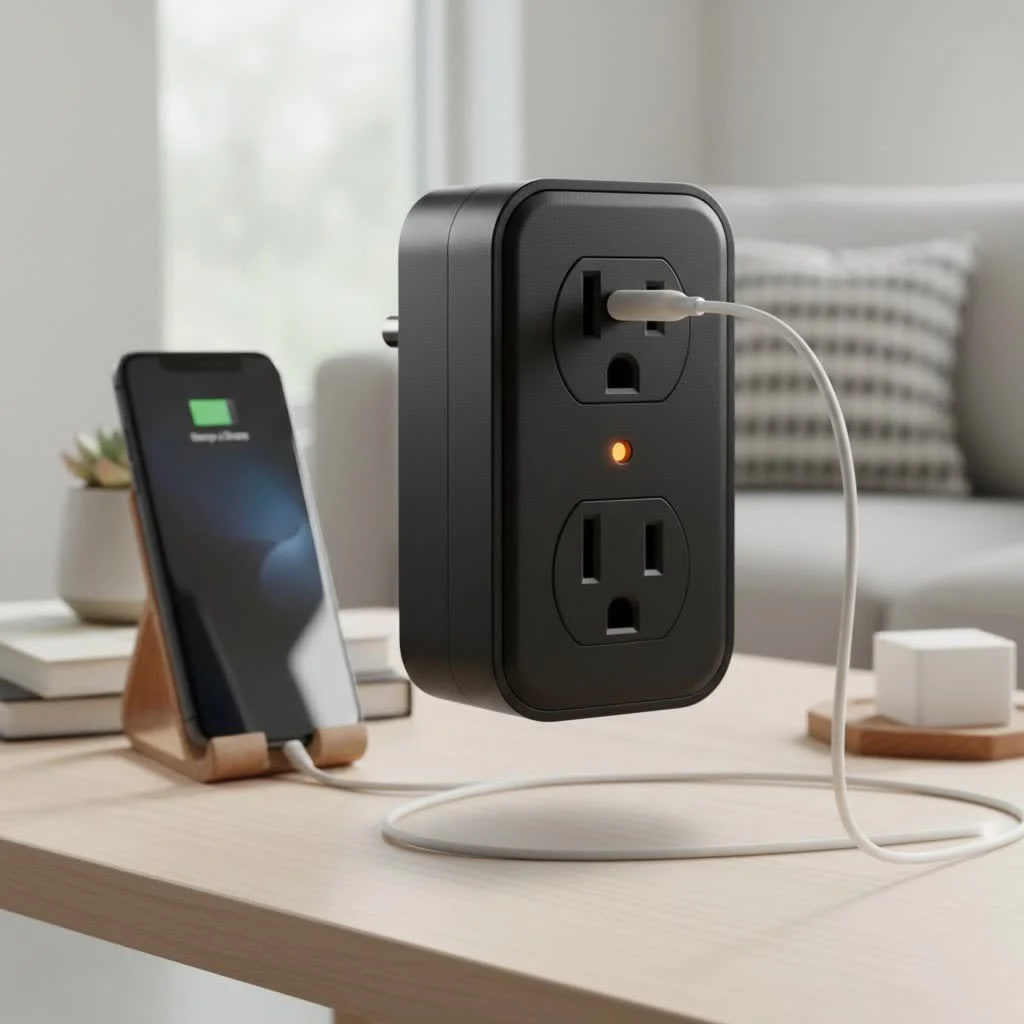
What is a Smart Plug for Alexa?
At its core, a smart plug is a simple adapter that fits between your wall outlet and an appliance’s power cord. Think of it as a gatekeeper for electricity. On its own, it doesn’t do much. But when you connect it to your home’s Wi-Fi network and link it with Amazon Alexa, it becomes a voice-activated switch for nearly any device you plug into it, like lamps, fans, coffee makers, or holiday lights.
Why You Need an Amazon Alexa Smart Plug
The benefits of integrating a smart plug with Alexa extend far beyond just turning things on and off with your voice. It’s about creating a more efficient, secure, and convenient living space.
- Unmatched Convenience: The most obvious perk is hands-free control. Lying in bed and want to turn off the lamp? Just say, “Alexa, turn off the bedroom lamp.” You can also control your devices from anywhere in the world using the Alexa app on your phone.
- Boost Your Home’s Security: With features like “Away Mode,” your smart plug can randomly turn lights on and off to simulate occupancy, deterring potential intruders while you’re on vacation.
- Save Money and Energy: Many smart plugs offer energy monitoring features, allowing you to see exactly how much power an appliance is using. You can also set schedules to automatically turn off power-hungry devices when they aren’t needed, helping you cut down on your electricity bill.
- Create Powerful Routines: This is where the magic really happens. You can group actions together in the Alexa app. For instance, a “Good Morning” routine could have Alexa turn on your lamp, start the coffee maker, and read you the daily news, all triggered by a single phrase.
“The combination of a smart plug with Amazon Alexa is the perfect first step into home automation,” says David Chen, Lead Smart Home Analyst at Kjooz. “It’s a low-cost, high-impact upgrade that solves everyday problems. Once you experience the convenience of voice-controlled appliances, you’ll wonder how you ever lived without it.”
Choosing the Best Smart Plug for Alexa
With so many options on the market, picking the right one can feel daunting. However, most modern smart plugs are designed to work seamlessly with Alexa. Here’s what to look for.
Key Features to Consider
|
Our Picks for the Best Smart Plug in 2026
As an Amazon Associate I earn from qualifying purchases.
|
||
| Num | Product | Action |
|---|---|---|
| 1 | Legrand Radiant® Wi-Fi Matter Smart Plug Matter Hub Required 15A, Easy Setup, Enhanced Compatibility with Apple HomeKit, Google Home, Alexa & SmartThings, Easy Wi-Fi Connectivity w/ Matter (1 Pack) |

|
| 2 | Linkind Matter Smart Plug, Work with Apple Home, Siri, Alexa, Google, SmartThings, Smart Home Smart Outlet Timer 15A/1800W, APP Remote Control & Schedule, ETL & FCC Certified, 2.4G Wi-Fi Only, 4 Pack |
|
| 3 | Kasa Smart Plug Ultra Mini 15A, Smart Home Wi-Fi Outlet Works with Alexa, Google Home & IFTTT, No Hub Required, UL Certified, 2.4G WiFi Only, 2 Count (Pack of 1)(EP10P2) , White |
|
| 4 | GHome Smart Plug, WiFi Smart Plugs Work with Alexa and Google Home, Smart Outlet Timer with APP Remote Control, 2.4GHz Wi-Fi Only, No Hub Required, ETL FCC Listed |
|
| 5 | Kasa Smart Plug HS103P2, Smart Home Wi-Fi Outlet Works with Alexa, Echo, Google Home & IFTTT, No Hub Required, Remote Control,15 Amp,UL Certified, (Pack of 2) White |
|
| 6 | EIGHTREE Smart Plug, Smart Home WiFi Outlet Works with Alexa & Google Home, Smart Socket with Remote Control & Timer Function, 2.4GHz WiFi Only, 4 Packs |
|
| 7 | Kasa Smart Plug Mini 15A, Apple HomeKit Supported, Smart Outlet Works with Siri, Alexa & Google Home, UL Certified, App Control, Scheduling, Timer, 2.4G WiFi Only, 4 Count (Pack of 1) (EP25P4), White |
|
| 8 | Govee Smart Plug, WiFi Plugs Work with Alexa & Google Assistant, Smart Outlet with Timer & Group Controller, WiFi Outlet for Home, No Hub Required, ETL & FCC Certified, 2.4G WiFi Only, 4 Pack |
|
| 9 | EIGHTREE Smart Plug 2025 Upgrade to 15A, Bluetooth & Wi-Fi Outlet Plug Dual Connection, Voice Control, Remote Control Outlet Timer Indoor, Smart Plugs That Work with Alexa & Google, 2.4GHz Wi-Fi Only |
|
| 10 | Kasa Smart Plug HS103P4, Smart Home Wi-Fi Outlet Works with Alexa, Echo, Google Home & IFTTT, No Hub Required, Remote Control, 15 Amp, UL Certified, 4-Pack, White |
|
- Direct Wi-Fi Connection: The easiest plugs to set up connect directly to your home’s 2.4GHz Wi-Fi network without the need for an extra, expensive hub.
- Compact Design: Look for a plug with a slim profile that won’t block the second outlet. This is a common oversight that can be incredibly frustrating.
- Energy Monitoring: If you’re keen on tracking your power consumption, choose a model that includes this feature in its companion app.
- Reputable Brands: Stick with well-known brands like TP-Link Kasa, Wyze, or the official Amazon Smart Plug. These companies offer reliable products and better customer support.
- Safety Certifications: Ensure the plug is certified by a recognized safety body like UL or ETL. This is crucial for any device that handles electricity.
How to Set Up Your Smart Plug with Amazon Alexa
Getting your smart plug Amazon Alexa integration up and running is surprisingly straightforward. While the exact steps may vary slightly by brand, the general process is the same.
- Plug It In: Connect your smart plug to a wall outlet and plug your desired appliance into the smart plug. A light on the plug should start blinking, indicating it’s in pairing mode.
- Download the Manufacturer’s App: Go to your phone’s app store and download the app for your smart plug brand (e.g., Kasa Smart, Wyze Home).
- Create an Account: Open the app and follow the prompts to create an account and sign in.
- Add the Plug: In the app, tap the ‘+’ icon to add a new device. Select “smart plug” and follow the on-screen instructions to connect it to your Wi-Fi network. You’ll need to know your Wi-Fi password.
- Open the Alexa App: Now, switch over to the Amazon Alexa app on your phone.
- Enable the Skill: Tap “More” in the bottom right, then go to “Skills & Games.” Search for the skill corresponding to your smart plug brand (e.g., “TP-Link Kasa”) and tap “Enable to Use.”
- Link Your Accounts: You will be prompted to sign in with the account information you created in the manufacturer’s app. This links the two services.
- Discover Devices: Once linked, Alexa will automatically search for new devices. You can also say, “Alexa, discover my devices.”
- Name and Organize: Your new plug should appear in the Alexa app. It’s a good idea to give it a simple, memorable name like “Living Room Lamp” or “Coffee Maker.” You can also assign it to a group, like “Bedroom,” to control multiple devices at once.
Troubleshooting Common Connection Issues
Sometimes, technology doesn’t cooperate. If you’re having trouble, here are a few quick fixes for common problems with your smart plug Amazon Alexa setup.
- Alexa Can’t Find the Plug: Ensure the plug is properly set up in its own app first. Then, try disabling and re-enabling the skill in the Alexa app. Also, verify that your phone and Echo device are on the same Wi-Fi network as the plug.
- The Plug is Unresponsive: This is often a Wi-Fi issue. Unplug the smart plug, wait 10 seconds, and plug it back in. This simple reboot often solves the problem. If it persists, check that your Wi-Fi router is working correctly.
- Voice Commands Aren’t Working: Make sure you are using the exact name you gave the device in the Alexa app. If you named it “Floor Lamp,” saying “Alexa, turn on the light” might not work.
Frequently Asked Questions (FAQ)
Do all smart plugs work with Alexa?
Most smart plugs from major brands are compatible with Amazon Alexa. Always check for a “Works with Alexa” badge on the product packaging or online listing to be certain.
Do I need an Amazon Echo device to use an Alexa smart plug?
No, you don’t need an Echo speaker. You can control the smart plug through the Alexa app on your smartphone or tablet. However, an Echo device provides the convenience of hands-free voice control.
Can a smart plug damage my appliances?
A certified and properly used smart plug will not damage your appliances. However, you should always check the plug’s maximum wattage and amperage rating to ensure it can handle the power draw of the device you connect to it, especially for high-power appliances like space heaters.
Can I use a smart plug outdoors?
Only if it is specifically rated for outdoor use. Outdoor smart plugs are built with weather-resistant materials to withstand rain, dust, and temperature changes. Using an indoor plug outside is a safety hazard.
Your Smart Home Awaits
Setting up a smart plug Amazon Alexa system is a simple, affordable, and incredibly rewarding project. It’s the perfect way to dip your toes into the world of home automation, offering immediate benefits in convenience, security, and energy efficiency. From turning on your coffee maker from bed to ensuring all your lights are off when you leave the house, this small device unlocks a world of possibilities. Go ahead, give it a try, and take the first step toward a more connected and intelligent home.
Smart home that does not lock you in
Free PDF — protocol compatibility matrix for 30 hubs and devices.
