Welcome to Kjooz, your go-to source for demystifying smart home technology. With over a decade of hands-on experience, I’ve seen how the right device can transform a house into a smart home. If you’re embedded in the Google ecosystem, finding the best smart plug for Google Home is a crucial first step to unlocking true voice-controlled convenience. These small but mighty devices act as the bridge between your traditional appliances and your Google Assistant, allowing you to control everything from lamps to coffee makers with a simple “Hey Google.”
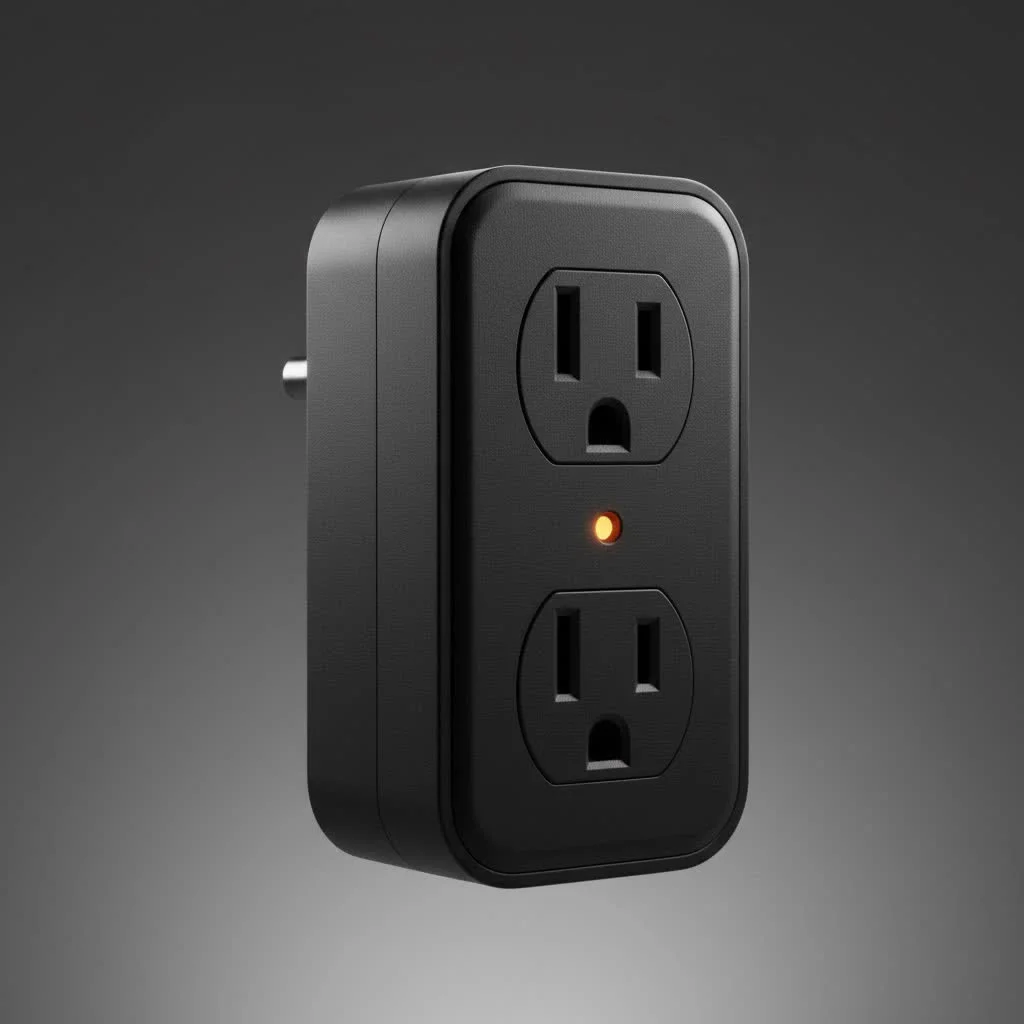
But with a market flooded with options, how do you choose the right one? It’s not just about compatibility; it’s about reliability, features, and value. This guide will break down the top contenders, explain what features truly matter, and show you exactly how to get started. Let’s plug you into the world of smart home automation. For see our smart home recommendations on this site.
Our Top Picks for the Best Smart Plugs
After extensive testing and review, here are the smart plugs that stand out for their seamless integration with Google Home, performance, and features.
1. Best Overall: TP-Link Kasa Smart Plug (EP25)
The TP-Link Kasa EP25 consistently earns the top spot for a reason. It’s the perfect blend of reliability, features, and affordability. Its setup is incredibly straightforward through the Kasa app, and it syncs with Google Home in seconds.
What truly sets the EP25 apart is its robust feature set. It offers real-time and historical energy monitoring, which is a fantastic tool for identifying power-hungry appliances and managing your electricity bills. Its compact design ensures it won’t block the second outlet, a common annoyance with bulkier plugs.
- Key Features: Energy monitoring, compact size, Away Mode, scheduling.
- Connectivity: Wi-Fi (2.4GHz), Bluetooth for easy setup.
- Why it’s great for Google Home: Rock-solid reliability and responsive voice commands. The energy monitoring feature is a significant value-add that integrates well into home routines.
2. Best Value: Wyze Plug
For those looking to automate their home on a budget without sacrificing quality, the Wyze Plug is an unbeatable choice. It does the basics exceptionally well, offering reliable remote control and scheduling through the intuitive Wyze app.
While it lacks the energy monitoring of more premium models, its performance is snappy and dependable. Linking it to your Google Home account is a breeze, and it executes voice commands without delay. If you need multiple plugs to scatter around your home, the Wyze Plug’s affordable price point makes it the smart financial choice.
- Key Features: Simple setup, scheduling, vacation mode.
- Connectivity: Wi-Fi (2.4GHz).
- Why it’s great for Google Home: It’s incredibly affordable, reliable, and provides a no-fuss way to add voice control to any outlet.
3. Best for Energy Monitoring: Emporia Smart Plug
|
Our Picks for the Best Smart Plug in 2026
As an Amazon Associate I earn from qualifying purchases.
|
||
| Num | Product | Action |
|---|---|---|
| 1 | EIGHTREE Smart Plug, Smart Home WiFi Outlet Works with Alexa & Google Home, Smart Socket with Remote Control & Timer Function, 2.4GHz WiFi Only, 4 Packs |

|
| 2 | Linkind Matter Smart Plug, Work with Apple Home, Siri, Alexa, Google, SmartThings, Smart Home Smart Outlet Timer 15A/1800W, APP Remote Control & Schedule, ETL & FCC Certified, 2.4G Wi-Fi Only, 4 Pack |
|
| 3 | Govee Smart Plug, WiFi Plugs Work with Alexa & Google Assistant, Smart Outlet with Timer & Group Controller, WiFi Outlet for Home, No Hub Required, ETL & FCC Certified, 2.4G WiFi Only, 4 Pack |
|
| 4 | Legrand Radiant® Wi-Fi Matter Smart Plug Matter Hub Required 15A, Easy Setup, Enhanced Compatibility with Apple HomeKit, Google Home, Alexa & SmartThings, Easy Wi-Fi Connectivity w/ Matter (1 Pack) |
|
| 5 | Kasa Smart Plug Mini 15A, Apple HomeKit Supported, Smart Outlet Works with Siri, Alexa & Google Home, UL Certified, App Control, Scheduling, Timer, 2.4G WiFi Only, 4 Count (Pack of 1) (EP25P4), White |
|
| 6 | Kasa Smart Plug HS103P4, Smart Home Wi-Fi Outlet Works with Alexa, Echo, Google Home & IFTTT, No Hub Required, Remote Control, 15 Amp, UL Certified, 4-Pack, White |
|
| 7 | EIGHTREE Smart Plug 2025 Upgrade to 15A, Bluetooth & Wi-Fi Outlet Plug Dual Connection, Voice Control, Remote Control Outlet Timer Indoor, Smart Plugs That Work with Alexa & Google, 2.4GHz Wi-Fi Only |
|
| 8 | Kasa Smart Plug Ultra Mini 15A, Smart Home Wi-Fi Outlet Works with Alexa, Google Home & IFTTT, No Hub Required, UL Certified, 2.4G WiFi Only, 2 Count (Pack of 1)(EP10P2) , White |
|
| 9 | GHome Smart Plug, WiFi Smart Plugs Work with Alexa and Google Home, Smart Outlet Timer with APP Remote Control, 2.4GHz Wi-Fi Only, No Hub Required, ETL FCC Listed |
|
| 10 | Kasa Smart Plug HS103P2, Smart Home Wi-Fi Outlet Works with Alexa, Echo, Google Home & IFTTT, No Hub Required, Remote Control,15 Amp,UL Certified, (Pack of 2) White |
|
If your primary goal is to track and reduce your energy consumption, the Emporia Smart Plug is in a league of its own. It provides detailed, real-time energy monitoring that is more granular than almost any other competitor. You can see precisely how many watts an appliance is drawing and track usage over time to make informed decisions about your energy habits.
This plug is a dream for data lovers and the eco-conscious. Of course, it integrates perfectly with Google Home for all standard voice commands, giving you both control and insight.
- Key Features: Best-in-class energy monitoring, scheduling, timers.
- Connectivity: Wi-Fi (2.4GHz).
- Why it’s great for Google Home: Delivers powerful energy insights alongside flawless Google Assistant voice control.
4. Best Outdoor Smart Plug: TP-Link Kasa Outdoor Smart Plug (EP40A)
Your smart home doesn’t have to end at your door. The Kasa EP40A is a weather-resistant powerhouse designed to bring automation to your patio, garden, or holiday decorations. It features two individually controllable outlets, all housed in a durable, IP64-rated casing that protects it from rain and dust.
With a long Wi-Fi range of up to 300 feet, you can place it wherever you need it most. Setting schedules for landscape lighting or turning on a fountain with a voice command from your couch has never been easier.
- Key Features: Two independent outlets, IP64 weather resistance, long Wi-Fi range.
- Connectivity: Wi-Fi (2.4GHz).
- Why it’s great for Google Home: It reliably extends Google’s reach to your outdoor spaces with robust, all-weather hardware.
How to Choose the Right Smart Plug for Your Google Home
Picking the perfect plug involves more than just finding one that works with Google. Here are the key factors to consider.
Connectivity: Wi-Fi, Bluetooth, and Matter
Most smart plugs today connect directly to your home’s Wi-Fi network (typically the 2.4GHz band). This is the simplest setup, as it doesn’t require an additional hub. Some plugs also use Bluetooth for the initial setup process, making it even smoother.
The new player on the block is Matter. Matter is a universal smart home standard designed to make devices from different brands work together seamlessly. A Matter-certified smart plug will offer easier setup and more reliable local control. While not essential today, choosing a Matter-enabled plug is a great way to future-proof your smart home.
Size and Shape
Don’t overlook the physical design. Many older or cheaper smart plugs are so bulky they block the second wall outlet. Look for compact, round, or rectangular designs that are specifically made to leave adjacent sockets free.
Core Features: What Really Matters?
- Scheduling and Timers: This is a fundamental feature. Use it to schedule lamps to turn on at dusk, start the coffee pot in the morning, or limit power to a device.
- Energy Monitoring: A premium feature that helps you understand your electricity usage. It’s perfect for identifying “vampire devices” that draw power even when off.
- Away Mode: This feature, often found in Kasa plugs, randomly turns connected lights on and off to simulate occupancy, which is a great security deterrent when you’re on vacation.
“A common mistake is buying a smart plug based on price alone,” notes smart home integration specialist David Chen. “Paying a little extra for a reliable brand with features like energy monitoring and a compact design pays dividends in the long run through a better user experience and potential energy savings.”
Setting Up Your Smart Plug with Google Home: A Step-by-Step Guide
Connecting your new smart plug to Google Assistant is a simple process.
- Set Up the Plug in its Native App: First, unbox your smart plug and plug it in. Download the manufacturer’s app (e.g., Kasa, Wyze, Emporia) and follow the on-screen instructions to connect the plug to your Wi-Fi network. Give it a clear, simple name like “Living Room Lamp” or “Coffee Maker.”
- Open the Google Home App: On your smartphone or tablet, open the Google Home app.
- Add a New Device: Tap the ‘+’ icon in the top-left corner. Select “Set up device,” and then choose “Works with Google.”
- Link the Service: You’ll see a list of smart home brands. Find and select the brand of your smart plug (e.g., TP-Link Kasa).
- Authorize the Connection: You will be prompted to sign in with your account credentials for that brand’s app. This authorizes Google to control your devices.
- Assign to a Room: Once linked, your smart plug will appear. You can assign it to a room in your house (e.g., “Living Room”) for better organization.
- Start Using Voice Commands: That’s it! You can now control your plug. Try it out: “Hey Google, turn on the living room lamp.”
Frequently Asked Questions (FAQ)
Do all smart plugs work with Google Home?
No, not all smart plugs are compatible. Always check for a “Works with Google Home” or “Works with Google Assistant” logo on the packaging or product description before buying.
Can I use a smart plug to control any appliance?
You can control most simple electronic devices that have a physical on/off switch. It works great for lamps, fans, coffee makers, and holiday lights. However, it’s not suitable for appliances that require you to press a button to resume operation after power is restored, like some TVs or computers. Also, always check the plug’s maximum power rating and ensure it exceeds the appliance’s wattage, especially for high-draw items like space heaters.
Do smart plugs use a lot of electricity?
No, a smart plug’s own energy consumption is negligible. In its idle state, it uses less than 1 watt of power. The energy savings you can achieve by using it to turn off power-hungry devices far outweighs its own minimal usage.
Can Google Home control multiple smart plugs at once?
Yes. You can group multiple smart plugs in the Google Home app. For example, you could create a “Living Room Lights” group with three smart plugs connected to different lamps. Then, you can say, “Hey Google, turn off the living room lights,” and all three will turn off simultaneously.
What is the difference between a smart plug and a smart power strip?
A smart plug controls a single outlet. A smart power strip has multiple outlets, and usually, each outlet can be controlled independently. If you have several devices clustered together, like in a home office or entertainment center, a smart power strip can be a more organized and cost-effective solution.
Your Smarter Home Awaits
Choosing the best smart plug for Google Home is a simple and affordable entry point into a more convenient and automated lifestyle. Whether you prioritize value with the Wyze Plug, comprehensive features with the TP-Link Kasa EP25, or detailed energy insights with Emporia, there is a perfect device to meet your needs. By integrating these plugs into your Google Home routines, you can start your day with a freshly brewed pot of coffee and end it by turning off every light in the house with a single command.
We encourage you to take the leap. Start with one or two plugs for your most-used appliances and experience the magic for yourself. We’d love to hear about your creative uses for them in the comments below
Smart home that does not lock you in
Free PDF — protocol compatibility matrix for 30 hubs and devices.
