Welcome to the world of home automation, where convenience and control are just a tap or a voice command away. If you’re dipping your toes into smart home technology, the Ikea smart plug is one of the most accessible and effective starting points. As a simple yet powerful device, it can transform nearly any standard appliance into a smart one. But is it the right choice for you? With over a decade of experience testing and integrating smart home gadgets, I’m here to give you the complete breakdown of Ikea’s offering, helping you decide if this affordable gadget is the key to unlocking your home’s potential.
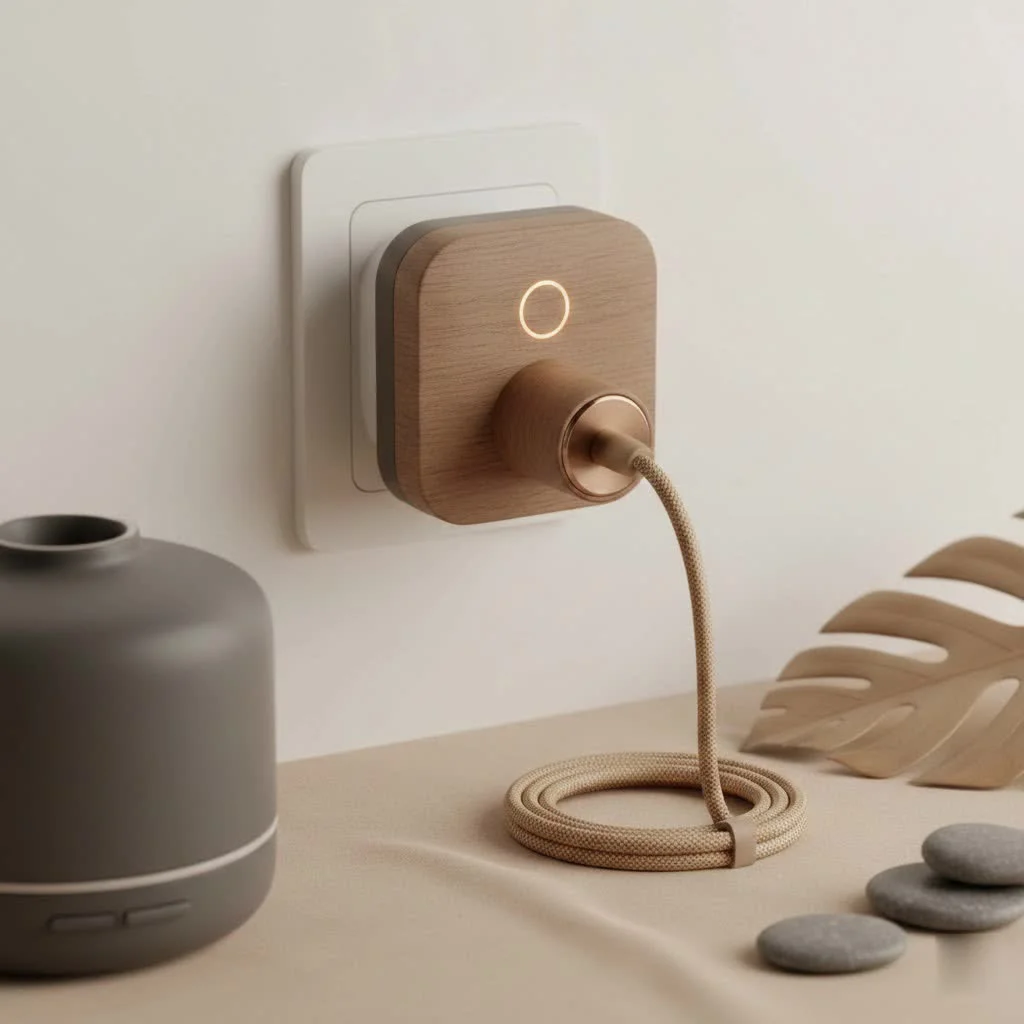
At Kjooz, we believe a smarter home is a better home. This guide will walk you through everything from setup and features to how it stacks up against the competition.
What Exactly is the Ikea Smart Plug?
The Ikea smart plug, officially part of their TRÅDFRI and now newer PARASOLL and INSPELNING series, is a small adapter that you plug into a standard electrical outlet. You then plug a conventional electronic device—like a lamp, a coffee maker, or a fan—into the smart plug. Voila! That device is now “smart.” This means you can control it remotely through an app or with your voice, set schedules, and integrate it into your wider smart home ecosystem.
It operates on the Zigbee protocol, a popular wireless standard for smart home devices known for its reliability and low energy consumption. This is a crucial detail we’ll revisit when discussing hubs and compatibility.
Key Features and Benefits
So, what can you actually do with an Ikea smart plug? The possibilities are surprisingly vast for such a small device.
- Remote Control: Left the house and forgot to turn off a lamp? No problem. You can switch the plug on or off from anywhere using the IKEA Home smart app.
- Scheduling and Timers: Automate your life by setting schedules. Have your coffee maker turn on at 7 AM, your lights switch on at sunset, or a fan turn off after you’ve fallen asleep. This is not just convenient; it’s a great way to save energy.
- Voice Control Integration: The real magic happens when you connect it to a voice assistant. Saying “Hey Google, turn on the living room lamp” never gets old. The Ikea smart plug works seamlessly with Amazon Alexa, Google Assistant, and Apple HomeKit.
- Affordability: One of its biggest selling points is the price. Ikea has made smart home technology incredibly budget-friendly, making it easy to outfit multiple rooms without breaking the bank.
- Home Security: Use scheduling to turn lights on and off randomly when you’re on vacation. This simple trick creates the illusion that someone is home, acting as an effective deterrent for potential intruders.
Do You Need a Hub for the Ikea Smart Plug?
This is the most common question, and the answer is: it depends on what you want to do.
A hub acts as the central brain for your smart home devices. For Ikea’s ecosystem, this is the DIRIGERA hub.
Using the Plug Without a Hub
|
Our Picks for the Best Smart Plug in 2026
As an Amazon Associate I earn from qualifying purchases.
|
||
| Num | Product | Action |
|---|---|---|
| 1 | Linkind Matter Smart Plug, Work with Apple Home, Siri, Alexa, Google, SmartThings, Smart Home Smart Outlet Timer 15A/1800W, APP Remote Control & Schedule, ETL & FCC Certified, 2.4G Wi-Fi Only, 4 Pack |

|
| 2 | Kasa Smart Plug HS103P4, Smart Home Wi-Fi Outlet Works with Alexa, Echo, Google Home & IFTTT, No Hub Required, Remote Control, 15 Amp, UL Certified, 4-Pack, White |
|
| 3 | Kasa Smart Plug HS103P2, Smart Home Wi-Fi Outlet Works with Alexa, Echo, Google Home & IFTTT, No Hub Required, Remote Control,15 Amp,UL Certified, (Pack of 2) White |
|
| 4 | GHome Smart Plug, WiFi Smart Plugs Work with Alexa and Google Home, Smart Outlet Timer with APP Remote Control, 2.4GHz Wi-Fi Only, No Hub Required, ETL FCC Listed |
|
| 5 | Legrand Radiant® Wi-Fi Matter Smart Plug Matter Hub Required 15A, Easy Setup, Enhanced Compatibility with Apple HomeKit, Google Home, Alexa & SmartThings, Easy Wi-Fi Connectivity w/ Matter (1 Pack) |
|
| 6 | EIGHTREE Smart Plug 2025 Upgrade to 15A, Bluetooth & Wi-Fi Outlet Plug Dual Connection, Voice Control, Remote Control Outlet Timer Indoor, Smart Plugs That Work with Alexa & Google, 2.4GHz Wi-Fi Only |
|
| 7 | EIGHTREE Smart Plug, Smart Home WiFi Outlet Works with Alexa & Google Home, Smart Socket with Remote Control & Timer Function, 2.4GHz WiFi Only, 4 Packs |
|
| 8 | Kasa Smart Plug Mini 15A, Apple HomeKit Supported, Smart Outlet Works with Siri, Alexa & Google Home, UL Certified, App Control, Scheduling, Timer, 2.4G WiFi Only, 4 Count (Pack of 1) (EP25P4), White |
|
| 9 | Govee Smart Plug, WiFi Plugs Work with Alexa & Google Assistant, Smart Outlet with Timer & Group Controller, WiFi Outlet for Home, No Hub Required, ETL & FCC Certified, 2.4G WiFi Only, 4 Pack |
|
| 10 | Kasa Smart Plug Ultra Mini 15A, Smart Home Wi-Fi Outlet Works with Alexa, Google Home & IFTTT, No Hub Required, UL Certified, 2.4G WiFi Only, 2 Count (Pack of 1)(EP10P2) , White |
|
You can use the Ikea smart plug in a very basic way without a hub. By pairing it with an Ikea remote control (like the TRÅDFRI remote), you can turn the plug on and off wirelessly from within your home. However, you will miss out on all the “smart” features: app control, scheduling, and voice assistant integration.
Unlocking Full Potential with the DIRIGERA Hub
To get the most out of your Ikea smart plug, you absolutely need the DIRIGERA hub. Connecting the plug to the hub unlocks:
- Control via the IKEA Home smart app.
- Integration with Amazon Alexa, Google Assistant, and Apple HomeKit.
- The ability to create scenes and automations with other Ikea smart products.
- Away-from-home control.
“Think of the DIRIGERA hub as the translator between your Wi-Fi network and the Zigbee signal of the plug,” explains smart home analyst David Chen. “It’s the bridge that connects your simple plug to the powerful world of the internet and voice assistants.”
Step-by-Step: How to Set Up Your Ikea Smart Plug
Setting up your smart plug is straightforward. Here’s a simple guide to get you started, assuming you have the DIRIGERA hub.
- Download the App: Get the “IKEA Home smart” app from the Apple App Store or Google Play Store.
- Set Up the Hub: If you haven’t already, follow the in-app instructions to connect your DIRIGERA hub to your home Wi-Fi network.
- Plug It In: Insert the Ikea smart plug into the desired wall outlet. The indicator light should begin to pulse.
- Add the Device: In the app, select the option to add a new device. The app will guide you to select “Smart plug.”
- Pairing Mode: The app will instruct you to hold the plug close to the hub. You may also need to use a pin or paperclip to press the small pairing button on the plug for a few seconds until the light changes.
- Connect and Name: The app will detect the plug. Once connected, you can assign it to a room and give it a unique name, like “Bedside Lamp” or “Kitchen Fan.” This is the name you’ll use for voice commands.
- Connect Your Appliance: Plug your lamp, fan, or other device into the smart plug. You’re now ready to control it smartly!
Comparing Ikea vs. Other Smart Plugs
How does the Ikea smart plug stand against competitors like TP-Link Kasa, Wyze, or Philips Hue?
| Feature | Ikea Smart Plug | TP-Link Kasa (Wi-Fi) | Philips Hue Smart Plug |
|---|---|---|---|
| Connectivity | Zigbee (Hub Required) | Wi-Fi (No Hub) | Zigbee/Bluetooth (Hub Optional) |
| Price | Low | Low to Medium | High |
| Ecosystem | Strong (Ikea Home) | Strong (Kasa Smart) | Very Strong (Philips Hue) |
| Setup | Easy, but hub adds a step | Very Easy | Very Easy |
| Apple HomeKit | Yes (with Hub) | Varies by model | Yes (with Hub) |
The main trade-off is the hub requirement. Wi-Fi plugs like the popular TP-Link Kasa are simpler to set up individually, as they connect directly to your router. However, having many Wi-Fi devices can congest your network. Zigbee devices like Ikea’s create their own mesh network, which can be more stable if you plan on building a larger smart home system.
Frequently Asked Questions (FAQ)
Can the Ikea smart plug dim lights?
No, the standard Ikea smart plug is a simple on/off switch. It cannot dim lights. For that functionality, you would need a smart bulb or a dedicated smart dimmer switch.
How much power can the Ikea smart plug handle?
It is designed for small appliances like lamps, fans, and coffee makers. Always check the maximum resistive load rating (typically around 1800W or 15A in the US) and avoid using it with high-power appliances like space heaters or air conditioners.
What happens if the internet goes down?
If your internet connection fails, you will lose remote app control and voice assistant functionality. However, schedules stored locally on the DIRIGERA hub may continue to work. You can also still control the plug manually or with an Ikea remote.
Is the Ikea smart plug compatible with Philips Hue?
Yes, because both systems use the Zigbee protocol, you can often add an Ikea smart plug to a Philips Hue Bridge. However, for the most seamless experience and guaranteed compatibility, it’s always best to use the native DIRIGERA hub.
Can I use the Ikea smart plug outdoors?
No, the Ikea smart plug is rated for indoor use only. It is not designed to withstand moisture, humidity, or extreme temperatures.
The Final Verdict: Is the Ikea Smart Plug for You?
The Ikea smart plug is an outstanding value proposition for anyone looking to build a smart home on a budget. Its low price point, reliable performance, and solid integration with major smart home platforms make it a top contender.
If you are just starting and only want one or two smart plugs, a Wi-Fi-based option might be slightly simpler. But if you envision a home with smart lighting, blinds, and other sensors in the future, investing in the Ikea DIRIGERA hub and Zigbee-based ecosystem is a smart, scalable, and cost-effective choice. It provides a robust foundation for a truly connected home without cluttering your Wi-Fi network. For its price and performance, the Ikea smart plug is one of the best deals in home automation today.
Smart home that does not lock you in
Free PDF — protocol compatibility matrix for 30 hubs and devices.

I picked up a few of these Ikea TRÅDFRI plugs to automate some older appliances, and they’ve been pretty reliable. The integration with my existing smart home hub was straightforward, which was a relief. It’s great for turning my coffee maker on before I even get out of bed. Solid performance for the value.
The Ikea smart plug works well for basic on/off functions, and the price point is really good. My only minor complaint is that sometimes it takes a second or two longer than my other smart plugs to respond to commands. It’s not a dealbreaker, but it’s noticeable. Still, for the cost, it’s a decent option if you’re just starting out.
These PARASOLL plugs from Ikea are a game-changer for anyone wanting to dip their toes into smart home tech without breaking the bank. I’ve used them to control my Christmas lights and even a fan in the summer. The convenience of scheduling and remote access is just awesome. You can’t beat the affordability for what you get.
I’ve been slowly building out my smart home, and the Ikea smart plug has been a fantastic addition. It was super easy to set up, even for someone like me who isn’t super tech-savvy. I love being able to control my lamps with voice commands, and it’s made my morning routine so much smoother. Definitely recommend it for anyone looking for an affordable entry into home automation.