An Apple Home smart plug instantly upgrades ordinary appliances into smart devices controllable via iPhone, iPad, or voice commands, making it an easy and affordable way to build an intelligent home within the secure Apple ecosystem. These plugs, also known as HomeKit smart plugs, are simple adapters that fit between a wall outlet and an appliance’s power cord, connecting the device to your home network for remote control.
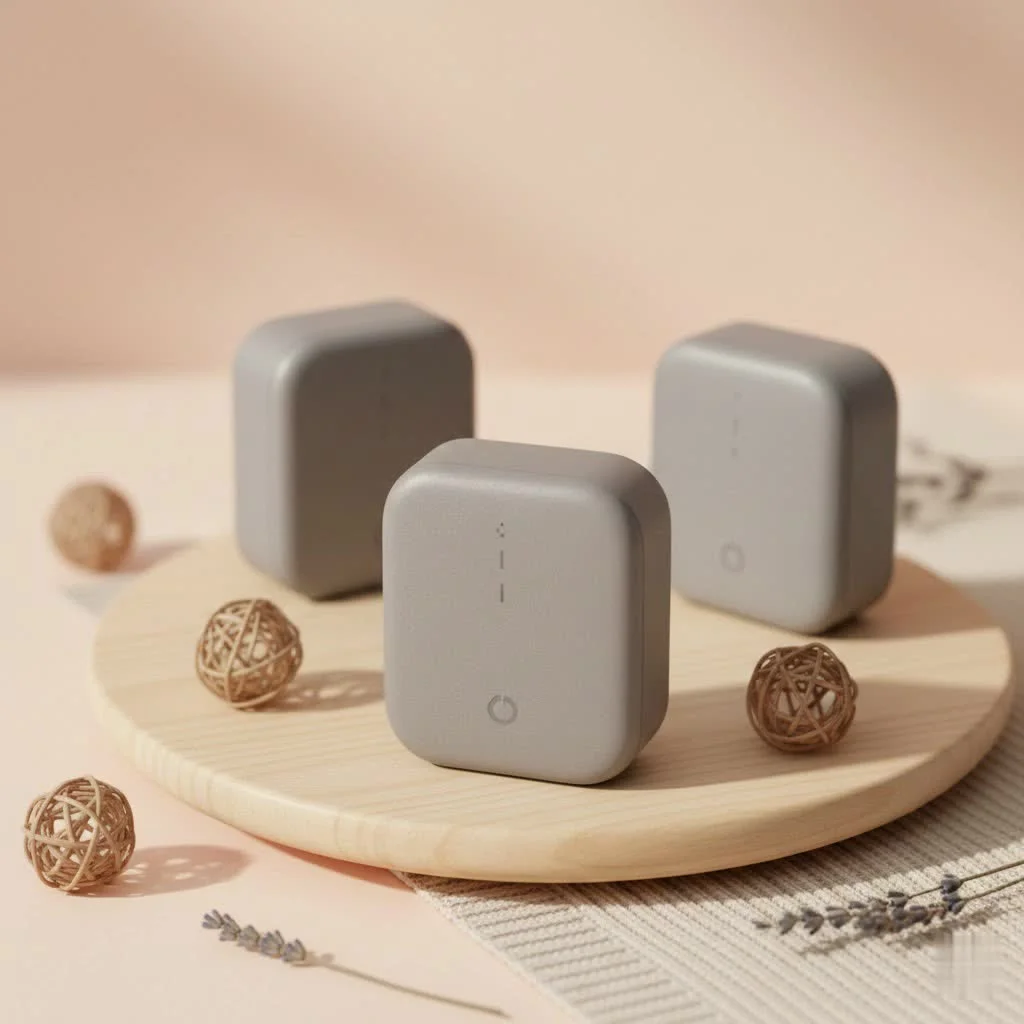
As the lead content creator at Kjooz.com, I’ve spent over a decade helping people demystify smart home technology, and the humble smart plug remains my top recommendation for beginners. It’s a small device with a massive impact on your daily convenience and peace of mind.
What Exactly is an Apple Home Smart Plug?
An Apple Home smart plug, often called a HomeKit smart plug, is a simple adapter that fits between your wall outlet and an appliance’s power cord. Think of it as a smart middleman. On its own, your lamp or fan has no way to connect to the internet. When you plug it into a smart plug, the plug itself connects to your home network, allowing you to control the flow of electricity to the device.
By ensuring the plug is compatible with Apple Home (formerly HomeKit), you can:
- Use the Home App: Turn devices on or off from anywhere in the world using the Home app on your Apple devices.
- Control with Siri: Use simple voice commands like, “Hey Siri, turn on the living room fan.”
- Create Scenes: Group multiple devices to work together. For instance, a “Movie Night” scene could dim your smart lights and turn on the TV (plugged into a smart plug) with a single tap.
- Set Automations: Schedule devices to operate based on the time of day, your location, or other triggers.
Choosing the Right Smart Plug for Your Apple Home
Not all smart plugs are created equal. To ensure a seamless experience, you need one that works perfectly within Apple’s ecosystem. Here’s what to look for.
The Magic Word: HomeKit or Matter
For a plug to work with the Home app and Siri, it must be compatible with either HomeKit (Apple’s original smart home framework) or Matter. Matter is the new universal smart home standard, backed by Apple, Google, and Amazon, designed to make all your devices work together regardless of the brand.
- Pro-Tip: I strongly recommend choosing a smart plug that supports Matter over Thread. This is the most future-proof option, offering a more responsive, reliable, and robust connection compared to standard Wi-Fi.
Key Features to Consider
|
Our Picks for the Best Smart Plug in 2026
As an Amazon Associate I earn from qualifying purchases.
|
||
| Num | Product | Action |
|---|---|---|
| 1 | Govee Smart Plug, WiFi Plugs Work with Alexa & Google Assistant, Smart Outlet with Timer & Group Controller, WiFi Outlet for Home, No Hub Required, ETL & FCC Certified, 2.4G WiFi Only, 4 Pack |

|
| 2 | Kasa Smart Plug HS103P2, Smart Home Wi-Fi Outlet Works with Alexa, Echo, Google Home & IFTTT, No Hub Required, Remote Control,15 Amp,UL Certified, (Pack of 2) White |
|
| 3 | EIGHTREE Smart Plug, Smart Home WiFi Outlet Works with Alexa & Google Home, Smart Socket with Remote Control & Timer Function, 2.4GHz WiFi Only, 4 Packs |
|
| 4 | Kasa Smart Plug HS103P4, Smart Home Wi-Fi Outlet Works with Alexa, Echo, Google Home & IFTTT, No Hub Required, Remote Control, 15 Amp, UL Certified, 4-Pack, White |
|
| 5 | Kasa Smart Plug Mini 15A, Apple HomeKit Supported, Smart Outlet Works with Siri, Alexa & Google Home, UL Certified, App Control, Scheduling, Timer, 2.4G WiFi Only, 4 Count (Pack of 1) (EP25P4), White |
|
| 6 | Linkind Matter Smart Plug, Work with Apple Home, Siri, Alexa, Google, SmartThings, Smart Home Smart Outlet Timer 15A/1800W, APP Remote Control & Schedule, ETL & FCC Certified, 2.4G Wi-Fi Only, 4 Pack |
|
| 7 | EIGHTREE Smart Plug 2025 Upgrade to 15A, Bluetooth & Wi-Fi Outlet Plug Dual Connection, Voice Control, Remote Control Outlet Timer Indoor, Smart Plugs That Work with Alexa & Google, 2.4GHz Wi-Fi Only |
|
| 8 | GHome Smart Plug, WiFi Smart Plugs Work with Alexa and Google Home, Smart Outlet Timer with APP Remote Control, 2.4GHz Wi-Fi Only, No Hub Required, ETL FCC Listed |
|
| 9 | Kasa Smart Plug Ultra Mini 15A, Smart Home Wi-Fi Outlet Works with Alexa, Google Home & IFTTT, No Hub Required, UL Certified, 2.4G WiFi Only, 2 Count (Pack of 1)(EP10P2) , White |
|
| 10 | Legrand Radiant® Wi-Fi Matter Smart Plug Matter Hub Required 15A, Easy Setup, Enhanced Compatibility with Apple HomeKit, Google Home, Alexa & SmartThings, Easy Wi-Fi Connectivity w/ Matter (1 Pack) |
|
- Connectivity: While most plugs use Wi-Fi, Thread is a newer mesh network technology built for smart homes. It’s faster and more reliable because Thread devices can communicate directly with each other, extending your network’s reach. You’ll need a Thread border router, like a HomePod mini or a newer Apple TV 4K, to use it.
- Size and Shape: Some bulky smart plugs can block the second outlet. Look for a compact, round, or offset design that leaves room for other plugs.
- Energy Monitoring: Want to know how much electricity your space heater is really using? Some advanced smart plugs can track energy consumption, helping you identify power-hungry appliances and potentially lower your electricity bill.
- Physical Button: A manual on/off button on the plug itself is surprisingly useful for those moments when your phone isn’t handy.
How to Set Up Your Apple Home Smart Plug
Apple is famous for its user-friendly setup process, and adding a smart plug is no exception. It typically takes less than two minutes.
- Plug It In: Unbox your new smart plug and plug it into a wall outlet. A small LED light should indicate that it has power.
- Open the Home App: On your iPhone or iPad, open the built-in Home app.
- Add Accessory: Tap the “+” icon in the top-right corner and select “Add Accessory.”
- Scan the Code: Your phone’s camera will activate. Use it to scan the unique HomeKit setup code (it looks like a small QR code) found on the smart plug itself or in its manual.
- Configure Your Device: The Home app will instantly recognize the plug. You’ll be prompted to assign it to a room (e.g., “Living Room”) and give it a specific name (e.g., “Floor Lamp”). Be descriptive with the name, as this is what you’ll use for Siri commands.
- Done! Your smart plug is now ready to use. You can tap its icon in the Home app to turn it on or off.
Go Beyond On/Off: Unlocking Advanced Features
The real power of an Apple Home smart plug is unlocked when you integrate it into scenes and automations.
Create Powerful Scenes
A scene allows you to control multiple accessories at once.
- “Good Morning” Scene: Turn on your bedside lamp and start the electric kettle in the kitchen simultaneously.
- “I’m Leaving” Scene: Turn off all lights, fans, and other small appliances connected to smart plugs throughout the house with a single tap as you walk out the door.
Set It and Forget It with Automations
Automations are rules that run automatically without any input from you. This is where your home starts feeling truly smart. To set up automations, you need a home hub (a HomePod, HomePod mini, or Apple TV).
- Time-Based: “Turn on the holiday lights every day at sunset.”
- Location-Based: “Turn on the entryway lamp when I arrive home.”
- Sensor-Based: “If a motion sensor detects movement after midnight, turn on the hallway light.”
“The beauty of the Apple Home ecosystem is its powerful automation engine,” notes smart home expert David Chen. “A simple smart plug becomes a tool for security, convenience, and energy savings when you let automations do the work for you.”
Frequently Asked Questions (FAQ)
Do I need a special hub for an Apple Home smart plug?
To control your smart plug when you’re away from home and to use automations, you need a home hub. Fortunately, you might already have one. The Apple HomePod, HomePod mini, and Apple TV (4th generation or later) all function as home hubs.
Can I use any brand of smart plug with Apple Home?
No, you cannot. The plug must explicitly state that it supports “Apple HomeKit” or the universal “Matter” standard on its packaging or product description. Brands like Eve, Belkin Wemo, Meross, and TP-Link Kasa offer popular compatible models.
Can I plug a power strip into a smart plug?
Yes, you can. This is a great way to control multiple devices at once, like your entire entertainment center (TV, soundbar, game console). Just be sure not to exceed the smart plug’s maximum wattage rating, which is typically around 1800W. Never plug high-draw appliances like refrigerators or large air conditioners into a standard smart plug.
Are Apple Home smart plugs secure?
Yes. One of the biggest advantages of the Apple Home ecosystem is its focus on privacy and security. All communication between your devices and the smart plug is end-to-end encrypted, ensuring that your data and your home remain private.
The First Step to a Smarter Home
An Apple Home smart plug is more than just a gadget; it’s an accessible entry point into the world of home automation. It empowers you to make your home more convenient, efficient, and secure, one appliance at a time. By starting with something as simple as a lamp or a fan, you can learn the fundamentals of the Apple Home app and discover how easy it is to make your home work for you. So go ahead, plug in, and tell Siri to turn on the lights. Your smarter home is waiting.
Smart home that does not lock you in
Free PDF — protocol compatibility matrix for 30 hubs and devices.

I got this specifically for my outdoor string lights, thinking it would be perfect for scheduling. While it works fine with my iPhone, I found the range to be a bit limited for my backyard setup. It’s great for indoor use, but if you’re planning on using it further away from your Wi-Fi, you might need a signal booster. It’s still a decent product for the price.
I’ve been wanting to get into smart home tech for a while, but it always seemed so complicated. This HomeKit smart plug was exactly what I needed to start! Setup was a breeze, literally took me five minutes to get my lamp working with Siri. It’s so convenient to turn things off when I’m already in bed.
As someone who’s been building out my smart home for years, I can confirm that the humble smart plug is indeed the best recommendation for beginners. The security of the Apple ecosystem is a huge plus for me, and these plugs deliver on that promise. I’ve even set up some automations that trigger based on my location, which is super cool.
These Apple Home smart plugs are pretty solid. I picked up a couple to control my coffee maker and a fan, and they integrate seamlessly with my existing Apple ecosystem. My only minor gripe is that sometimes the connection drops for a second, but it always reconnects quickly. Still, a great way to make older appliances smarter.