Welcome to the world of home automation, where convenience and control are right at your fingertips. If you’re looking to take your first step into creating a smarter living space, the remote smart plug is your perfect starting point. It’s a simple yet powerful device that can transform any ordinary appliance into a smart one, giving you the ability to control it from anywhere in the world. At Kjooz, we believe in empowering you with knowledge, and this comprehensive guide will walk you through everything you need to know about choosing, setting up, and maximizing the potential of your new smart plug.
What Exactly Is a Remote Smart Plug and How Does It Work?
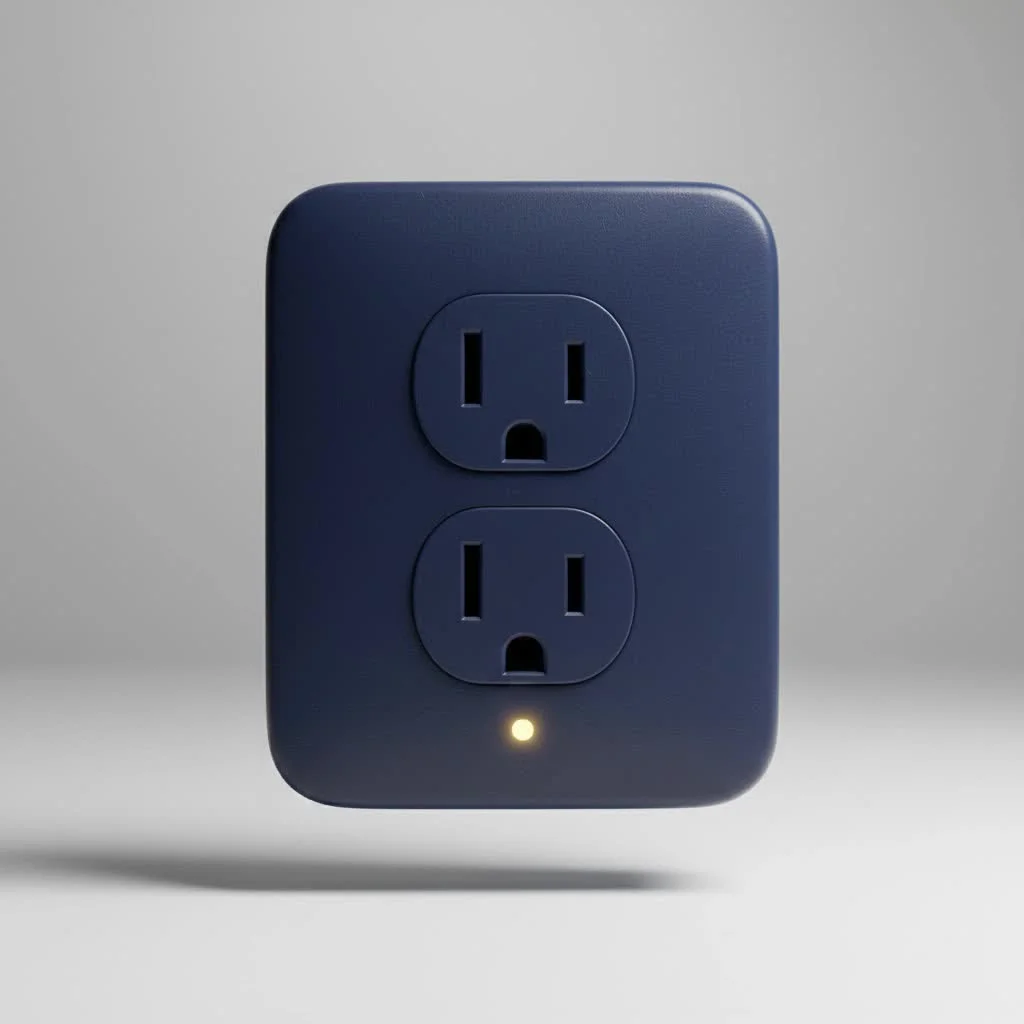
A remote smart plug is a small adapter that you plug into a regular electrical outlet. You then plug your appliance, like a lamp, fan, or coffee maker, into the smart plug. Think of it as a smart middleman between your appliance and the power source.
The magic lies in its connectivity. Most smart plugs connect to your home’s Wi-Fi network, allowing you to control the attached appliance through a dedicated smartphone app. Whether you’re in the next room or on vacation miles away, as long as you have an internet connection, you can turn the appliance on or off with a simple tap on your phone. Many also integrate with voice assistants like Amazon Alexa, Google Assistant, and Apple’s Siri, enabling you to command your devices with just your voice.
The Key Benefits of Using a Remote Smart Plug
Integrating a remote smart plug into your home isn’t just a novelty; it offers tangible benefits that enhance your daily life.
- Unmatched Convenience: Forgot to turn off the iron after leaving the house? No problem. A quick check on your app can give you peace of mind and let you turn it off remotely. You can also pre-heat your coffee maker from bed or turn on the lights before you get home.
- Energy and Cost Savings: Many smart plugs come with energy monitoring features. This allows you to track how much power an appliance is using, identify energy-hungry “vampire” devices that draw power even when off, and make informed decisions to reduce your electricity bill.
- Enhanced Home Security: With a remote smart plug, you can create the illusion that someone is home even when you’re away. Set schedules for lamps and radios to turn on and off at random intervals, a simple yet effective deterrent for potential intruders. This feature is often called “Away Mode.”
- Accessibility for Everyone: For individuals with mobility challenges, smart plugs can be a game-changer. Controlling hard-to-reach outlets or appliances can be done effortlessly through voice commands or a smartphone, promoting greater independence.
Choosing the Right Remote Smart Plug for Your Home
With a growing market, selecting the perfect remote smart plug can seem daunting. Here’s what you need to consider to make the right choice for your smart home ecosystem.
Connectivity and Hub Requirements
|
Our Picks for the Best Smart Plug in 2026
As an Amazon Associate I earn from qualifying purchases.
|
||
| Num | Product | Action |
|---|---|---|
| 1 | Govee Smart Plug, WiFi Plugs Work with Alexa & Google Assistant, Smart Outlet with Timer & Group Controller, WiFi Outlet for Home, No Hub Required, ETL & FCC Certified, 2.4G WiFi Only, 4 Pack |

|
| 2 | Kasa Smart Plug HS103P2, Smart Home Wi-Fi Outlet Works with Alexa, Echo, Google Home & IFTTT, No Hub Required, Remote Control,15 Amp,UL Certified, (Pack of 2) White |
|
| 3 | Kasa Smart Plug Mini 15A, Apple HomeKit Supported, Smart Outlet Works with Siri, Alexa & Google Home, UL Certified, App Control, Scheduling, Timer, 2.4G WiFi Only, 4 Count (Pack of 1) (EP25P4), White |
|
| 4 | Legrand Radiant® Wi-Fi Matter Smart Plug Matter Hub Required 15A, Easy Setup, Enhanced Compatibility with Apple HomeKit, Google Home, Alexa & SmartThings, Easy Wi-Fi Connectivity w/ Matter (1 Pack) |
|
| 5 | GHome Smart Plug, WiFi Smart Plugs Work with Alexa and Google Home, Smart Outlet Timer with APP Remote Control, 2.4GHz Wi-Fi Only, No Hub Required, ETL FCC Listed |
|
| 6 | Kasa Smart Plug Ultra Mini 15A, Smart Home Wi-Fi Outlet Works with Alexa, Google Home & IFTTT, No Hub Required, UL Certified, 2.4G WiFi Only, 2 Count (Pack of 1)(EP10P2) , White |
|
| 7 | EIGHTREE Smart Plug, Smart Home WiFi Outlet Works with Alexa & Google Home, Smart Socket with Remote Control & Timer Function, 2.4GHz WiFi Only, 4 Packs |
|
| 8 | Linkind Matter Smart Plug, Work with Apple Home, Siri, Alexa, Google, SmartThings, Smart Home Smart Outlet Timer 15A/1800W, APP Remote Control & Schedule, ETL & FCC Certified, 2.4G Wi-Fi Only, 4 Pack |
|
| 9 | Kasa Smart Plug HS103P4, Smart Home Wi-Fi Outlet Works with Alexa, Echo, Google Home & IFTTT, No Hub Required, Remote Control, 15 Amp, UL Certified, 4-Pack, White |
|
| 10 | EIGHTREE Smart Plug 2025 Upgrade to 15A, Bluetooth & Wi-Fi Outlet Plug Dual Connection, Voice Control, Remote Control Outlet Timer Indoor, Smart Plugs That Work with Alexa & Google, 2.4GHz Wi-Fi Only |
|
The most common type of smart plug uses Wi-Fi, connecting directly to your home router without needing any extra hardware. This makes them incredibly easy to set up. However, other options exist, such as Bluetooth, which is great for short-range control, and Zigbee or Z-Wave, which require a separate smart home hub but create a more robust and dedicated network for your smart devices.
Compatibility with Voice Assistants
If you already use a voice assistant, ensure the smart plug you choose is compatible. Most products clearly label whether they work with “Amazon Alexa,” “Google Assistant,” or “Apple HomeKit.” This integration is key to unlocking the hands-free convenience that makes smart homes so appealing.
Key Features to Look For
Beyond basic on/off control, look for these advanced features:
- Scheduling and Timers: Set your devices to operate on a fixed schedule. Wake up to the smell of fresh coffee, schedule your holiday lights to turn on at dusk, or set a timer to turn off a fan after you’ve fallen asleep.
- Energy Monitoring: As mentioned, this feature provides valuable insights into your energy consumption, helping you save money over time.
- Form Factor: Pay attention to the size and shape of the plug. Some bulky models can block the adjacent outlet, which can be frustrating. Look for compact designs that allow you to use both sockets.
As our in-house expert, David Chen, a home automation specialist at Kjooz.com, often says, “The best smart device is one that seamlessly integrates into your life. For a remote smart plug, that means reliable connectivity, an intuitive app, and features like energy monitoring that provide real, everyday value.”
How to Set Up Your Remote Smart Plug: A Simple Guide
Getting your first remote smart plug up and running is typically a straightforward process that takes just a few minutes.
- Download the App: Find the manufacturer’s companion app on the Apple App Store or Google Play Store and install it on your smartphone.
- Create an Account: Open the app and follow the prompts to create a user account.
- Plug It In: Plug the smart plug into a desired wall outlet. A light on the device will usually start blinking to indicate it’s in pairing mode.
- Connect to Wi-Fi: Follow the in-app instructions to connect the plug to your home Wi-Fi network. You’ll likely need to select the plug from a list of available devices and enter your Wi-Fi password.
- Name Your Device: Once connected, give your plug a descriptive name like “Living Room Lamp” or “Bedroom Fan.” This makes it easier to identify in the app and control with voice commands.
- Plug In Your Appliance: Finally, plug your chosen appliance into the smart plug, and you’re ready to go!
Creative Ways to Use Your Remote Smart Plug
The applications for a remote smart plug are limited only by your imagination. Here are a few ideas to get you started:
- Simplify Your Morning Routine: Connect your coffee maker, a lamp, and a radio to smart plugs and schedule them to turn on a few minutes before your alarm.
- Manage Kitchen Appliances: Use them for slow cookers or electric kettles. You can turn them on before you head home from work to have dinner ready.
- Control Seasonal Decorations: Effortlessly manage holiday lights, inflatable decorations, or Halloween fog machines with a schedule or a simple voice command.
- Protect Your Electronics: Connect your entertainment center to a smart plug to completely cut power when not in use, protecting devices from power surges and saving on standby energy consumption.
Frequently Asked Questions (FAQ)
Do I need a smart home hub for a remote smart plug?
For most Wi-Fi-enabled smart plugs, you do not need a separate hub. They connect directly to your router. Hubs are typically required for devices that use Zigbee or Z-Wave protocols.
Can a remote smart plug really save me money?
Yes, it can. By using the scheduling features to prevent devices from running unnecessarily and by using energy monitoring to identify and manage high-consumption appliances, you can significantly reduce your electricity bill over time.
Are smart plugs safe to use with any appliance?
You must check the maximum power rating of the smart plug, usually measured in amps or watts. Do not use it with high-draw appliances like refrigerators, space heaters, or air conditioners unless the plug is specifically designed for such loads. Always check the manufacturer’s specifications.
Can I use a smart plug outdoors?
Only if it is specifically rated for outdoor use. Outdoor smart plugs are built with weather-resistant materials to withstand rain, dust, and temperature changes. Using an indoor plug outside is a safety hazard.
What happens to the smart plug if the Wi-Fi goes down?
If your Wi-Fi connection is lost, you won’t be able to control the plug remotely via the app or voice commands. However, any schedules or timers that are stored locally on the device may continue to function. Most plugs also have a physical on/off button for manual control.
The Simple Upgrade for a Smarter Home
The remote smart plug is more than just a gadget; it’s an accessible, affordable, and impactful entry point into the world of home automation. It offers a powerful combination of convenience, security, and efficiency that can immediately improve your daily routines. By turning your everyday appliances into smart devices, you gain a new level of control over your environment. Start with one, see how it transforms a small part of your life, and before you know it, you’ll be well on your way to building the connected home of your dreams.
Smart home that does not lock you in
Free PDF — protocol compatibility matrix for 30 hubs and devices.
