The best Google Home smart plug for most users is the TP-Link Tapo Smart Plug Mini (P125M), offering a balance of affordability, performance, and future-proof Matter support. These compact devices transform ordinary appliances into voice-controlled, automated parts of your Google ecosystem, allowing you to power devices on or off, set schedules, and monitor energy usage with a simple command to your Google Assistant.
As the creator of Kjooz.com and a specialist with over a decade of hands-on experience, I’ve tested countless smart plugs. This guide cuts through the noise to bring you the top performers that integrate flawlessly with Google Home, offering reliability, great features, and unbeatable convenience. Whether you’re a smart home novice or a seasoned pro, we’ll help you find the perfect plug to improve your home automation game. For best smart home roundups on this site.
Our Top Picks for the Best Google Home Smart Plugs
After extensive testing and review, we’ve narrowed down the field to the plugs that offer the best performance, value, and integration with the Google Home ecosystem.
Best Overall: TP-Link Tapo Smart Plug Mini (P125M)
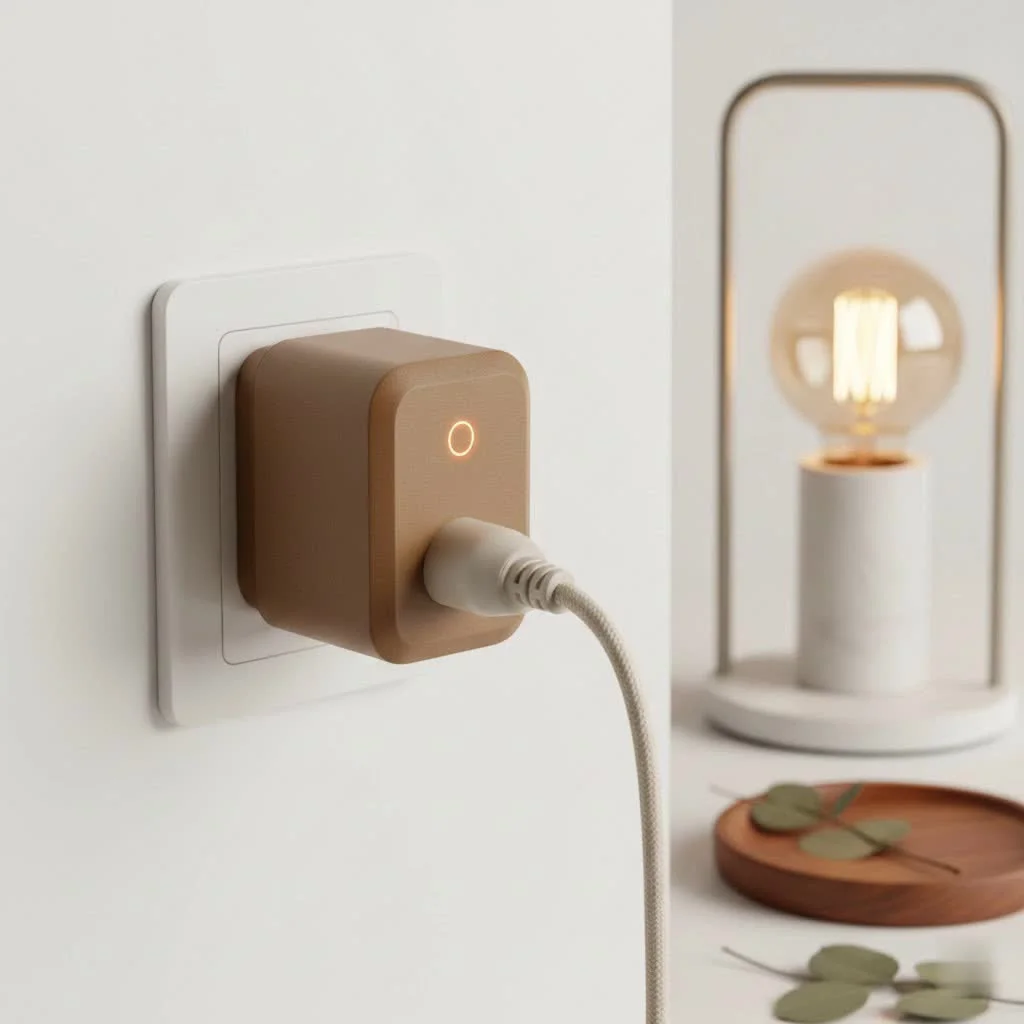
The TP-Link Tapo Smart Plug Mini is our top recommendation for most people. It strikes the perfect balance between affordability, performance, and future-proof technology. Its most significant advantage is its built-in support for Matter, the new universal smart home standard. This ensures it will work seamlessly not just with Google Home, but also with other platforms like Apple HomeKit and Amazon Alexa, making your smart home more versatile.
Its compact design is another major win, as it’s small enough that you can easily fit two plugs in a standard dual outlet without any blocking. The Tapo app is robust and user-friendly, offering features like scheduling and an “Away Mode” that randomly turns lights on and off to simulate occupancy. Setup is a breeze, and its connection is rock-solid. For the price and features, the Tapo Mini is the undisputed champion.
Best for Energy Monitoring: Kasa Smart Wi-Fi Plug Slim with Energy Monitoring (KP125)
If you’re conscious about your electricity consumption, the Kasa Smart Wi-Fi Plug Slim (KP125) is the best choice. While part of the same family as Tapo, TP-Link’s Kasa line has long been praised for its excellent energy monitoring features. The Kasa app provides detailed, easy-to-understand reports on how much power a connected device is using in real-time and over historical periods.
This is invaluable for identifying “energy vampires”—devices that draw significant power even on standby. Beyond its monitoring capabilities, the KP125 is a reliable and responsive plug that integrates perfectly with Google Home. You can ask Google to turn off a device and then check the Kasa app to see exactly how much energy you’re saving.
Best Budget Option: Wyze Plug
|
Our Picks for the Best Smart Plug in 2026
As an Amazon Associate I earn from qualifying purchases.
|
||
| Num | Product | Action |
|---|---|---|
| 1 | Kasa Smart Plug Mini 15A, Apple HomeKit Supported, Smart Outlet Works with Siri, Alexa & Google Home, UL Certified, App Control, Scheduling, Timer, 2.4G WiFi Only, 4 Count (Pack of 1) (EP25P4), White |

|
| 2 | Kasa Smart Plug Ultra Mini 15A, Smart Home Wi-Fi Outlet Works with Alexa, Google Home & IFTTT, No Hub Required, UL Certified, 2.4G WiFi Only, 2 Count (Pack of 1)(EP10P2) , White |
|
| 3 | Govee Smart Plug, WiFi Plugs Work with Alexa & Google Assistant, Smart Outlet with Timer & Group Controller, WiFi Outlet for Home, No Hub Required, ETL & FCC Certified, 2.4G WiFi Only, 4 Pack |
|
| 4 | Linkind Matter Smart Plug, Work with Apple Home, Siri, Alexa, Google, SmartThings, Smart Home Smart Outlet Timer 15A/1800W, APP Remote Control & Schedule, ETL & FCC Certified, 2.4G Wi-Fi Only, 4 Pack |
|
| 5 | Kasa Smart Plug HS103P4, Smart Home Wi-Fi Outlet Works with Alexa, Echo, Google Home & IFTTT, No Hub Required, Remote Control, 15 Amp, UL Certified, 4-Pack, White |
|
| 6 | Kasa Smart Plug HS103P2, Smart Home Wi-Fi Outlet Works with Alexa, Echo, Google Home & IFTTT, No Hub Required, Remote Control,15 Amp,UL Certified, (Pack of 2) White |
|
| 7 | EIGHTREE Smart Plug, Smart Home WiFi Outlet Works with Alexa & Google Home, Smart Socket with Remote Control & Timer Function, 2.4GHz WiFi Only, 4 Packs |
|
| 8 | Legrand Radiant® Wi-Fi Matter Smart Plug Matter Hub Required 15A, Easy Setup, Enhanced Compatibility with Apple HomeKit, Google Home, Alexa & SmartThings, Easy Wi-Fi Connectivity w/ Matter (1 Pack) |
|
| 9 | GHome Smart Plug, WiFi Smart Plugs Work with Alexa and Google Home, Smart Outlet Timer with APP Remote Control, 2.4GHz Wi-Fi Only, No Hub Required, ETL FCC Listed |
|
| 10 | EIGHTREE Smart Plug 2025 Upgrade to 15A, Bluetooth & Wi-Fi Outlet Plug Dual Connection, Voice Control, Remote Control Outlet Timer Indoor, Smart Plugs That Work with Alexa & Google, 2.4GHz Wi-Fi Only |
|
For those looking to get into smart home automation without a significant investment, the Wyze Plug is an incredible value. It delivers the core smart plug experience flawlessly: it’s easy to set up, responds quickly to Google Assistant commands, and lets you create custom schedules in the Wyze app.
While it lacks the advanced features of more expensive models, such as energy monitoring or Matter support, it excels at the basics. It’s perfect for simple applications like controlling lamps, fans, or holiday decorations. You can often buy them in multi-packs, making it incredibly cost-effective to smarten up multiple devices around your home. If you just need simple, reliable on/off control, the Wyze Plug is an unbeatable deal.
Best Outdoor Smart Plug: TP-Link Tapo Outdoor Smart Plug
Your smart home shouldn’t end at your front door. The TP-Link Tapo Outdoor Smart Plug is designed to bring voice control and automation to your patio, garden, or porch. With an IP64 rating for weather resistance, it can withstand dust, rain, and the elements, making it perfect for controlling landscape lighting, pool pumps, or seasonal decorations.
It features two independently controlled outlets, so you can manage two different devices from a single plug. It also boasts a long-range Wi-Fi antenna to ensure a stable connection, even when placed far from your router. Its integration with Google Home means you can say, “Hey Google, turn on the patio lights,” without ever stepping outside.
What to Look for When Choosing a Google Home Smart Plug
Navigating the options can be tricky. Here are the key factors to consider to ensure you buy the best Google Home smart plug for your needs.
“The biggest shift we’re seeing is the adoption of Matter. When choosing the best Google Home smart plug today, prioritizing Matter compatibility isn’t just about features—it’s about future-proofing your investment. It guarantees that your devices will work together seamlessly, regardless of the brand, creating a truly unified smart home.”
— David Chen, Lead Smart Home Analyst at Kjooz.com
Matter: The Future of Your Smart Home
Matter is a new communication protocol designed to unify the smart home industry. A device that supports Matter will work with any Matter-compatible controller, including Google Home, Amazon Alexa, Apple Home, and Samsung SmartThings. Choosing a plug with Matter support, like the TP-Link Tapo Mini, ensures it will remain compatible with your ecosystem for years to come, even if you decide to add devices from different brands.
Energy Monitoring: Know Your Power
A smart plug with energy monitoring can do more than just turn things on and off. It can help you save money. By tracking the power consumption of connected appliances, you can identify which devices are costing you the most on your electricity bill. This feature allows you to make informed decisions, such as replacing an old, inefficient appliance or setting schedules to ensure devices aren’t drawing power when they don’t need to be.
Size and Shape: Don’t Block Your Outlets!
This is a practical consideration that is often overlooked. Many older or bulkier smart plugs are so large that they cover the second socket in a dual outlet, effectively wasting a space. Look for plugs advertised as “mini” or “slim.” These compact designs ensure you can use both of your outlets, giving you more flexibility and value.
Connectivity and Setup: Wi-Fi is King
The vast majority of modern smart plugs connect directly to your home’s Wi-Fi network (typically the 2.4GHz band). This is the most convenient setup, as it doesn’t require an additional piece of hardware, or “hub,” to communicate with your router. The setup process is usually straightforward: plug it in, open the manufacturer’s app, connect it to your Wi-Fi, and then link that account to your Google Home app.
How to Set Up Your Smart Plug with Google Home
Getting your new smart plug up and running with Google Assistant is incredibly simple.
- Initial Setup: Plug in your smart plug and follow the manufacturer’s instructions to set it up in its native app (e.g., the Tapo or Kasa app). This involves connecting it to your Wi-Fi network and giving it a name.
- Open the Google Home App: On your smartphone or tablet, open the Google Home app.
- Add a New Device: Tap the ‘+’ icon in the top-left corner, then select ‘Set up device’.
- Link the Service: Choose ‘Works with Google’. You will see a list of brands.
- Find Your Brand: Search for the brand of your smart plug (e.g., TP-Link Kasa, Wyze) and select it.
- Authorize the Link: You will be prompted to sign in to your account for that brand. This authorizes Google to control your devices.
- Assign to a Room: Once linked, your smart plug will appear. You can assign it to a room in your home (e.g., “Living Room”) and give it a nickname (e.g., “Floor Lamp”). Using a simple name makes voice commands more natural.
- Start Controlling: That’s it! You can now say, “Hey Google, turn on the floor lamp,” and watch the magic happen.
Frequently Asked Questions (FAQ)
What smart plugs are 100% compatible with Google Home?
Any smart plug that lists “Works with Google Assistant” or “Works with Google Home” on its packaging is fully compatible. Our recommended picks, including the TP-Link Kasa and Tapo lines, Wyze, and others, offer seamless integration.
Do I need a hub for a Google Home smart plug?
Generally, no. Most of the best smart plugs today are Wi-Fi enabled, meaning they connect directly to your router without the need for a separate hub. This makes them easier and more affordable to set up.
Can I control any device with a smart plug?
You can control most simple electronic devices that have a physical on/off switch. This includes lamps, fans, coffee makers, humidifiers, and holiday lights. However, they are not suitable for devices that require you to press a power button after being plugged in (like most TVs) or for major appliances that draw a very high amount of power. Always check the plug’s maximum amperage rating.
How do smart plugs help save money?
They help in two main ways. First, by using schedules, you can ensure devices are never left on by accident. Second, models with energy monitoring help you identify which appliances are using the most electricity, allowing you to adjust your usage or replace inefficient devices.
The Final Word
Integrating the best Google Home smart plug into your home is a small change that delivers a huge return in convenience and control. It’s the foundation of a smarter, more automated living space. By turning everyday objects into voice-activated devices, you streamline your routines, save energy, and add a touch of modern magic to your life. Whether you choose the future-proof TP-Link Tapo with Matter, the insightful Kasa with energy monitoring, or the budget-friendly Wyze, you’re taking a powerful step toward a more connected home.
Smart home that does not lock you in
Free PDF — protocol compatibility matrix for 30 hubs and devices.

I bought a couple of these to try out the energy monitoring feature, which works okay. It’s nice to see how much power my older appliances are drawing. However, I found the app a little less intuitive than I’d hoped for setting up more complex automations. For simple on/off and scheduling, it’s fine, but I was hoping for a bit more flexibility.
As someone with a lot of smart home devices, I’m always looking for seamless integration. These plugs connect flawlessly with my Google ecosystem. The compact design is great too, as they don’t block the other outlet. I’ve been able to automate my holiday lights and even my aquarium pump with ease. Highly recommend for any Google Home user.
These smart plugs are a game-changer for my morning routine. I have one connected to my coffee maker and another to my bedroom fan. Setting schedules through Google Assistant is so convenient. My only minor gripe is that I wish they offered a multi-pack discount, but even at their regular price, they’re a good value for the performance.
I finally got around to upgrading my old smart plugs and picked up a few of the TP-Link Tapo Smart Plug Mini (P125M) after reading about them. The Matter support was a big selling point for me, future-proofing my setup. They were super easy to set up with my Google Home, and I love being able to control my lamps with just my voice. Definitely a solid recommendation!