The Philips Hue Smart Plug transforms conventional lamps, fans, and coffee makers into smart devices, allowing control via smartphone or voice commands. This compact and powerful device acts as a bridge between traditional electronics and your smart home ecosystem, instantly adding them to your network. It offers dual connectivity through Bluetooth for direct control and Zigbee for full integration with a Philips Hue Bridge, enabling remote access, scheduling, and advanced automations.
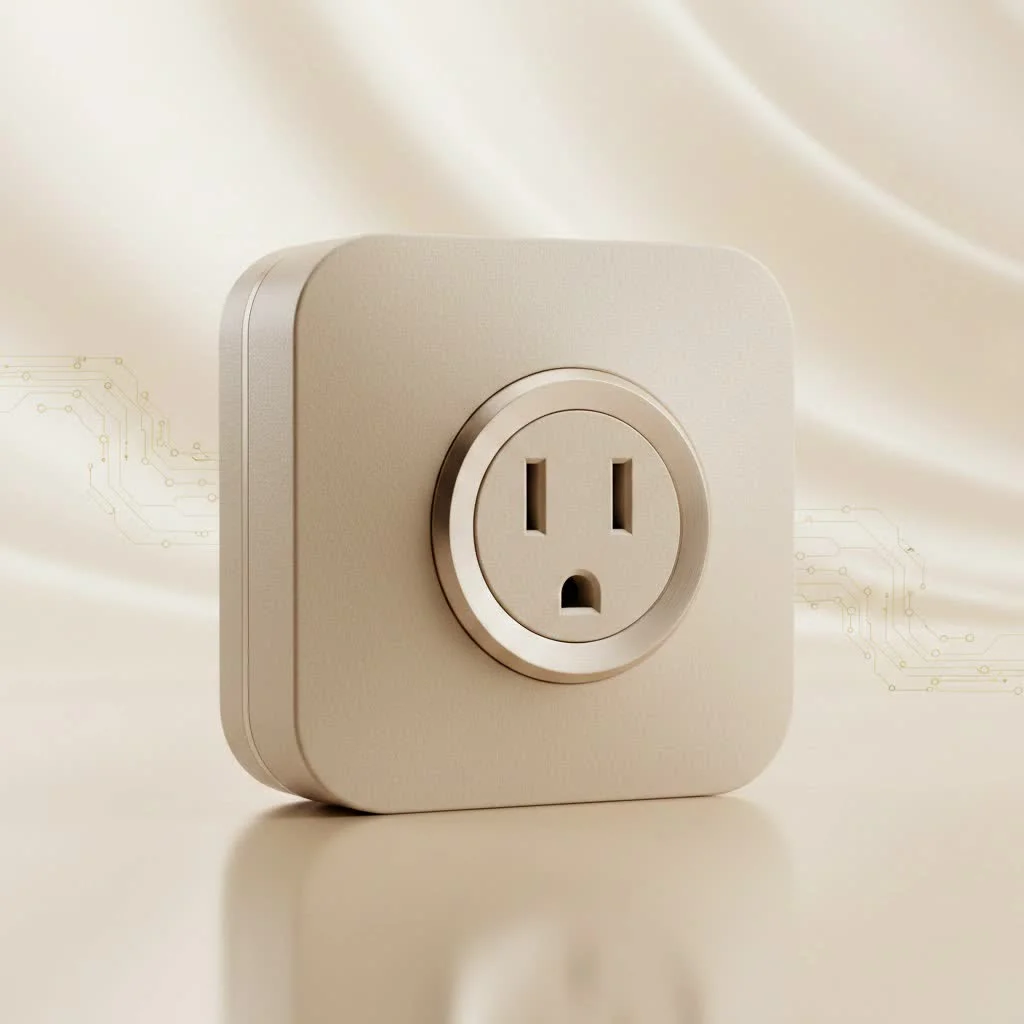
At Kjooz, we’ve tested countless smart devices, and the Hue Smart Plug consistently stands out for its reliability and seamless integration, especially for those already invested in the Philips Hue ecosystem.
What is a Philips Hue Smart Plug?
A Philips Hue Smart Plug is a small adapter that plugs into a standard electrical outlet. You then plug a traditional, non-smart device—like a floor lamp, a fan, or a kitchen appliance—into the smart plug. This instantly brings the device online, allowing you to turn it on or off remotely using the Philips Hue app or a compatible voice assistant. It’s the simplest way to add smart control to the “dumb” devices you already own and love.
Key Features That Set It Apart
Not all smart plugs are created equal. The Philips Hue Smart Plug offers a blend of simplicity, reliability, and powerful features that make it a top contender in the market.
Dual Connectivity: Bluetooth and Zigbee
One of the plug’s strongest features is its dual-protocol support.
- Bluetooth Control: This allows for a straightforward, bridge-free setup. You can control the plug directly from your phone when you’re in the same room. It’s perfect for single-room applications or for users who are just starting their smart home journey and don’t want to invest in a hub yet.
- Zigbee and the Hue Bridge: When you pair the smart plug with a Philips Hue Bridge, you unlock its full potential. Zigbee is a mesh network protocol that is incredibly stable and fast. This connection lets you control your plug from anywhere in the world, set complex schedules, and integrate it into advanced automations with your Hue lights and other accessories.
Seamless Integration with Voice Assistants
The Philips Hue Smart Plug works flawlessly with all major smart home platforms. Whether you use Amazon Alexa, Google Assistant, or Apple HomeKit, you can add voice control to any connected appliance. Simply say, “Hey Google, turn on the coffee maker,” or “Alexa, turn off the living room fan,” and your command is instantly executed. This hands-free control is a major upgrade for convenience.
Compact and Unobtrusive Design
|
Our Picks for the Best Smart Plug in 2026
As an Amazon Associate I earn from qualifying purchases.
|
||
| Num | Product | Action |
|---|---|---|
| 1 | Kasa Smart Plug Mini 15A, Apple HomeKit Supported, Smart Outlet Works with Siri, Alexa & Google Home, UL Certified, App Control, Scheduling, Timer, 2.4G WiFi Only, 4 Count (Pack of 1) (EP25P4), White |

|
| 2 | Kasa Smart Plug Ultra Mini 15A, Smart Home Wi-Fi Outlet Works with Alexa, Google Home & IFTTT, No Hub Required, UL Certified, 2.4G WiFi Only, 2 Count (Pack of 1)(EP10P2) , White |
|
| 3 | Govee Smart Plug, WiFi Plugs Work with Alexa & Google Assistant, Smart Outlet with Timer & Group Controller, WiFi Outlet for Home, No Hub Required, ETL & FCC Certified, 2.4G WiFi Only, 4 Pack |
|
| 4 | EIGHTREE Smart Plug 2025 Upgrade to 15A, Bluetooth & Wi-Fi Outlet Plug Dual Connection, Voice Control, Remote Control Outlet Timer Indoor, Smart Plugs That Work with Alexa & Google, 2.4GHz Wi-Fi Only |
|
| 5 | Linkind Matter Smart Plug, Work with Apple Home, Siri, Alexa, Google, SmartThings, Smart Home Smart Outlet Timer 15A/1800W, APP Remote Control & Schedule, ETL & FCC Certified, 2.4G Wi-Fi Only, 4 Pack |
|
| 6 | Kasa Smart Plug HS103P4, Smart Home Wi-Fi Outlet Works with Alexa, Echo, Google Home & IFTTT, No Hub Required, Remote Control, 15 Amp, UL Certified, 4-Pack, White |
|
| 7 | Legrand Radiant® Wi-Fi Matter Smart Plug Matter Hub Required 15A, Easy Setup, Enhanced Compatibility with Apple HomeKit, Google Home, Alexa & SmartThings, Easy Wi-Fi Connectivity w/ Matter (1 Pack) |
|
| 8 | EIGHTREE Smart Plug, Smart Home WiFi Outlet Works with Alexa & Google Home, Smart Socket with Remote Control & Timer Function, 2.4GHz WiFi Only, 4 Packs |
|
| 9 | Kasa Smart Plug HS103P2, Smart Home Wi-Fi Outlet Works with Alexa, Echo, Google Home & IFTTT, No Hub Required, Remote Control,15 Amp,UL Certified, (Pack of 2) White |
|
| 10 | GHome Smart Plug, WiFi Smart Plugs Work with Alexa and Google Home, Smart Outlet Timer with APP Remote Control, 2.4GHz Wi-Fi Only, No Hub Required, ETL FCC Listed |
|
A common frustration with many smart plugs is their bulky size, which often blocks the adjacent outlet. Philips designed the Hue Smart Plug to be compact and sleek. Its small form factor ensures it won’t obstruct other sockets, allowing you to use your outlets efficiently.
How to Set Up Your Philips Hue Smart Plug
Getting started is incredibly simple and takes just a few minutes. You have two primary methods depending on whether you own a Hue Bridge.
Method 1: Quick Setup with Bluetooth (No Bridge)
- Plug It In: Insert the Philips Hue Smart Plug into a wall socket and plug your desired appliance into it. Make sure the appliance’s physical switch is turned on.
- Download the App: If you don’t have it already, download the regular “Philips Hue” app from the App Store or Google Play Store.
- Add the Plug: In the Hue app, navigate to Settings > Accessories > Add Accessory. The app will automatically search for the new plug via Bluetooth.
- Name and Control: Once detected, you can name the plug (e.g., “Bedroom Fan”) and start controlling it immediately from the app’s home screen.
Method 2: Unlocking Full Power with a Hue Bridge
- Get Connected: Ensure your Hue Bridge is set up and connected to your Wi-Fi network. Plug in the smart plug and the connected appliance.
- Open the App: Launch the Philips Hue app.
- Add Accessory: Go to Settings > Accessories > Add Accessory. The app, connected via your Bridge, will scan your home for the new device.
- Integrate and Automate: Once the plug is found and added, it becomes a full-fledged member of your Hue ecosystem. You can now add it to rooms, include it in scenes, set timers and schedules, and control it from anywhere you have an internet connection.
As smart home expert David Chen notes, “The real magic of the Philips Hue Smart Plug is revealed when it’s paired with the Bridge. The reliability of the Zigbee network and the ability to create automations that sync with your lights elevate it from a simple on/off switch to a core component of an intelligent home.”
Creative Ways to Use Your Smart Plug
The possibilities are nearly endless, but here are some of our favorite applications to get you started:
- Morning Coffee Automation: Plug your drip coffee maker in and set a schedule for it to turn on at 6:30 AM. Wake up to the smell of freshly brewed coffee every morning.
- Enhanced Security: Connect a lamp to the plug and set it to turn on and off randomly when you’re on vacation, creating the illusion that someone is home.
- Cooling on Command: Plug in a standard fan and turn it on a few minutes before you get home on a hot day.
- Holiday Decoration Control: Easily manage your holiday lights without crawling behind the tree. Control them all with a single tap or voice command.
- Safety for Appliances: Use it to ensure you’ve turned off high-power devices like irons or space heaters after leaving the house.
Frequently Asked Questions (FAQ)
Do I absolutely need a Hue Bridge to use the Philips Hue Smart Plug?
No, you do not need a Hue Bridge for basic functionality. The plug supports Bluetooth, which allows you to control it directly from your smartphone within a limited range (typically within the same room). However, to unlock remote access, scheduling, and full smart home integration, a Hue Bridge is required.
Can the Philips Hue Smart Plug dim my lights?
No, the smart plug is designed for on/off control only. It cannot dim lights or control the speed of a fan. To dim lights, you will need Philips Hue smart bulbs.
Is the Philips Hue Smart Plug compatible with Apple HomeKit?
Yes, it is. For HomeKit integration, you must connect the smart plug through a Philips Hue Bridge. Once connected, you can control it using the Apple Home app and Siri voice commands.
What is the maximum power load for the plug?
The Philips Hue Smart Plug is generally rated for up to 1800W in the US version and similar ratings in other regions. This is sufficient for most common household appliances, but always check the specifications on your device before connecting high-draw appliances like large space heaters.
Can I use the Philips Hue Smart Plug outdoors?
The standard Philips Hue Smart Plug is designed for indoor use only. It is not weatherproof. Philips offers a separate, dedicated outdoor smart plug for controlling exterior lights and devices.
The Final Verdict
The Philips Hue Smart Plug is more than just a remote switch; it’s a key that unlocks smart capabilities for countless devices in your home. Its dual-connectivity options offer flexibility for both beginners and seasoned smart home enthusiasts. While it shines brightest when integrated with a Hue Bridge, its standalone Bluetooth functionality makes it an accessible and user-friendly entry point into home automation.
For its reliability, compact design, and seamless integration into the world’s leading smart lighting ecosystem, the Philips Hue Smart Plug is an essential tool for anyone looking to build a smarter, more convenient home. Start with one and discover how this small device can make a big impact on your daily routine.
Frequently Asked Questions
Do I need a Hue Bridge to use the Philips Hue Smart Plug?
No, a Hue Bridge is not strictly necessary for basic functionality. The plug supports Bluetooth, allowing direct control from your smartphone within the same room. However, a Hue Bridge is required to unlock remote access, scheduling, and full smart home integration.
Can the Philips Hue Smart Plug dim my lights or control fan speed?
No, the Philips Hue Smart Plug is designed exclusively for on/off control of connected devices. It cannot dim lights or adjust the speed of a fan. For dimming capabilities, you would need to use Philips Hue smart bulbs.
Is the Philips Hue Smart Plug compatible with Apple HomeKit?
Yes, the Philips Hue Smart Plug is compatible with Apple HomeKit. To enable HomeKit integration, the smart plug must be connected through a Philips Hue Bridge. Once connected, you can control it using the Apple Home app and Siri voice commands.
What is the maximum power load supported by the smart plug?
The Philips Hue Smart Plug is generally rated for a maximum power load of up to 1800W in the US version. This capacity is sufficient for most common household appliances. Always verify the specific power requirements of your device before connecting high-draw appliances.
Can the Philips Hue Smart Plug be used outdoors?
No, the standard Philips Hue Smart Plug is designed for indoor use only and is not weatherproof. For outdoor applications, Philips offers a separate, dedicated outdoor smart plug specifically built to withstand exterior conditions.
Smart home that does not lock you in
Free PDF — protocol compatibility matrix for 30 hubs and devices.
I’ve been slowly building out my smart home, and the Philips Hue Smart Plug was a game-changer for my living room lamps. The setup was incredibly easy, and it integrated perfectly with my existing Hue Bridge. Now I can turn off all the lights with a single voice command, which is super convenient when I’m heading to bed. Definitely recommend it for anyone already in the Hue ecosystem.
I bought this to make my old fan smart, and it does the job. The integration with my phone was straightforward, and I like being able to turn it on before I get home. However, I found that the compact design, while nice, sometimes blocks the second outlet if the plug next to it is bulky. It’s not a dealbreaker, but something to consider depending on your wall outlets.
This smart plug is pretty solid. I got it mainly to control my coffee maker, and it works great for scheduling my morning brew. The Bluetooth control is handy for quick adjustments when I’m in the kitchen, but I mostly use the Zigbee connection for reliability. My only minor gripe is that it’s a bit pricier than some other brands, but the build quality feels good.
Finally got around to getting a smart plug for my Christmas tree lights, and the Philips Hue one was a no-brainer. It’s so much easier to set schedules and not have to crawl behind the tree every night. The reliability is top-notch, and it’s been working flawlessly since I installed it. Definitely makes life a little simpler during the holidays.